© 2007 Advantech Co., Ltd. All rights reserved. 2
Table of Content
Chapter 1. Introduction ..............................................................................3
1.1. General Introduction................................................................................ 3
1.2. Features of DSA-2101/2102 Series......................................................... 3
1.3. Specifications .......................................................................................... 3
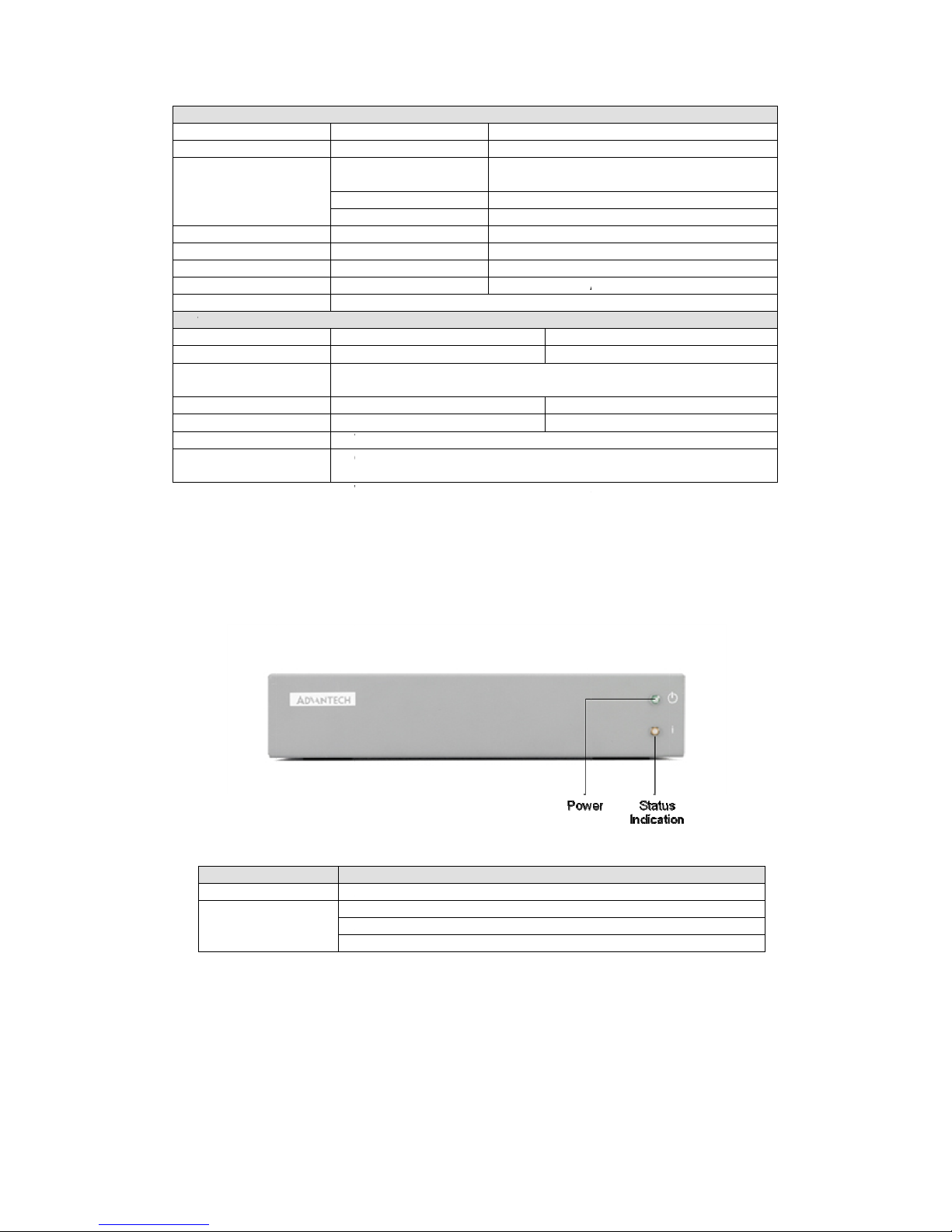
1.4. Front LED Indication................................................................................ 4
1.5. Input/Output Interfaces............................................................................ 4
1.6. Packing List............................................................................................. 5
Chapter 2. Preparations and Setting Up ...................................................6
2.1. Connect the Power.................................................................................. 6
2.2. Connect to a Display ............................................................................... 6
2.3. Installation of DSA Composer and DSA Configurator.............................. 6
2.4. Reset to Default Configuration ................................................................ 8
Chapter 3. DSA Composer Utility ..............................................................9
3.1. Feature-set of DSA Composer ................................................................ 9
3.2. Media Database .................................................................................... 10
3.3. Initiate a New Program.......................................................................... 10
3.4. Open an Existing Program .....................................................................11
3.5. Play Schedule Arrangement...................................................................11
3.6. Media Contents Management ............................................................... 13
3.6.1. Video Files................................................................................. 13
3.6.2. Graphic Files.............................................................................. 15
3.6.3. Text Files.................................................................................... 16
3.7. Save Program........................................................................................ 17
3.8. Export Program ..................................................................................... 18
3.8.1. Export through USB................................................................... 18
3.8.2. Export to Player Directly............................................................ 19
3.8.2.1 Export via Direct Cable Connection........................................... 19
3.8.2.2 Export via LAN........................................................................... 19
3.8.2.3 Export via Corporate LAN.......................................................... 20
3.8.3. Export to Player through Web Server........................................ 20
Chapter 4. DSA Configurator Utility ........................................................22
4.1. DSA Configurator Utility Main Menu...................................................... 22
4.2. Create New Configuration..................................................................... 22
4.3. Open Existing Configuration.................................................................. 22
4.4. Edit Configuration.................................................................................. 23
4.4.1. Set Network Items ..................................................................... 23
4.4.2. Set Server Items........................................................................ 23
4.4.3. Set Output Items........................................................................ 24
4.4.4. Set System Items....................................................................... 24
4.4.5. Advanced Items......................................................................... 25
4.4.6. AV-IN Items................................................................................ 25
4.5. Save Edited Configuration..................................................................... 25
4.6. Export Configuration to Player............................................................... 26