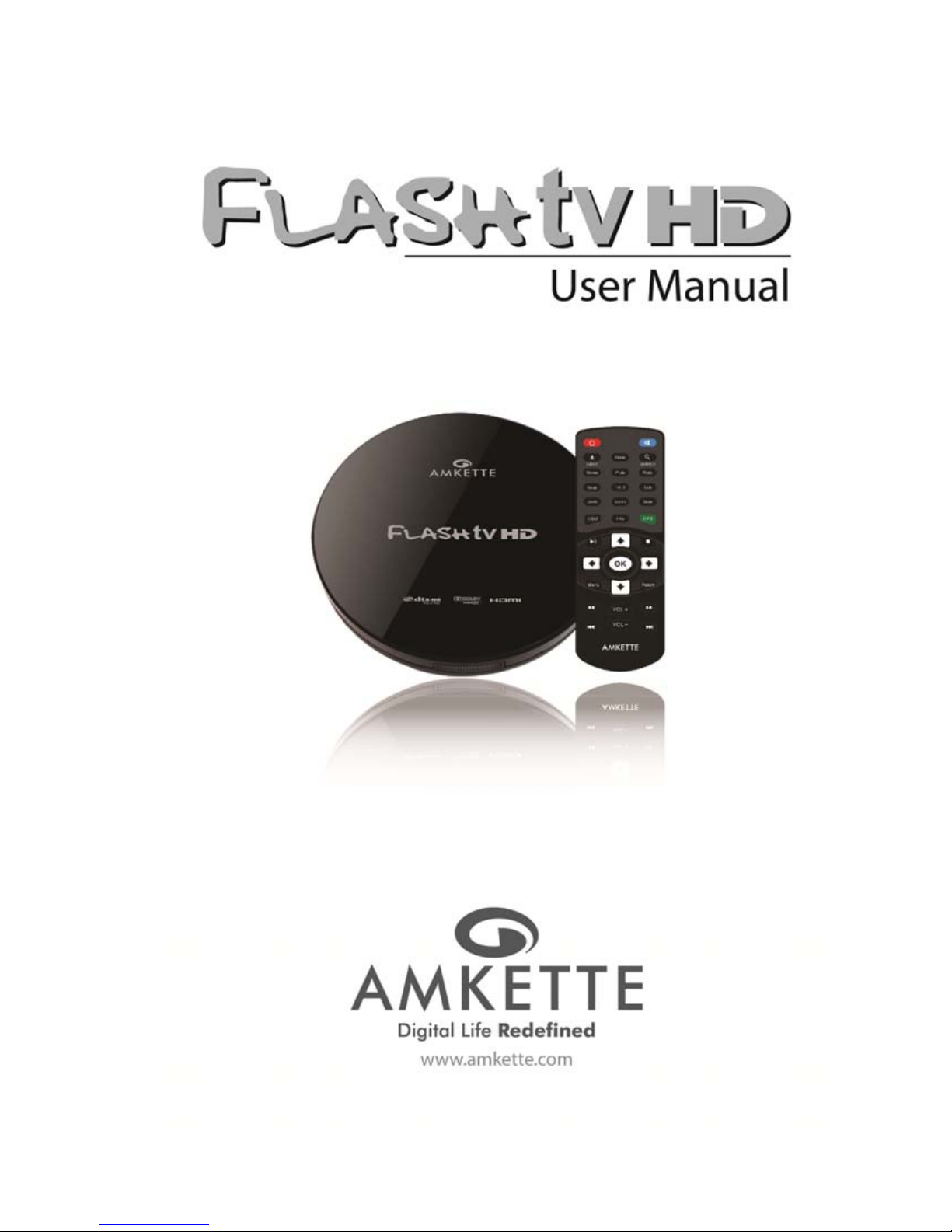
Amkette FlashTV HD Manuale utente


Amkette Flash TV HD Media Player
Allied Electronics and Magnetics Ltd. All Rights Reserved. 2
Rev#1.0b

Amkette Flash TV HD Media Player
Allied Electronics and Magnetics Ltd. All Rights Reserved. 3
Rev#1.0b
Amkette FlashTV HD Media Player
User Manual
1) Functional Characteristics 4
2) Technical Specifications 5
3) Exterior View and Instructions of Remote Control 6
4) Power 8
5) Connect to the Display Device 8
6) Remote Control's Coverage 8
7) Operation Introduction 9
8) Menu Settings 9
8.1) System 10
8.2) Audio Settings 15
8.3) Video Settings 16
8.4) MISC 19
9) File Management 22
10) File Browsing Mode 22
11) File Editing 24
12) Music 34
13) Photo 40
14) Movie 45
15) Detailed Playback Support List 51
16) Warranty Statement 60

Amkette Flash TV HD Media Player
Allied Electronics and Magnetics Ltd. All Rights Reserved. 4
Rev#1.0b
1. Functional Characteristics
1) Full-HD 1080P Output(Supports all media-video format and smooth decoding function
and VC-1(WMV9-HD), H.264, Mpeg2-Hdvideo encoding, 1920*1080P video definition)
2) Supports MPEG 1/2/4, Divx 3/4/5/6, Xvid, H.263, H.264, WMV, RV 8/9/10 and other
video-codes.
3) Supports the most popular RM, RMVB formatted video playing.
4) Supports MKV, AVI, TS/TP, M2TS, MOV, VOB, RM/RMVB, WMV and other video
formats. Note: The video resolution can be upto 1920*1080P
5) Supports SRT, SMI, SUB, SSA, IDX+SUB subtitle(Supports Multi-Audio track switch
freely and WMA, AC3, DTS audio L/R, support source output)
6) Supports DTS-HD True-HD Digital 7.1 CH source output.
7) Supports many audio decoding of formats including MP3, LPCM, ADPCM, FLAC, AAC,
WAV & OGG.
8) AV L/R, YPbPr, HDMI 1.3 version digital output.
9) Digital-COAXIAL output interface connected with digital amplifier to obtain excellent
audio-visual enjoyment.
10) Supports FAT16, FAT32, NTFS,EXT3 andHFS+.
11) Supports SD/MS/MMC port as well as SDHC card.
12) Supports selection of subtitle adjust, subtitle camzoom, color load and location.
13) Supports automatic scanning & sorting of music, photos and movies.
14) Supports slide show with background music.
15) Supports display of infinite photos.

Amkette Flash TV HD Media Player
Allied Electronics and Magnetics Ltd. All Rights Reserved. 5
Rev#1.0b
2. Technical Specifications
*Please refer the Playback support list on page 51
Remarks: The specifications and design will be modified if necessary without notice
Expand Interface USB 2.0 HOST port x 1 (USB 1.1)
HDMI, AV,YPbPr
Memory Card Slots (Support SD/MMC/MS Pro)
Optical/Coaxial Digital Audio
HDD Format FAT/FAT 32/ NTFS/EXT3/HFS+
Format Support* MKV, AVI, TS/TP, M2TS, RM/RMVB, WMV, MOV, VOB, DAT, MP3, LPCM, ADPCM, FLAC,
AAC, WAV, OGG, JPEG, GIF, PNG & BMP format.
Video Decoding H.263,H.264,VC-1,MPEG ½/4,Divx ¾/5/6,Xvid,WMV,RV 8/9/10
Audio Decoding WMA, AC3, DTS, True-HD, DTS-HD
Subtitle Format SRT, SMI, SUB, SSA, IDX+SUB
Specification Bit Rate: 32 Kb/s – 320 Kb/s
Stereo Audio Output: 2.0V ± 0.2Vp
Frequency Response: 20 Hz – 20 KHz <equal to 2dB (1KHz 0dB)
SNR Signal: Greater than 80dB (1kHz0dB)
Power Adaptor Input Voltage: 100-240V AC 50/60Hz
Output Voltage: 9V 1.5A
Video Output Support Traditional AV: AV 720*576 ,720*480
HD HDMI Output: HDMI 1920*1080P
YPbPr Output: YPbPr 1080l
Audio Output Stereo L/R
Optical + Coaxial Digital Audio
Product Size (mm) Flash TV: 120 mm , H 20 mm
Display Box: L 220 x W 150 x H 85 mm
Standard Accessories Power Adaptor, Remote Control, Manual , AV Cable& HDMI Cable(Packaged
separately)

A
llied Electronics an
d
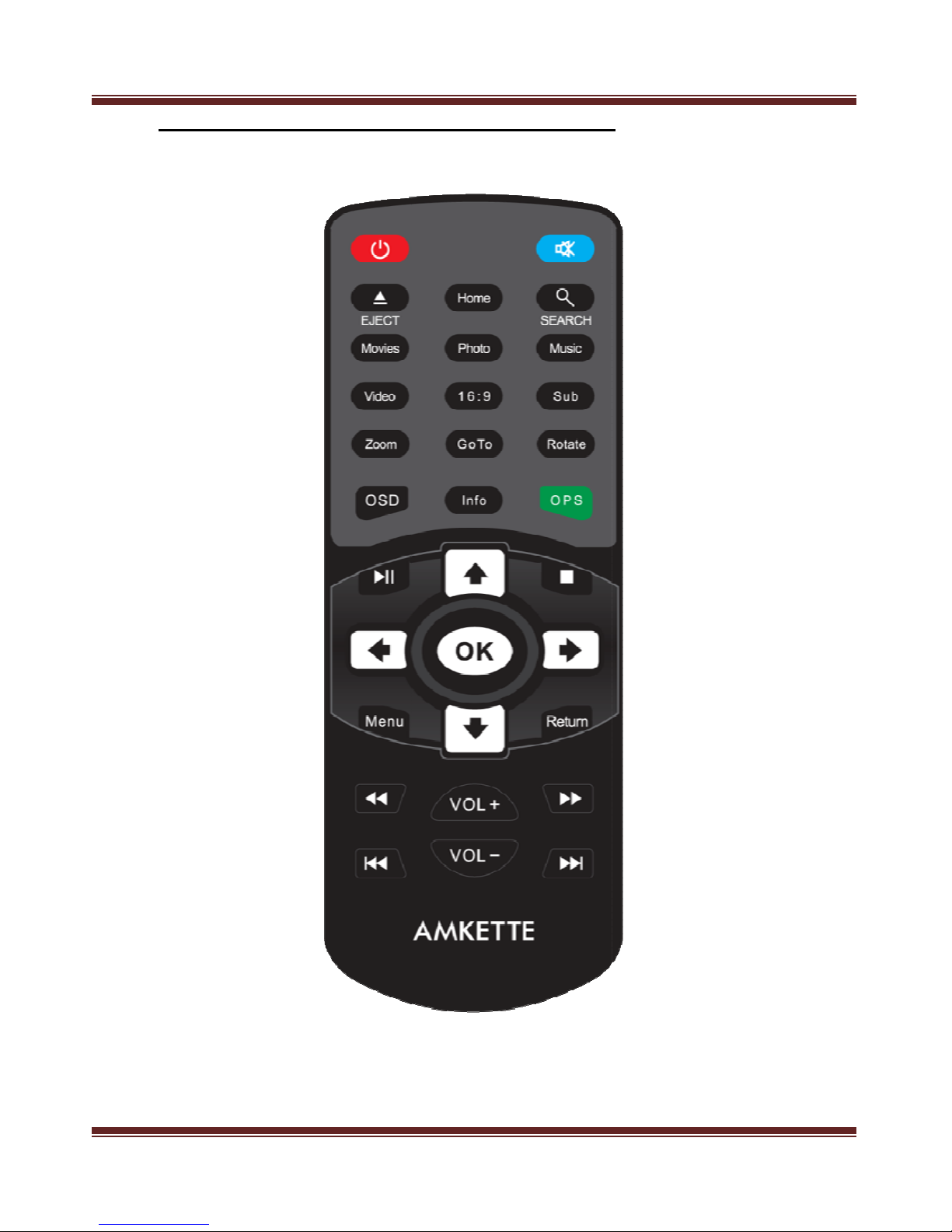
3. Exter
i
Amkette
d
Magnetics Ltd. All Rights Reserve
d
i
or view and Instruct
i
Flash TV HD Media Player
d
.
i
on of remote contro
l
R
e
l
6
e
v#1.0b

Amkette Flash TV HD Media Player
Allied Electronics and Magnetics Ltd. All Rights Reserved. 7
Rev#1.0b
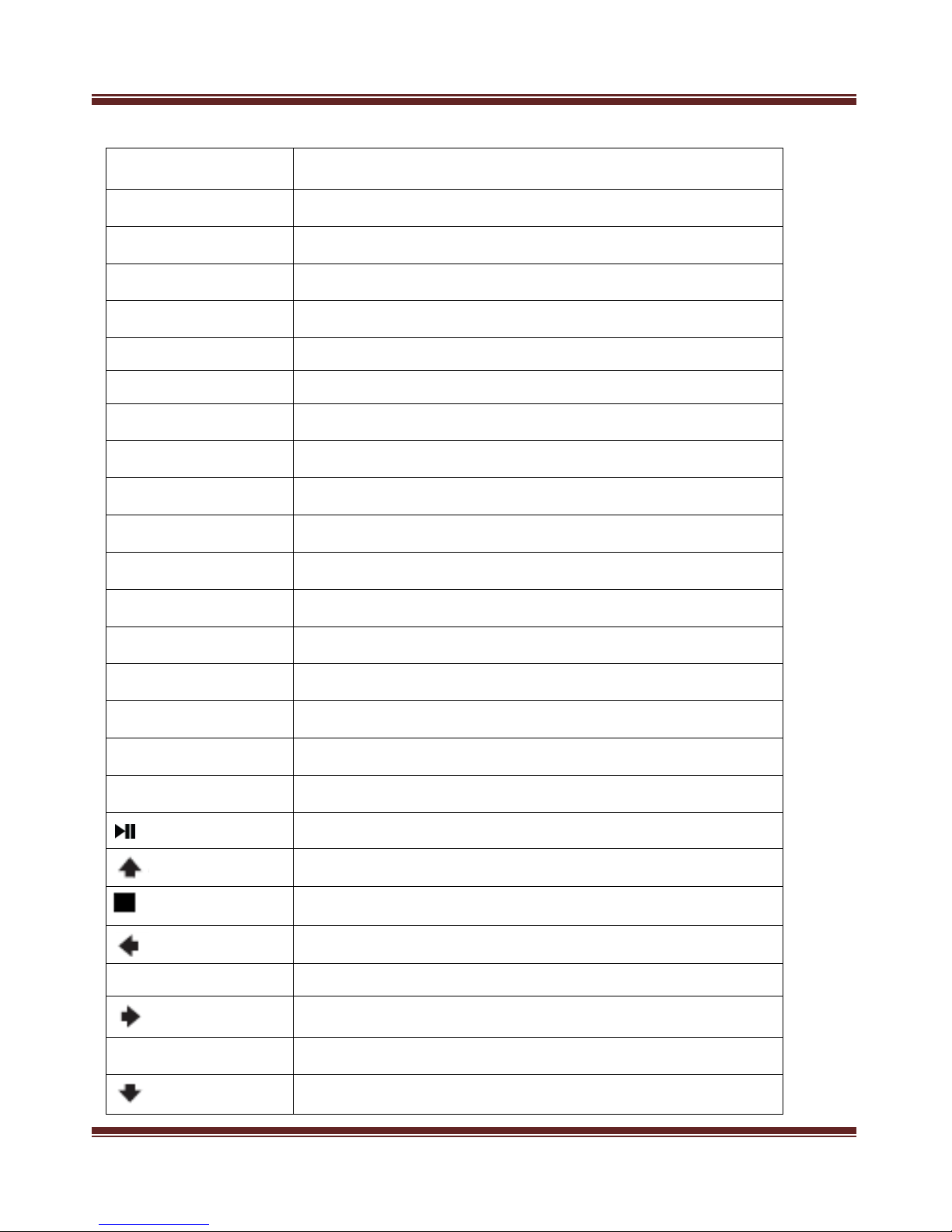
Button Function
POWER Press it to start the Player, & to switch it off
MUTE Mute all sound output
EJECT Press it for two seconds to eject the external DVD
HOME Return to the Home Screen
SEARCH To find the right file
MOVIES Shortcut for Movies
PHOTO Shortcut for Photo
MUSIC Shortcut for Music
VIDEO Toggle between CVBS & YPbPr analog output
16:9 Select suitable screen ratio
SUB Switchover the subtitle
ZOOM Pictures & Movies can be zoomed in/out
GOTO Go to any movie sequence by selecting a particular time
ROTATE Rotate images clockwise
OSD On Screen Display
INFO/PLAYLIST Display playing files' information/Create a Playlist
OPS( GREEN) Press to select file or folder to Copy, Delete, Move or Rename
To play or pause a file
Up
Stop Playing
Left
OK Confirm
Right
MENU Open Menu
Down

Amkette Flash TV HD Media Player
Allied Electronics and Magnetics Ltd. All Rights Reserved. 8
Rev#1.0b
4. Power
Before switching off, be sure the player is in “standby” status to avoid damage to the
hard disk.
Player still consumes electricity in standby status.
5. Connect to the Display device
There are 3 methods to connect FlashTV HD to the TV. The most preferred method is to
use the supplied HDMI cable. In the event that you do not have a TV with an HDMI input,
you can use the supplied A/V cable.
Connect CVBS output (yellow) to TV's CVBS input, L/R output to L/R input.
Connect YPbPr output to TV's YPbPr input.
Connect HDMI output to TV's HDMI input.
Attention:
The Player defaults to the PAL system composite video (The setting of signal-output
will be stipulated on the parameter section showed as following)
YPbPr does not support audio-function. Therefore, it has to be used together with
L(white)/R(red) sound or optical & Coaxial
Don't plug HDMI and AV terminal into the display device simultaneously. Otherwise it
may affect the clarity of a picture.
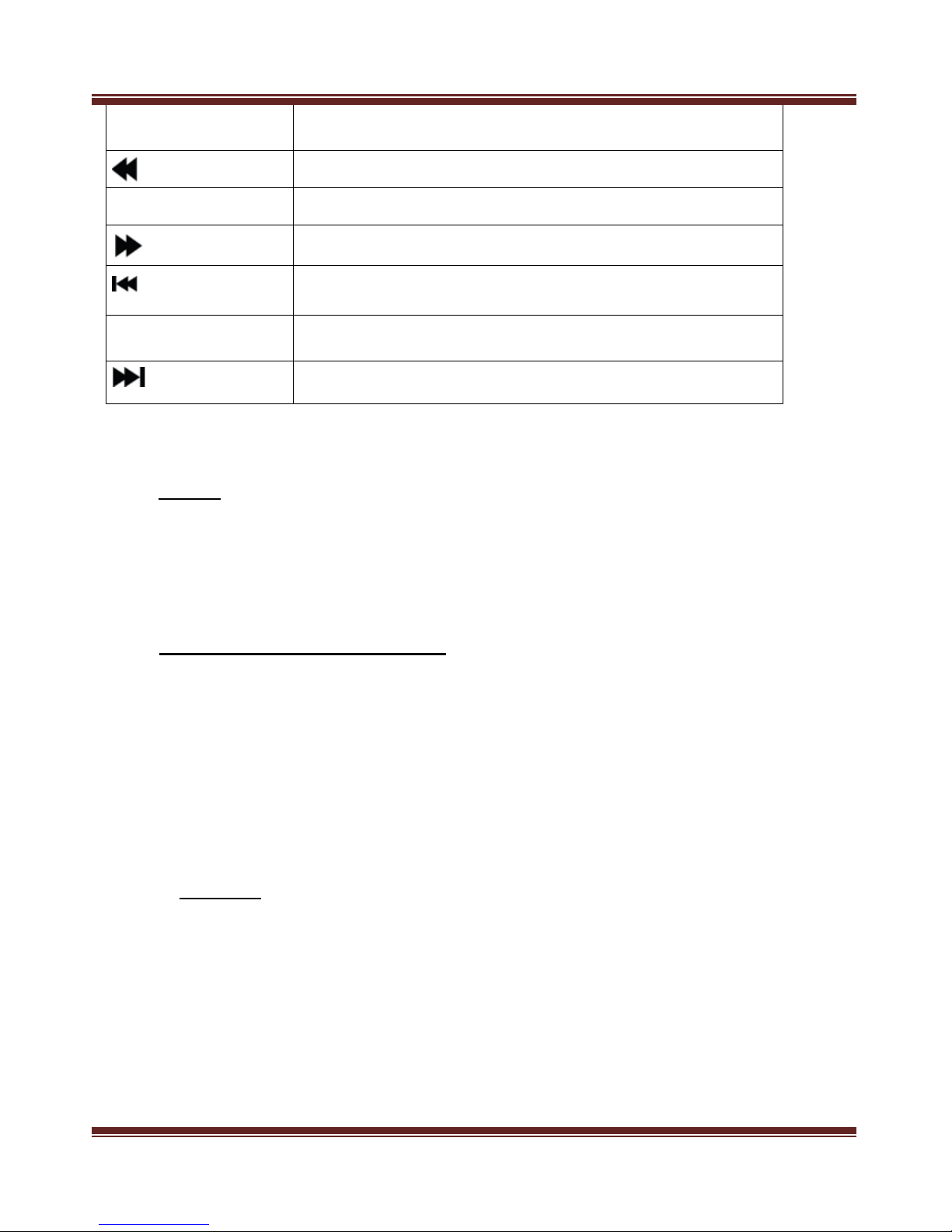
RETURN Back to the previous screen
Rewind file upto 32x speed
VOL+ Press to turn up the volume
Forward file upto 32x speed
Play the previous file
VOL - Press to turn down the volume
Play the next file

Amkette Flash TV HD Media Player
Allied Electronics and Magnetics Ltd. All Rights Reserved. 9
Rev#1.0b
6. Remote Control’s Range
The remote control should be used within 7 meters from the player and within an area
of 60 degrees.
The coverage area can change depending on different environmental conditions.
7. Operation Introduction
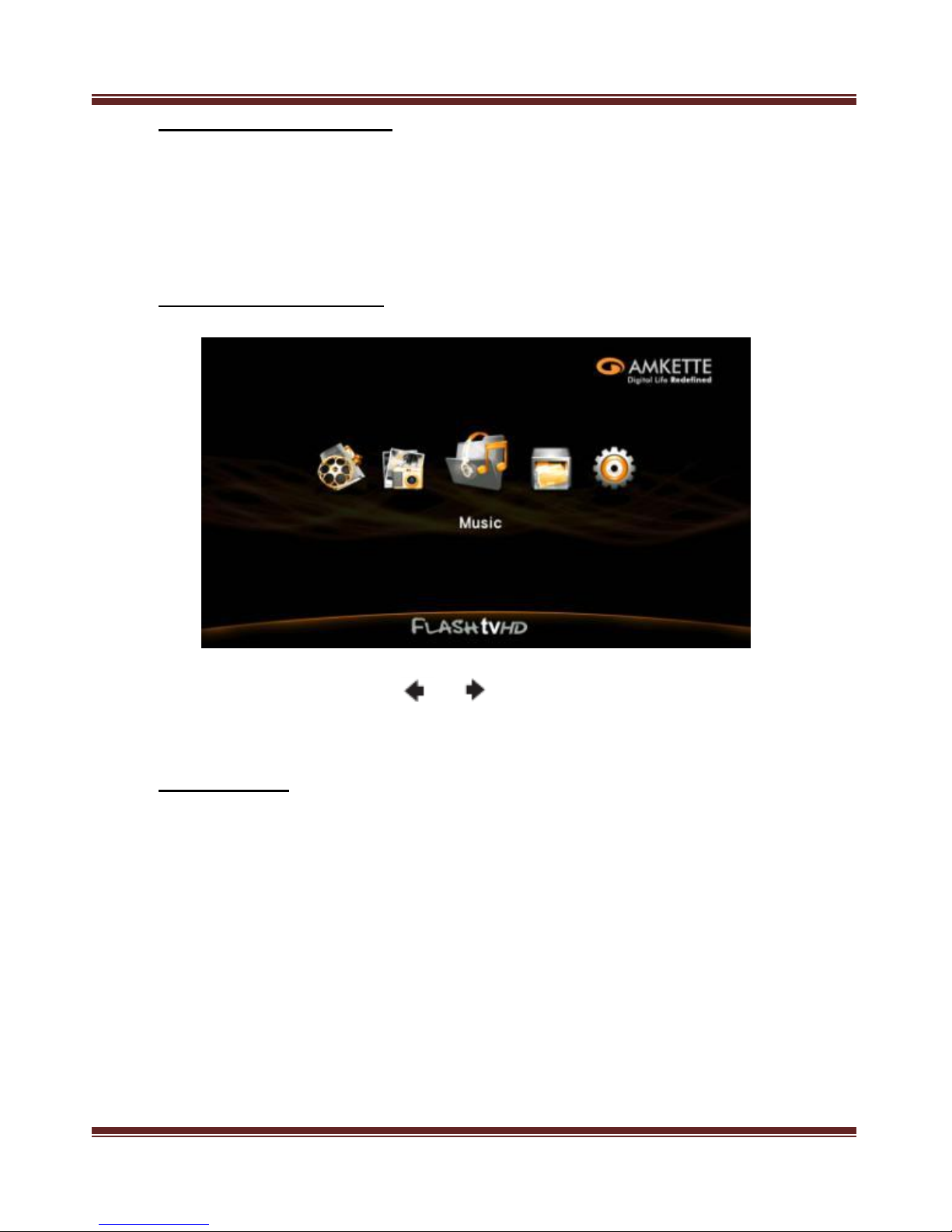
On the Main Menu, press or to select an option and press “OK” to confirm
8. Menu Setting
This menu is mainly used for the first time for setting the parameter.

Amkette Flash TV HD Media Player
Allied Electronics and Magnetics Ltd. All Rights Reserved. 10
Rev#1.0b
8.1) System
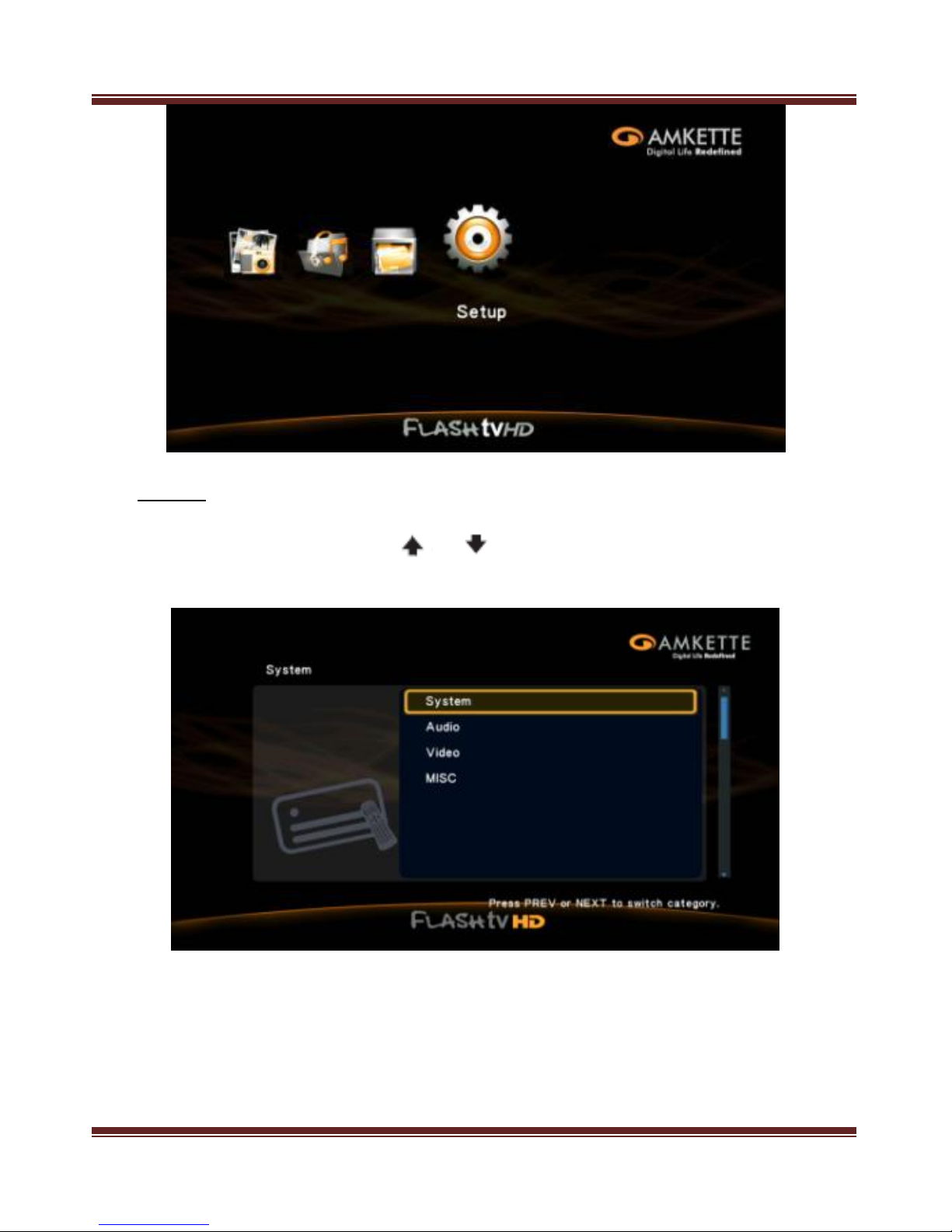
On the main menu, press or to select System option and press “OK” to
enter.
Indice
Altri manuali Amkette Lettore multimediale