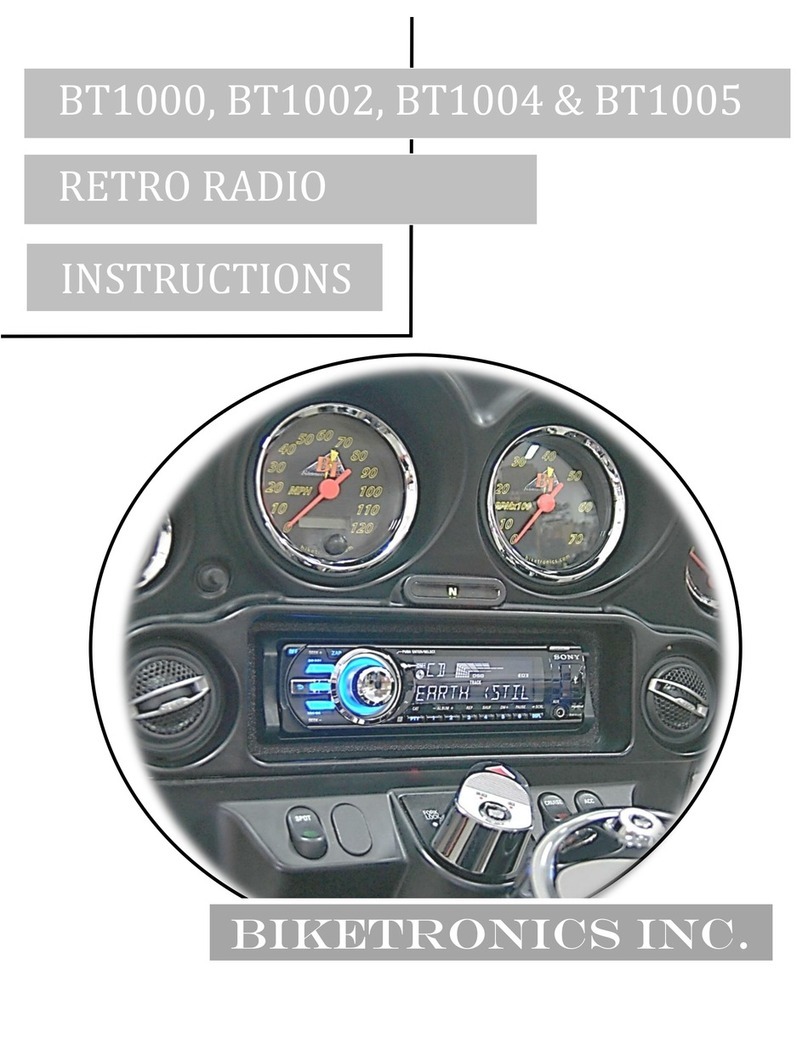
Biketronics BT1000 Manuale utente

Biketronics
RetroRadio
Made in USA
Lifetime Warranty
BIKETRONICS
BT1000, BT1002, BT1004, & BT1005
Installation Instructions
biketronics.com 800-735-2419

2
A
D 1
2
3
4
5
E
F
G6
B
C
Parts Layout for Radio Package
Tools Required
1. Torx head screwdrivers #25 & #27
2. 3/16” Allen/hex wrench
(preferably ball end type)
3. #2 Phillips Screwdriver
4. Harley shop manual
(optional)
A video of this installation is available online:
www.youtube.com/user/biketronics
www.biketronics.com
A. Biketronics Decal
B. Adhesive Vinyl Sheet
C. Zip Ties - 2 Each
D. Mounting Blocks
(2 each & 4 - Philip head screws)
E. Biketronics Module
(BT1004 looks slightly different)
F. BT1005 Wire Harness
(BT1005 only)
G. Yellow Antenna Wire for Local
Reception
1. Radio **
2. Radio Face **
3. Radio Trim Ring **
4. Black Bezel Plate
5. Radio Cage **
(Not used - disard)
6. Radio harness w/ black
connector**
(Also available seperately)
** With radios purchased
from Biketronics

3
Congratulations on your RetroRadio purchase! RetroRadio ties almost
any Sony in-dash AM/FM, CD/MP3 player to your 1996 to present
family of Harley Electra Glides® and Road Glides® with handlebar
radio controls. Even the speed sensor signal is used to automatically
control the volume! An advantage of using Sony radios is the ease to
incorporate the newest audio devices such as USB, satellite radio, GPS,
Bluetooth or iPod/MP3 units with the radio system at reasonable costs.
Should you have questions regarding your RetroRadio, feel free to call
Biketronics Inc.
Introduction
PLEASE READ THESE
Installation Guidelines
• Read all instructions FIRST. It will make installation easier and
minimize problems.
• Disconnect battery cables from Harley battery – negative cable rst.
Do this now! Failure to do so is an improper installation and will
cause a short to ground and is NOT covered under warranty!
• Go easy…..Don’t force parts!
• Prior to disassembly, ensure that you have all necessary tools and
parts for the job.
• Protect bike nish using towels and blankets. Before fairing removal,
prepare a safe padded area to store fairing.
• Allow plenty of time – don’t rush the job. Allocate 1-2 hours for
completion.
• The AVC procedure at the end of these instructions should only
be done if you are not satis ed with the stock settings. AVC
customization is not necessary for installation.
General Information and Notes
RoadGlide® owners – To facilitate easy radio removal and
installation remove 2 top nuts and only loosen 2 bottom bolts/nuts on
main fairing support bracket.
UltraClassic® owners – Removal of Harley OEM radio will disable
CB-radio and intercom functions. Rear speakers will require you to
follow the procedures on pages 14-15.
Care – Avoid direct spray of water on the radio face. Please note
that Biketronics Inc. can not be responsible for any damage due to
improper installation and/or failure due to water damage. For 1988
and later models, check out Biketronics SplashCover.
Do not modify – The RetroRadio kit is plug–n-play. Do not drill, le or
cut. Call Biketronics if you are not sure about installation.

4
Preparation of Fairing
Remove Cage – Position Bezel PlateStep 1
Radio Cage:
Remove & Discard
Disconnect battery
before proceeding!
Radio Trim Ring
Remove and discard radio cage.
Slide the black bezel plate on from
the rear, with the textured side
facing front of radio. Leave trim
ring on.
Black Bezel Plate
• Remove outer fairing (Remove fairing bolts and disconnect headlight
wire connector).
• Remove Harley glove box or stock radio from fairing.
Retain the 4 Allen-head bolts.
• 1996-1997 only: Remove cradle used to support Harley radio.
• 1988-1997: Both radio memory and radio power fuses must
be changed to a 10 amp rating for radio to operate. Do not
exceed 10 amp rating.
Disconnect battery
before proceeding!
Failure to do so
will cause a short
to ground and is
not covered under
warranty!

5
Apply Vinyl SheetStep 2
Position adhesive vinyl sheet
on radio top against black bezel
plate. Wrap vinyl sheet on top
and down sides of radio.
DO NOT MODIFY OR CUT
VINYL SHEET!
The overhang is necessary
to help prevent water
condensation from shorting
the connections.
Adhesive Vinyl
Sheet
Fold sides over
Radio top
Do not fold over back

6
Make a small cut in the vinyl sheet above the holes
where the mounting blocks will be attached with
supplied Phillip head screws.
DO NOT OVER TIGHTEN SCREWS
Blocks should be adjusted to provide a snug t
against black bezel plate. Excessive force will cause
the bezel plate to bow. Blocks are installed correctly
when threaded inserts are just below top of radio.
Radio top
Attach Spacer BlocksStep 3

7
Tip radio front downward and push in to seat radio against inner
fairing.
Position radio as shown in photo to allow attached black bezel plate
to clear Harley brackets.
Install (loosely) the 4 Harley Allen-head bolts, adjust radio
position, and tighten bolts.
From the headlight side of fairing:
Insert Radio Into FairingStep 4
Old-style blocks shown
Do not attempt to install from rider side!
If you have dif culty positioning the bolts try placing
one on the short end of an Allen wrench and aligning
them with the holes.

8
If radio wire harness or Biketronics module does not have the attached
white connector, these wires can be connected by soldering or
crimping. Use shrink tubing or high quality electrical tape to insulate
the joints.
WARNING!!
DISCONNECT the Biketronics module from Harley wire harness
before you start to solder or crimp wires. Failure to follow this
warning can result in an accidental short circuit that MAY damage
the Biketronics module electronics.
BIKETRONICS
MODULE/HARNESS WIRES
RADIO HARNESS
IF BOTH RADIO HARNESS AND BIKETRONICS MODULE HAVE
THE WHITE CONNECTOR USED TO CONNECT EACH OTHER, SKIP
THIS STEP.
You can purchase a Sony harness with this connector from Biketronics.
Radios purchased from Biketronics, Inc. come complete with white
connectors attached to harness and module.
Hardwire Radio Harness to Biketronics Module
Step 5

9
Color Chart for Hardwired Connection
Function Radio Harness Color Biketronics Module Wire Color
Switched 12 volts Red Red Do not use as power
source for additional
accessories.
Constant 12 volts Yellow Yellow
Ground Black Black
Front Speaker-Right Grey (+) & Grey/Black (–) Grey (+) & Grey/Black (–)
Front Speaker-Left White (+) & White/Black (–) White (+) & White/Black (–)
Amp Remote Blue/White Stripe Not Used (Optional - Amplier)
Rear Speaker-Right Purple (+) & Purple/Black (–) Not Used (Optional: Rear speakers)
Rear Speaker-Left Green (+) & Green/Black (–) Not Used (Optional: Rear speakers)
Antenna Remote Blue Not Used
Phone Attenuate Light Blue Not Used
Illumination Orange/White Stripe Not Used
Kenwood/JVC Control Light Blue/Yellow BT1005 Only (Light Blue/Yellow)
BT1005: See page 16-17
SOLID INDICATES POSITIVE POLARITY (+)
STRIPES INDICATE NEGATIVE POLARITY (–)

10
1. Black cable must
point straight up*
2. Yellow radio antenna
4. Radio wire harness
5. Biketronics module (older version) with
Black Harley 23 pin connector attached
Radio Connections
BT1005: See Supplemental Sheet
Step 6
Altri manuali per BT1000
1
Questo manuale è adatto per i seguenti modelli
3
Indice
Altri manuali Biketronics Ricevitore per auto