Page 2
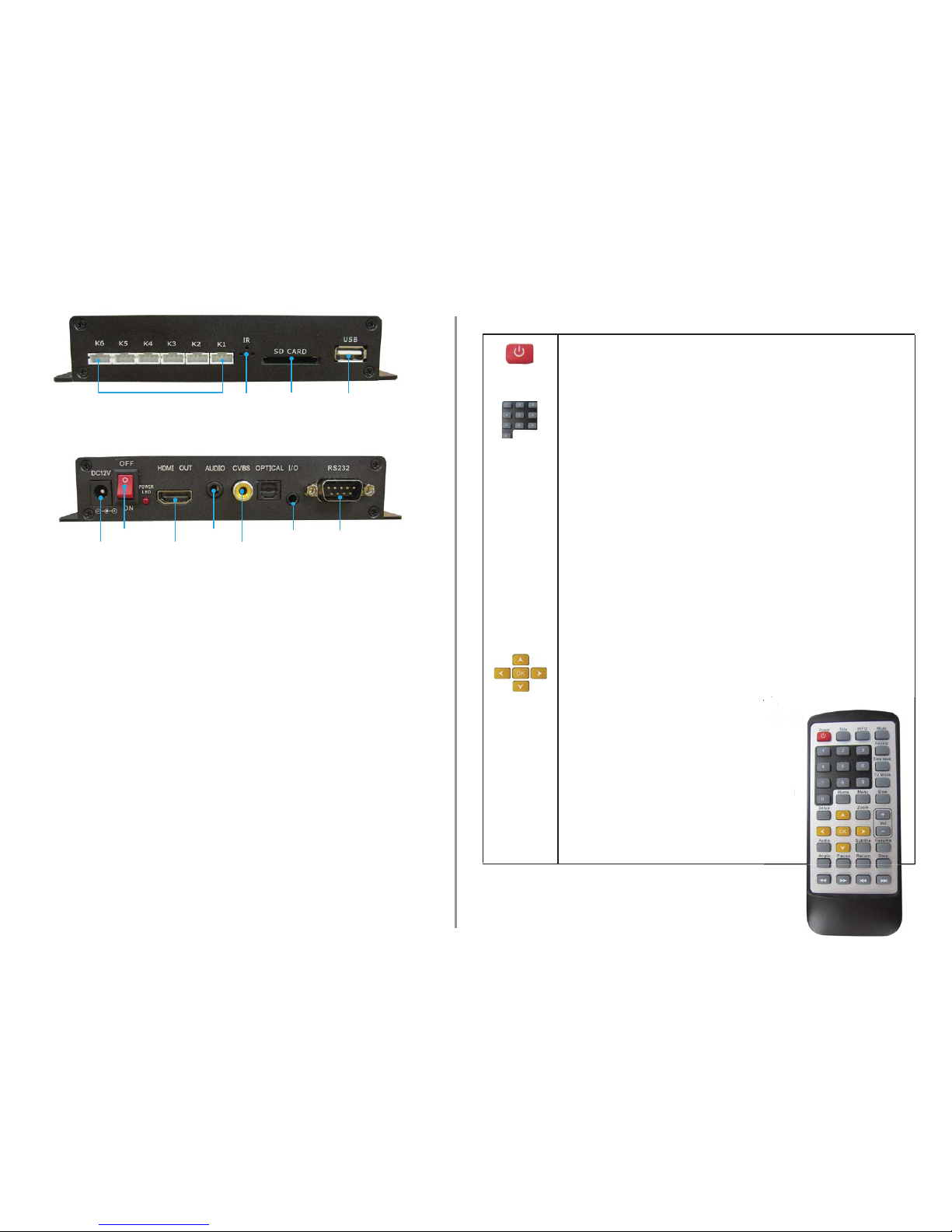
FRONT VIEW
Button input 6 -1 Infrared SDHC Card
Slot
USB Slot
REAR VIEW
12V DC in
Power on/o
HDMI Out (HD TV)
3.5mm Audio
Video Out (TV)
RS232 Control
1.Powering Your VC-HD
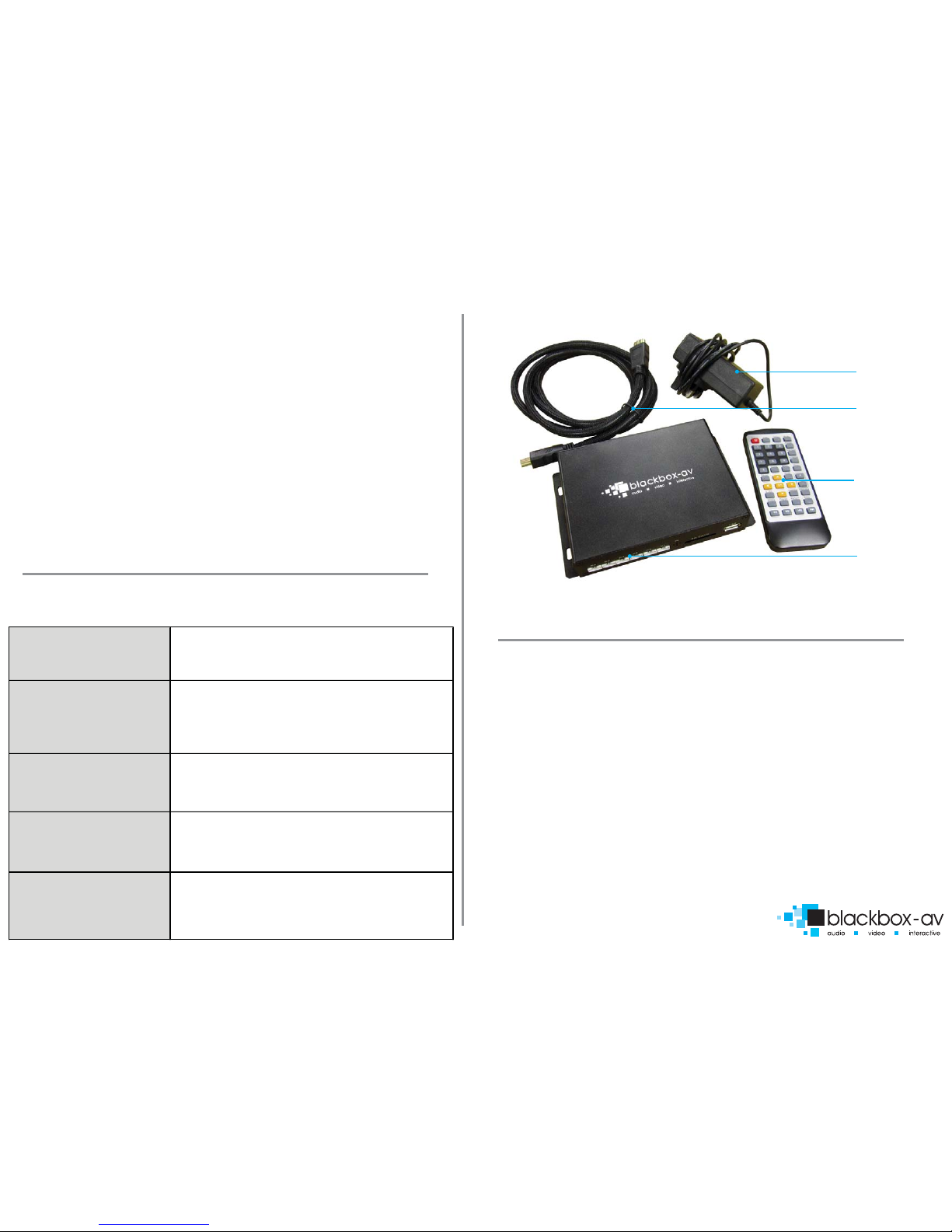
Connect the supplied 12V DC Adapter to the‘12V DC in’to give power to
the device.
2.Connecting Your VC-HD to a TV or Monitor
Connect one end of the HDMI cable to the ‘HDMI out’ on the back of your
VC-HD, connect the remaining end to the HDMI slot of your device.
3.Connect Buttons (not required for looping playback)
Connect terminal block button connection (included if specied at order) to
appropriate slot(s) of the‘button input 6-1’, attach needed number of
buttons to terminal blocks as required.
4. Insert Content
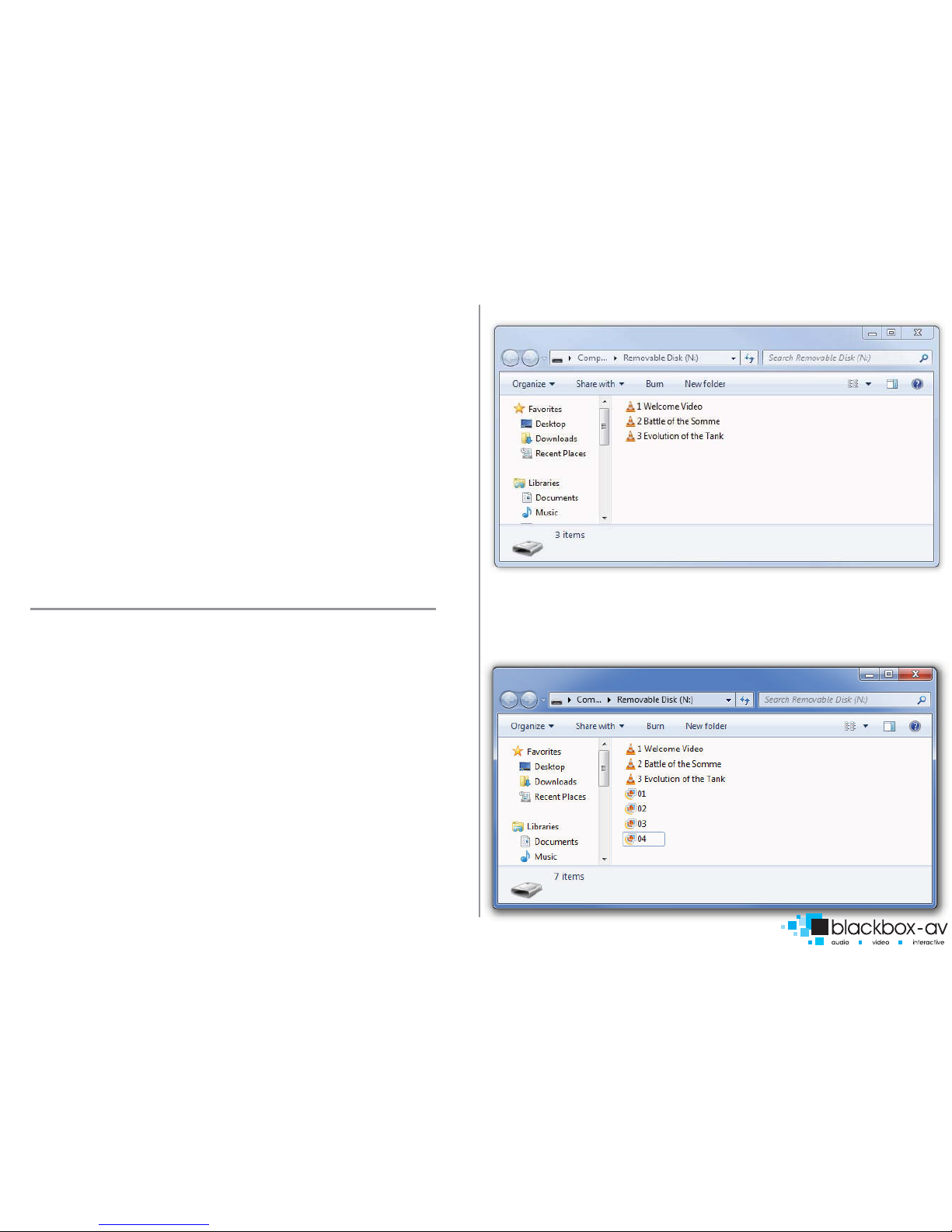
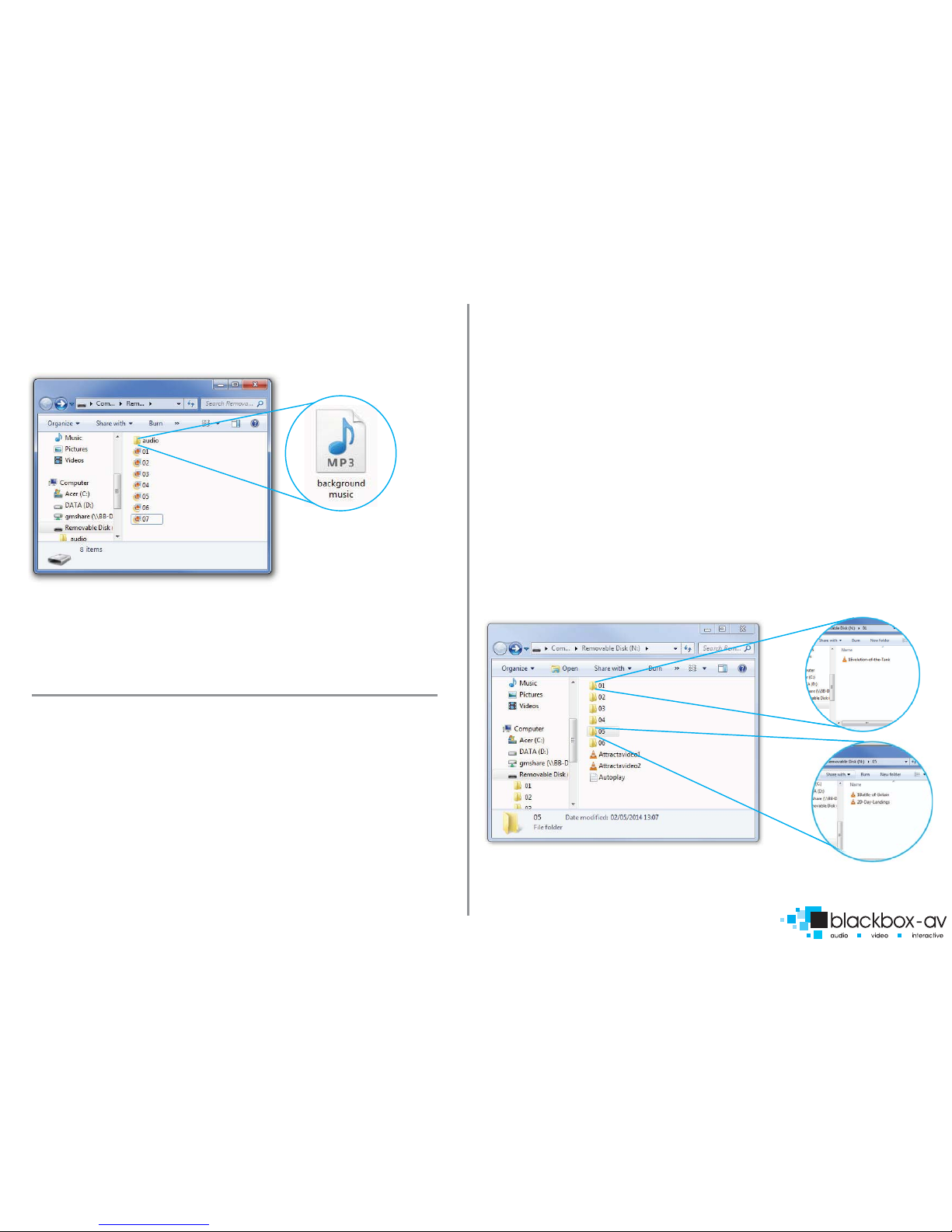
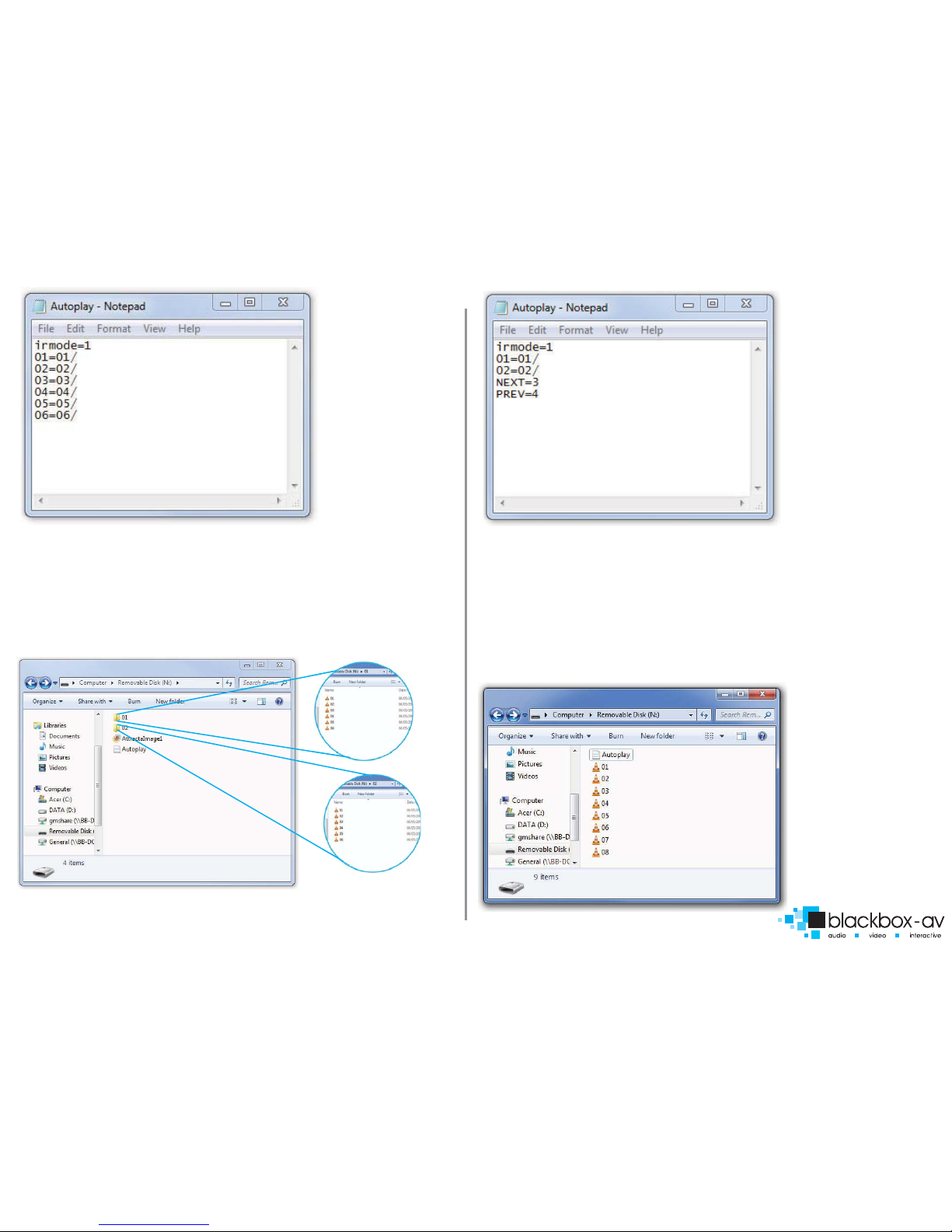
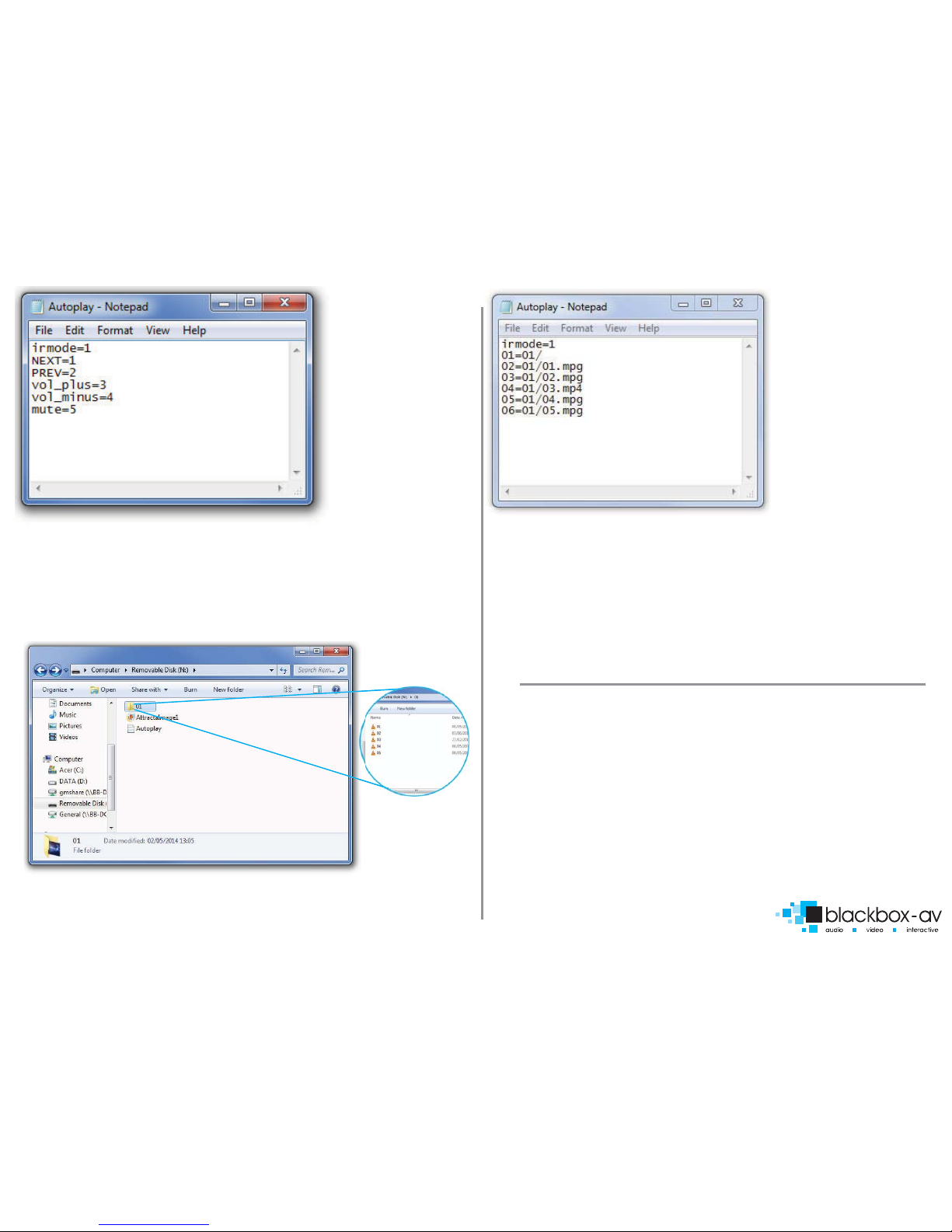
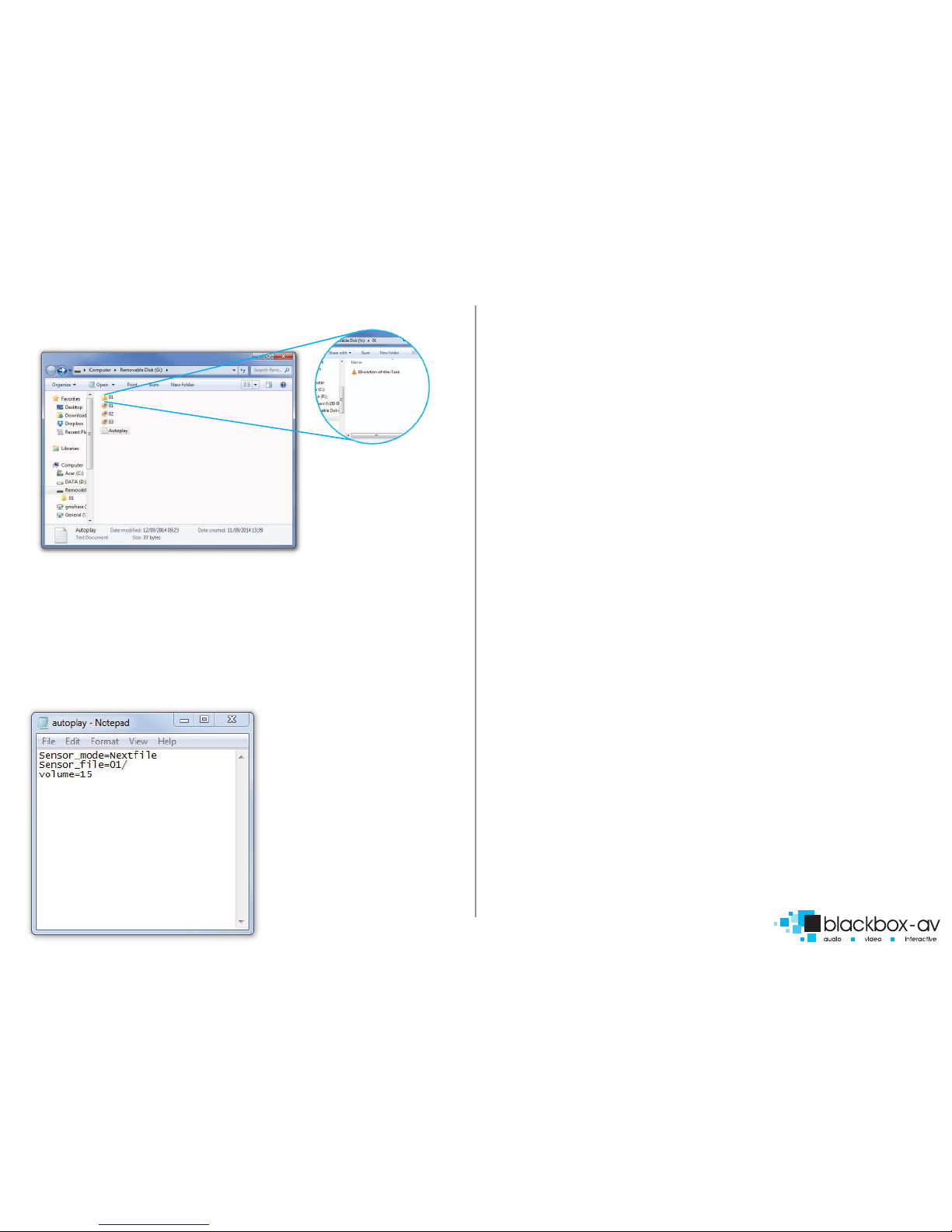
View‘9.Programming Content’ section for programming instructions. Insert
either an SDHC card or USB stick with uploaded content into USB or SDHC
slot.
5. Power On
Power on your display device, then power on your VC-HD. The VC-HD will
automatically play any attracta screen video/images on boot up. Button
activated content will play when appropriate button is pushed.
5.REMOTE CONTROL
Power: Press to power VC-HD on/o
Press to view information for content currently playing
Press to mute audio output, press to unmute
Press to play content in corresponding folder (folder 1, 2, 3 etc.)
Press while video le is playing to select repeat options, repeat
all, repeat title, repeat o
Press to jump to specic time point on video
Press to switch between NTSC Interlaced, NTSC Progressive, PAL
Interlaced and PAL Progressive
Press to open main menu and access File Manager, Movies,
Music, Photo and System Setup
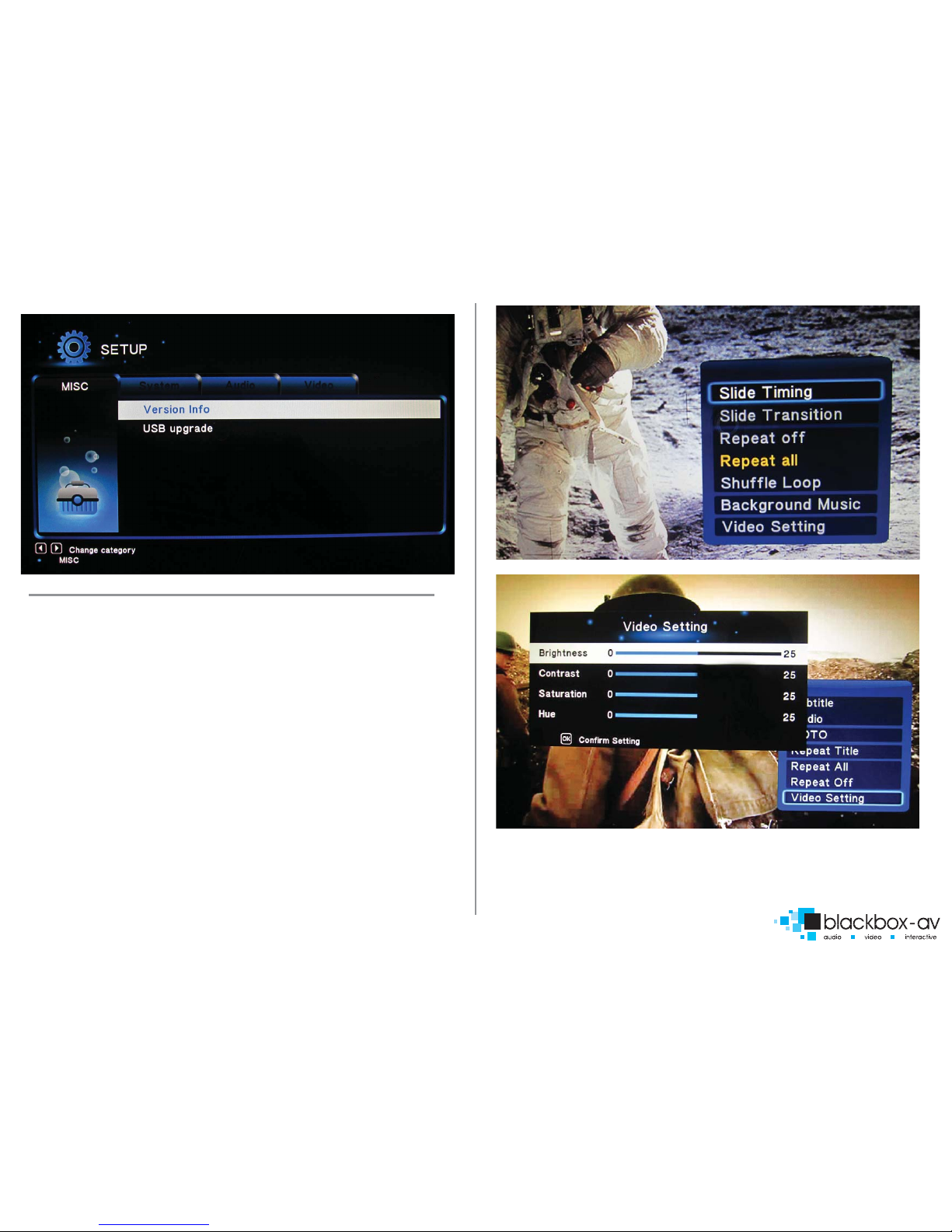
Press to access letype menu setings, i.e when video plays you
access video settings, when images are playing you access slide
options
This button has been disabled for the VC-HD
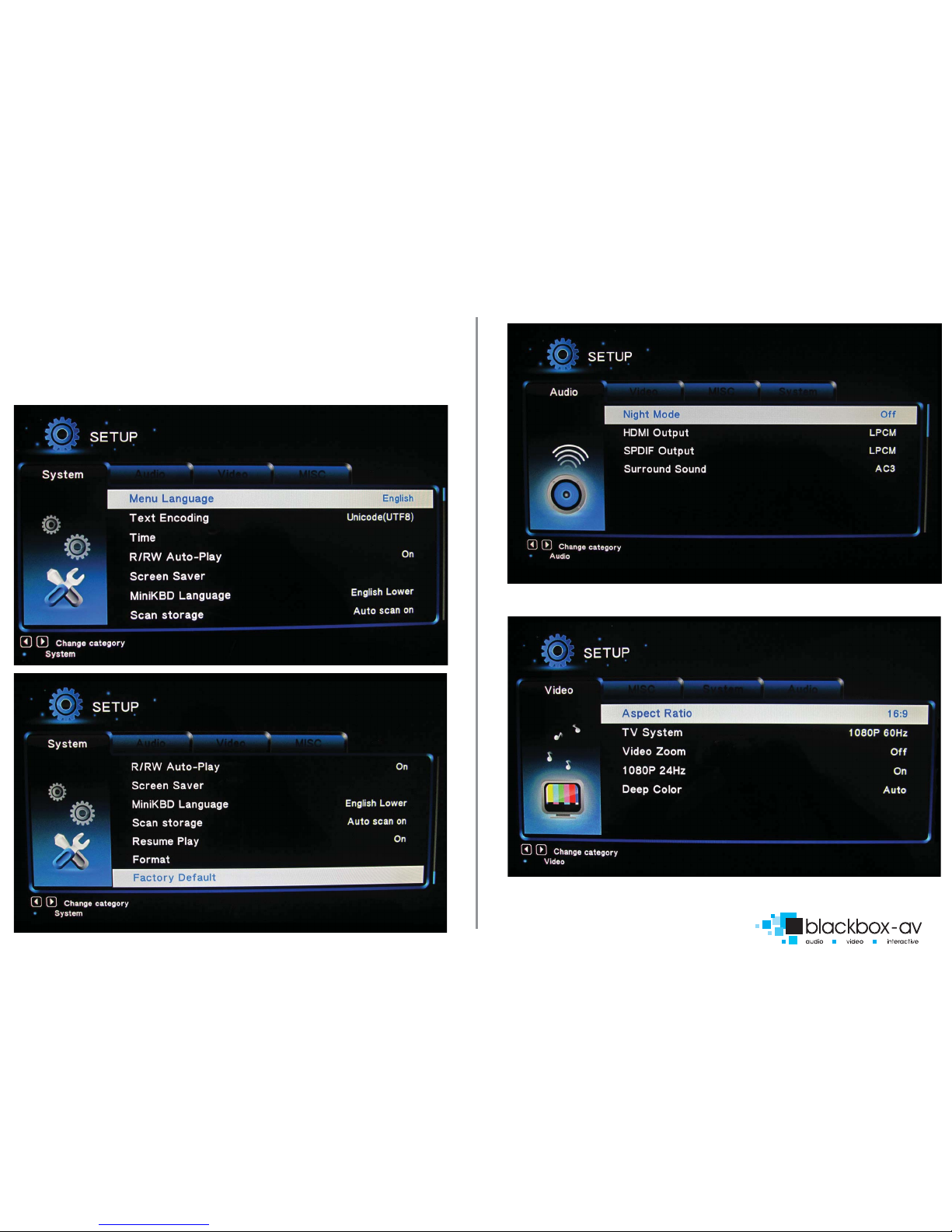
Press this to access core system settings - System, Audio, Video,
Misc
Press to zoom in/out when playing photos or video
Navigation: Press to navigate menus
Press to increase/decrease volume levels
Press to display video audio track information
Press to activate subtitles if available
Press to resume play
This button is disabled on the VC-HD
Press to pause playback
Press to return to previous navigation menu
Press to stop playback
Press to fast forward or rewind current le
Press for previous or next le in list
INFO
Mute
Repeat
Time Seek
TV MODE
HOME
MENU
SLOW
SETUP
ZOOM
VOL +/-
AUDIO
SUBTITLE
RESUME
ANGLE
PAUSE
RETURN
STOP
<< >>
|<< >>|