
Blueberry Tomcat 2 Manuale utente

Blueberry
TOMCAT 2

User manual
Thank you for purchase this digital multimedia player. This simple statement
on the function of this machine that lets you operate freely and fully understand
the products to the value you enjoy. Please read carefully before using the
player.
Notice/Attention
1. Please notice the new batteries only can achieve the best performance after
two or three full charge and discharge cycles.
2. A new battery in the first three times should be charged 6-8 hours, more than
the fourth times only needs 4 hours, the battery can be charged fully.
3. In order to prevent data loss, please backup the important data. Especially
before firmware upgrade. Due to data loss caused by the loss, the company is not
responsible for.
4. Do not repair the player by yourself to avoid accidental damage and warranty
void.
5. Avoid getting the player be beat or collided.
6. Please use the player properly in case of explosion, fire, electric shock, etc.
7. It can be used wet cloth gently wipe the shell of the player and is prohibited by
other chemical cleaning solution.
8. The players should not suffer water droplets and water splash, but players
should not be placed near such as cups filled with liquid -
Commodities.
Do not turn up the volume too high as doctors warn against prolonged exposure

to high volume.
9. Please do not change any part of the machine.
10. Please only use the batteries, chargers and accessories are provided by
manufacturers. The use of any other type of breach of warranty products will be
potential dangerous.
11. Please follow the relevant local environmental regulations to dispose of
obsolete machinery and accessories.
12. Player in the use of this process if you have any questions, please contact
your local retailer or directly contact with our customer service centre.
13.if there is any change without prior notice.
Product specifications
Display: 3.0 inch TFT touch screen (type); 400*240 (display pixels) 262K
color(color)
Support many kinds of music format, MP3,WMA,WAV,FLAC,APE,AAC and so
on.
Support RM,RMVB(720*576),FLV(640*480),MPEG4(AVI:800*480),DAT(768*576),
VOB(768*576),3GP(800*480),WMV(720*480),MPG(768*576)video playing format, full
screen display,
Support BMP,JPEG,GIF format photo browse
Built-in 8 Ohm loudspeaker
Digital recording
Port:USB2.0 High Speed, up to 4M/S
Power off setting, Black light adjusting, User EQ set
Support 3D and user EQ mode
Support many kinds of languages
Reading TXT when listening to music, with bookmark function
Support TF card
Portable type U disk function, support firmware upgrade function
Introduce player
Appearance
Long push the on/off key to open the player according to shape and key
instruction of “power start” key.
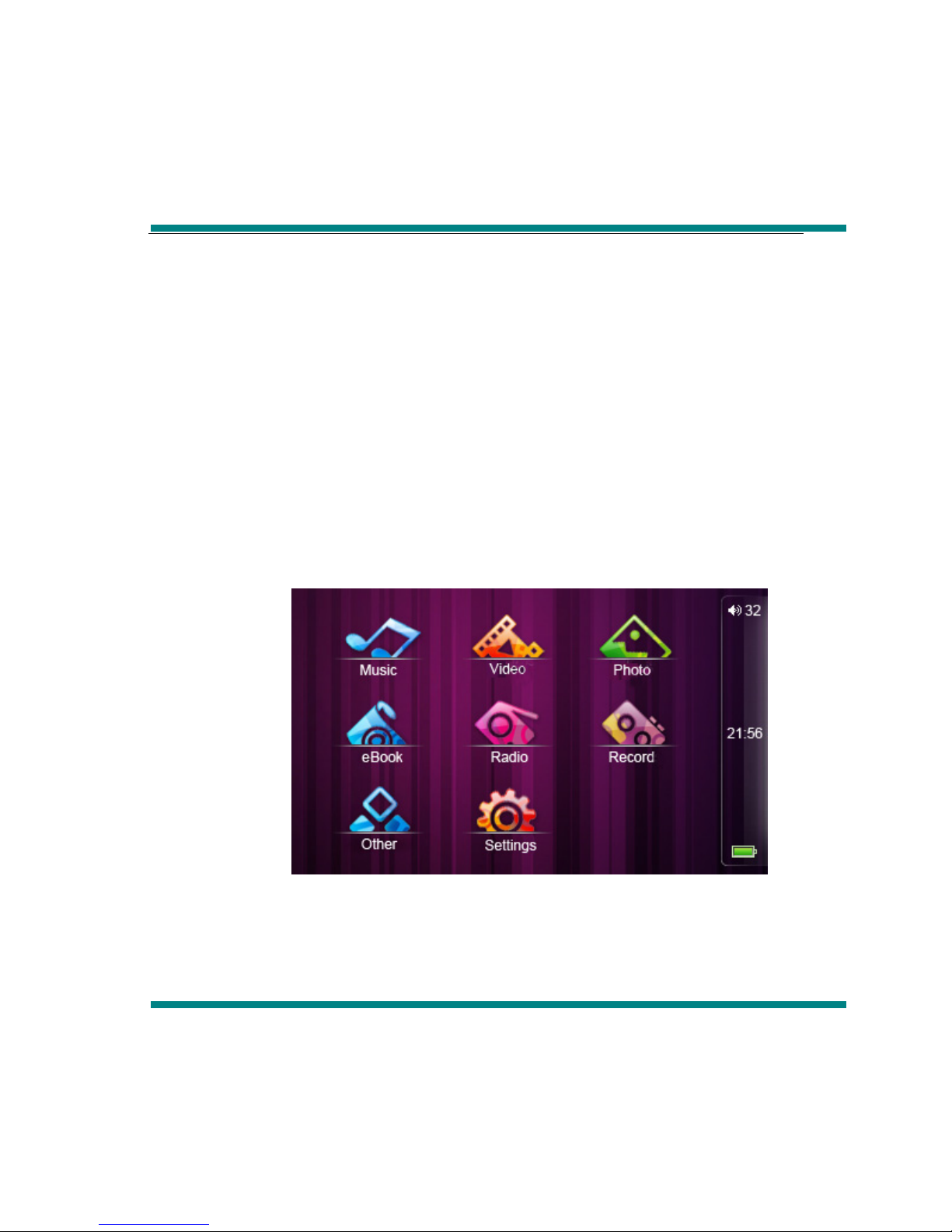
Main interface
In the main interface, use the touch pen to choose the function, then double click
the corresponding function menu.
Music
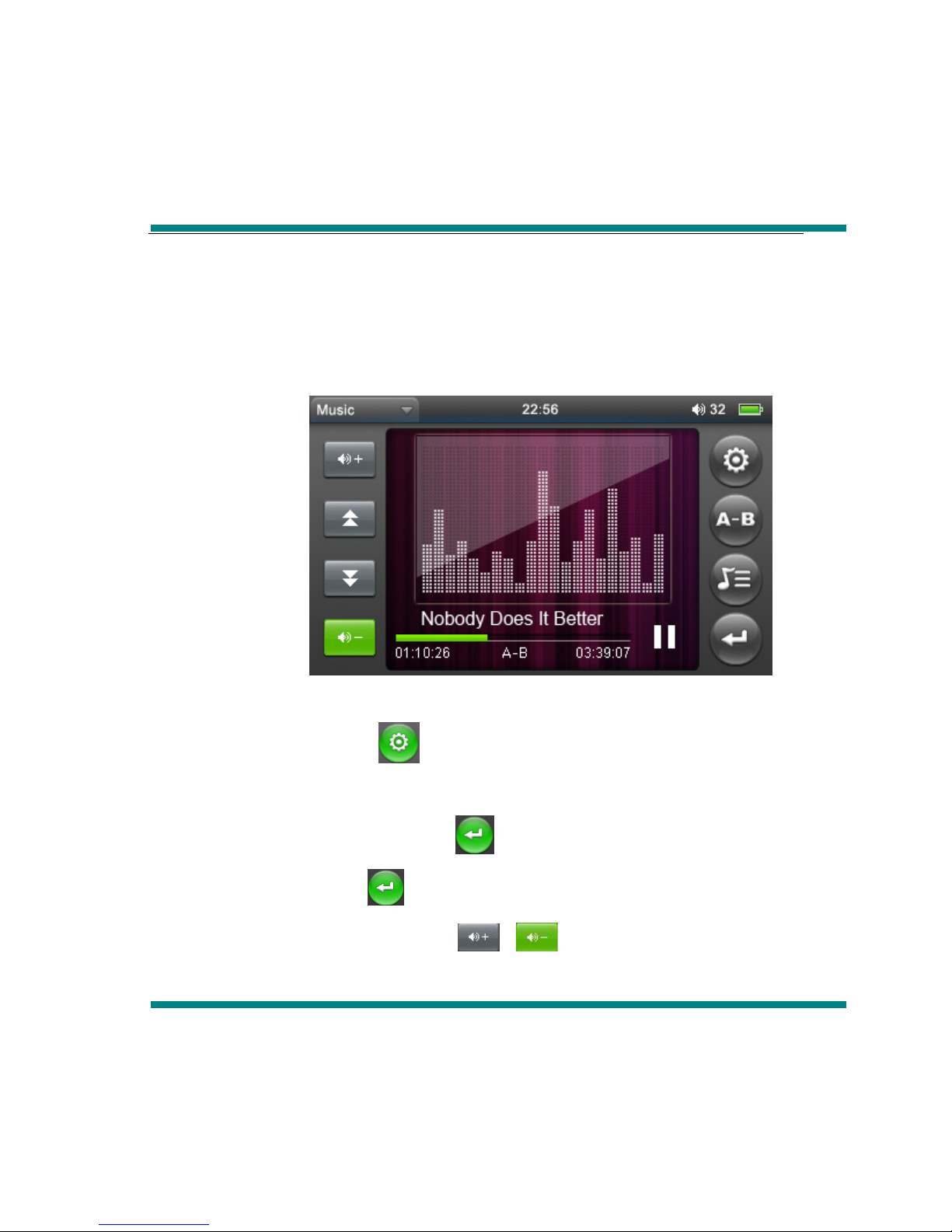
In the main menu, choose “music” option, then double click to enter into “music
playing” item.
Operate:
When playing music, click icon to enter into music playing menu, in this
menu, you can choose (repeat mode, play mode, MSEQ, EQ select,
UserEQ Setup ), then click icon to return to music playing
interface, click again to return to the music submenu interface.
When playing music, click 、to adjust volume.
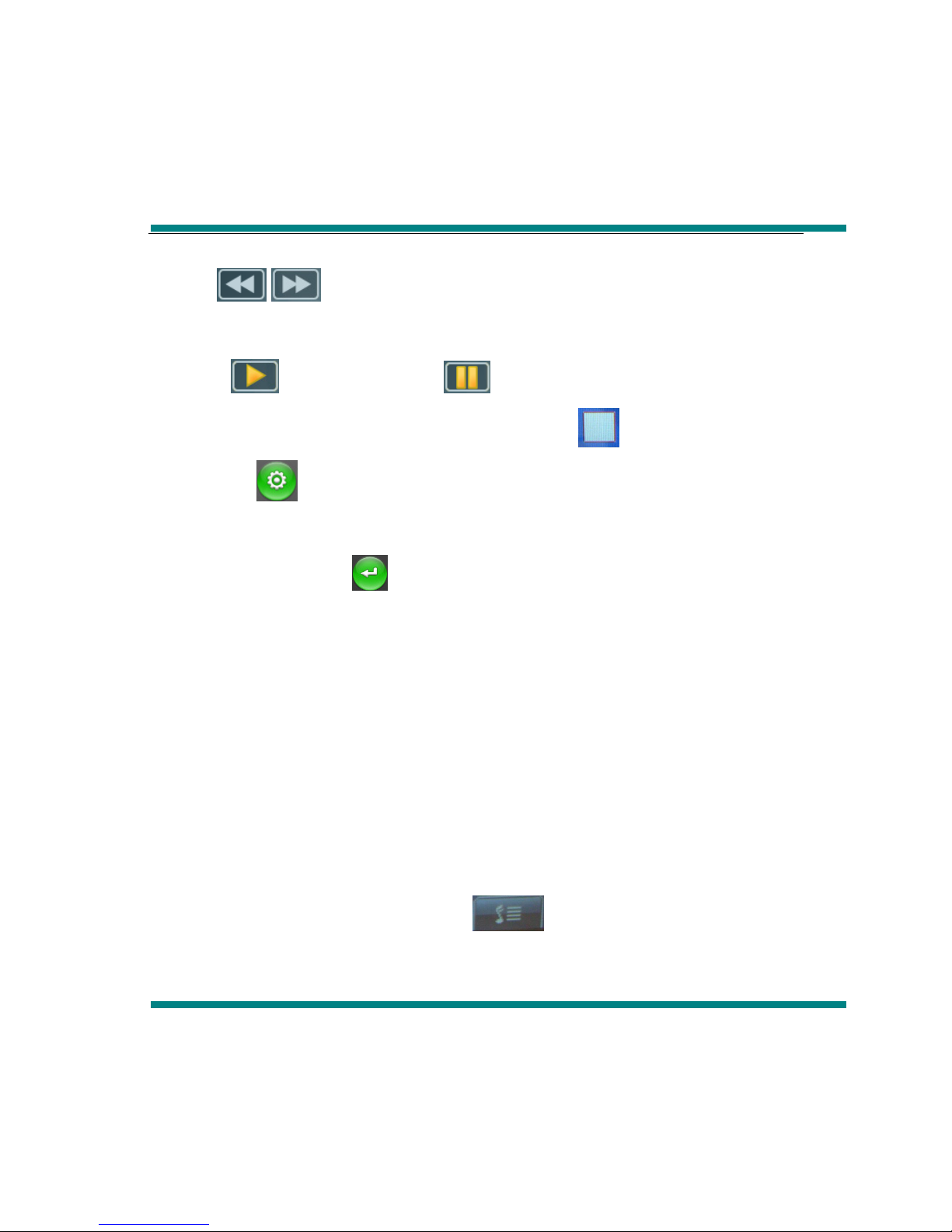
Click “ /”to choose previous music or next music, long press them can
forward or backward
Click icon, it will become , the music will be paused, click it again
music will continue. Then long press, it will appear , the music will stop.
Click icon to enter into playing setting interface
“Repeat Mode”, there are Repeat, All, All repeat, Intro, Once”, double click
any mode and click to return
In “Play mode” there are: In order and Shuffle
In “MSEQ” there are:3D, Bass, LEQ.
In “EQ Select” there are: Normal, MSEQ, Rock, POP. You can experience
differ music effect through each EQ.
In “UserEQ setup” there are 2 kinds frequency, each frequency there are
±6dB to be adjusted for user.
Lyric display
Download the same name lyric when download the music, the player will
appear lyric when playing music, click , the player will directly enter into
lyric display interface.
How to use LRC file?
Keep consistency of lyric name and music name
For example:
The track name is : see you see me. mp3
The lyric name is : see you see me. lrc
Video
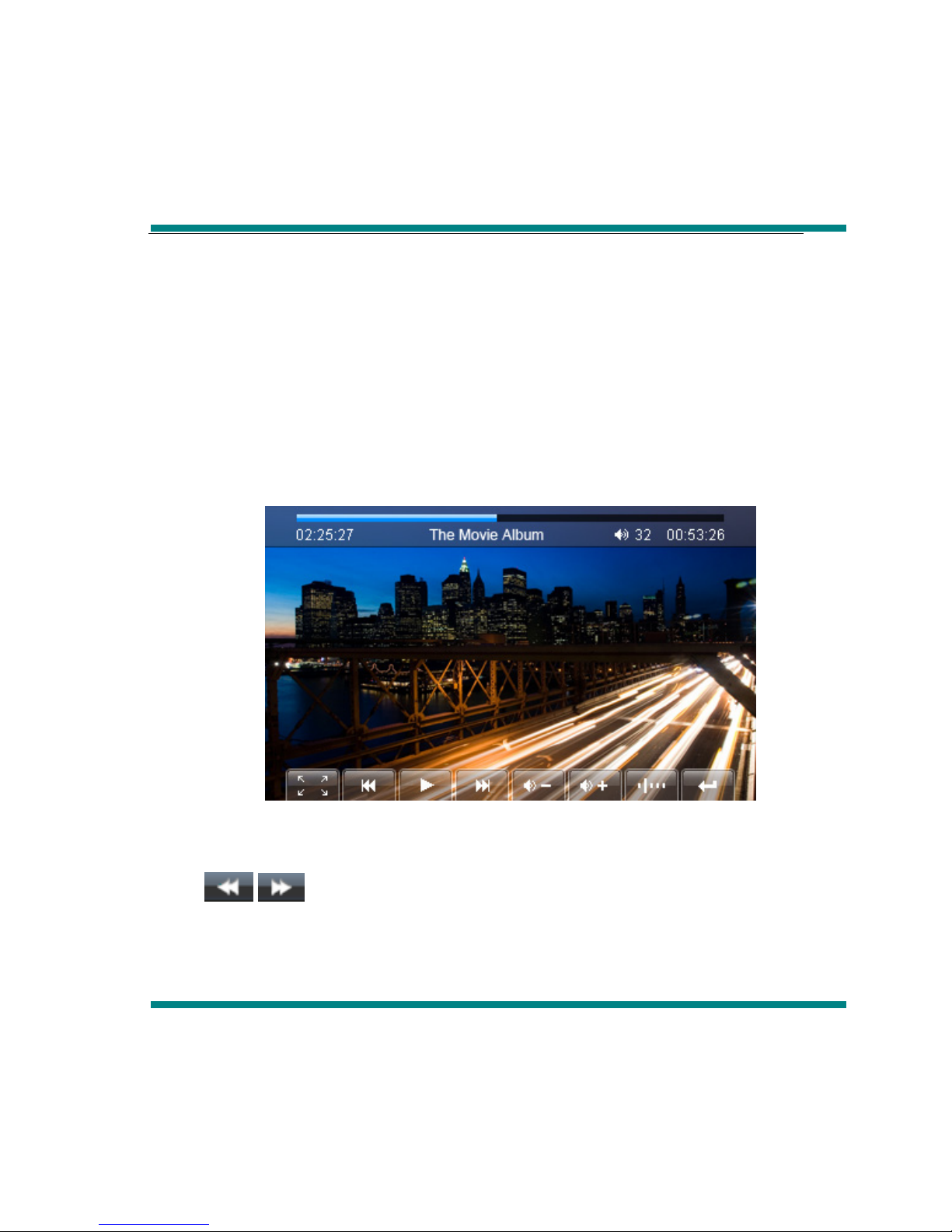
In the main interface, pls choose “Video” item, double click to enter “video
playing” interface.
1.Forward and backward
/for previous video and next video, long press it can forward or
backward.
2.Choose playing file
Video file list, double click the corresponding file to play video.
3.Adjust volume
Click 、to adjust volume.
4.Breakpoint play
Click icon to continue the playing video which you return last time
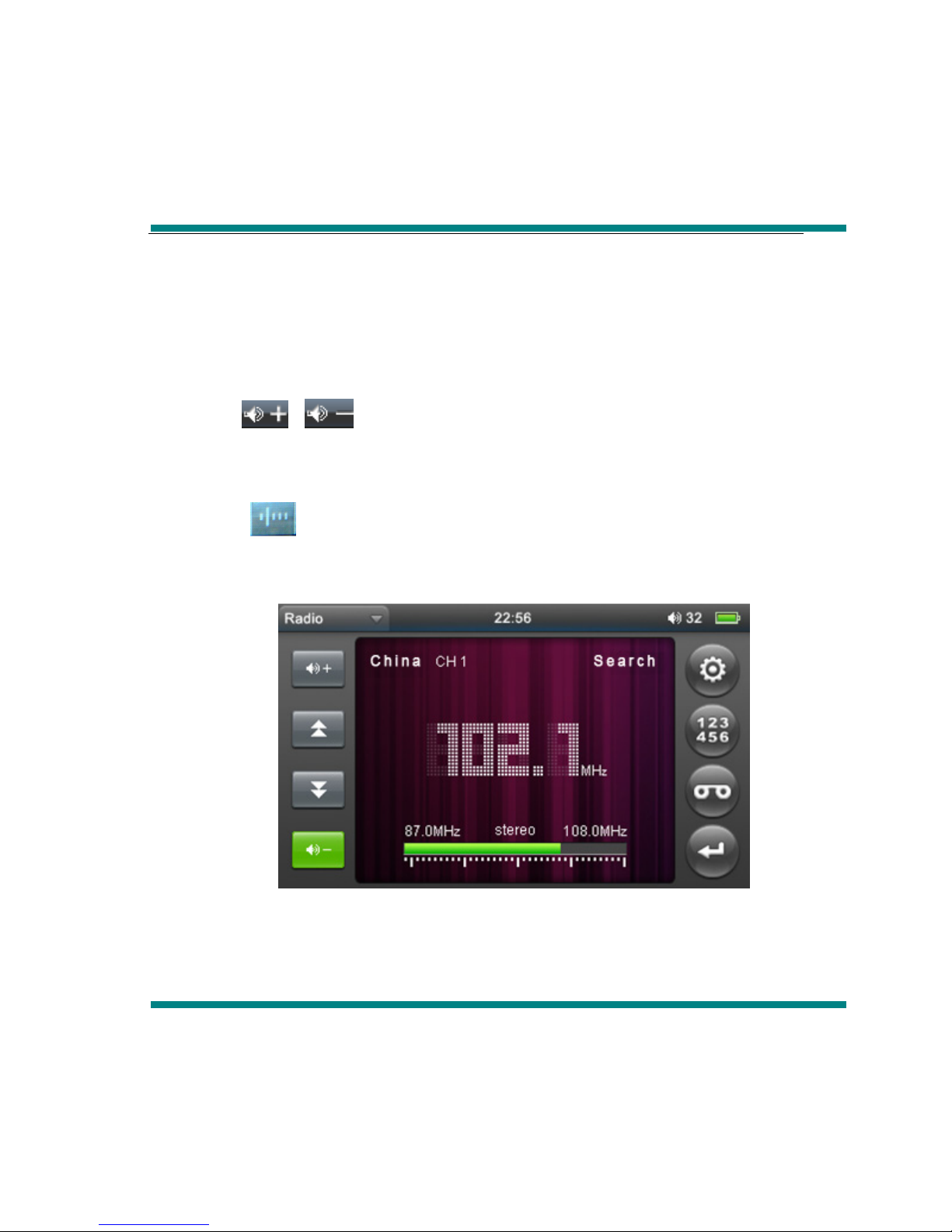
FM radio
In the main menu,pls choose “ FM radio” item, double click it to enter into “ FM
radio” interface.
1、Manual search
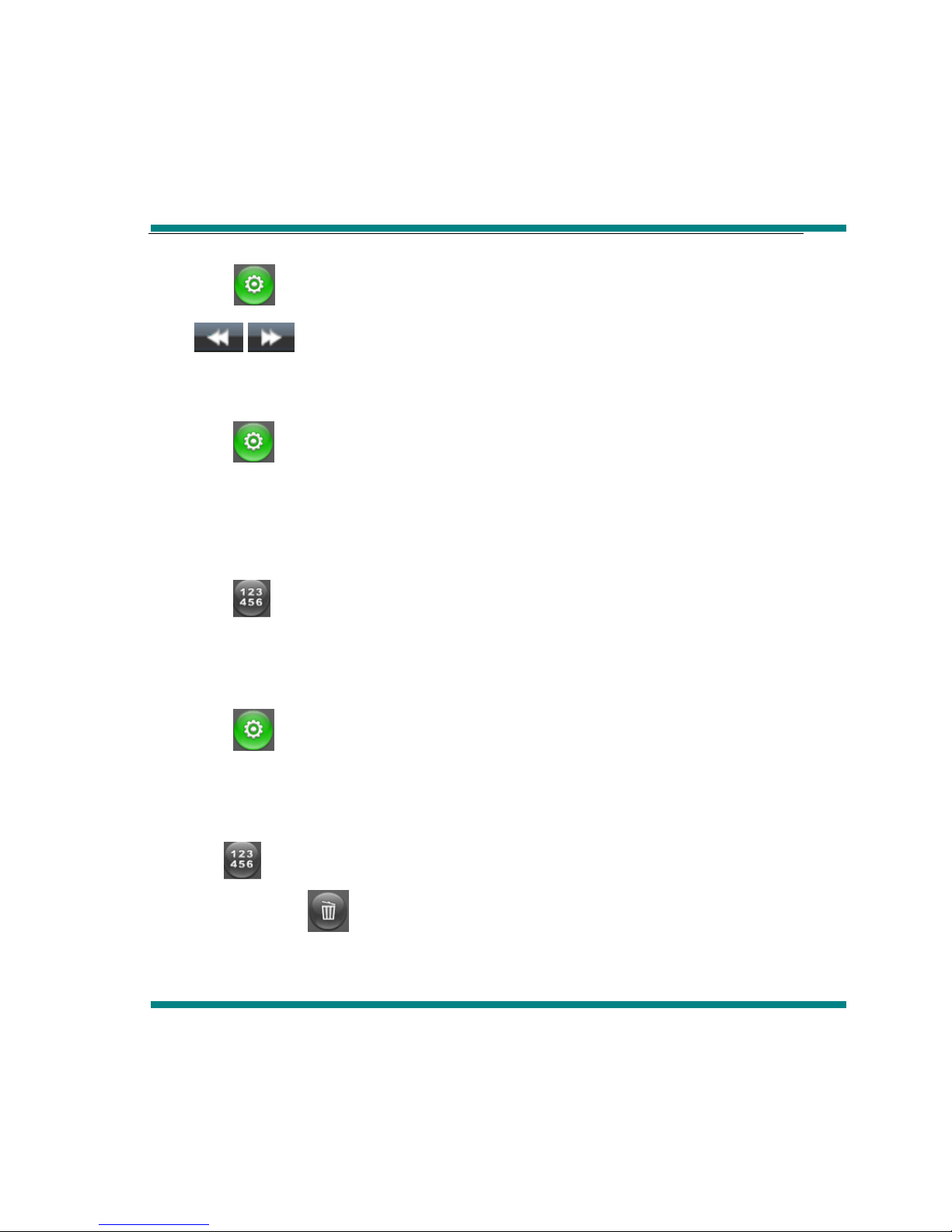
Click icon to enter into submenu, choose manual search, then click
/icon to search channel.
2、Auto search
Click icon to enter into submenu, choose auto search to search channel
automatically and save channel.
3、Save Channel
Click icon to enter into saving interface, after choosing the saving channel,
click “√” icon to save channels
4、Present mode
Click icon to enter into submenu, choose present mode, then you can
listen the channels which you have saved.
5、Delete channel
Click icon to enter into saving interface, click the channel which has been
saved, then click icon,it will spring “whether delete or not” dilogue, choose
YES,the channel will be deleted
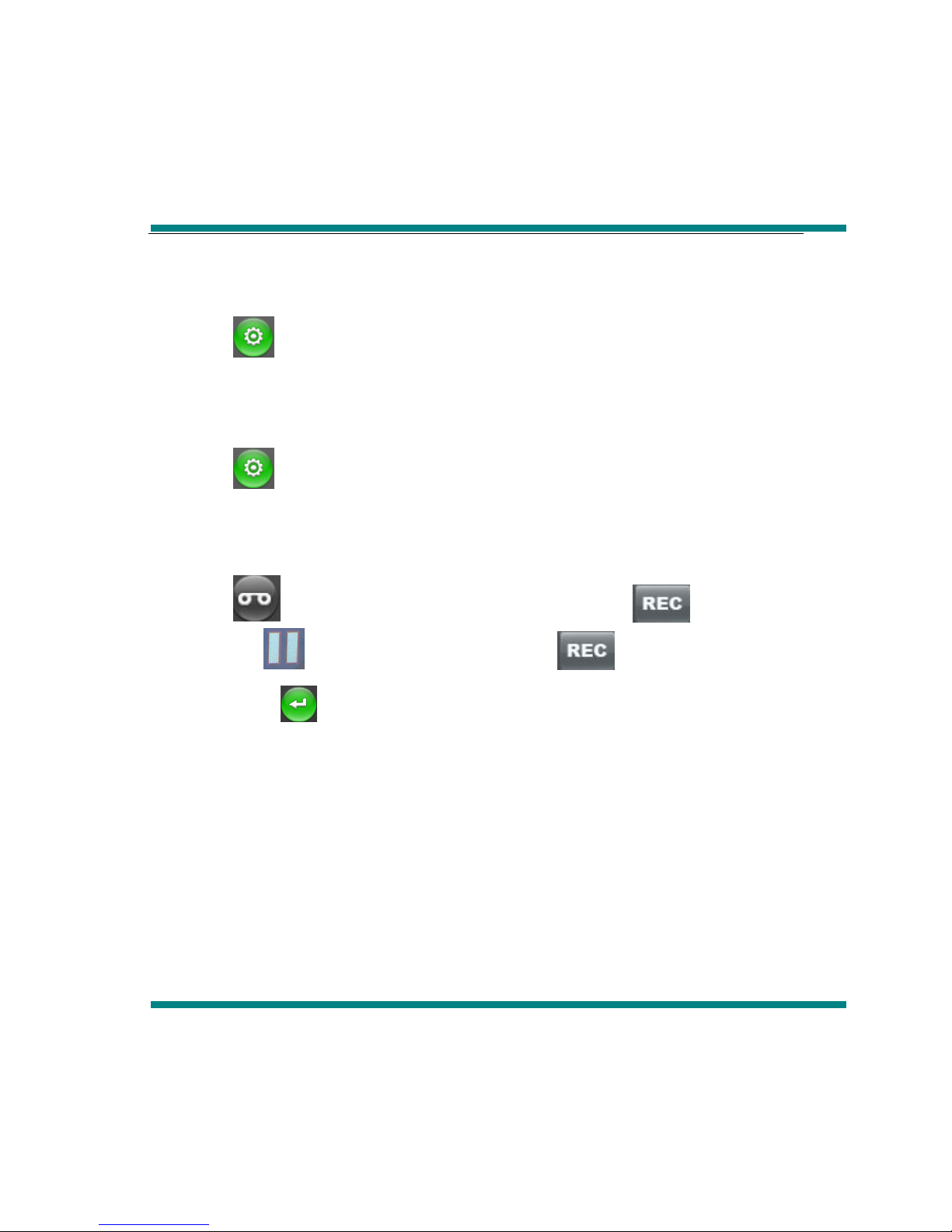
6、Stereo Switch
Click icon to enter into submenu, choose stereo switch, in this menu there
are:on and off
7、Receive area
Click icon to enter into submenu, choose receive area, in this menu, there
are :China, Japan, USA and Europe
8、FM recording
Click icon to enter into FM recording interface,click icon to start to
record,click, icon to pause recording,click icon again to continue
recording,click icon,there wil spring saving recording dilogue, choose YES to
save recording and return to recrding interface
Remarks: FM frequency modulation function with the geographical differences
and electromagnetic interference at the same time, listening effect will be
changed.
Indice


