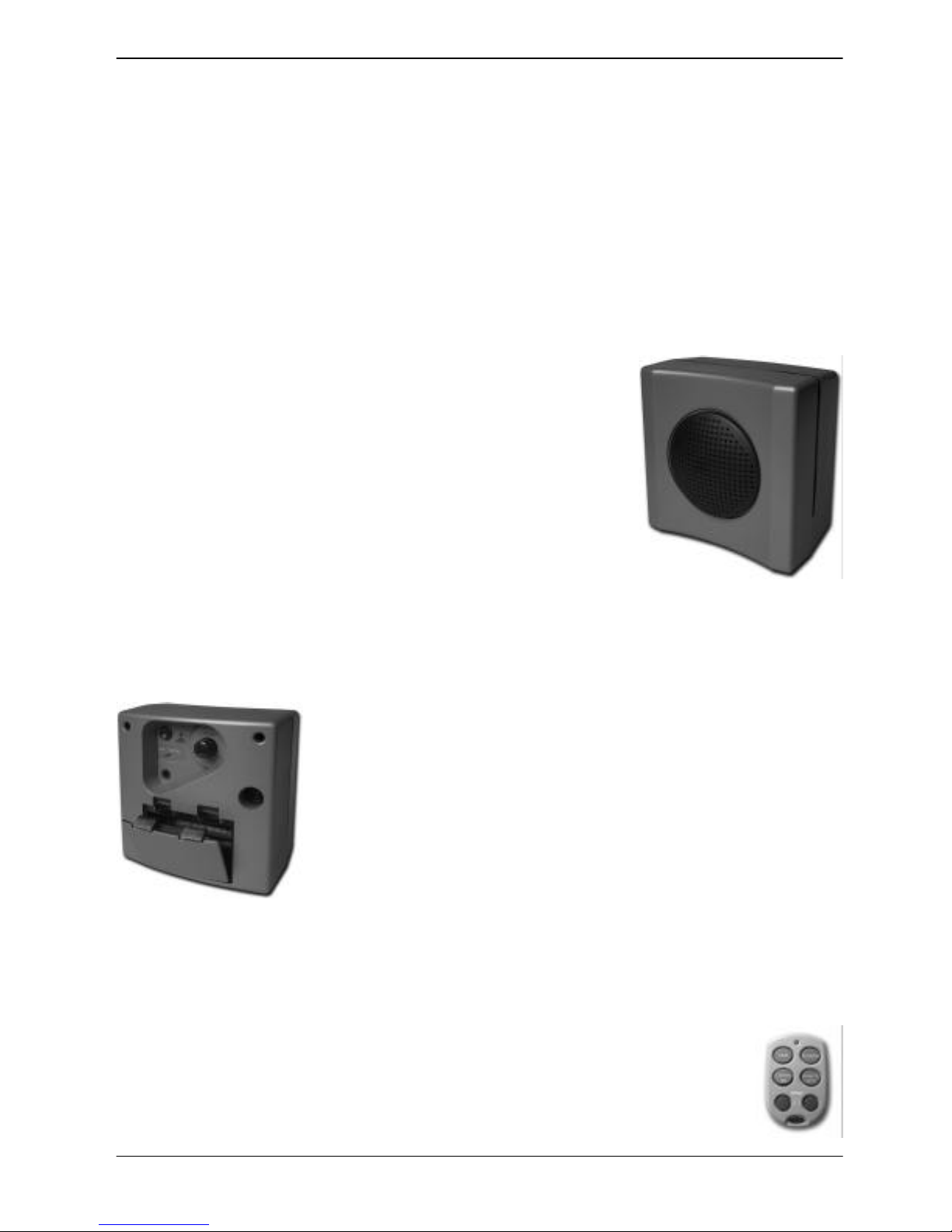
P/N# 033000=13279A rev. 01-01-07 6BMB HOME REX-10 BARKING DOG
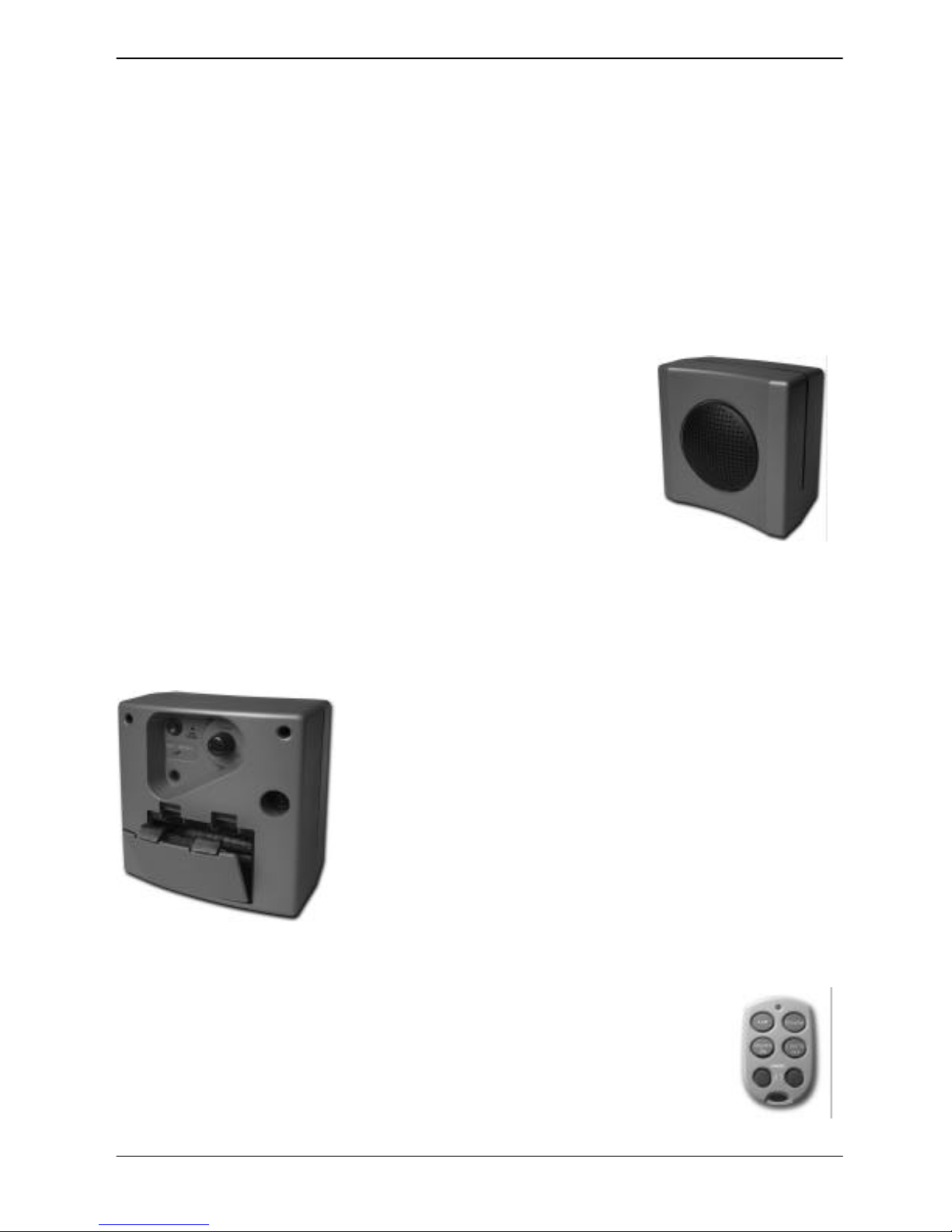
slide switch back to RUN. You can install up to five Remote Controls. Barking Dog also works
with X10 security systems so it will bark when the alarm trips. You can now use the SECURITY
LIGHT ON and SECURITY LIGHT OFF buttons on the Security Remote Control to activate
Barking Dog just like the 1-ON and 1-OFF buttons on HA Remotes (see above).
To change Barking Dog’s default setting of A1 so you can activate Barking Dog with a
different code: Move the slide switch on the back of Barking Dog to INSTALL. Make sure the
HouseCode dial on the Remote Control matches the letter you set on the back of Barking Dog.
Press any button on the Remote Control. Set the slide switch back to RUN.
For example if you pressed button number 5 on the Remote Control, Barking Dog will now be
activated by 5-ON and silenced by 5-OFF, and it will turn on X10 modules set to number 5, five
seconds after it is tripped.
Motion Detector Model DM10E
The included outdoor battery operated Motion Detector will tell Barking Dog to start barking
whenever someone approaches your home. This motion detector can also turn lights on at dusk
and turn them off again at dawn.
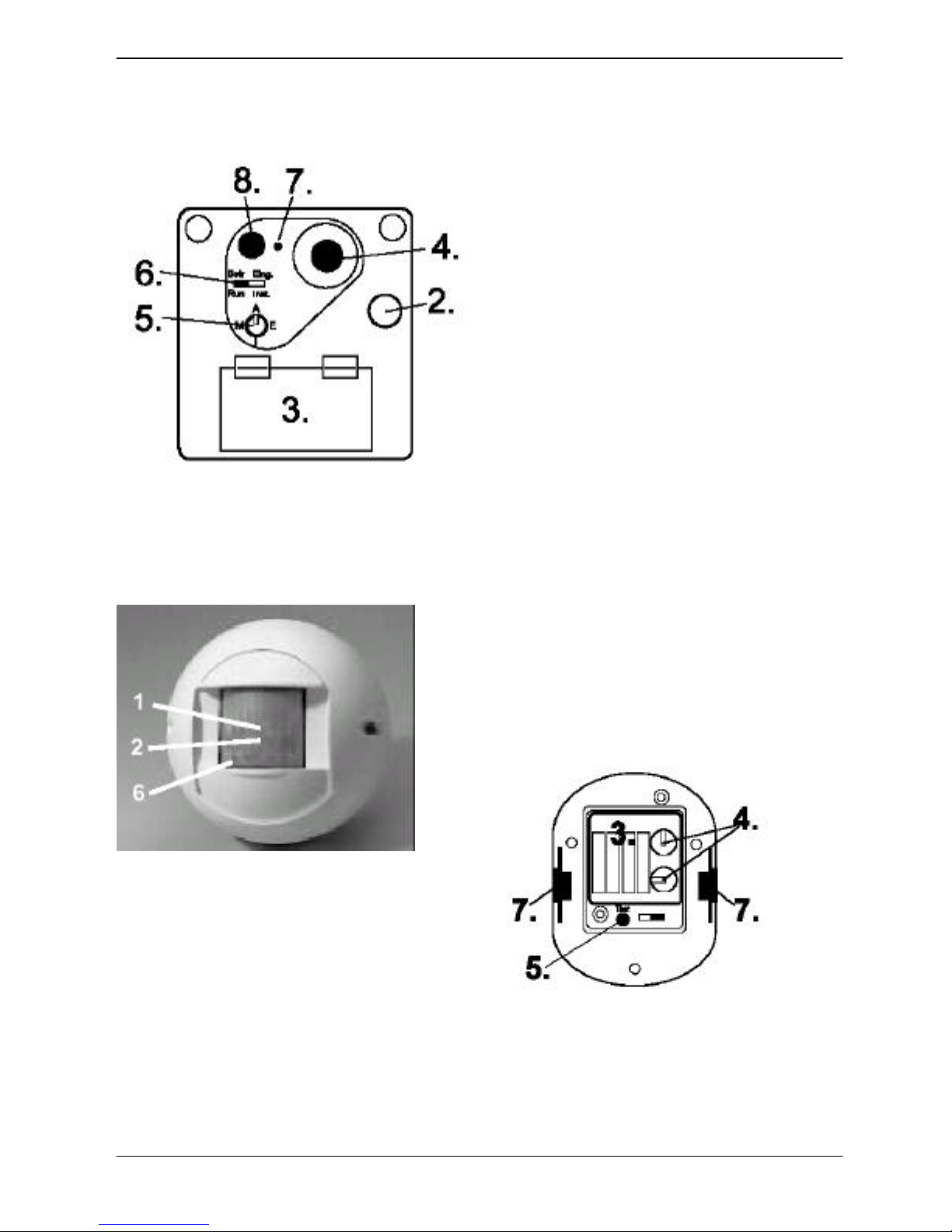
To set up the DM10E Motion Detector
Remove the screw from the front cover on the Motion Detector and
remove the cover. Unclip the Motion Detector from the back plate.
Remove the 2 screws from the battery compartment cover. Insert 4
“AA” alkaline batteries (observe polarity). Replace the battery cover.
Attach the back plate to an exterior wall in a location where the
Motion Detector will see any intruder who approaches your home.
Clip the Motion Detector onto the back plate. Refit the cover. Adjust
the swivel up and down for best coverage.
Wait for approximately 60 seconds after installing the batteries to let
the sensing circuitry settle before testing the unit.
To test the DM10 Motion Detector
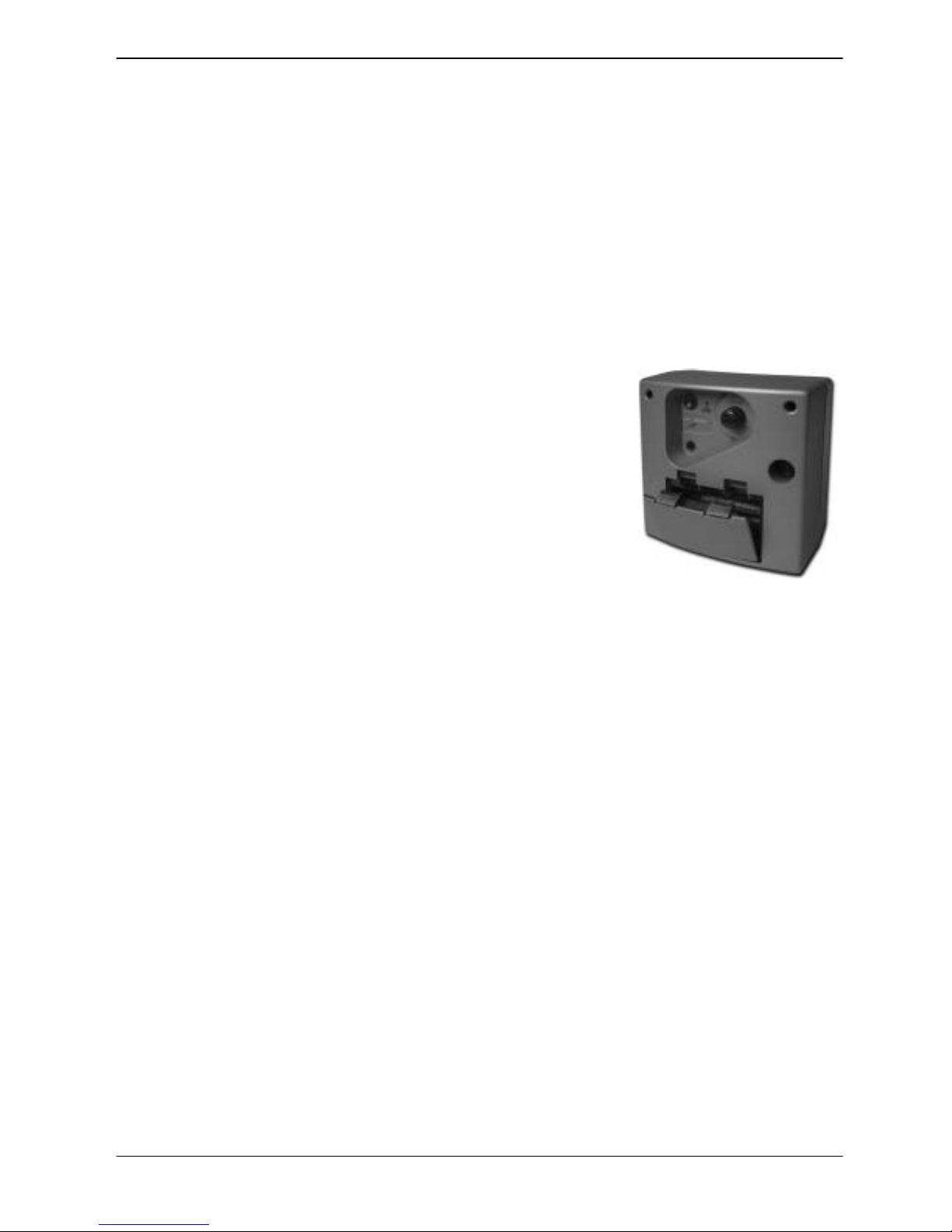
Make sure the slide switch on the back of Barking Dog is set to RUN (to the left). Arm Barking
Dog, by pressing the button on the back. The small red light on the back turns on. Walk past the
Motion Detector. Barking Dog starts barking. Five seconds after barking starts Barking Dog will
turn on Lamp Modules (which are set to A1). The barking will stop approximately 30 seconds
later. If the Motion Detector is tripped again the sequence repeats itself, if no motion is detected
for 4 minutes, Barking Dog goes quiet, and the Lamp Module set to A1 will turn off.
Note: after the Motion Detector has been tripped it will not trip again for a period of 30 seconds
(for longer battery life). Press the button on the back of Barking Dog to disarm it, the red light
goes off.
Dusk/Dawn Sensor feature
The Motion Detector detects changes in light levels and transmits a signal to REX-10 or other
Transceiver Module to let it know whether it is light or dark outside. When the Motion Detector
tells REX-10 that it is dusk, it turns on lights connected to X10 Modules (which are set to A2).
When dawn is sensed, it then turns A2 off. Note if you changed the code that REX-10 responds
to, say to 5 (see REX-10 instructions) then REX-10 will turn on lights connected to X10 Modules
set to 6 when dusk is detected, i.e. the dusk light is always one number higher than the light that
turns on when motion is detected.
To change how late or how early the dusk lights some on Set the Dusk Sensitivity switch inside
the battery compartment on the Motion Detector the left to make the lights come on sooner or to
the right to make them come on later.
NOTE: NO CHANGES OR MODIFICATIONS MAY BE MADE TO THE UNITS. ANY CHANGES
MADE TO THE UNITS WILL VOID THE USER'S AUTHORITY TO OPERATE THE EQUIPMENT.