Boca Systems Webglider-460 Manuale utente

1
Reference Guide
Product Code: TU120AE
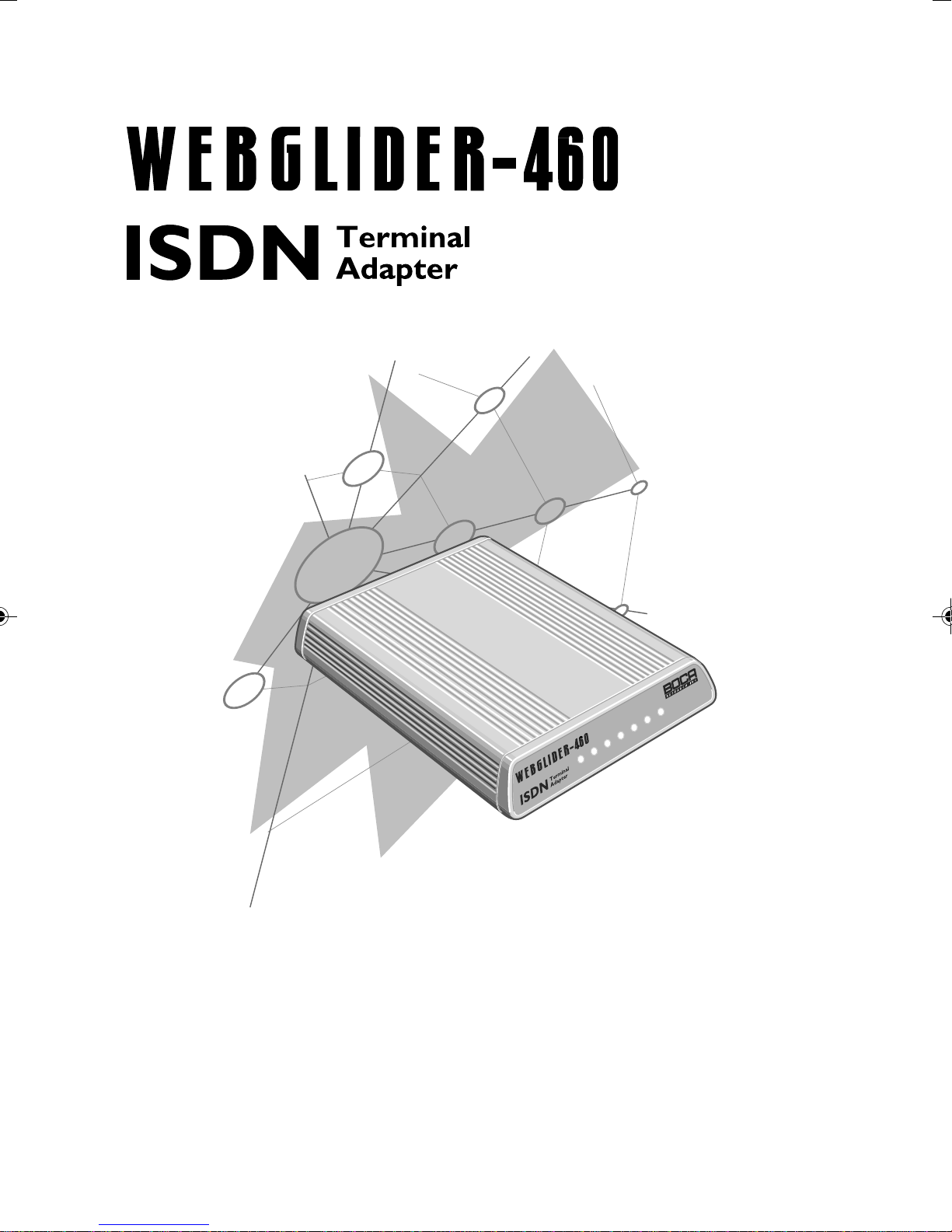
PWR VC DC TR TD RD DS
TU120AE.PM5 2/16/96, 11:04 AM1

2
WEBGLIDER-460
TU120AE.PM5 2/16/96, 11:04 AM2

3
Before You Begin your Installation
The product you have purchased is designed to be easily installed with
most IBM PC or compatible systems in conjunction with an ISDN phone
line. The Quick Tour Installation Guide contains detailed instructions and
is where you should begin installation. Most included software has
automatic installation programs to place the software correctly onto your
computer. However, as all computers are configured differently, you may
be required to perform some basic DOS or Windows tasks. If you are not
familiar with basic DOS commands such as DIR, CD, or EDIT, you
should check your DOS manual, or seek assistance from your local
computer dealer to install the product.
How to get Technical Assistance
The dealer that you purchased this product or your computer from is the
first place you should go for technical assistance. The dealer is usually
the most qualified source of help, and is most familiar with your system
and how this product should be installed. Many dealers have customer
service and technical support programs, with varying levels of support
offered, depending on your needs and computer knowledge. Please
contact the dealer first whenever a problem occurs.
If your Dealer Can’t Assist you
If you can’t get assistance from your dealer, the manufacturer provides
varying levels of technical assistance as summarized on the following
page. The Standard Free Technical Support number is for quick answers
to specific inquiries on product features and technical questions (call 407-
241-8088; M-F, 8 am to 6:30 pm EST). Direct access to technical support
representatives is provided on a limited basis. If you require immediate
attention or in-depth help with the installation of the product, please call
our 900-priority support number for service. This number gives you
immediate access to senior-level technicians. The number is 900-555-4900.
You will be charged $2.00 per minute. The charges will appear on your
next phone bill.
TU120AE.PM5 2/16/96, 11:04 AM3

4
WEBGLIDER-460
Damaged or Missing Items
We use many world-class quality assurance programs to ensure the
product you purchased is of the highest caliber. Sometimes, however, a
component may be missing from the box, or is damaged or corrupt in
some way. If this happens, immediately return the entire package to your
place of purchase so you may exchange it for a new one. Your dealer
should be able to provide you with an exchange far more quickly than by
contacting us directly. If for some reason you are unable to return the
product directly to its place of purchase, refer to the “Servicing Your
Product” and “Warranty” sections in this manual for instructions.
On-Line Support!
CompuServe: GO BOCA
Internet:
email: [email protected]
on the World Wide Web:
http://www.boca.org
Boca BBS
407-997-9159
(ISDN)
407-241-1601
(analog)
Priority Service
900-555-4900
($2 per minute)
2
3
1
4
5
6
79
8
Technical
Support Fax
407-997-2163
Automated
Fax Retrieval
System
407-995-9456
Standard Free
Technical Support
407-241-8088
2
3
1
4
5
6
79
8
TU120AE.PM5 2/16/96, 11:04 AM4

5
Using the Boca Research WEBGLIDER-460 Reference Guide
This manual provides reference information for the WEBGLIDER-460.
WEBGLIDER documentation assumes the user has basic computer skills
and is familiar with personal computers. For installation, use the Quick
Tour Installation Guide. Our customer support experience has shown
that many costly and time-consuming calls to our technical support staff
can be avoided with closer attention to the information provided in the
documentation. In addition to following the instructions provided in
the WEBGLIDER documentation, you will also need to consult the
documentation supplied with your communications software.
Copyright
©1996 Boca Research, Inc.All rights reserved. No reproduction of this document in
any form is allowed without permission in writing from Boca Research, Inc. Boca
Research is not liable for any damage resulting from technical or editorial errors or
omissions contained in this document. The information in this manual is subject to
change without notice. Revisions to the product(s) in this manual may occur at any
time without notice.
Trademarks
All Boca Research products are trademarks of Boca Research, Inc. All other
references to computer systems, software, and peripherals use trademarks owned
by their respective manufacturers.
Publication Date: February, 1996
Printed in the U.S.A. TU120AE.PM5
IMPORTANT NOTICE
FCC Requirements
The Federal Communications Commission (FCC) restricts the way you
can use modems. Read the FCC compliance statement found in
Appendix E of this manual.
TU120AE.PM5 2/16/96, 11:04 AM5

6
WEBGLIDER-460
Contents
Section One: Introduction...................................................... 7
1.1 This Reference Guide ............................................................ 9
1.2 Package Contents................................................................... 10
1.3 Notation Conventions Used............................................... 11
Section Two: WEBGLIDER Interfaces & Features ....... 13
2.1 WEBGLIDER Interfaces ...................................................... 13
2.2 WEBGLIDER Indicators...................................................... 16
Section Three: Installation................................................... 17
Section Four: Command Line Configuration ................. 19
Appendix A: Troubleshooting............................................ 27
Appendix B: Cable Connections ........................................ 31
Appendix C: Command/Protocol Overview ................... 33
Appendix D: Technical Specifications ............................ 39
Appendix E: Compliance Information ............................. 41
Appendix F: Warranty ........................................................... 45
Appendix G: Servicing Your Boca Product..................... 47
Appendix H: AT Command Reference ............................ 51
Mode Selection ............................................................................................ 53
Extended Call Control ............................................................................... 55
DTE Interface............................................................................................... 56
Miscellaneous.............................................................................................. 62
S-Registers .................................................................................................... 65
Response Codes........................................................................................... 70
Extended Response Codes ....................................................................... 71
Appendix I: Additional Command Line Options......... 75
Appendix J: Microsoft’s Remote Access Server ............ 91
Appendix K: Dial-Up Networking for Windows 95 .... 93
Appendix L: Glossary............................................................ 95
TU120AE.PM5 2/16/96, 11:04 AM6

7
Introduction 1
The WEBGLIDER is a Basic Rate Integrated Services Digital
Network (ISDN) terminal adapter that allows connection of a PC
(or other data terminal equipment) and up to two telephone
devices (such as telephones, modems or faxes) to ISDN. This
product was designed specifically for North American ISDN.
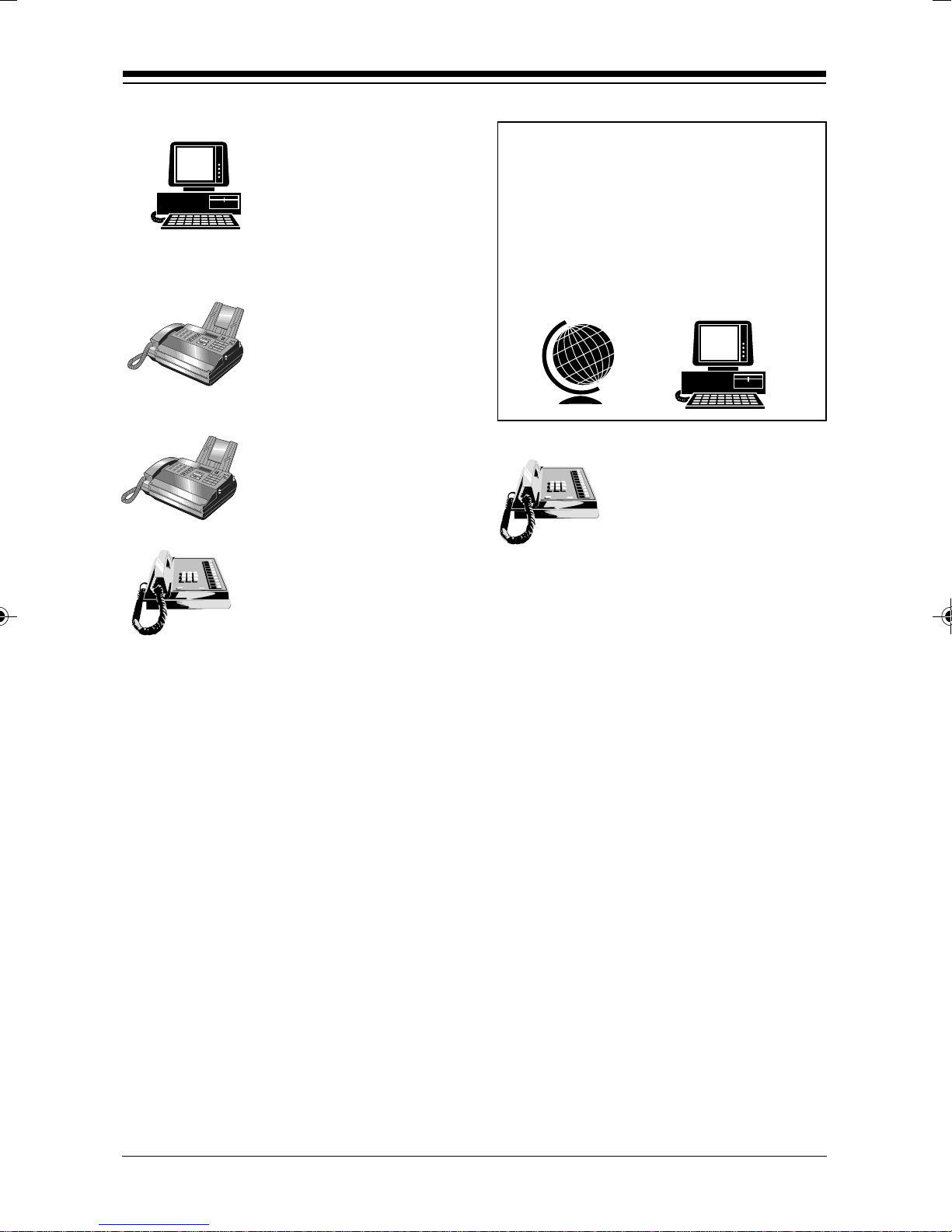
The WEBGLIDER allows you to
connect your PC to the Internet,
telecommute to a central site,
connect to other remote PCs, or
computer systems. At the same
time your existing telephone
equipment can be used to make
calls to other equipment on the
Public Switched Telephone
Network (PSTN).
The on-board high speed processor handles all ISDN processing,
channel aggregation and data compression giving the
WEBGLIDER very fast connect times and very high throughput
allowing connections to data terminal equipment at up to
460.8Kbps*.
The WEBGLIDER connects to the U-interface of the ISDN
allowing direct connection to the ISDN without the need for an
NT1 device. NOTE: Do not attach the WEBGLIDER to an NT1
device.
Introduction
INTRODUCTION
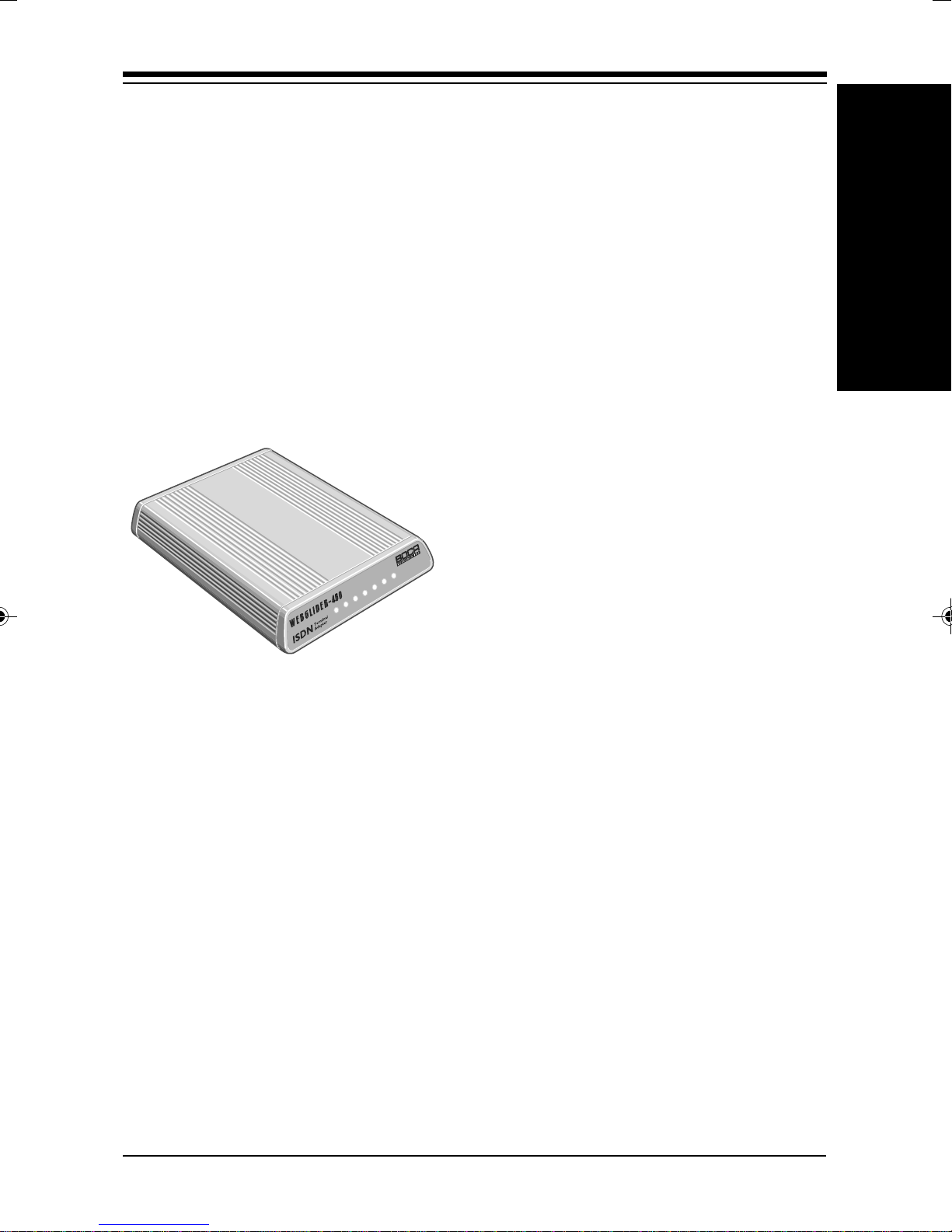
PWR VC DC TR TD RD DS
The WEBGLIDER
TU120AE.PM5 2/16/96, 11:04 AM7

8
WEBGLIDER-460
Basic Rate ISDN provides two 64 kbps B-channels, each of which
can carry a data or a ‘voice’ call. This allows the WEBGLIDER to
handle two simultaneous ‘voice’ calls (telephone, fax or modem),
or a ‘voice’ call and an ISDN data call, or a data call that uses both
B-channels (128 kbps).
Industry standard V.120 rate adaption and V.42bis data
compression ensure interoperability with ISDN equipment from
other vendors. The WEBGLIDER is able to store up to 32 different
numbers and has directories of stored numbers for positive
(“whitelisting”) and negative (“blacklisting”) checking of caller ID,
allowing secure applications to be developed.
The industry standard AT command set is also included.
Familiarize yourself with the following terms before continuing.
ANALOG PHONE DEVICE: Regular phone handset, fax
machine, etc.
AUX1/AUX2: POTS ports on the back of your WEBGLIDER.
BRI.: Basic Rate Interface
DN: Directory Numbers (phone numbers) given to you by your
phone company when you get ISDN service
NETWORK (ISDN): Type of switching equipment the phone
company uses to connect your ISDN line to their CO (central
office)
POTS port: (Plain Old Telephone Service), i.e., RJ-11 phone-type
jack into which you can plug standard devices like fax machines
or telephone handsets.
SPID: Service Profile ID (supplied by your phone company)
TA: Terminal Adapter (usually ISDN modem)
TU120AE.PM5 2/16/96, 11:04 AM8

9
1.1 This Reference Guide
This manual provides a technical reference for the
WEBGLIDER.
Section 1... (this section) provides a description of
package contents and tells you where to
get started.
Section 2... describes the WEBGLIDER connectors
and indicators.
Section 3... describes the physical installation.
Section 4... shows you how to configure your
WEBGLIDER with command line options;
otherwise, refer to the Quick Tour Installation
Guide
.
Appendices... provide troubleshooting guidance,
extensive reference information (including
specifications, a comprehensive AT
command reference, and a glossary),
regulatory and warranty information,
and how to service your Boca product.
*(With two WEBGLIDERS, each using a Boca IO650 serial card, V.42bis
compression, and rate aggregation).
Introduction
TU120AE.PM5 2/16/96, 11:04 AM9

10
WEBGLIDER-460
1.2 Package Contents
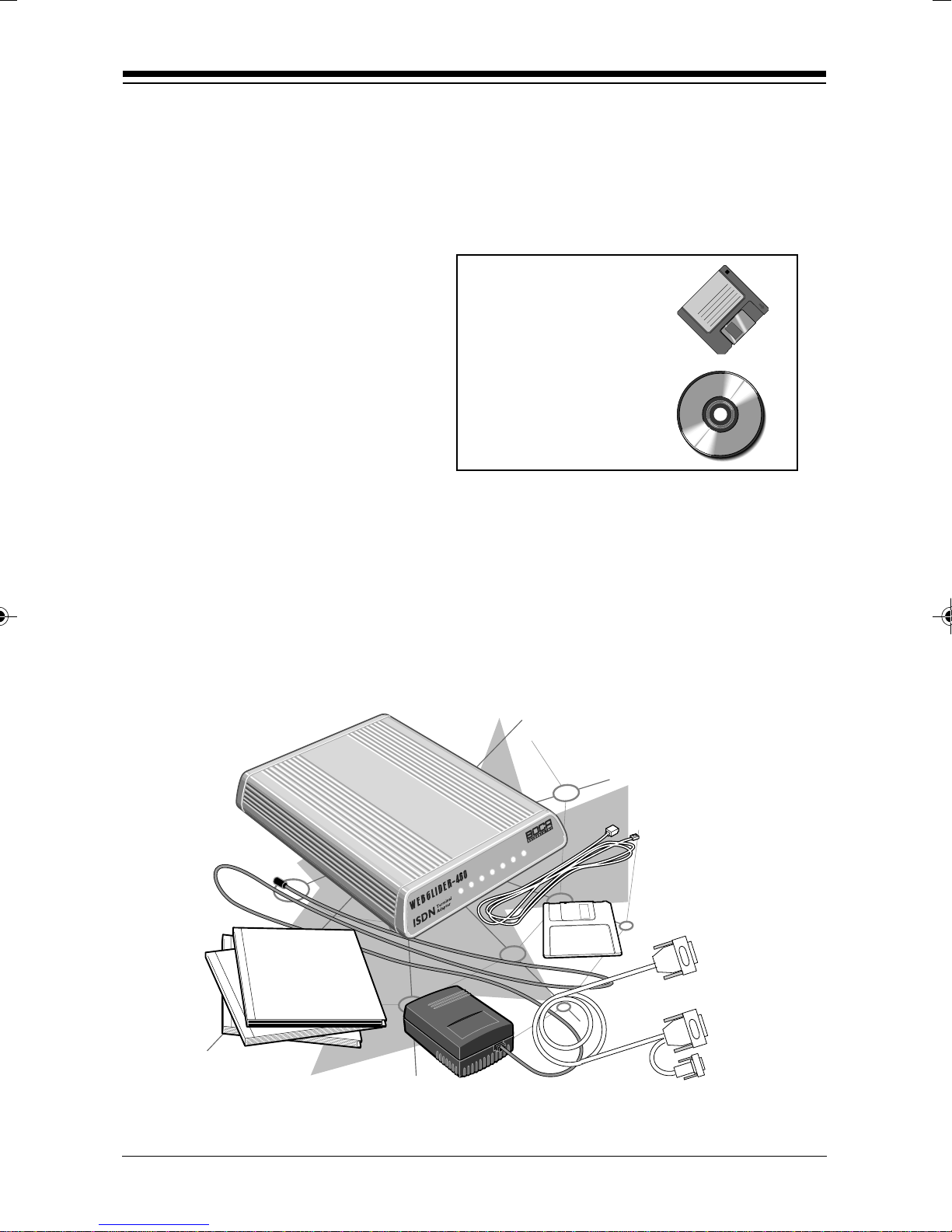
The WEBGLIDER package contents are illustrated below. The
package contains:
• WEBGLIDER
• power supply
• RJ-45 cable
• RS-232 serial cable
• this Reference Guide
• Quick Tour installation guide
• Ordering ISDN Services guide
• software diskette(s).
Examine the contents of your WEBGLIDER package and check for
damage. Contact your supplier or distributor if any of the items
listed above are missing or physically damaged. Do not install
damaged equipment.
Other software,
CDs,
documentation,and
specialintroductory
offers may also be
included.
PWR VC DC TR TD RD DS
TU120AE.PM5 2/16/96, 11:04 AM10
Indice
Altri manuali Boca Systems Adattatore