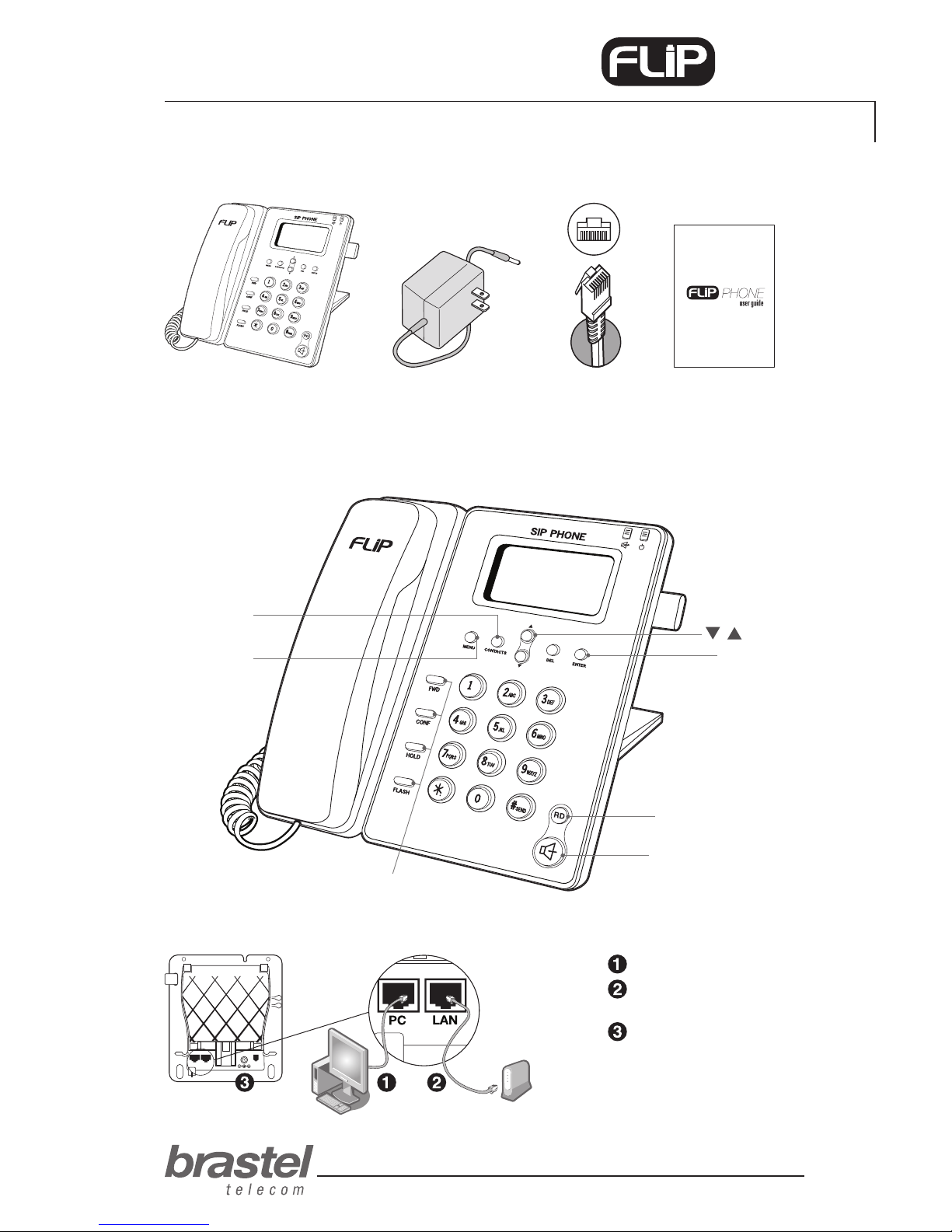
TERMINAL FUNCTIONS
PHONE SETTING
PROCEDUREFUNCTIONS
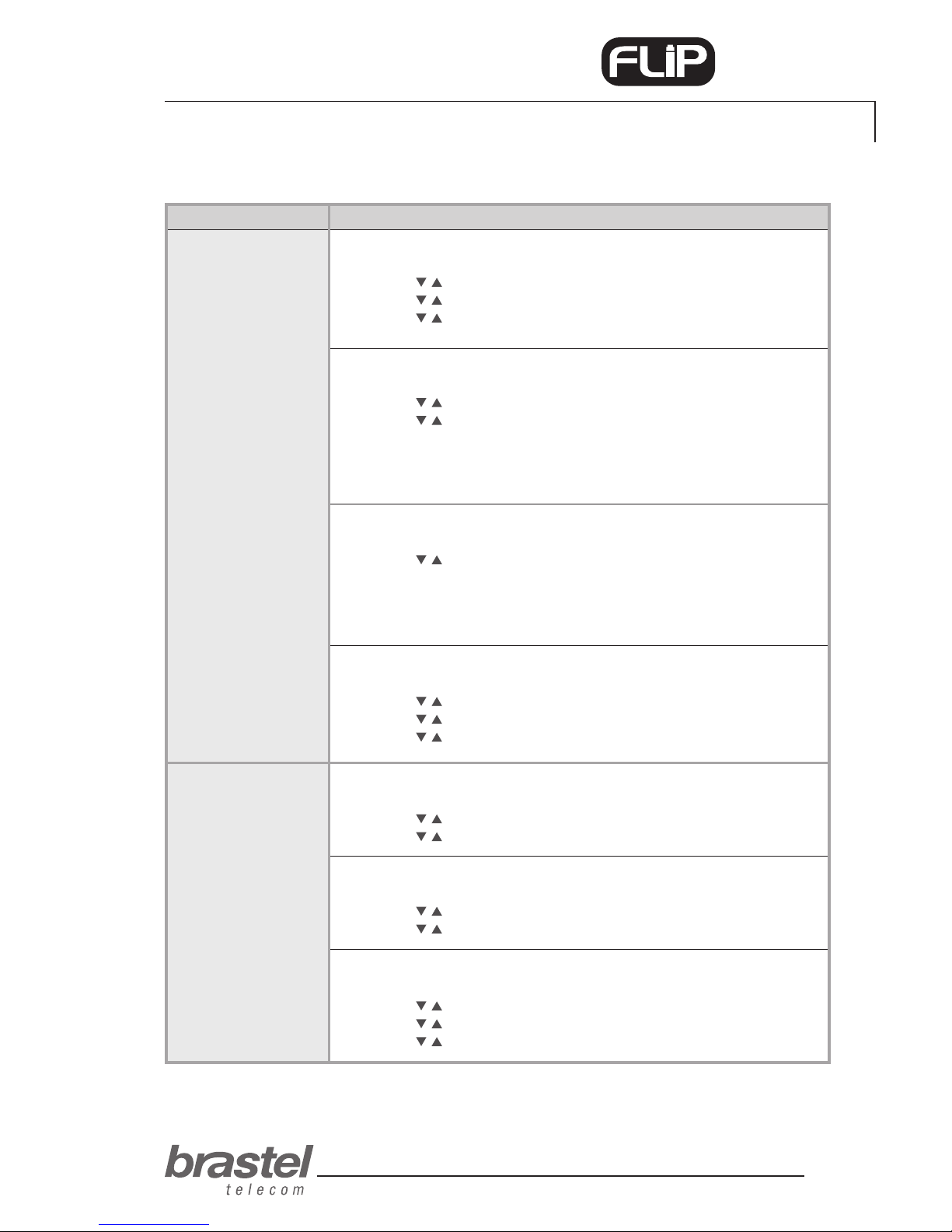
ALARM CLOCK
1. Press the Menu button.
2. Use the buttons to select Phone setting and press Enter.
3. Use the buttons to select Alarm setting and press Enter.
4. Use the buttons to select Activation and press Enter.
5. Use the buttons to select Enabled or Disable and press Enter.
ALARM CLOCK (TIME ADJUST)
1. Press the Menu button.
2. Use the buttons to select Phone setting and press Enter.
3. Use the buttons to select Alarm setting and press Enter.
4. Use the buttons to select Alarm Time, enter the desired time and press Enter.
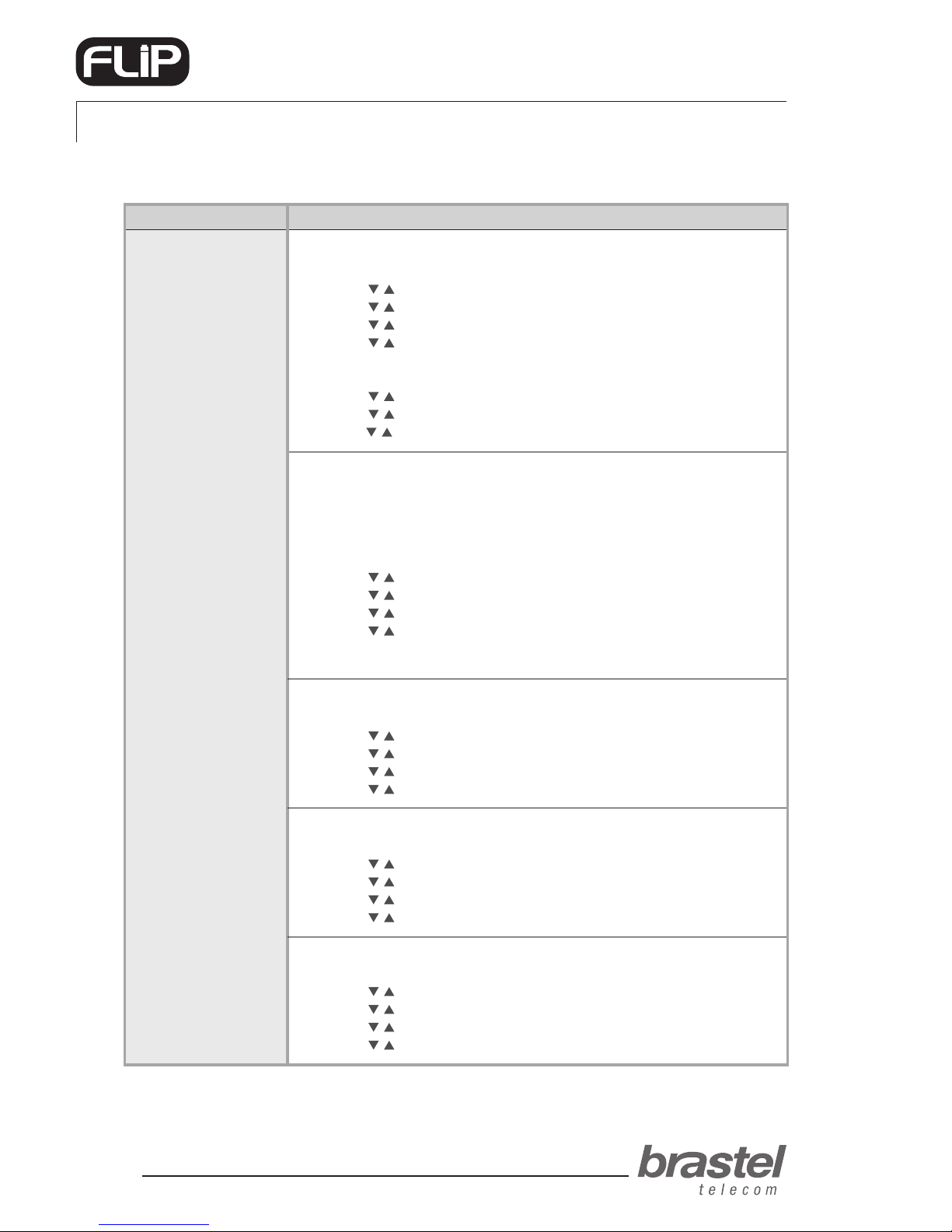
DATE/TIME
When the FLIP Phone is plugged in and it connects to Brastel’s server, Japan’s
date/time will be set automatically in the terminal.
If you wish to change the date/time of another country, follow the procedure
below to adjust the new time zone (see Addendum III, page 17).
1. Press the Menu button.
2. Use the buttons to select Phone setting and press Enter.
3. Use the buttons to select Date/Time setting and press Enter.
4. Use the buttons to select SNTP setting and press Enter.
5. Use the buttons to select Time zone and press Enter.
6. Enter the country’s time zone and press Enter.
SPEAKER VOLUME
1. Press the Menu button.
2. Use the buttons to select Phone setting and press Enter.
3. Use the buttons to select Volume and Gain and press Enter.
4. Use the buttons to select Speaker volume and press Enter.
5. Use the buttons to select the desired volume and press Enter.
HANDSET VOLUME
1. Press the Menu button.
2. Use the buttons to select Phone setting and press Enter.
3. Use the buttons to select Volume and Gain and press Enter.
4. Use the buttons to select Handset volume and press Enter.
5. Use the buttons to select the desired volume and press Enter.
RING TONE VOLUME
1. Press the Menu button.
2. Use the buttons to select Phone setting and press Enter.
3. Use the buttons to select Ringer and press Enter.
4. Use the buttons to select Ringer volume and press Enter.
5. Use the buttons to select the desired volume and press Enter.