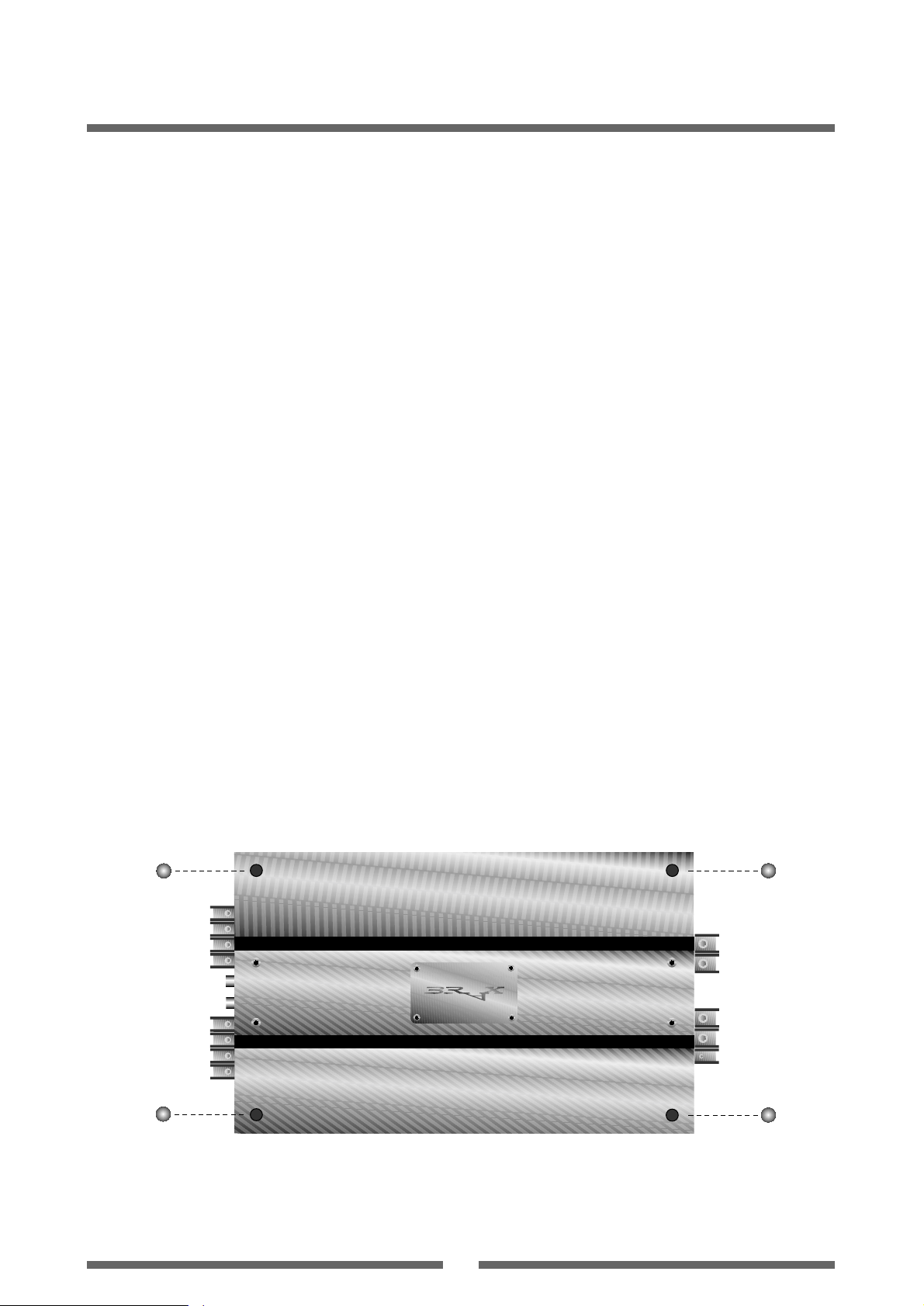
Equipment Features and Control Elements
10
1 Signal Inputs Right Channel
Both inputs -front and rear- are marked red.
Connect using an RCA cable with cinch connectors.
2 Signal Inputs Left Channel
Both inputs -front and rear- are marked white.
Connect using an RCA cable with cinch connectors.
3 Speaker Terminals
The speakers are connected here in accordance with the
required configuration (see Figs. 5 to 7). Cable sizes of up
to 6 mm2/gauge 10 can be employed for this purpose.
4 CPS-Color Protection System
This shows the operating status of your amplifiers. When the
amplifier module is switched on, all LED’s briefly light up
red and then change to green. This means that all channels
of the module are operational. In the event of a malfunction
in the amplifier module or a short circuit at the output, the
LED for the defective or short-circuited channel switches to
yellow. In the event of an amplifier channel overheating, the
associated LED switches to red.
Green = operational; Yellow = malfunction in the ampli-
fier, short circuit at the speaker output; Red = overheating.
If the amplifier has tripped owing to overheating, it may
take some time, depending on the ambient temperature,
before it is re-activated.
5 Input Sensitivity Level Controllers
To operate the sensitivity level controllers loosen the
screws and remove the gold-plated leaf with logo and
series number. Use the enclosed set-screw for this action.
The level controllers enable the input sensitivity of the
BRAX amplifiers to be adapted to the output voltage of the
connected control unit (radio/tuner). These controllers are
not volume controls. Optimum setting of the level control-
ler ensures you maximum audio enjoyment without those
all-too-common audible distortions and overshoot pheno-
mena which have such an adverse effect on sound quality.
6 Power Supply Terminal
Terminal for connecting the positive 12-volt power supply
cable, the ground/chassis lead and the remote lead.
7 External Connection for a BRAX Power Stabilizer
8 Power ON and Protection LEDs
The power ON LED lights up green when the amplifier is
switched on. In the event of one of the two channels
overheating, the LED switches to red.
9
10 11 12
Card Sockets for CCCs
Sockets are located at the bottom of the amplifier for plug-
ging in the Circuit Control Cards for front and rear and for
both the left and the right channels.
9 = Front left channel
10 = Front right channel
11 = Rear left channel
12 = Rear right channel
(See details on page 7)
13
Selector Rear Mono/Stereo
With this selector the two rear stereo channels can be
changed to a mono channel.
14
Selector Front Mono/Stereo
With this selector the two front stereo channels can be
changed to a mono channel.