
Bridge Command BC-MT-1950 Manuale utente
MULTI-TOUCH SERIES 50 DISPLAY
BC-MT-1950 & BC-MT-2450
(1st Edition 10/16/2014)
All information contained in this manual is subject to change without notice
USER MANUAL

RECORD OF REVISION
Version and Date Page Old Description New Description Remark
October 16, 2014 all Preliminary Release
1

TABLE OF CONTENT
RECORD OF REVISION ........................................................................................................1
WARNING NOTICES........................................................................................................3
1.0 INTRODUCTION............................................................................................................ 7
2.0 CONTROL AND FEATURES............................................................................................. 8
3.0 INSTALLATIONS ............................................................................................................ 9
4.0 OSD OPERATIONS....................................................................................................... 15
5.0 TECHNICAL SPECIFICATION........................................................................................ 29
6.0 MAINTENAINCE AND TROUBLESHOOTING.................................................................... 31
TABLE OF CONTENT...................................................................................................... 2
IMPORTANT INFORMATION........................................................................................... 5
PACKING LIST...................................................................................................................6
2

WARNING
Potential Ignition Source
This product is NOT approved for use in
hazardous/flammable areas, e.g.
engine rooms.
Marine's instructions provided. Failure
operated in accordance with Green
This equiptment must be installed and
Product Installation
WARNING
to do so could result in poor product
performance, personal injury, and/or
damage to your boat.
3

WARNING
WARNING
Electrical Safety
Make sure you have set the boat's
power supply to OFF before you start
installing this product.
Navigation Aid
When this product is used within a
navigation system, it is only an AID to
navigation. The accuracy of this product
can be affected by many factors,
including equipment failure or defects,
environmental conditions, and improper
use. It is the user's responsibility to
exercise common prudence and
navigational judgements. Always check
your position against all available aids to
navigation for the safety of your boat
and crew.
4

IMPORTANT INFORMATION
EMC conformance
All Bridge Command displays and accessories are designed to the best industry standards
for use in the marine environment. The design and manufacture of Bridge Command
displays and accessories conform to the appropriate ElectroMagnetic Compatibility
(EMC) standards, but correct installation is required to ensure that performance is not
compromised.
Waste Electrical and Electronic Equipment Directive
The Waste Electrical and Electronic Equipment (WEEE) Directive requires the recycling
of waste electrical and electronic equipment. While the WEEE Directive does not apply
to some of Bridge Command's products
, we support its policy and ask you to be aware of how
to dispose of our products.
The crossed out garbage bin symbol, illustrated above, and found on our products
signifies that this product should not be disposed of in general waste or landfill facilities.
Please contact the marine electronics dealer you purchased this product from,
or Green Marine Monitor's customer support for information on product disposal.
Restriction of the use of certain Hazardous Substances
Bridge Command displays use components that comply with the requirements of the
restriction of the use of certain Hazardous Substances (RoHS) Directive 2002/95/ EC.
Warranty Registration
Green Marine Monitors automatically registers and tracks the warranty of all our products.
No further registration is required of our customers.
5
Packing List
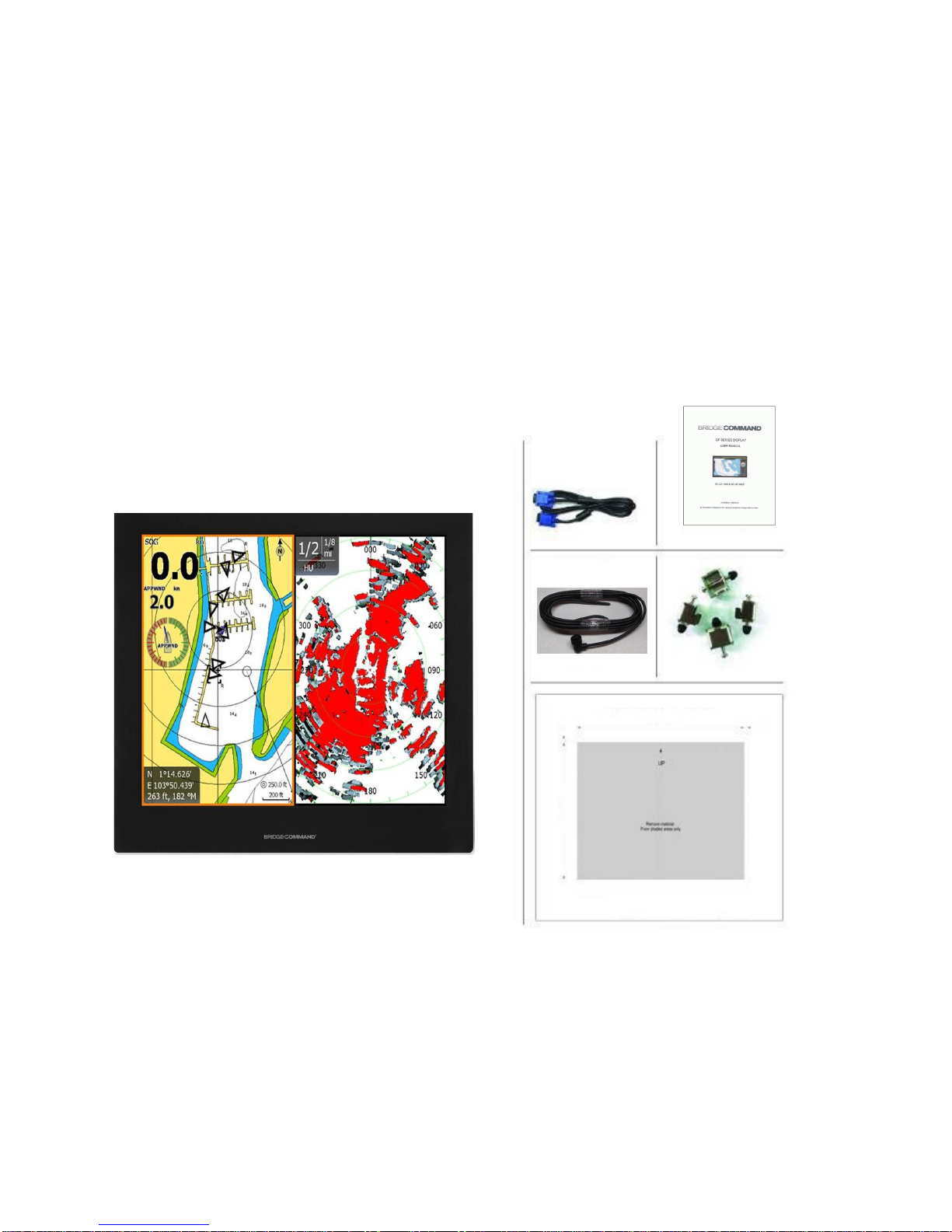
Before installation, please ensure the following items have been shipped:
z1 x Bridge Command Multi-Touch Series 50 Display
z4 x Mounting bracket lugs and 4 stainless steel threaded studs
z1 x Power Cable
z1 x VGA Cable
z1 x Printed Flush Mount Template
z1 x Printed User Manual
If any of these items should be missing or damaged, please contact your dealer
or sales representative immediately.
摡浡来搠灬敡獥潮瑡捴⁹潵爠摥慬敲摡浡来搠灬敡獥潮瑡捴⁹潵爠摥慬敲
6

1.0 INTRODUCTION
About Bridge Command Multi-Touch Series 50 Displays
Bridge Command MT Series 50 displays are equipped with optically bonded
AR glass and are specifically engineered to survive the most demanding applications.
You will soon become familiar with the quality difference in this bright, sunlight
readable (0 to 1,000 nits) display.
Bridge Command MT Series 50 displays are designed to be used as part
of an integrated marine navigation system or within an entertainment system.
The displays, available in 19 inch and 24 inch wide, are suitable for use on the flybridge or in
the pilot house and are IP-65 waterproof when panel mounted.
Bridge Command MT Series 50 displays handle a wide-range of extreme environments
making them the industry choice for recreational and commercial marine applications.
Housed in a milled billet aluminum case,these displays are light weight and are
designed with a very slim case profile.
We have incorp orated the latest optical engineering to achieve optimal
power efficient, low heat design results in increased reliability and
longevity required for mission critical deployment.
This manual contains important information on the installation, operation and
maintenance of your Bridge Command MT Series 50 marine display(s).
viewability in all lighting conditions, including direct sunlight. The MT Series 50
7
2.0 CONTROL AND FEATURES
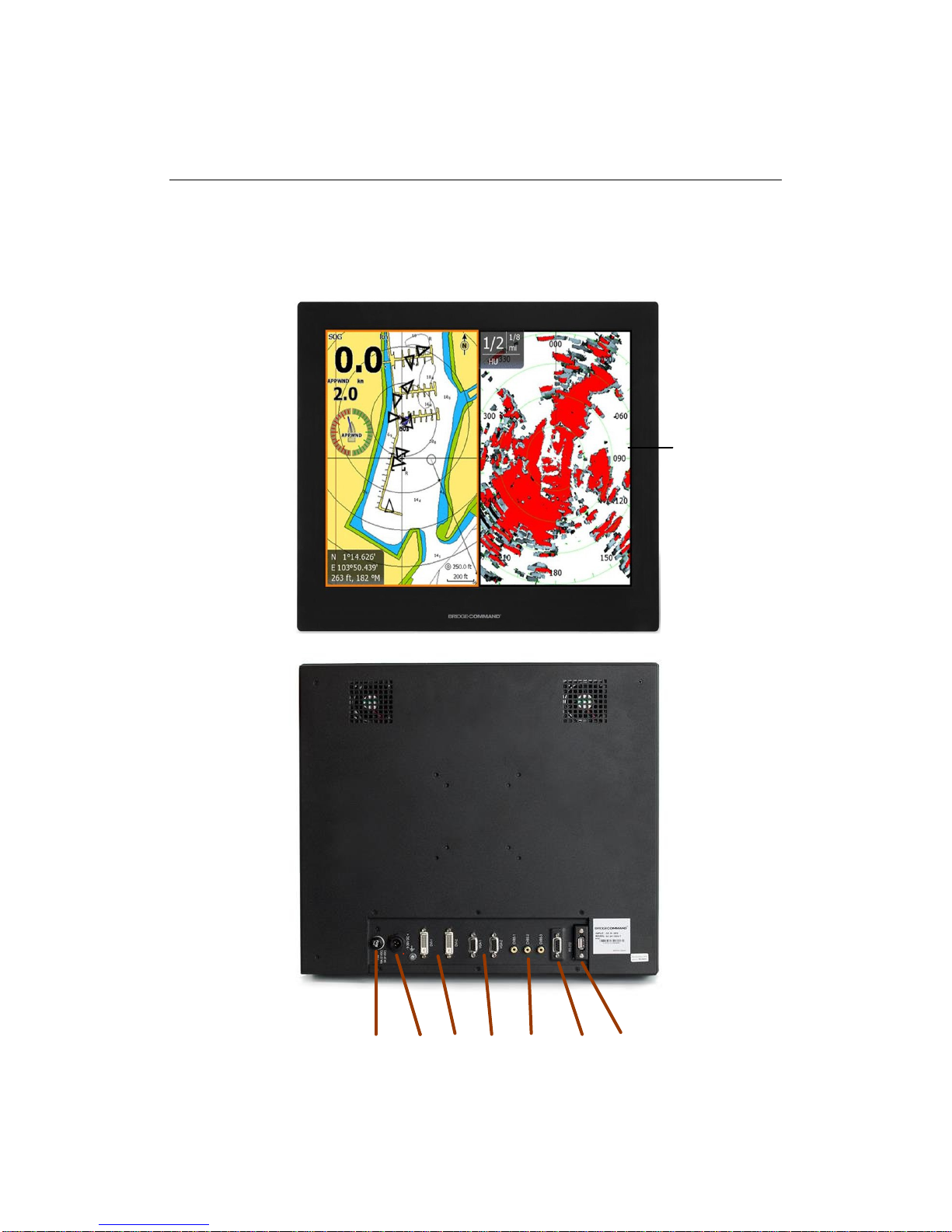
Your Bridge Command Multi-Touch Series 50 display has the following features:
Front View
Back View
Bonded Anti-Reflective
USB
10A Max
9-36V
DC DVI VGA CVBS RS232
All Glass Front
8
FUSE

3.0 INSTALLATION
It is important that your new display is installed and operated in accordance with the
instructions provided in this manual. Failure to do so could result in poor product
performance and may invalidate your warranty.
When planning the installation the following points must be considered:
• If temperatures exceed the normal temperature operating range, the display could
overheat and begin to blackout due to the limitations of TFT LCD technology.
• In order to minimize the chances of a malfunction, the following precautions should be
taken during installation:
• The
ventilation (min. 6 inches / 15cm clearance) . If it is possible to cool the area behind
the display, it will significantly reduce the risk of a malfunction.
• The
mounting the display in a flat plane, which increases the surface area exposed to the
sun and leads to increased heat absorption.
IMPORTANT: Your Multi-Touch Series 50 display is only waterproof from the front. To
maintain watertight integrity, the display must be flush mounted ensuring that the rear casing
is enclosed in a watertight enclosure.
Multi-Touch Series 50 displays are designed to be mounted in two configurations:
VESA75 / VESA100 MOUNT
The Bridge Command MT Series 50 displays are compatible with VESA75 and VESA100
mounts. By installing the display with a compatable VESA mount the user can change
the displays angle to improve viewability. Before the display is mounted, power and signal source
should be connected and the display should be held at approximate mounting location to check viewing
angle for satisfactory picture quality.
display should be installed in an area where there is proper and adequate
display should be mounted at an angle to the sun. We do not recommend
9
Questo manuale è adatto per i seguenti modelli
1
Indice


