
Bryant Evolution Connex SYSTXBBECW01 Manuale utente
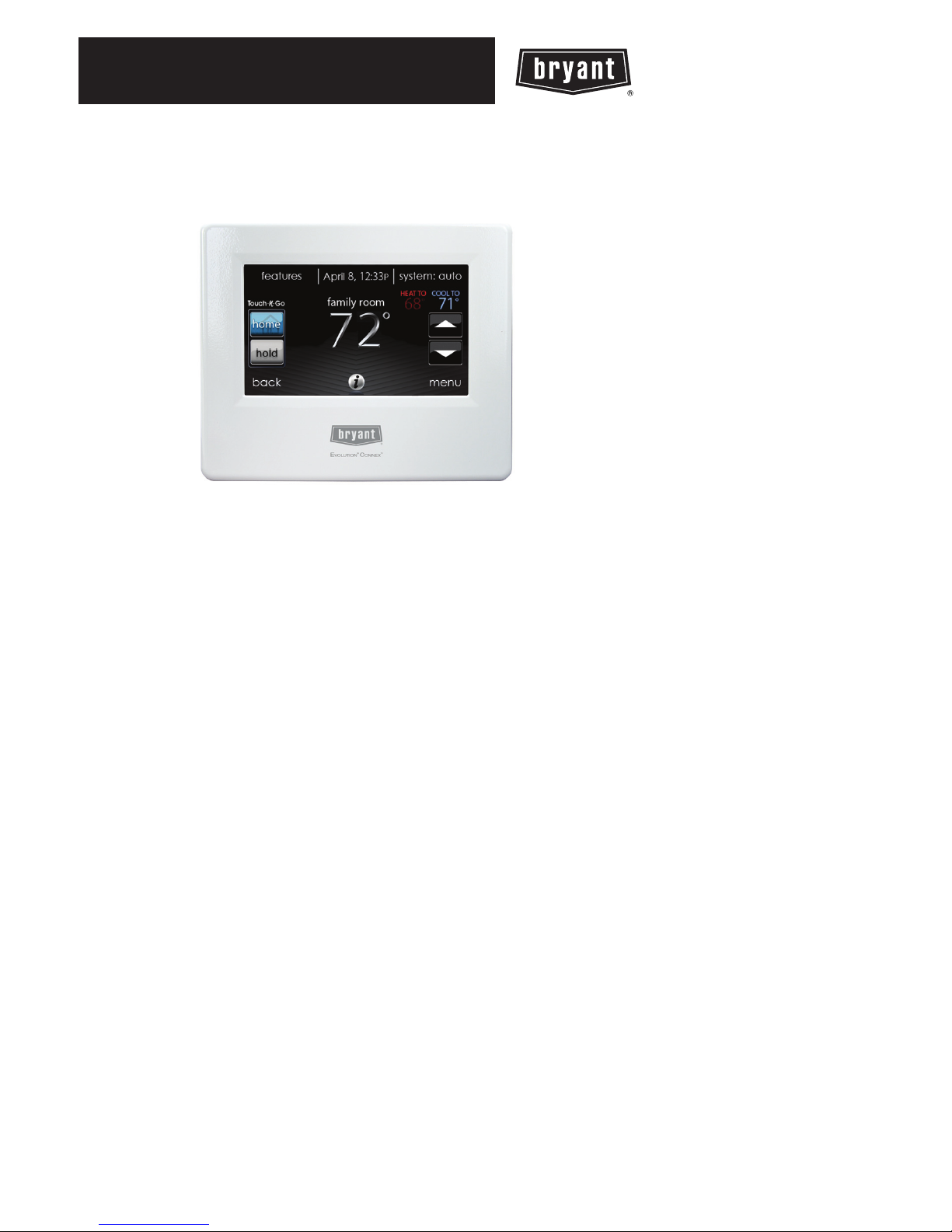
SYSTXBBECW01 &
SYSTXBBECN01
EvolutionrConnextControl
Installation Instructions
A12479
NOTE: Read the entire instruction manual before starting the installation.
US Patents: Carrier U.S. Pat No. 7,243,004, Carrier U.S. Pat No. 7,775,452, pointSETtU.S.
Pat No. 7,415,102


TABLE OF CONTENTS
PAGE
1. Safety Considerations 1...........................................
2. Introduction 1...................................................
3. Quick Start 2....................................................
3.1. Set Time and Date 2...........................................
3.2. Set Dealer Information 3.......................................
4. Installation 4....................................................
4.1. Overview 4..................................................
4.2. Check Equipment 4...........................................
4.3. Location 5..................................................
4.3.1. Wall Control 5...........................................
4.3.2. Remote Room Sensors 6...................................
4.3.2.1. Remote Room Sensor Averaging 6.........................
4.3.3. Smart Sensors (for zoning applications) 7......................
4.4. Wiring Considerations 7........................................
4.4.1. Shielded Wire 10.........................................
4.4.2. Damper Control Module 11.................................
4.5. Mounting 11.................................................
4.5.1. Decorative Backplate 12...................................

TABLE OF CONTENTS (cont.)
PAGE
4.6. Humidifier Connections 13.....................................
4.6.1. Bypass Humidifier 13......................................
4.6.2. Fan Powered Humidifiers 13................................
5. Commissioning 14...............................................
5.1. Searching for Indoor Unit 14....................................
5.2. Searching for Outdoor Unit 15...................................
5.3. Indoor Evaporator Selection 16..................................
5.4. Electric Heater Selection 16.....................................
5.4.1. Hydronic Heat Application 17...............................
5.5. Searching for Zones (if applicable) 17.............................
5.6. Filter Type Selection 18........................................
5.7. Humidifier Installation 18......................................
5.8. Ultraviolet Lights Installation 18.................................
5.9. Equipment Summary 18........................................
5.10. Static Pressure Check 19.......................................
5.11. Duct Assessment (zoning applications only) 20......................
6. Service Menu 21.................................................
6.1. Equipment Summary 21........................................
6.2. Installation 22................................................

TABLE OF CONTENTS (cont.)
PAGE
6.3. Set up 22...................................................
6.3.1. Thermostat 22............................................
6.3.1.1. Auto Mode set up 23....................................
6.3.1.2. Heat/Cool Deadband 23.................................
6.3.1.3. Offsets 23............................................
6.3.1.4. Reset factory defaults 24.................................
6.3.1.5. Scheduling Enable 24...................................
6.3.1.6. Smart Recovery Enable 24...............................
6.3.1.7. Temperature Units Display 25.............................
6.3.2. Fan Coil 25..............................................
6.3.2.1. Fan Coil Airflow 25.....................................
6.3.2.2. Fan Coil Dehumidification 26.............................
6.3.2.3. Fan Coil G--Terminal 27.................................
6.3.3. Furnace 27..............................................
6.3.3.1. Furnace Airflow 28.....................................
6.3.3.2. AC/HP Air Flow 28.....................................
6.3.3.3. Furnace Staging 29.....................................
6.3.3.4. Furnace Airflow Limits (modulating furnace only) 30..........
6.3.3.5. Furnace Off Delay 30...................................
6.3.3.6. Altitude 31............................................

TABLE OF CONTENTS (cont.)
PAGE
6.3.3.7. Furnace Dehumidifier Drain 31............................
6.3.3.8. Furnace G Terminal 31..................................
6.3.4. AC/Heat Pump 32........................................
6.3.4.1. Cooling Lockout 32.....................................
6.3.4.2. Defrost Interval 33......................................
6.3.4.3. Low Ambient Cooling 33................................
6.3.4.4. Quiet Shift 33.........................................
6.3.4.5. AC/Heat Pump RPM Max 33.............................
6.3.4.6. Defrost Fan Delay 34...................................
6.3.4.7. Brownout Disable 34....................................
6.3.5. Heat Source Lockout 35....................................
6.3.6. Zoning (if applicable) 35...................................
6.3.6.1. Zoning Disable 36......................................
6.3.6.2. Zone Offsets 36........................................
6.3.6.3. Zone Airflow Limits 36..................................
6.3.6.4. Duct Assessment Time 37................................

TABLE OF CONTENTS (cont.)
PAGE
6.3.7. Accessories 38...........................................
6.3.7.1 .Filter 38.............................................
6.3.7.2. Humidifier 39.........................................
6.3.7.3. Ultraviolet Lights 39....................................
6.3.7.4. Ventilator 39..........................................
6.3.8. Utility Curtailment 40......................................
6.3.9. Hydronic Airflow 40......................................
6.4. Check out 41................................................
6.4.1. Electric Heat 42..........................................
6.4.2. Furnace 43..............................................
6.4.3. Hydronic 43.............................................
6.4.4. Air Conditioning 43.......................................
6.4.5. Heat Pump Heating 44.....................................
6.4.6. Heat Pump Cooling 45.....................................
6.4.7. Humidifier 45............................................
6.4.8. Ventilator 46.............................................
6.4.9. Zoning (if applicable) 46...................................
6.4.9.1. Airflow Limits 46......................................
6.4.9.2. Damper/Sensor Check 46................................

TABLE OF CONTENTS (cont.)
PAGE
6.4.9.3. Zone Duct Assessment 46................................
6.4.9.4. Sensor Type 47........................................
6.5. Service Information 47.........................................
6.5.1. Fan Coil Status 47........................................
6.5.2. Furnace Status 48.........................................
6.5.3. AC Status 48.............................................
6.5.4. Heat Pump Status 49......................................
6.5.5. Zoning Status 49..........................................
6.5.6. Last 10 System Faults 50...................................
6.5.7. Run/Fault History 51......................................
6.5.8. Model/Serial Numbers 51...................................
6.5.9. Service Phone Number 52..................................
6.6. Refrigerant Charging 52........................................
6.6.1. Charging 52.............................................
6.6.2. Pump down 53...........................................
6.6.3. Evacuation 53............................................
6.7. Dealer Logo 54...............................................
7. Wireless Setup 56................................................
8. Appendix A -- Wiring Diagrams 63..................................

1
1. Safety Considerations
Improper installation, adjustment, alteration, service, maintenance, or use can cause
explosion, fire, electrical shock, or other conditions which may cause death,
personal injury or property damage. Consult a qualified installer, service agency or
your distributor or branch for information or assistance. The qualified installer or
agency must use factory--authorized kits or accessories when modifying this
product. Refer to the individual instructions packaged with the kits or accessories
when installing.
Follow all safety codes. Wear safety glasses, protective clothing, and work gloves.
Have a fire extinguisher available. Read these instructions thoroughly and follow
all warnings and cautions included in literature and attached to the unit. Consult
local building codes and the current edition of the National Electrical Code (NEC)
NFPA 70. In Canada, refer to the current editions of the Canadian Electrical Code
CSA C22.1.
Recognize safety information. When you see this symbol on the unit and in
instructions or manuals, be alert to the potential for personal injury. Understand the
signal words DANGER,WARNING,andCAUTION. These words are used with
the safety--alert symbol. DANGER identifies the most serious hazards, which will
result in severe personal injury or death. WARNING signifies hazards, which could
result in personal injury or death. CAUTION is used to identify unsafe practices,
which may result in minor personal injury or product and property damage. NOTE
is used to highlight suggestions which will result in enhanced installation,
reliability, or operation.
2. Introduction
The EvolutionrSystem consists of several intelligent communicating components
which includes the EvolutionrConnextControl (or User Interface), variable
speed furnace or FE fan coil, and 2--stage AC or HP, which continually
communicate with each other via a four--wire connection called the ABCD bus.

2
Commands, operating conditions, and other data are passed continually between
components over the ABCD bus. The result is a new level of comfort, versatility,
and simplicity.
All Evolutionrfurnaces or fan coils are variable--speed and multi stage for
maximum flexibility, efficiency, and comfort. They support controlled ventilation,
humidification, dehumidification, and air quality control. Either an Evolutionr
(communicating), or a standard single--stage 24VAC controlled outdoor unit may be
used.
When using conventional single--stage outdoor units, the Evolution furnace or fan
coil provides the 24 volt signals needed to control them. Also, the Evolutionr
Network Interface Module (P/N SYSTXBBNIM01) allows connection of a Bryant
HRV or ERV without the need for separate wall control.
All system components are controlled through the wall mounted Evolution Connex
Control, which replaces the conventional thermostat and provides the homeowner
with a single wall control for all features of the system.
3. Quick Start
3.1. Set Time and Date
From the main screen, touch MENU, on the bottom of the control. The
TIME/DATE icon allows you to set the time and date for the EvolutionrConnext
Control.
dTo set the HOUR, MINUTE, MONTH, DAY, or YEAR touch the feature
you wish to change.
dUse the Up (Y) and Down (B) buttons to make the appropriate changes.
dWhen you have completed all of the settings touch SAVE.
dIf you make a mistake you may touch CANCEL and begin again.
Altri manuali per Evolution Connex SYSTXBBECW01
2
Questo manuale è adatto per i seguenti modelli
1
Indice
Altri manuali Bryant Regolatori di temperatura


