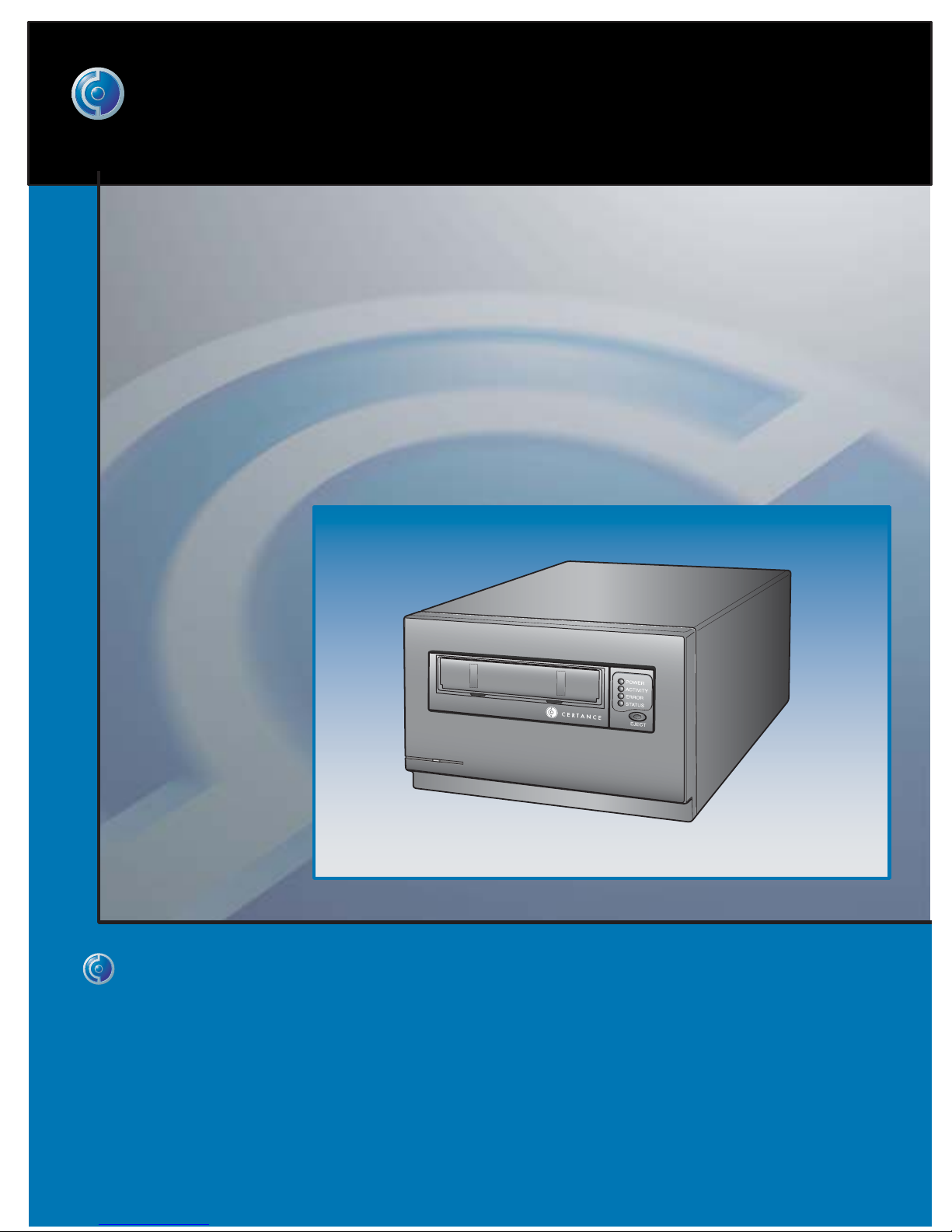
Certance LTO 2 Manuale tecnico

i
Online User's Guide
LTO-2 Half-Height Tape Drive
CERTANCE

Copyright and Trademarks
Copyright © 2004 by Certance LLC. All Rights Reserved.
Part Number 50001736
May 2004
Certance and the Certance logo are trademarks of Certance LLC. Other product names are trademarks or reg-
istered trademarks of their respective owners.
Certance reserves the right to change, without notice, product offerings or specifications. No part of this publi-
cation may be reproduced in any form without written permission from Certance LLC.
Certance provides this manual “as is,” without warranty of any kind, either expressed or implied, including, but
not limited to, the implied warranties of merchantability and fitness for a particular purpose. Certance reserves
the right to change, without notification, the specifications contained in this manual.
Certance assumes no responsibility for the accuracy, completeness, sufficiency, or usefulness of this manual, nor
for any problem that might arise from the use of the information in this manual.

Warnings
All safety and operating instructions should be read before this product is operated, and should be retained for
future reference. This unit has been engineered and manufactured to assure your personal safety. Improper use
can result in potential electrical shock or fire hazards. In order not to defeat the safeguards, observe the follow-
ing basic rules for installation, use and servicing.
•Heed warnings — All warnings on the product and in the operating instructions should be adhered to.
•Follow instructions — All operating and use instructions should be followed.
•Ventilation — The product should be situated so that its location or position does not interfere with proper
ventilation.
•Heat — The product should be situated away from heat sources such as radiators, heat registers, fur-
naces, or other heat producing appliances.
•Power sources — The product should be connected to a power source only of the type directed in this
document or as marked on the product.
•Power cord protection — The power cord should be routed so that it is not likely to be walked on or
pinched by items placed upon or against it, paying particular attention to the cord at the wall receptacle,
and the point where the cord exits from the product.
•To complete the disconnection of the electricity, please remove the power (electric) cord and the SCSI
cable from their connections in the back of the product. The plugs should be placed near the product for
easy access.
•Object and liquid entry — Care should be taken to insure that objects do not fall and liquids are not
spilled into the product's enclosure through openings.
•Servicing — The user should not attempt to service the product beyond that described in the operating
instructions. All other servicing should be referred to qualified service personnel.
CAUTION: This symbol should alert the user to the presence of “dangerous voltage” inside the
product that might cause harm or electric shock.
Caution! Risk of electric shock! Do not open!
To reduce the risk of electric shock, do not remove the cover (or back). No user-serviceable parts
are inside. Refer servicing to qualified service personnel.

Precautions
•Do not use oil, solvents, gasoline, paint thinners, or insecticides on the unit.
•Do not expose the unit to moisture or to temperatures higher than 151 °F (66 °C) or lower than
-40 °F (-40°C).
•Keep the unit away from direct sunlight, strong magnetic fields, excessive dust, humidity, and
electronic/electrical equipment, which generate electrical noise.
•Hold the power cord by the head when removing it from the AC outlet; pulling the cord can damage the
internal wires.
•Use the unit on a firm level surface free from vibration, and do not place anything on top of the unit.

FCC Notice
This equipment generates and uses radio frequency energy and, if not installed and used properly — that is, in
strict accordance with the manufacturer's instructions — may cause interference to radio communications or
radio and television reception. It has been tested and found to comply with the limits for a Class B computing
device in accordance with the specifications in Part 15 of FCC Rules, which are designed to provide reason-
able protection against such interference in a residential installation. However, there is no guarantee that inter-
ference will not occur in a particular installation. If this equipment does cause interference to radio or television
reception, which can be determined by turning the equipment on and off, you are encouraged to try to correct
the interference by one or more of the following measures:
•Reorient the receiving antenna.
•Relocate the computer with respect to the receiver.
•Move the computer into a different outlet so that the computer and receiver are on different branch cir-
cuits.
Further, this equipment complies with the limits for a Class B digital apparatus in accordance with Canadian
Radio Interference Regulations.
Cet appareil numérique de la classe B est conforme au Règlement sur brouillage radioélectrique, C. R. C., ch.
1374.
The desktop device drive described in this manual requires shielded interface cables to comply with FCC emis-
sion limits.
WARNING: Changes or modifications made to this equipment, which have not been expressly
approved by Certance, may cause radio and television interference problems that could void
the user's authority to operate the equipment.
WARNING: To prevent fire or electrical shock hazard, do not expose the unit to rain or mois-
ture.
To avoid electrical shock, do not open the cabinet.
Refer servicing to qualified personnel.

vi
Contents
Chapter 1 – Introduction ................................................ 10
Features ............................................................................................11
Using This Guide ................................................................................12
Chapter 2 – Installation (and Quick Start) ...................... 13
Introduction ........................................................................................13
Quick Start Guide ...............................................................................13
Unpacking and Inspection ...................................................................15
Internal Tape Drive Guidelines and Cautions ..........................................15
Drive Installation Instructions ................................................................15
Installing an Internal LTO-2 Half-Height Drive ..........................................16
Installing a Desktop LTO-2 Half-Height Drive ...........................................22
Chapter 3 – Operation................................................... 25
Understanding the Front Panel Display ..................................................25
Blink Codes .......................................................................................26
Using LTO Cartridges ..........................................................................27
Drive Maintenance .............................................................................29
Chapter 4 – Theory........................................................ 30
Track Layout .......................................................................................30
Recording Method ..............................................................................31
Data Buffer ........................................................................................31
Data Integrity .....................................................................................31
Data Compression ..............................................................................33
Chapter 5 – Specifications.............................................. 35
Physical Specifications ........................................................................35
Power Specifications ...........................................................................37
Drive Performance Specifications ..........................................................38
Environmental Requirements .................................................................39
Reliability ..........................................................................................39
Mean Time Between Failures ................................................................40
LTO Cartridge Specifications ................................................................41
Regulatory Compliance .......................................................................42

vii
Chapter 6 – Unix Settings .............................................. 44
A Word About SCSI Controllers ............................................................44
Configuring for the DEC/Compaq Unix Environment ..............................45
Configuring for the Sun Environment
(Solaris 2.4, 2.5, 2.6, 7, 8, and 9) ......................................................46
Configuring for the IBM AIX Environment (AIX Version 4.1.x and later) ......47
Configuring for SCO Open Server 5.0.x ..............................................49
Configuring for Linux ..........................................................................51
Configuring for SGI Irix .......................................................................52
Configuring for HP-UX 11.0 .................................................................53
Chapter 7 – Troubleshooting Guide ................................ 54
Installation Best Practices .....................................................................54
Troubleshooting Suggestions ................................................................55
Emergency Reset and Emergency Cartridge Eject ...................................59
Problems During Backup/Restore Operations .........................................60

viii
List of Figures
Figure 1. Drive Covered in this User’s Guide (typical) ............................................. 10
Figure 2. Internal LTO-2 Half-Height Drive Jumper Settings....................................... 17
Figure 3. Acceptable Mounting Orientations.......................................................... 18
Figure 4. Internal LTO-2 Half-Height Drive Mounting Dimensions .............................. 19
Figure 5. Rear View of the Internal LTO-2 Half-Height Drive ..................................... 20
Figure 6. Two SCSI Termination Examples for the Internal LTO-2 Half-Height Drive ..... 21
Figure 7. SCSI Termination Examples for the Desktop LTO-2 Half-Height Tape Drive ... 23
Figure 8. Generic Front Panel Display................................................................... 25
Figure 9. Ultrium Cartridge Showing Write-protect Switch ....................................... 28
Figure 10. Layout of Tracks on LTO Ultrium Tape.................................................... 31
Figure 11. Internal LTO-2 Half-Height Drive Dimensions........................................... 36

ix
List of Tables
Table 1. SCSI IDs and Jumper Settings for LTO-2 Half-Height Drive ........................... 17
Table 2. Serial Interface Connector Pin Assignments ............................................... 21
Table 3. LTO-2 Tape Drive Blink Codes ................................................................. 26
Table 4. Physical Specifications............................................................................ 35
Table 5. Voltage and Current............................................................................... 37
Table 6. Power Dissipation .................................................................................. 37
Table 7. Drive Performance Specifications............................................................. 38
Table 8. Environmental Requirements.................................................................... 39
Table 9. Reliability.............................................................................................. 39
Table 10. Environmental Tolerances...................................................................... 41
Table 11. Safety Compliance............................................................................... 42

Table 12. Electromagnetic Compatibility ............................................................... 43
Table 13. SCSI Controllers .................................................................................. 44

10
1 Introduction
The LTO--2 half-height drive is a high-performance 8-channel tape drive that complies with the LTO

interchange specifications. It is suited for mid-range to high-end servers, mainframe systems, and
tape library automation systems.
The LTO-2 half-height drive uses Ultrium data cartridges. Its capacity is maximized using intelligent
data compression. The drive has a native capacity of 200 Gbytes (400 Gbytes assuming 2:1 data
compression).
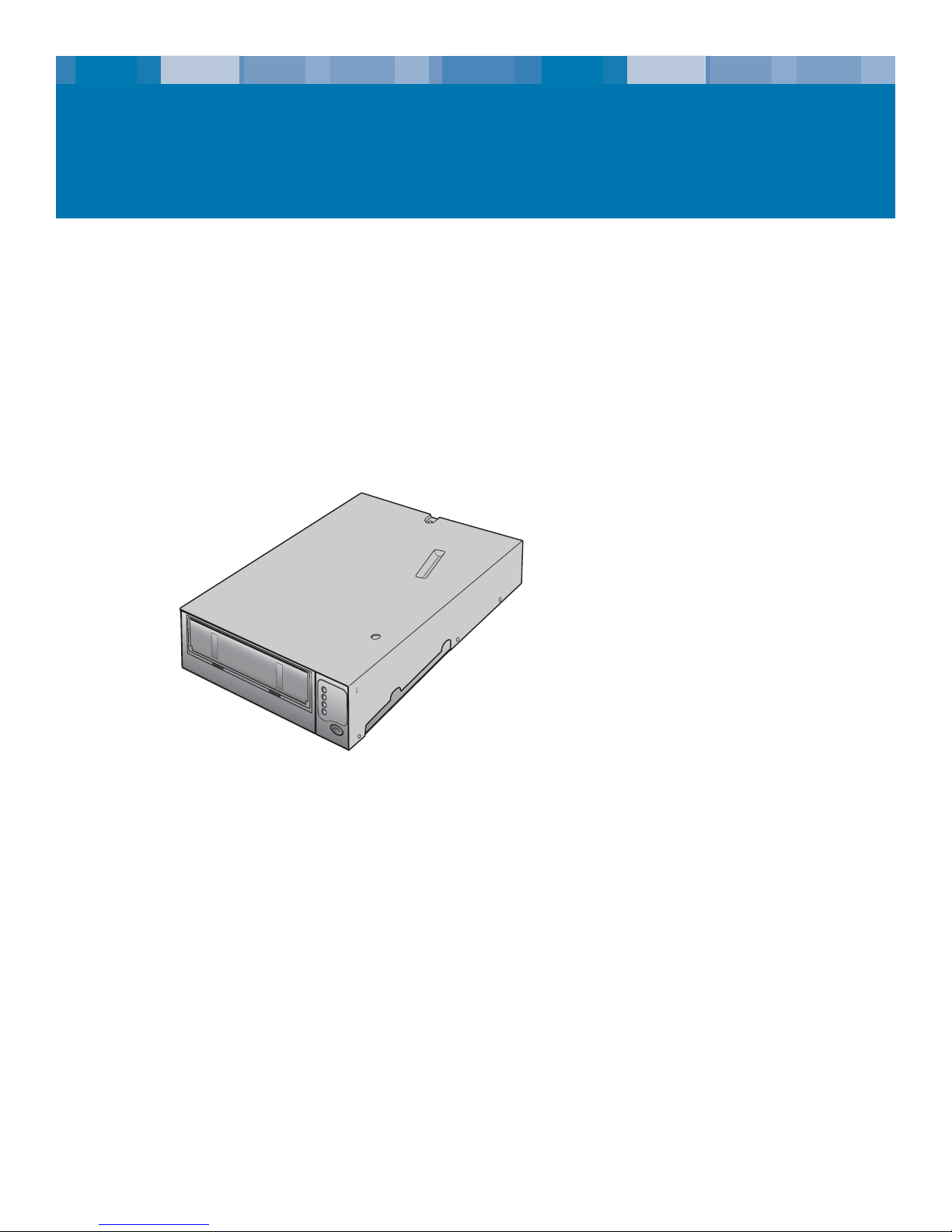
The LTO-2 half-height drive, as shown in Figure 1 below, has a 5¼ inch half-height form factor with
automatic electromechanical cartridge soft load. It is available as an internal and a desktop drive.
•The internal LTO--2 half-height drive is designed to fit in a 5¼-inch half-height drive bay.
•The desktop LTO--2 half-height drive is a stand-alone unit with a built-in power supply.
Figure 1. Drive Covered in this User’s Guide (typical)
Altri manuali per LTO 2
1
Indice
Altri manuali Certance Magazzinaggio

Certance
Certance LTO 2 Manuale utente

Certance
Certance CP3100 D2D2T Manuale utente

Certance
Certance Travan 40GB Manuale utente

Certance
Certance CP3100 D2D2T Manuale utente

Certance
Certance DAT 24 Manuale utente

Certance
Certance LTO 1 Manuale utente

Certance
Certance LTO 1 Manuale utente

Certance
Certance CP3100 D2D2T Manuale del proprietario

Certance
Certance Travan 20GB Manuale utente

Certance
Certance Travan 20GB Manuale utente