Page - 7
•"Y" is the effect identifier. Here are the possible values for it and their meanings:
oPressing button “1” on the Effect elector all the sound files that start with the
letter “A” are selected.
oPressing button “2” on the Effect elector all the sound files that start with the
letter “B” are selected.
…and so on until…
oPressing button “12” on the Effect elector all the sound files that start with the
letter “L” are selected.
•“xx” is the remote control identifier. Here are the possible values and their meanings:
oI1 =The sound is associated to the sequential list
1
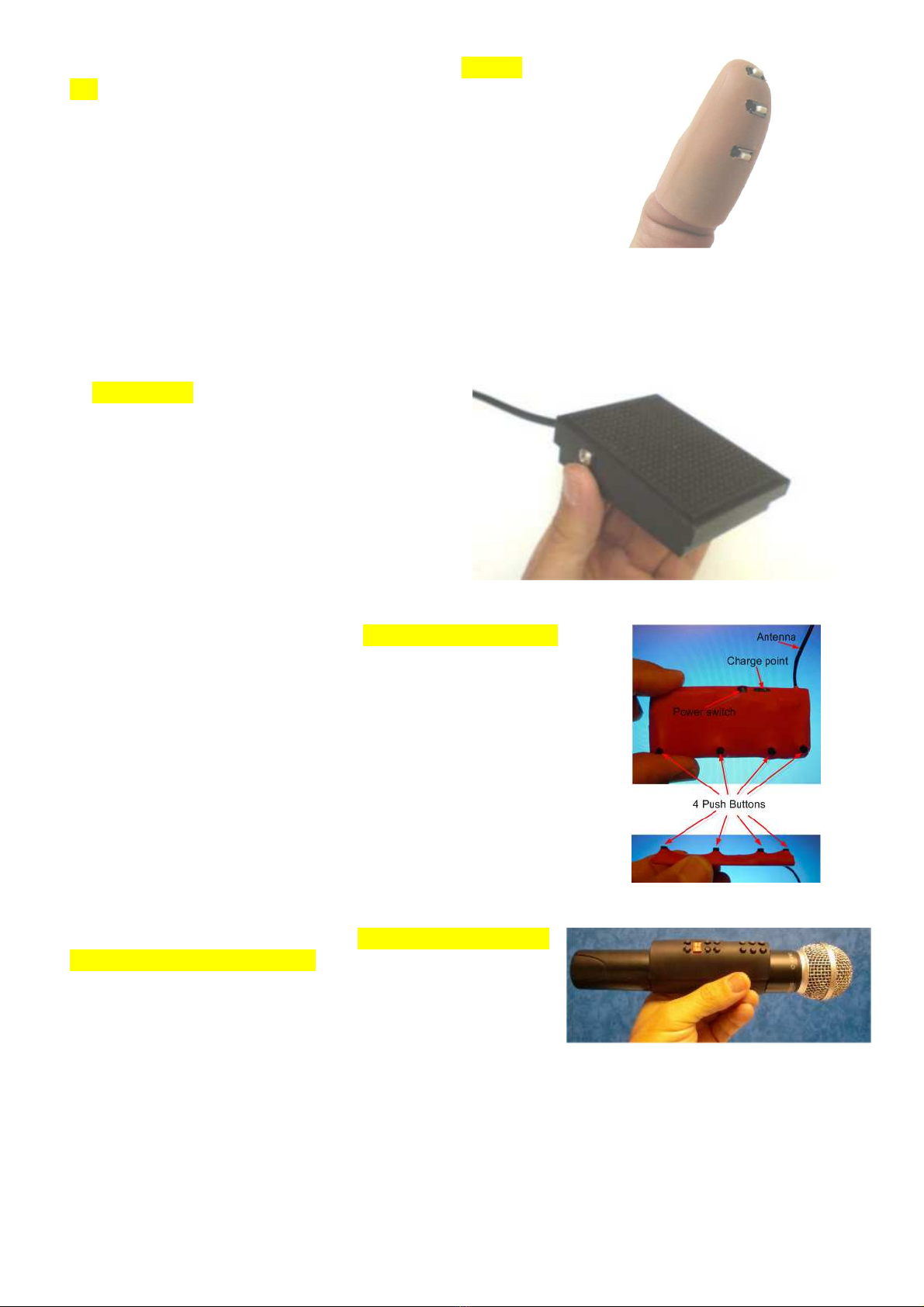
that is managed by the 12
button Invisible Key (Pen marker control unit)
oI2 = The sound is associated to the sequential list
2
that is managed by the 12
button Invisible Key (Pen marker control unit)
oT1 = The sound is associated to the sequential list
1
that is managed by the
Thumb Tip control Unit – button 1 (in the tip of the Thumb Tip).
oT2 = The sound is associated to the sequential list
2
that is managed by the
Thumb Tip control Unit – button 2 (in the middle of the Thumb Tip).
oT3 = The sound is associated to the sequential list
3
that is managed by the
Thumb Tip control Unit – button 3 (the remaining button).
oB1 = The sound is associated to the sequential list
1
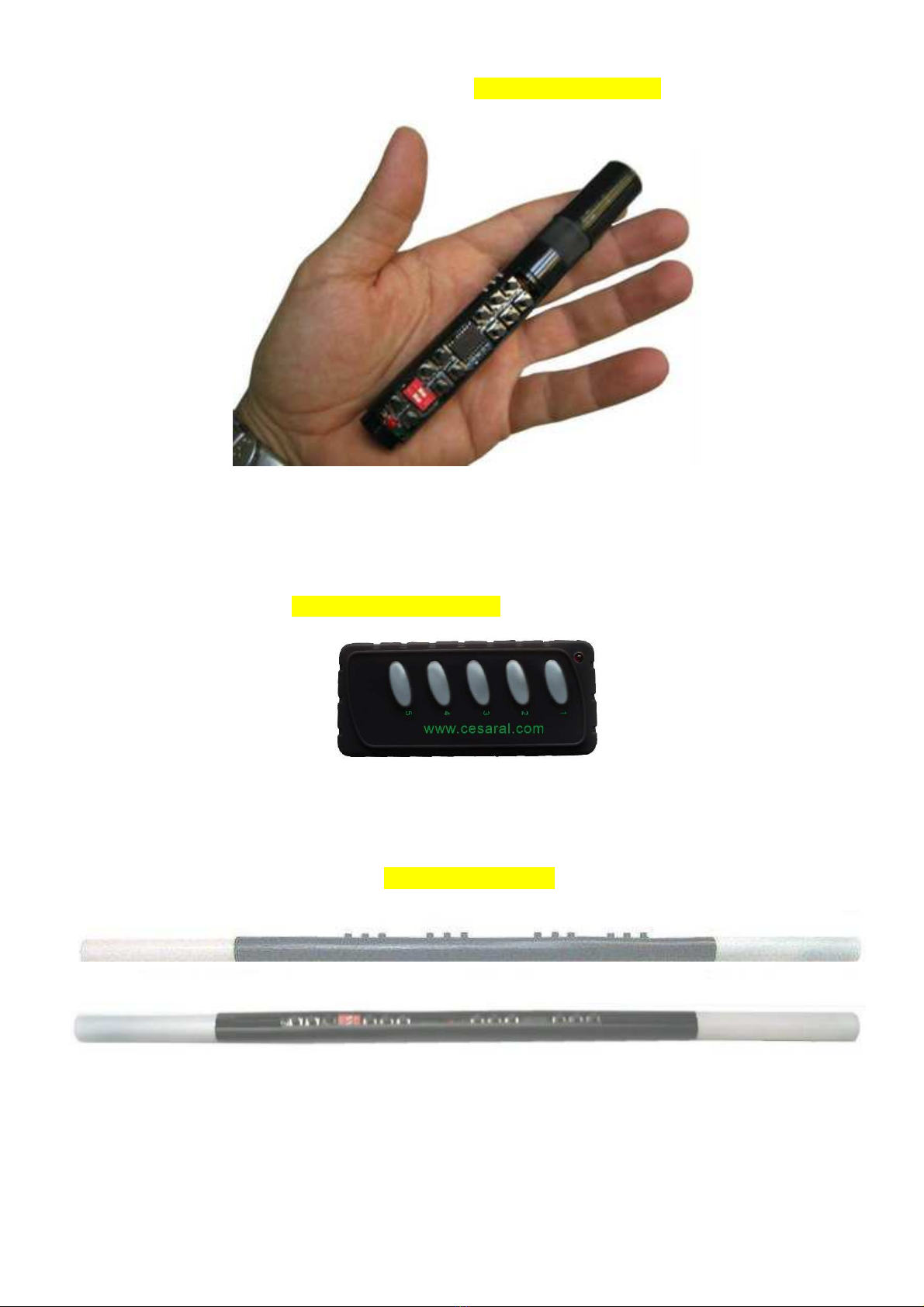
that is managed by the Body
remote control unit number “1”.
oB2 = The sound is associated to the sequential list
2
that is managed by the Body
remote control unit number “2”.
oB3 = The sound is associated to the sequential list
3
that is managed by the Body
remote control unit number “3”.
oM1 = The sound is associated to the inertial remote control unit.
The playing pointer for each of the sequential lists described is independent from the rest. If
you activate one effect using the Effect elector control unit, then the pointer will be reset
and the different control units used for that effect will have their own pointer pointing to the
beginning of each list.
With this naming convention you may easily select, for each effect in your performance, the
remotes that you prefer to use. The type of effect you will be performing may determine
whether you should use one remote or another.
•“nn” Contains a two-digit number from “01” to “99”. This means that each control
unit, for each of the effects, can have up to 99 sounds available.
If one group of sounds of one effect of one remote control unit only has one file, then that file
will be repeated each time the specific button is pressed. If the list has several sounds, once
the last sound is played, the pointer goes back again to the first sound on the list.
•
<x…x> Is a bunch of optional characters that the player will ignore.