5 of 12
_
__
__
__
__
__
__
__
__
__
__
__
__
__
__
__
__
__
__
__
__
__
__
__
__
__
__
__
__
__
__
__
__
__
__
__
__
__
__
__
__
__
_
G
Gl
lo
ob
ba
al
lS
So
ol
le
en
no
oi
id
ds
s
(Main, 3, 1, 1, Crop #, A)
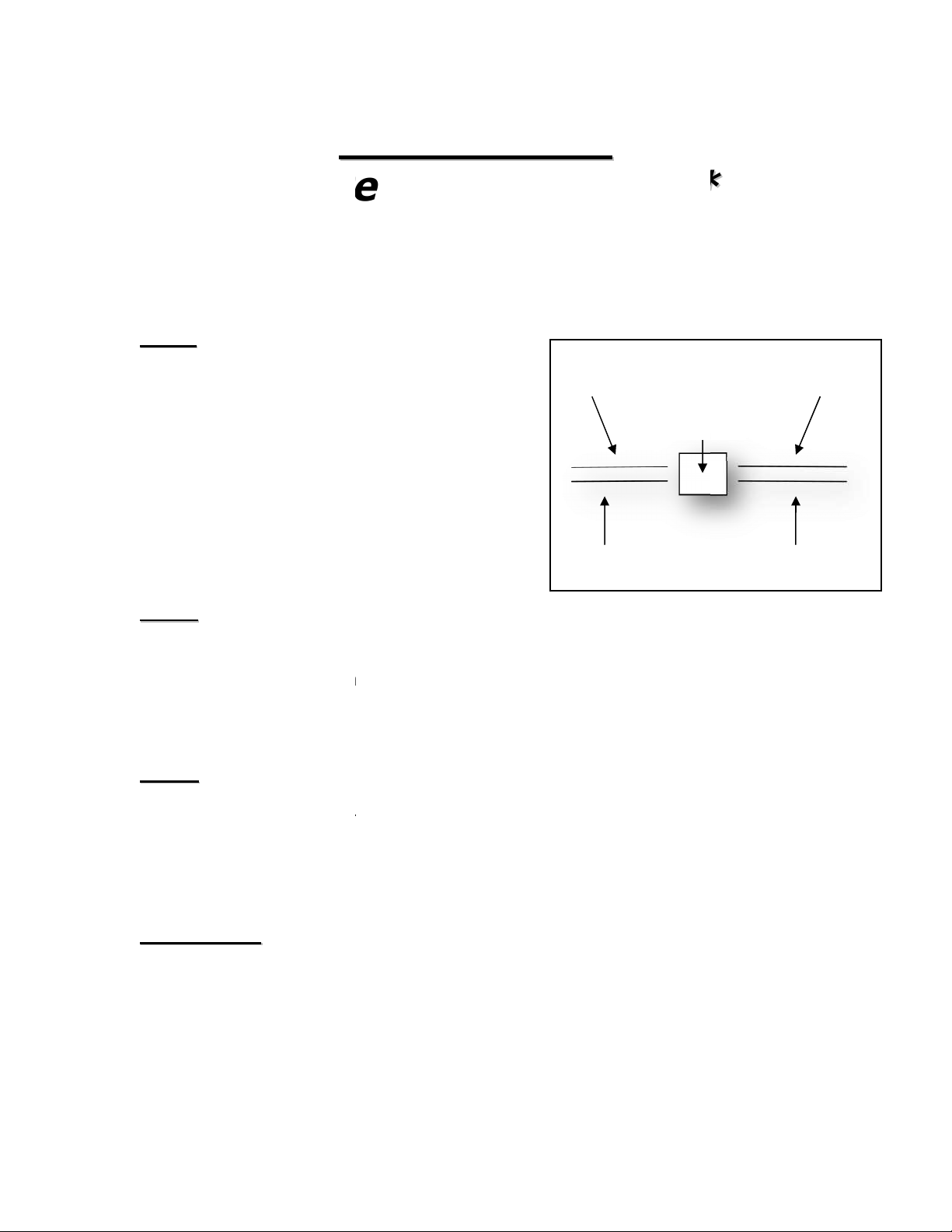
*** The normal operation of the boom is to water one Area at a time. Even if
those Areas are next to each other. For example, the same Crop is under 2 rows
from end to end. Instead of watering row 1 and then row 2, enabling the Global
Solenoid feature will water both sides at once. ***
1. From the Main Menu press 3
2. From the Setup Menu press 1
3. From the Crops menu press 1
4. Enter the Crop Number (#1-16)
5. Press A when cursor is over the Crop Number
CHANGE CROP NAME #1
A=GLOBAL SOL. B/F=CHAR
C/D = CURSOR E = EXIT
CROP NUMBER 01
6. Press “A” to enter the Global Solenoids Menu.
CROP NUMBER 01
#01 G SOL = 1 2 3 4 5 6 7 8
ALL G SOL =
B/C/D/F = SEL E = EXIT
7. Press the 1-8 keys to toggle the solenoids on and off of Global.
8. Scrolling to All Global (ALL G SOL) and enabling solenoids 1-8 will
activate those solenoids to Global for all Crop Numbers.
9. Press “E” to Exit and Save
_
__
__
__
__
__
__
__
__
__
__
__
__
__
__
__
__
__
__
__
__
__
__
__
__
__
__
__
__
__
__
__
__
__
__
__
__
__
__
__
__
__
_
T
Ti
im
me
eZ
Zo
on
ne
es
s(
(A
Au
ut
to
oP
Pr
ro
og
gr
ra
am
mm
mi
in
ng
g)
)
(Main, 3, 1, 2, Crop #, Curser over Zone, 1-6)
Time Zone
= A time zone is a specific period of time.
Each Crop can have up to 6 different time zones.
Interval
= How many minutes between passes.
Pass
= 1 time over Crop.
1. From the Main Menu press 3
2. From the Setup Menu press 1
3. From the Crops Menu press 1
4. Enter the Crop Number (1-16)