User Toggles and Configuration:
The DT-232 has a number of advanced features that you can enable and/or program.
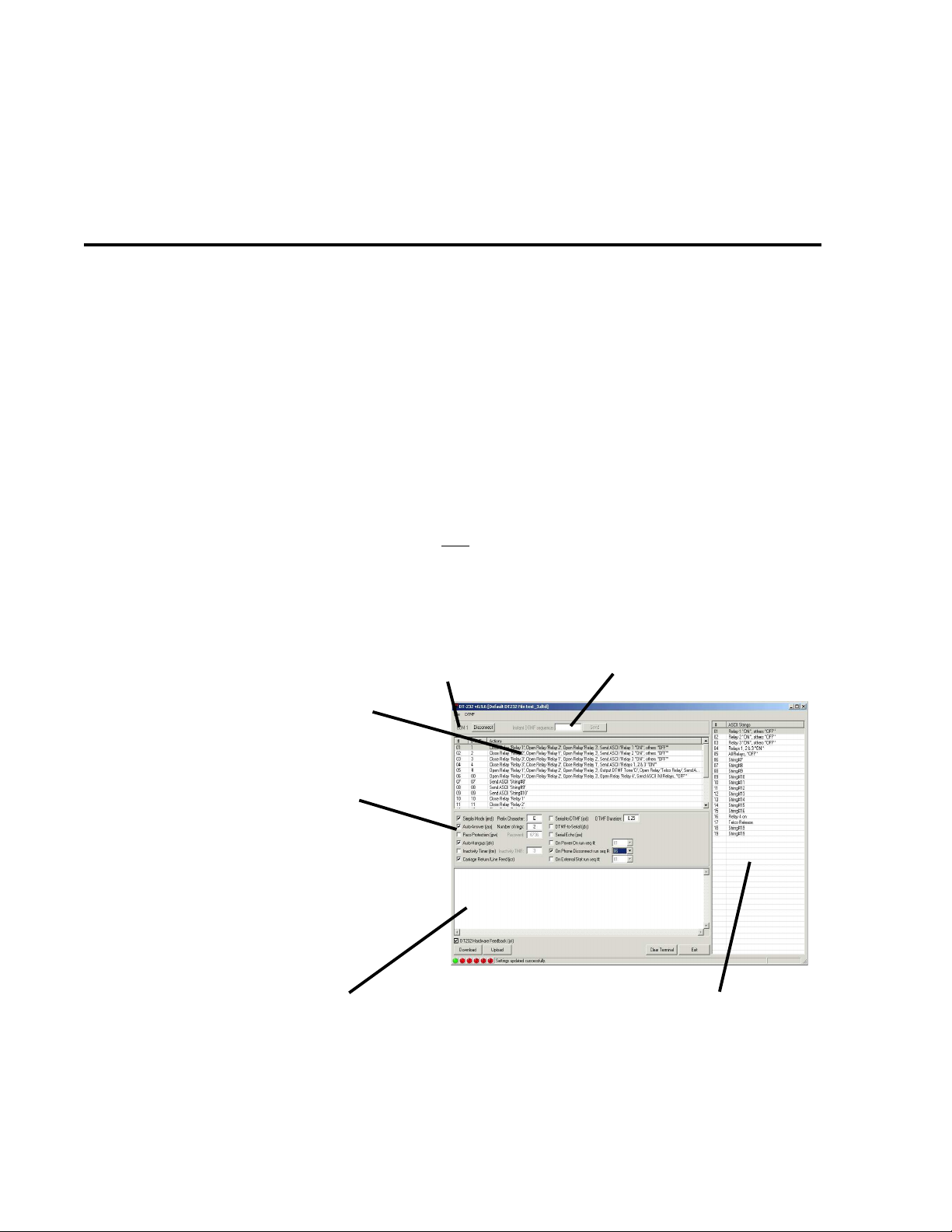
The basic setup toggles for the DT-232 can be configured using either the software or a common terminal
program such as HyperTerminal. To toggle the status of the settings, a short ASCII string (case-sensitive)
must be entered. The string is given below following the name of the setting. Some of the configuration
switches have accompanying values, such as timers, passwords, etc. These must be set using the
software. The DT-232 will remember the state of these settings even if the device is powered down:
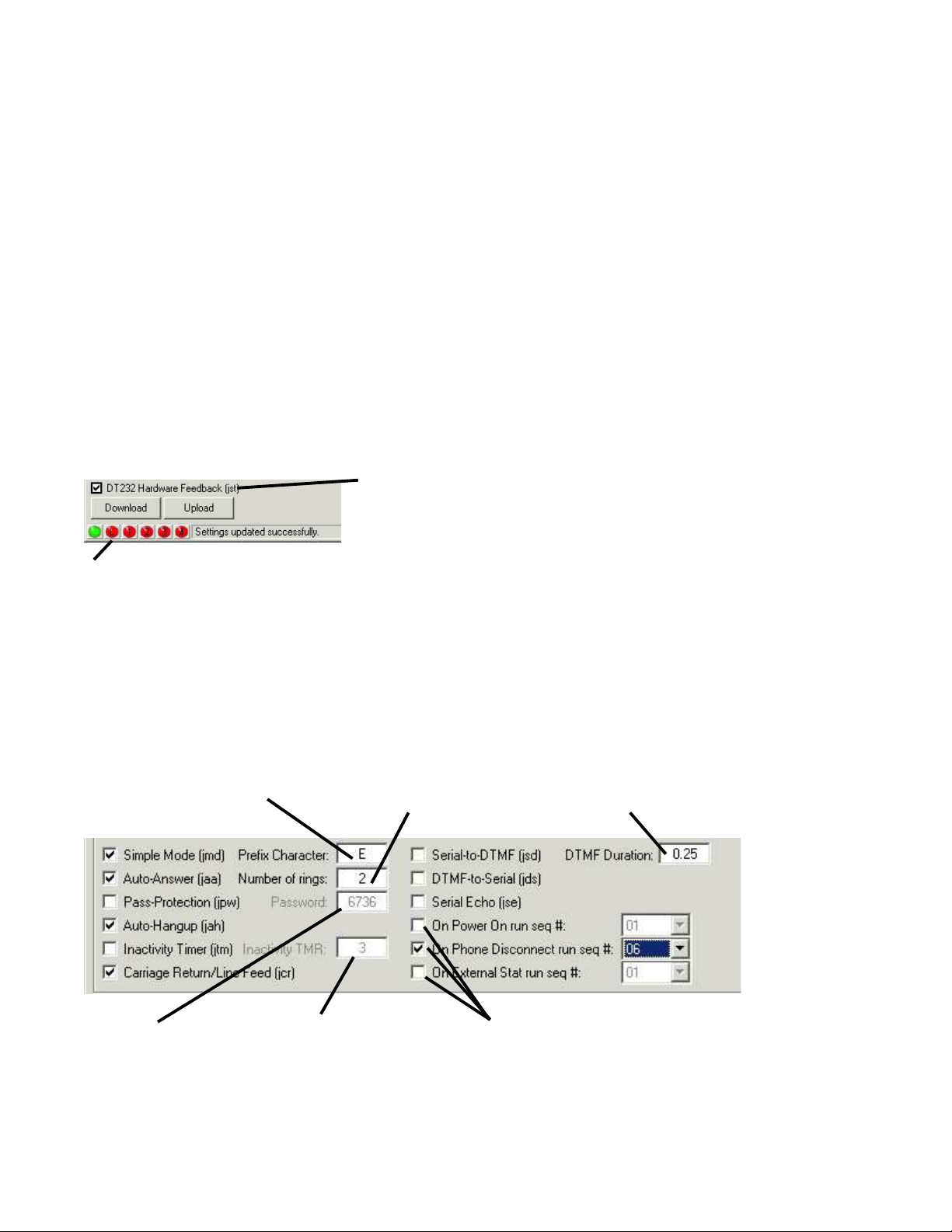
·Simple/Sequence Mode Enable/Disable - “jmd” (default: Simple mode)
·The DT-232 ships from the factory in Simple mode. In Simple mode, the DT-232 does not monitor the
received DTMF tones for predefined sequences. Every time a DTMF tone is received, an ASCII prefix (“E”
by default) followed by the ASCII equivalent of the received DTMF tone is sent out on the RS-232 port.
·Depending on the configuration of the CR/LF Insert setting as described below, Carriage-Return and Line-
Feed characters may be sent out after the DTMF tone value.
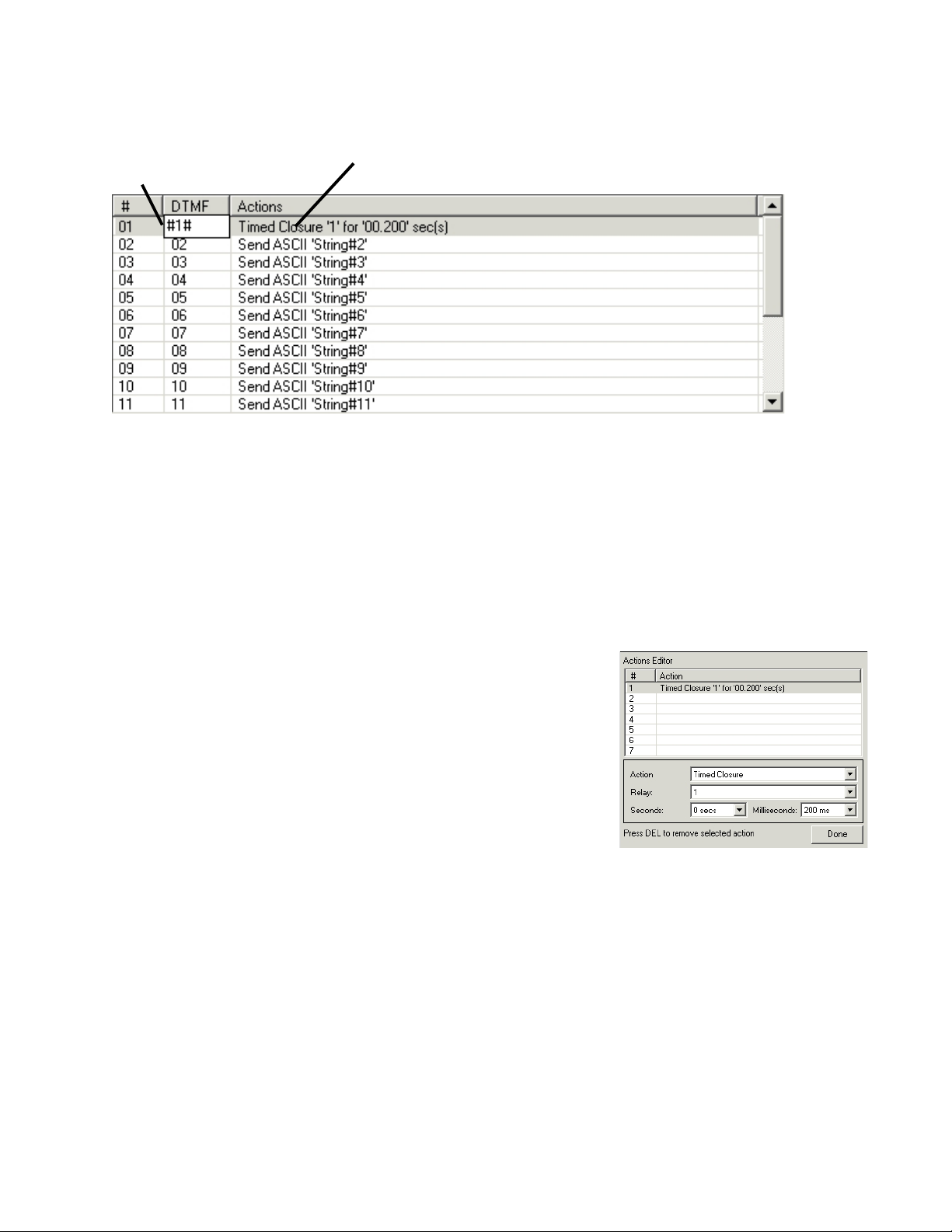
·Sequence mode is used to perform complex actions which are triggered by DTMF sequences and ASCII
strings. For instance, the various commands described in the Basic Operation section are examples of
these sequences and resulting actions.
·Carriage-Return/Line-Feed Insert Enable/Disable - “jcr” (default: Disabled)
·Toggling this setting will enable or disable whether Carriage-Return and Line-Feed characters are sent out
after the ASCII equivalent of the received DTMF tone, as described above.
·Inactivity Timer Enable/Disable - “jtm” (default: Disabled)
·The inactivity timer is responsible for dropping the phone call if a DTMF tone is not received within a speci-
fied amount of time (2 minutes by default). Using the software, this value can be changed.
·Auto-Hangup Enable/Disable - “jah” (default: Enabled)
·When this setting is enabled, the DT-232 monitors the phone line for an End-of-Call (CPC) signal from the
telephone system. The DT-232 will automatically release the phone line when it sees the End-of-Call signal.
·Some PBXs and telephone systems do not provide an End-of-Call battery reversal, which is required for
auto-hangup. If this is the case for your system, you will need a CircuitWerkes CP-2 Call Progress Decoder,
which generates an End-of-Call signal when a dial tone or busy signal is detected (most PBXs and telco
systems will provide either a dial tone or busy signal at the end of a call if they do not provide the CPC
signal). See our website for more details: www.circuitwerkes.com
·Auto-Answer Enable/Disable - “jaa” (default: Enabled)
·This setting dictates whether the DT-232 will automatically answer the telephone after the specified number
of rings (default: 1 ring).
·Status Reporting Enable/Disable - “jst” (default: Enabled)
·With this setting enabled, changing any of the listed settings will cause the DT-232 to print a short message
giving the current state of that setting. For instance, enabling the Auto-Hangup setting will cause the DT-232
to send “Auto-hangup enabled” out on the RS-232 port. If you turn off status reporting, neither a terminal nor
the DT-232 software will report the current status when commands are issued. The software will state that the
unit is in silent mode. Be aware thatyou can still toggle functions, even though they are not reported, so this
mode is intended to only be used when connected to other serial hardware and should not be used during
setup due to the risk of loosing track of what you have done.
·Serial Echo Enable/Disable - “jse” (defualt: Disabled)
When this setting is enabled, the DT-232 will echo the incoming serial data back out on the serial connection. This
mode is used with terminals without internal echo. It should be off for use with the software.