
Comdial DXP Series Manuale utente
R
TAP
MUTE
HOLD
TRNS/CONF
INTERCOM
MESSAGE
* 0 #
WXY 9
TUV 8
PRS 7
GHI 4JKL 5MNO 6
DEF 31 ABC 2
R
1 2 3
4
78
0#
9
56
QZ ABC DEF
MNO
WXY
GHI
PRS TUV
OPER
JKL
TRNS/CNF
HOLD
TAP
INTERCOM
R
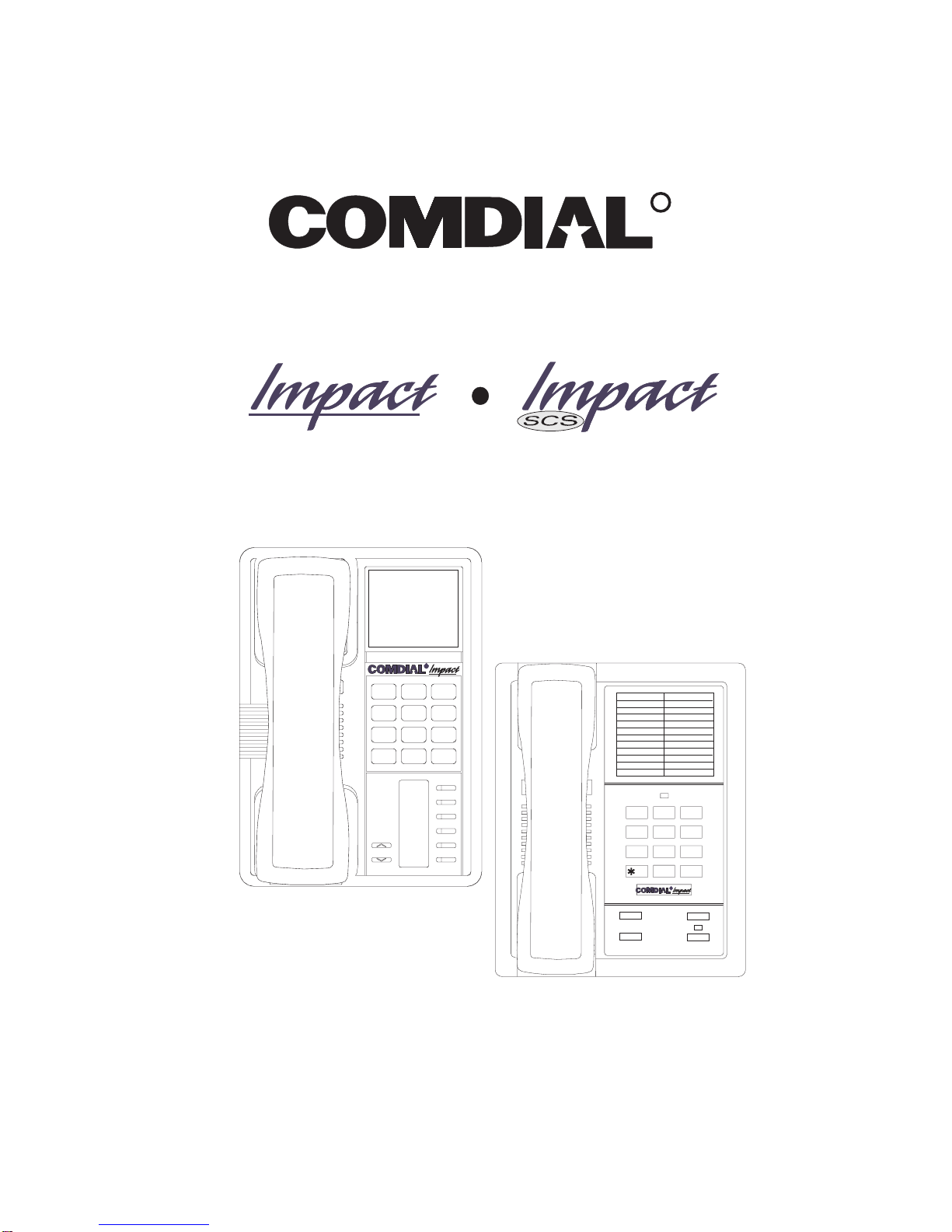
Proprietary Single Line Telephone (SLPS)
Station User’s Guide
DXP, DXP Plus, and FX Series
Digital Communications System
CERTIFIED
ISO 9001
Accredited by the Dutch Council
for Accreditation for certification
and registration activities.
C
E
R
T
I
F
I
C
A
TI
O
N
Comdial's Quality Management System Is
Certified To The ISO 9001 Standard.
A
C
C
R
R
E
I
S
T
R
R
A
E
D
D
I
T
E
G
ANSI-RAB
Comdial strives to design the features in our communications systems to
be fully interactive with one another. However, this is not always possible,
as the combinations of accessories and features are too varied and extensive
to insure total feature compatibility. Accordingly, some features identified
in this publication will not operate if some other feature is activated.
Comdial disclaims all liability relating to feature non-compatibility or
associated in any way with problems which may be encountered by
incompatible features. Notwithstanding anything contained in this
publication to the contrary, Comdial makes no representation herein as to
the compatibility of features.
2/12/97
This user’s applies to the following system and telephone
models:
System Models:
•DXP systems with software 12A and later.
•DXP Plus systems with software 12A and later.
•FX Series with software 12A and later.
Telephone Models:
•Impact 8101N-** Rev. A and later.
•Impact SCS 8201N-** Rev. A and later.
Contact your Comdial dealer for updates of this as well as
other Comdial publications.
*Tri-Level Compression
is a registered trademark
of ACS Wireless, Inc.

Contents
1Introducing The Single Line Telephone................. 1–1
1.1 UnderstandingWhatTheLightsMean............... 1–2
1.2 AdjustingTheTelephonePedestal.................. 1–4
2AnsweringCalls..................................... 2–1
2.1 AnsweringCalls................................ 2–1
2.2 Answering Subdued Off-Hook
VoiceAnnouncement(SOHVA)Calls............... 2–2
3MakingCalls....................................... 3–1
3.1 MakingCalls................................... 3–1
3.2 CampingOnAtABusyStation
AndWaitingForAnAutomaticCallback............. 3–4
3.3 Camping On At An Idle Station
AndWaitingForAnAutomaticCallback............. 3–5
3.4 CampingOnAtABusyStation
AndWaitingForAnAnswer(CallWaiting)........... 3–6
3.5 Overriding A Call Or A Do Not Disturb
Condition At Another Telephone (Executive Override). . 3–7
4PlacingCallsOnHold................................ 4–1
4.1 HoldingCalls................................... 4–1
5TransferringOutsideCalls............................ 5–1
5.1 TransferringCalls............................... 5–1
6ConferencingStationsTogether....................... 6–1
6.1 ConferencingTelephonesTogether.................. 6–1
GCA70–251 Contents
Contents – 1

7Using The Other Telephone Features................... 7–1
7.1 UsingTheRecall/FlashFeature.................... 7–1
7.2 MakingAPagingAnnouncement................... 7–1
7.3 SwitchingBetweenPulseAndTone................. 7–2
7.4 ForwardingCalls................................ 7–2
7.5 UsingTheTrackerPagingSystem.................. 7–3
7.6 SettingYourPersonalRingingTones................ 7–5
7.7 SettingYourRingVolume......................... 7–5
7.8 Using The IMIST Module......................... 7–6
8Sending And Receiving Non-Verbal Messages ........... 8–1
8.1 LightingTheMessage-WaitingLight................ 8–1
8.2 Sending A System-Supplied LCD
Message To A Calling LCD Speakerphone ........... 8–2
9ProgrammingYourTelephone........................ 9–1
9.1 StoringSpeedDialNumbers ...................... 9–1
1
0Troubleshooting Your Telephone ..................... 10–1
I
ndex ............................................. Index–1
QuickReferenceGuide.....................QuickReference–1
Contents GCA70–251
2–Contents

IntroducingThe
Single Line Telephone
Congratulations and thank you for using a Comdial telephone! This
manual serves as a helpful guide for using your new telephone’s various
functions.
Your proprietary telephone will provide you with single line operation
without the added complexity of monitor or speakerphone requirements.
It will give you access to the many useful features provided by your
digital communications system.
NOTE: Throughout this book, all references to fixed buttons are
printed in upper case bold type, for example “Press the
INTERCOM button.”
1
GCA70–251 Introducing The Single Line Telephone
SingleLineTelephoneUser'sGuide 1–1

1.1 Understanding What The Lights Mean
The lights on your telephone indicate the status of lines, features, and
intercom.
–Next to a fixed feature or programmable feature button:
•Steady red = feature on.
•Steady off = feature off.
–Next to the INTERCOM button:
•Steady green with a quick flash = you are using your intercom.
•Winking red = a message is set on your telephone for others to
receive when calling.
•Flashing orange = another station is calling you.
–Above the keypad (8101N only):
•Different activities are indicated by different flash rates for
this light. These flash rates are described below:
Indication Activity
Fluttering red Message awaits pickup
Winking green
(3 blinks with pause) Hold or park function active
Introducing The Single Line Telephone GCA70–251
1 – 2 Single Line Telephone User's Guide

TAP
MUTE
HOLD
TRNS/CONF
INTERCOM
MESSAGE
* 0 #
WXY
9
TUV
8
PRS
7
GHI
4
JKL
5
MNO
6
DEF
31
ABC
2
slips01
Dialpad
Intercom Button
Message Button
TAP Button
Transfer/Conference Button
Mute Button
Hold Button
Volume Control
(for ringer volume only)
R
!
Connectors On Bottom Of Telephone
Optional IMIST Module
Handset
Line Cord
Impact SCS 8201N Single Line Telephone
1 2 3
4
78
0#
9
56
QZ ABC DEF
MNO
WXY
GHI
PRS TUV
OPER
JKL
TRNS /CNF
HOLD
TAP
INTERCOM
slips02
Dialpad
Transfer/Conference Button
TAP Button
Intercom Button
Hold Button
Message Waiting Light
Ringer Volume Switch
(bottom of telephone)
R
Connectors On Bottom Of Telephone
Line Cord Handset
!
Ringer Volume
Off
Loud
Impact 8101N Single Line Telephone
GCA70–251 Introducing The Single Line Telephone
SingleLineTelephoneUser'sGuide 1–3

1.2 AdjustingTheTelephone
Pedestal (Model 8201N only)
Your telephone has an adjustable pedestal to allow you to select the most
comfortable viewing angle. When you receive the telephone, the pedestal
is in its lowest position—flush against the pedestal.
•To adjust the pedestal,
1. Grasp the rear of the pedestal base firmly with one hand while
lifting the rear portion of the telephone upward with your other
hand.
2. While pivoting the telephone upward with one hand, pivot the
telephone supporting arms upward with your other hand while
feeling for the notches under the telephone. Notice there are
three sets of notches under the telephone corresponding to the
three positions available.
3. When the telephone is at the desired height, find the closest
pair of notches and place the supporting arms in the notches.
Press down slightly on the telephone until you feel the
supporting arms snap into place.
Telephone
Pedestal Base
Supporting Arm
PED01
First Notch
Second Notch
Third Notch
(For Highest Position)
Introducing The Single Line Telephone GCA70–251
1 – 4 Single Line Telephone User's Guide

Answering Calls
2.1 Answering Calls
•To answer a call that is ringing at your telephone,
1. Hear your telephone ringing and lift handset.
•To answer a call that is ringing at any telephone,
1. Hear ringing at other telephone.
2. Lift handset at your station and listen for intercom dial tone.
3. Dial ✳4plus extension number of ringing telephone.
•To answer a call that is ringing at a particular telephone
in your call group,
1. Hear ringing at other telephone.
2. Lift handset at your station and listen for intercom dial tone.
3. Dial #4(ringing station must be programmed in your call
pickup group),
4. Lift handset to talk.
•To answer a call that is ringing the loud ringer or night
transfer station,
1. Hear ringing.
2. Lift handset and listen for intercom dial tone.
3. Dial 65 through 68 to select ringing zone (1–4) where the bell
is located, or dial 69 to answer any ringing zone.
NOTE: This feature is known as Trunk Access From Any Station
(TAFAS).
2
GCA70–251 Answering Calls
Single Line Telephone Station User's Guide 2 – 1

2.2 Answering Subdued Off-Hook
Voice Announcement (SOHVA) Calls
NOTE: Your telephone may be arranged to receive a subdued off-hook
voice announcement (SOHVA). If it is, an intercom caller may
break into your outside call and deliver a message to your
telephone receiver for you to hear.
•To Answer a SOHVA,
1. While off-hook on an outside call, hear several quick tone
bursts followed by an announcement delivered to your ear
through the handset.
•To Reply to a SOHVA (8201N only),
1. Press and hold the MUTE button.
As long as you hold the MUTE key, you are on line with the
SOHVA caller.
2. Release the MUTE key when you are finished with your reply.
You are now on line with your original call.
•To Block SOHVA,
1. Lift handset and listen for intercom dial tone.
2. Dial ✳2.
•To Remove Block,
1. Lift handset and listen for intercom dial tone.
2. Dial #2.
Answering Calls GCA70–251
2 – 2 Single Line Telephone Station User's Guide
Altri manuali per DXP Series
2
Questo manuale è adatto per i seguenti modelli
4
Indice
Altri manuali Comdial Telefono senza fili


