
commtech wireless 7900 Manuale del proprietario

7900 Pager
Programming Manual
For USB software v1.5.0
(Manual Revision 4.60)
Last updated 17/08/2009
Email sales@commtechwireless.com
Web www.commtechwireless.com
Asia Pacific
PO Box 1037
OPDC 6916
PERTH, Western Australia
Phone: +61 8 6240 0000
Fax: +61 8 6240 0001
Americas
8301 Cypress Plaza Drive, Suite 105
JACKSONVILLE, FL 32256-4416
Phone: +1 904 281 0073
Fax: +1 904 281 0074
EMEA
Vindingaard Rinvej 1
DK-7100 Vejle
DENMARK
Phone: +45 8226 7280
Fax: +45 8226 7289

7900 Pager Programming Manual
Page 2 © CommtechWireless
NOTICE
This manual, software and electronic circuitry are copyrighted. All rights reserved. Under the copyright
laws, this manual, software and electronic circuitry may not be copied, in whole or in part without written
prior consent of Commtech Wireless.
All information provided in this document is carefully prepared and offered in good faith as a guide in the
installation, use and servicing of our products. Installers must ensure that the final installation operates
satisfactorily within the relevant regulatory requirements. Commtech Wireless accepts no responsibility for
incorrect installation. Commtech Wireless reserves the right to change products, specifications, and
installation data at any time, without notice.
Commtech Wireless makes certain limited warranties with respect to defective diskettes, documentation
and electronic circuitry. Please see the associated information contained on this page.
SOFTWARE LICENSE STATEMENT
This manual, software and electronic circuitry are protected by international copyright laws. Under the
copyright laws, this manual, software and electronic circuitry may not be copied, in whole or in part without
written prior consent of Commtech Wireless, except in the normal use of the software to make an archival
copy of the software for the sole purpose of backing up the software and protecting your investment from
loss or damage.
LIMITED WARRANTY
With respect to the physical documentation and physical electronic circuitry enclosed herein, Commtech
Wireless warrants the same to be free of defects in materials and workmanship for a period of one year
from the date of purchase. In the event of notification within the warranty period of defects in material or
workmanship, Commtech Wireless will replace the defective diskettes, documentation and electronic
circuitry. The remedy for breach of this warranty shall be limited to replacement and shall not encompass
any other damages, including but not limited to loss of profit, and special, incidental, consequential, or other
similar claims.
Commtech Wireless specifically disclaims all other warranties, expressed or implied, including but not
limited to implied warranties of merchantability and fitness for a particular purpose with respect to defects
in the documentation and electronic circuitry, and the program license granted herein, in particular, and
without limiting operation of the program license with respect to any particular application, use, or purpose.
COMPLIANCE NOTICES
AUSTRALIA: Where applicable, to ensure compliance with ACA Technical Standards, this equipment is
labeled with a Telecommunications Compliance Label. For safety reasons, this equipment should only be
connected to compliant telecommunications equipment in accordance with the manufacturer’s instructions.
NORTH AMERICA: Where applicable, this equipment has been tested and found to comply with FCC Rules
and Regulations, Part 15 with the limits of a Class B digital device, designed to provide reasonable protection
against harmful interference. This equipment generates, uses and can radiate frequency energy and if not
installed and used in accordance with the instructions, may cause interference harmful to radio
communications. On the base of the equipment is a label containing an FCC Registration Number, if
applicable.

Manual 7900 Pager Programming
© CommtechWireless Page 3
Table of Contents
1.1 About This Handbook ............................................................................................................... 4
2. ABOUT THE 7900 PAGER......................................................................................................................5
Introduction ........................................................................................................................................ 5
3. THE 7900 PAGER..................................................................................................................................6
3.1 Case Layout .............................................................................................................................. 6
3.2 Kit Components ........................................................................................................................ 6
3.3 Other Required Components .................................................................................................... 6
4. PROGRAMMING..................................................................................................................................7
5. USING THE PROGRAMMING SOFTWARE ...........................................................................................10
5.1 User Interface ......................................................................................................................... 10
5.1.1 General.............................................................................................................................. 11
5.1.2 Display ............................................................................................................................... 13
5.1.3 Alerting.............................................................................................................................. 15
5.1.4 Misc ................................................................................................................................... 17
5.1.5 Reminders ......................................................................................................................... 19
5.1.6 Duplicate Messages........................................................................................................... 20
5.1.7 Folders............................................................................................................................... 22
5.1.8 Out of Range ..................................................................................................................... 23
5.1.9 Over The Air ...................................................................................................................... 25
5.1.10 Hand Program ................................................................................................................... 28
5.1.11 Tones ................................................................................................................................. 29
5.1.12 Names ............................................................................................................................... 31
6. APPENDIX..........................................................................................................................................32
6.1 Further Help and Support ....................................................................................................... 32

7900 Pager Programming Manual
Page 4 © CommtechWireless
1.1 About This Handbook
This handbook is designed to assist you program the 7900 pager. Following the steps
and checklists correctly will ensure that there will be no problems when using the 7900
pager.
Conventions
NOTE: A note preceded with this symbol indicates secondary information
pertaining to the topic under discussion.
IMPORTANT: A Right-pointing arrow followed by text in this manner presents
important information.
▲WARNING: Warnings like this alert you to the fact that you might damage your
equipment or lose data if you don't follow instructions carefully.

Manual 7900 Pager Programming
© CommtechWireless Page 5
2. ABOUT THE 7900 PAGER
Introduction
The CommtechWireless 7900 Pager is as clever as it is simple. Designed for
alphanumeric, numeric and tone only paging applications, it’s a dream come true.

7900 Pager Programming Manual
Page 6 © CommtechWireless
3. THE 7900 PAGER
3.1 Case Layout
The Commtech 7900 pager has four buttons on its case.
| | | |
Escape Left Right Read
Key Key Key Key
3.2 Kit Components
Each programming kit contains:
The 7900 programming cradle with USB cable
A CDROM disk containing the 7900 programming software
This 7900 programming manual
3.3 Other Required Components
The following will also be required in order to program the pagers:
At least one 7900 pager that requires programming.
The cap codes that the pager will respond to.
The baud rate of POCSAG data that is being transmitted.
The frequency of the transmitter.
A start-up message that will be observed when turning on the pager.
An IBM compatible PC running Windows XP with a CDROM drive and a spare
USB port.
Basic IBM PC knowledge.
Basic understanding of POCSAG paging principles.

Manual 7900 Pager Programming
© CommtechWireless Page 7
4. PROGRAMMING
1. Turn on your PC. Once it has booted up connect one end of the supplied cable
into a spare USB port on the back or front of the PC case. This style of connector
is shown circled below.
2. Plug the other end of the supplied USB cable into the connector on the
programming cradle shown below.
3. Insert the supplied CDROM containing the programming software into your
CDROM drive.
4. Browse the contents of this disk using the My Computer icon on your desktop.

7900 Pager Programming Manual
Page 8 © CommtechWireless
5. Run the setup file on the CDROM disk to install the software.
6. Once it has finished installing a new menu will be created on the Start Menu.
Click the link and the software will start up with the Main Screen displayed as
seen below.
7. The bottom window will show a list of USB programmers that are attached to
the PC. In the example above, a 7900 programming jig is connected to the PC.
NOTE: More than one USB programmer can be connected to the PC at a time!
8. Click the USB programmer you wish to use. The drop down box below should
automatically jump to the corresponding pager type. If not choose 7900 here
and then click the Configure button.
9. A new window will then be displayed showing all of the 7900 pagers settings.
From here you can edit the settings, read/write settings from/to a pager or
read/write settings from/to a file on the PC for future reference. Settings can
also be printed if you need to keep a hard copy.
10. Whenever you wish to read or write from/to a pager, you will need to remove
the rubber grommet protecting the programming pins.

Manual 7900 Pager Programming
© CommtechWireless Page 9
11. Then place the pager facing upwards into the programming cradle as shown
below.
12. Just prior to reading or writing you will need to press down hard so that there is
a good contact between the pager and programmer pins.
13. Before reading or writing, you can always tell if the pager is making good contact
with the programming jig by looking at the Status Bar. As seen below, it will
show NO PAGER if it detects no pager, or if the pager is not properly inserted.
14. Once a good contact is made, it will show Pager Inserted.

7900 Pager Programming Manual
Page 10 © CommtechWireless
5. USING THE PROGRAMMING SOFTWARE
5.1 User Interface
By default, only the cap codes and startup message can be viewed or edited. In order for
the advanced settings to be configured the password “service123” must be entered in
the Advanced Settings Password field.
The programming screen has five buttons towards the bottom of the window.
Print –Print a hardcopy of all settings to a printer.
Save –Save all settings to a file on the PC.
Load –Load previously saved settings from a file on the PC.
Write –Write the currently displayed settings to the pager.
Read –Read the settings from the pager and show them on the screen.
Altri manuali per 7900
1
Indice
Altri manuali commtech wireless Cercapersone
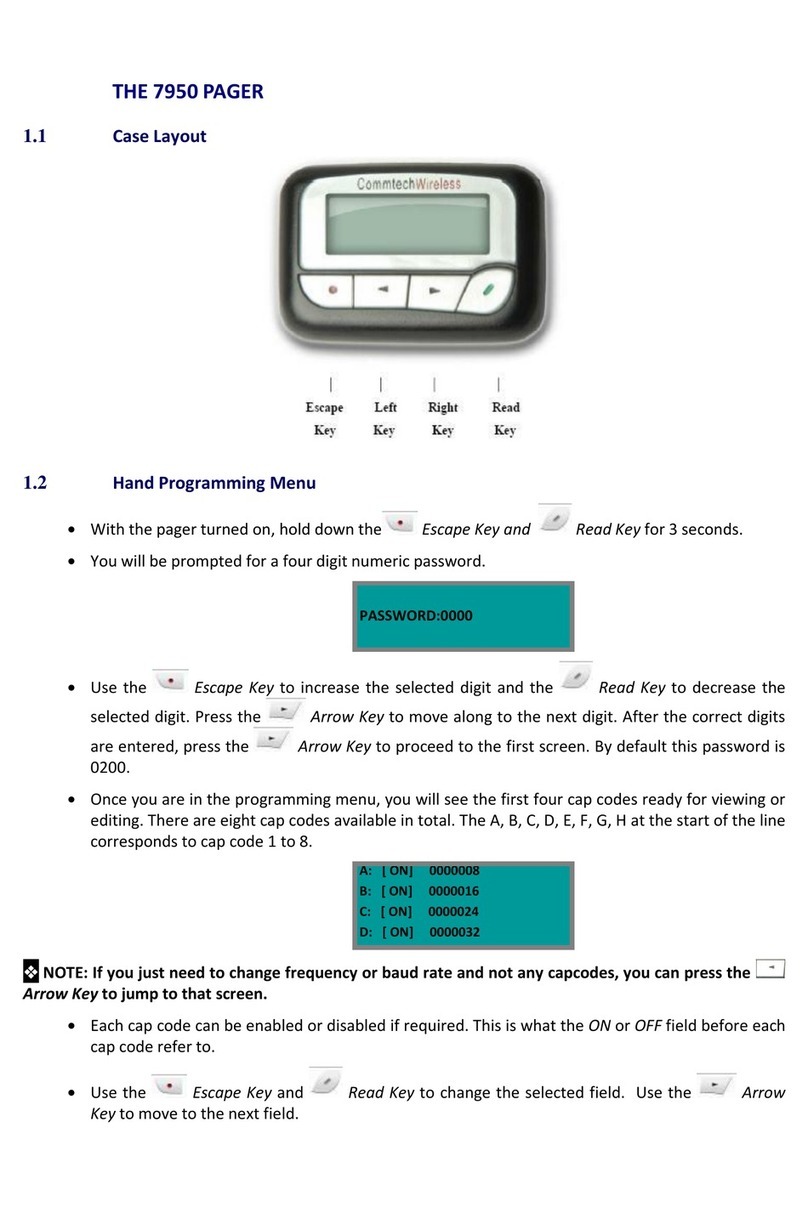
commtech wireless
commtech wireless 7950 Manuale utente
commtech wireless
commtech wireless 4130 Manuale utente

commtech wireless
commtech wireless 7950 Manuale utente

commtech wireless
commtech wireless Mercury Wall Pager Manuale utente

commtech wireless
commtech wireless Mercury 8-Line Manuale utente

commtech wireless
commtech wireless 7900 Manuale utente

commtech wireless
commtech wireless 6120 Manuale utente

commtech wireless
commtech wireless 7950 V2 Manuale utente

commtech wireless
commtech wireless 7950 Manuale utente


