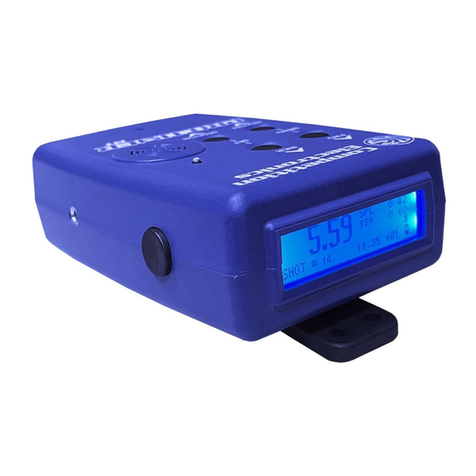
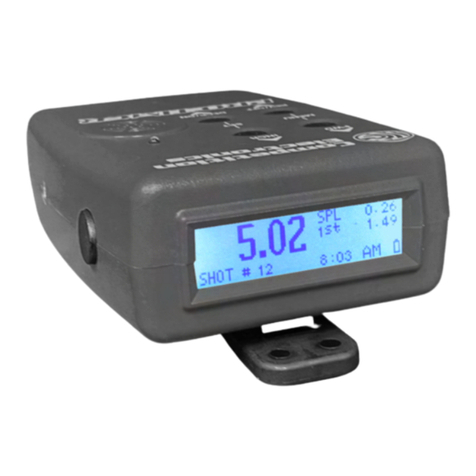
Competition Electronics POCKET PRO Manuale utente

Competition
Electronics


Table of Contents
Battery Installation / Status
Quick Start
Shot Detection
Setting the Start Delay
Control Buttons
Review
Number
Split
2nd Beep
Power On
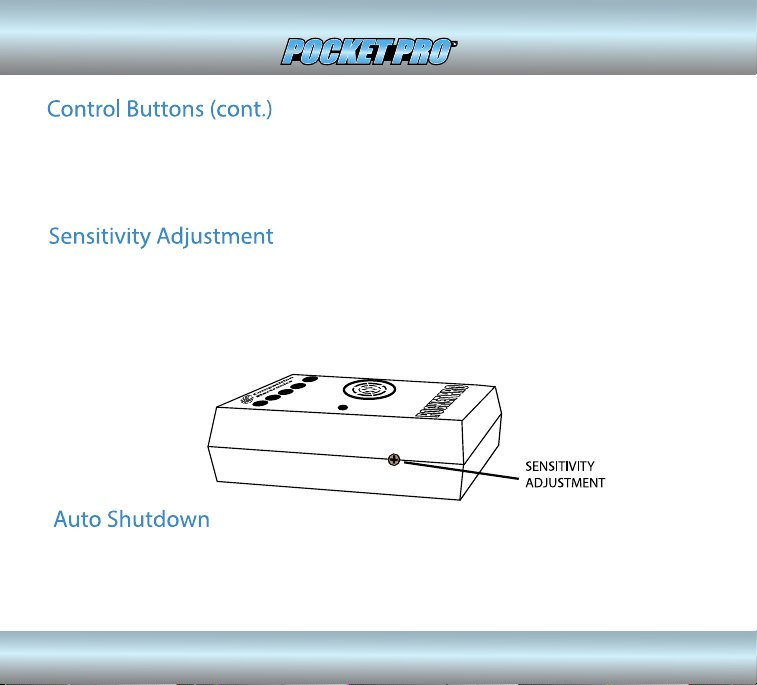
Sensitivity Adjustment
Auto Shutdown
Specications
Warranty
Contact Information
1
2
3
4
4
4
5
5
6
4
6
6
7
8
8
. . . . . . . . . . . . . . . . . . . . . . . . . . .
. . . . . . . . . . . . . . . . . . . . . . . . . . . . . . . . . . . . . . . . . . . .
. . . . . . . . . . . . . . . . . . . . . . . . . . . . . . . . . . . . . . . .
. . . . . . . . . . . . . . . . . . . . . . . . . . . . . . . . .
. . . . . . . . . . . . . . . . . . . . . . . . . . . . . . . . . . . . . . . .
. . . . . . . . . . . . . . . . . . . . . . . . . . . . . . . . . . . . . . . . .
. . . . . . . . . . . . . . . . . . . . . . . . . . . . . . . . . . . . . . . .
. . . . . . . . . . . . . . . . . . . . . . . . . . . . . . . . . . . . . . . . . . . .
. . . . . . . . . . . . . . . . . . . . . . . . . . . . . . . . . . . . . . .
. . . . . . . . . . . . . . . . . . . . . . . . . . . . . . . . . . . . . . .
. . . . . . . . . . . . . . . . . . . . . . . . . . . . . . . . . .
. . . . . . . . . . . . . . . . . . . . . . . . . . . . . . . . . . . . . . . .
. . . . . . . . . . . . . . . . . . . . . . . . . . . . . . . . . . . . . . . . . .
. . . . . . . . . . . . . . . . . . . . . . . . . . . . . . . . . . . . . . . . . . . . . . .
. . . . . . . . . . . . . . . . . . . . . . . . . . . . . . . . . . . .
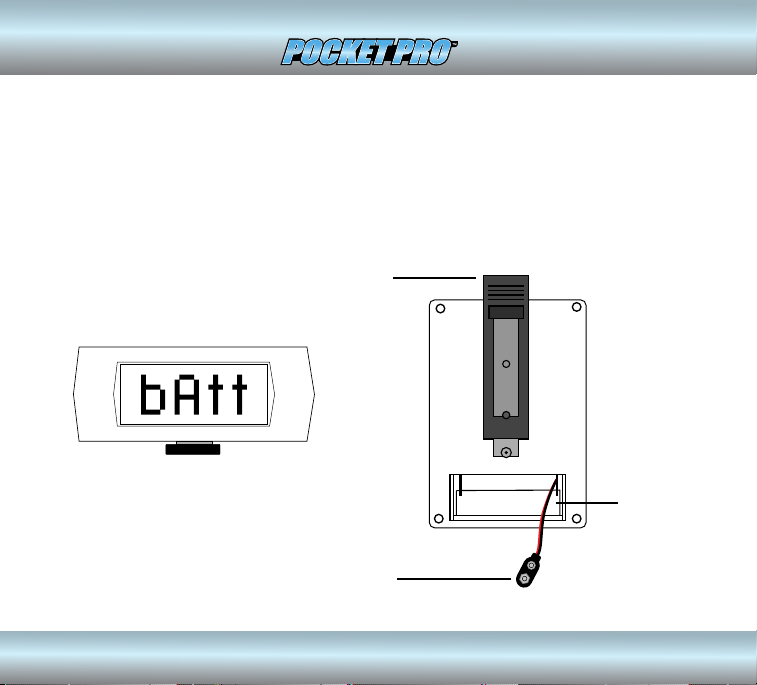
Battery Installation / Status
The Pocket Pro timer operates from a 9 volt alkaline or lithium battery. To
install the battery, remove the cover on the back of the unit, connect the
battery to the snap clip and reinstall the cover. A new battery will provide
approximately 20 hours of use. When the battery becomes depleted, the
message “bAtt” will ash on the display.
9V BATTERY SNAP
CONNECTOR
Low battery indicator
BELT CLIP
BATTERY
COMPARTMENT
1
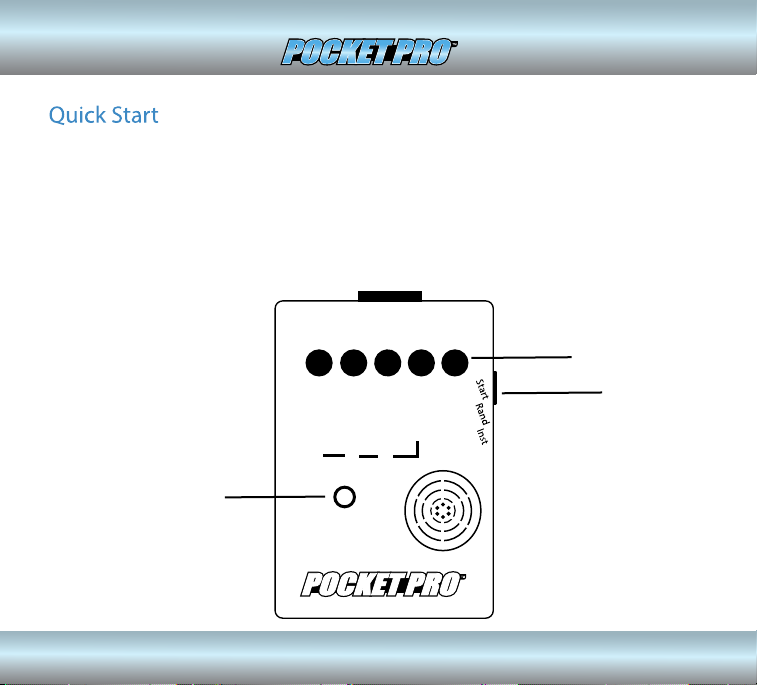
If you want to get started right away, all you have to do is press the POWER ON
button, then the START button on the side, and shoot. (You can tap on the case
near the sensor to simulate shots). The time to the last shot will be displayed. To
reset the Pocket Pro, press the start button again. It will automatically power
down after 10 minutes of inactivity. The last shot string and the 2nd beep (Par
Time) setting will be saved in power down memory
Competition
Electronics
POWER ON
BUTTON
START
BUTTON
SENSOR
2
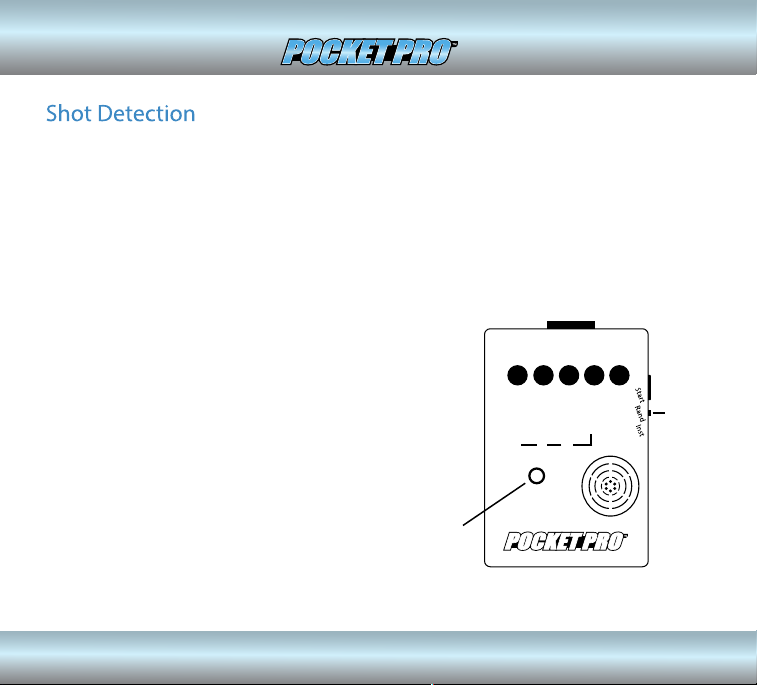
Each time a shot is detected, it will be added to the“shot string” maintained
within the timer. The timer can record and store up to 99 shots for a given
timing cycle. Subsequent shots will not be recorded. The shot sensor is
located next to the buzzer on the front of the case. When operating the
Pocket Pro be careful not to cover the sensor opening with your hand.
Doing so may prevent proper sound pickup and/or coupling of the buzzer.
Competition
Electronics
SENSOR
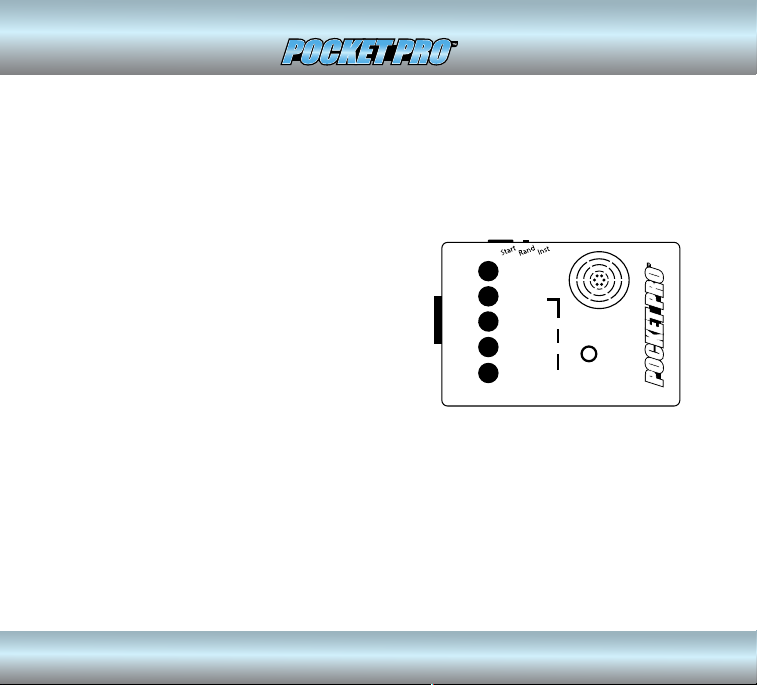
The start delay slide switch is located on the
side of the Pocket Pro near the start button.
The markings for its settings are on the case
front near the edge. The “INST” (INSTANT)
setting will provide an instant start, and the
“RAND” (RANDOM) setting will provide a
delayed start of 4 to 6 seconds.
START
DELAY
SWITCH
3
There are ve control buttons on the front of the case. Looking at the front of
the case left to right you will see REVIEW, NUMBER, SPLIT, 2nd BEEP, and POWER
ON buttons.
Competition
Electronics
REVIEW
NUMBER
After your last shot, you can review other
shots by pressing this button. The shot
number is displayed as long as you hold the
button OR for .5 seconds if you do not hold it
down. When the button is released, the time
from the start beep to that shot is displayed.
If you hold down the NUMBER button while
you press the REVIEW button, the shots will
be reviewed in reverse order. This button also
changes digits in the 10’s place when setting
a second beep.
Pressing the number button will show the number of the shot currently being
displayed. This button also changes digits in the 1’s place when setting a
second beep.
4

2nd BEEP
SPLIT
This button displays the dierence between the current shot and the previous
shot. Holding down the SPLIT button while pressing the REVIEW button will
review the split times. It will show the shot number for .5 seconds followed by
the split time. Holding down the NUMBER and SPLIT buttons while pressing
the REVIEW button will review split times in reverse order. This button also
changes digits in the .1’s place when setting a second beep.
To get a second beep (par time), begin by holding down the 2nd Beep button.
The display will show“PAr” for 1.5 seconds, followed by the current 2nd Beep
setting. While you continue to hold the 2nd Beep button, press the REVIEW,
NUMBER, or SPLIT buttons to set a desired time. (If no 2nd Beep is desired, set
the number to 0). The value is saved in power down memory. Now the beeper
will sound at the set time interval after the start beep. Once you release the
2nd Beep button, the REVIEW, NUMBER, and SPLIT buttons will return to their
normal function. The button is slightly recessed to prevent unintended time
settings from accidental button presses.
5
POWER ON
This button is used to turn the Pocket Pro on. Power o is automatic after 10
minutes of inactivity. This button is slightly recessed to prevent accidental
power on while in storage.
6

7
Altri manuali per POCKET PRO
1
Indice
Altri manuali Competition Electronics Timer