2
Table of Content
TABLE OF CONTENT ............................................................................................................. 2
PRODUCT DESCRIPTION .........................................................................................................3
PRODUCT FEATURES .............................................................................................................3
2-WAY COMMUNICATION ADVANTAGES.....................................................................................3
2WAY WIRELESS ACCESSORIES .............................................................................................4
USER MODE.........................................................................................................................4
USING THE DISPLAY AND KEYPAD ............................................................................................4
Navigating the Screens.........................................................................................................4
MEMORY (EVENT LOG)...........................................................................................................5
Displaying the Event Log......................................................................................................5
Setting the Date and Time....................................................................................................5
INSTALLING THE FW2 MERLIN PRO...................................................................................... 6
INSTALLATION DIAGRAMS........................................................................................................7
PROGRAM SEQUENCE LIST .....................................................................................................9
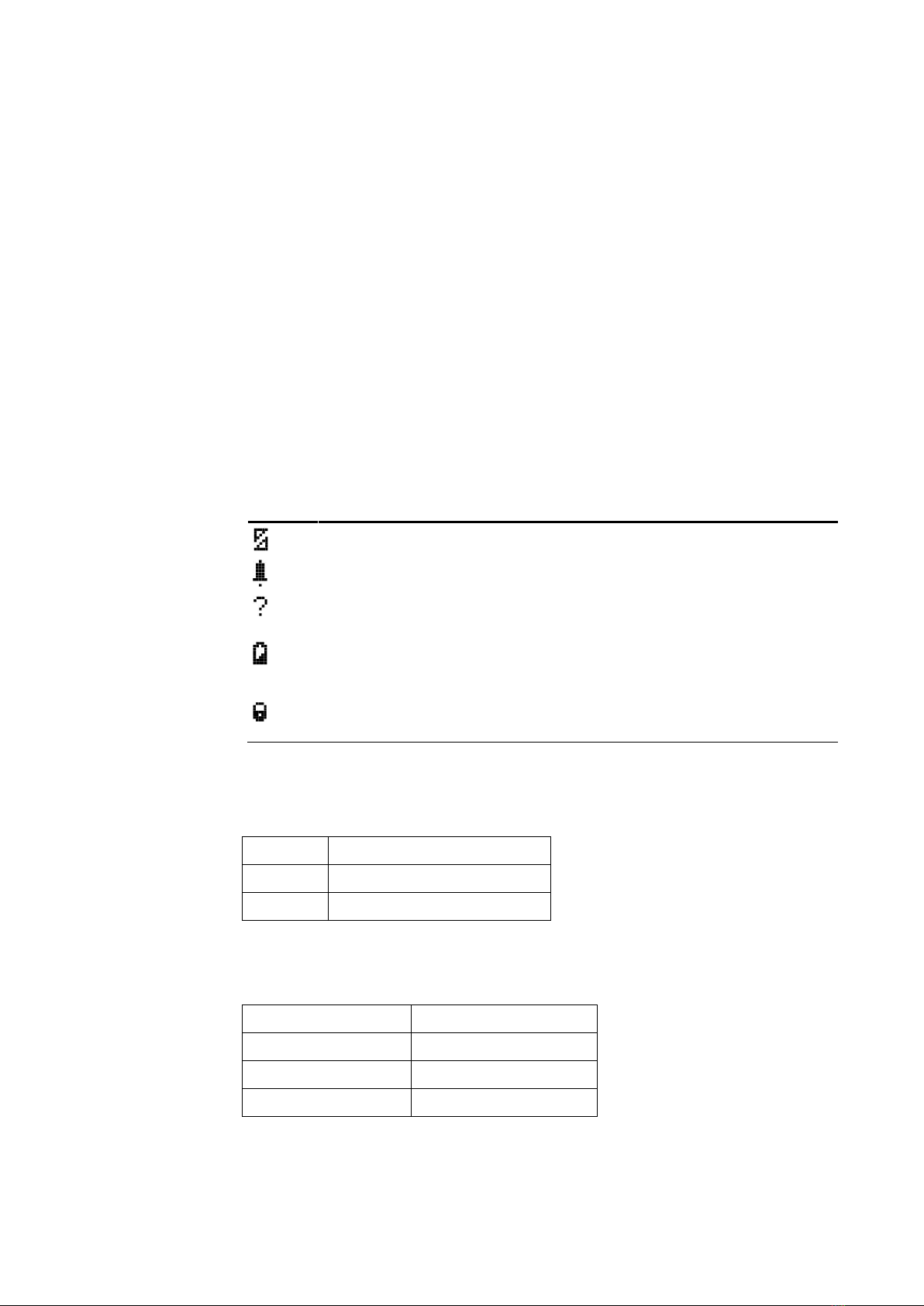
LCD Display Symbol Table...................................................................................................9
Entering Numbers.................................................................................................................9
SETTING THE CLOCK............................................................................................................10
INSTALLER MODE ................................................................................................................11
Accessing the Installer Mode..............................................................................................11
Adding a FW2 Wireless Device (Add Zone).......................................................................12
Adding a Remote Control key (Wireless Key) ....................................................................13
Clear Zone..........................................................................................................................15
Clear Remote......................................................................................................................16
Changing the Password......................................................................................................17
Checking the RSSI (Radio signal strength)........................................................................17
Clear History.......................................................................................................................18
Arm to Output......................................................................................................................19
Buzzer Tie...........................................................................................................................19
Remotes Log.......................................................................................................................20
Mute Disarm........................................................................................................................20
Version................................................................................................................................21
Setting the Unit Defaults.....................................................................................................21
FUNCTIONS ........................................................................................................................23
TECHNICAL SPECIFICATIONS............................................................................................. 25