
DE VECCHI DVA AL Series Manuale
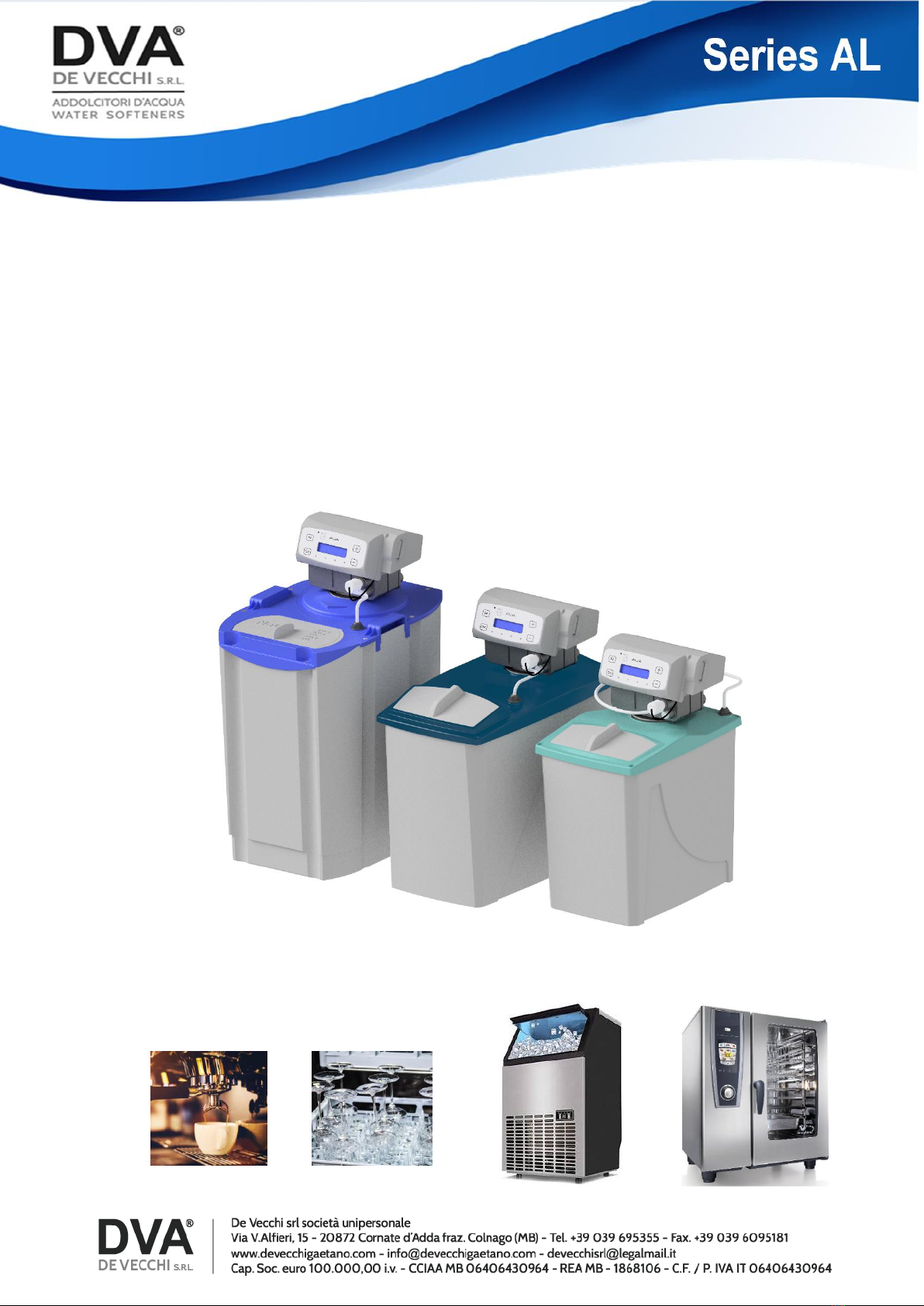
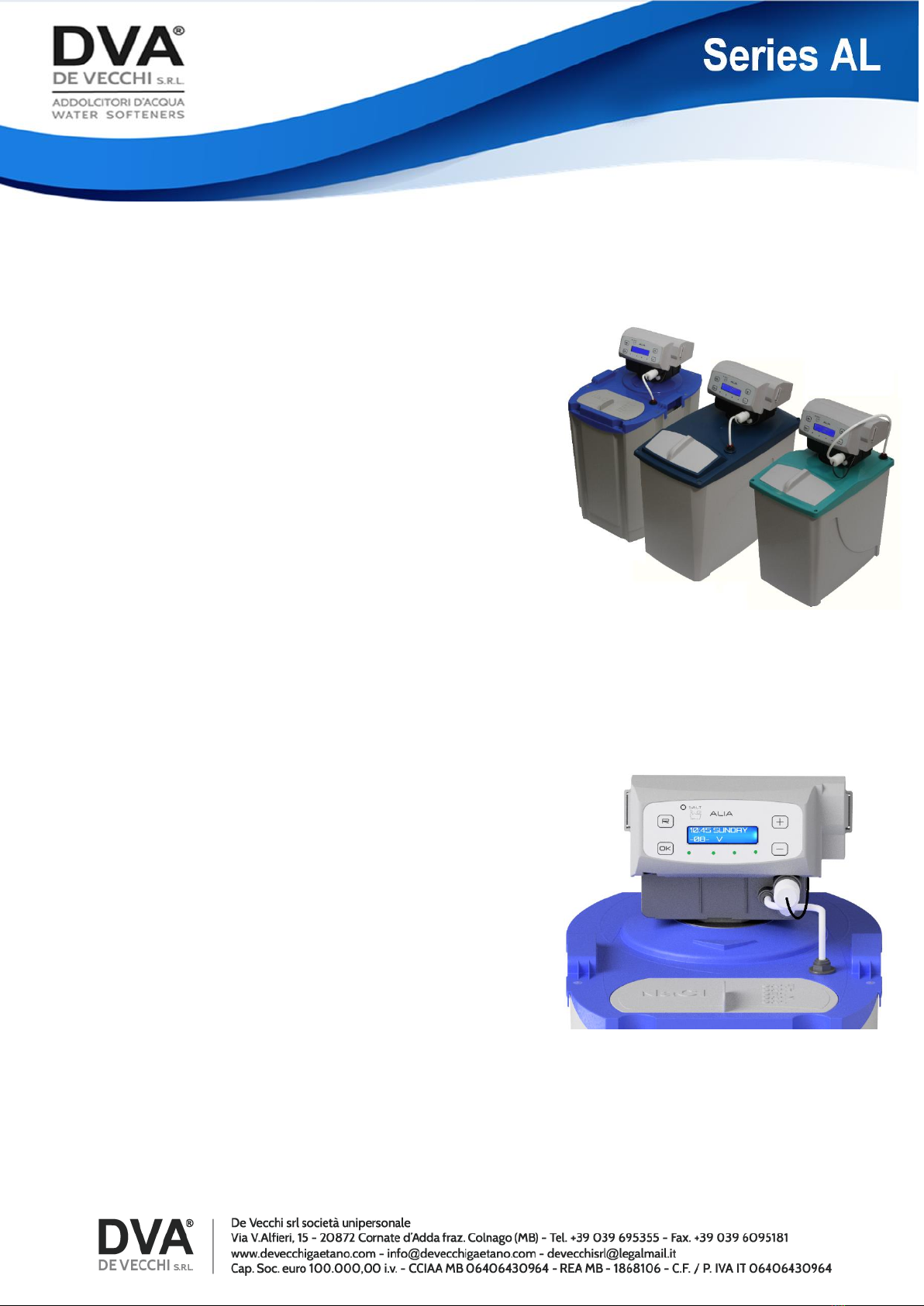
Volumetric automatic water softeners
AL Series with “ALLARM SALT”
Technical information
The AL series softeners feature advanced functions that have specifically been designed
for the catering industry.

“SALT ALARM”
There is a specific function supporting the user in monitoring salt presence in the brine
tank; this prevents the softener from running out of salt.
MULTILINGUAGE DISPLAY
Information can be displayed in English, Italian, French, Spanish and German.
TECHNICAL DATA
MODEL AL5V AL8V AL12V
Width in mm: 230 250 285
Depth in mm: 360 460 405
Height in mm: 460 485 595
Weight in kg: 11 12 15
Cylinder capacity in lt.: 5 8 12
Resin volume in lt.: 3.5 5.5 9
Salt for regeneration (kg) 0.6 1 1.5
TECHNICAL FEATURES
Max flow rate: 1400 l/h
Room temperature: Min 4°C Max 35°C
Infeed water temperature Min 6°C Max 25°C
Water pressure 0.2 Mpa Min 2 bar
0.8 Mpa Max 8 bar
Power supply: Standard 230 V 50/60 Hz
Optional 120 V 60 Hz
Power absorbed: 4 W

“AS” SALT ALARM
This function is useful and ensures correct soft water
supply.
Whenever the resin is regenerated, the softener
checks salt level in the brine tank and, if salt is not
present, an acoustic signal will be triggered, all the
led lights will shift to red and the “ADD SALT”
message will be displayed.
Time and date of such salt alarm will be recorded in
the “Alarm Log” “AS”.
This will allow the maintenance technician to view
the recorded date.
SETTINGS
This device features an easy and user-friendly setting
procedure that is based on the four buttons located
around the display.
The AL softener can be set in Volumetric as well as
Chronometric mode.
Softener settings can be changed at any time so as to
shift from one mode to the other.
Once set, all the data can be displayed. More
specifically:
-Current date and time.
-Salt monitoring function on.
-Softener model.
-Any changes in regeneration cycle duration.
-Day on which the next regenertion will be carried out.
-Whether the softener is in volumetric mode.
VOLUMETRIC SETTINGS
The data used to set the softener in Volumetic mode
are the following:
-softener model;
-hardness of water to be treated;
-the number of days elapsing between regeneration
cycles, irrespective of water consumption.
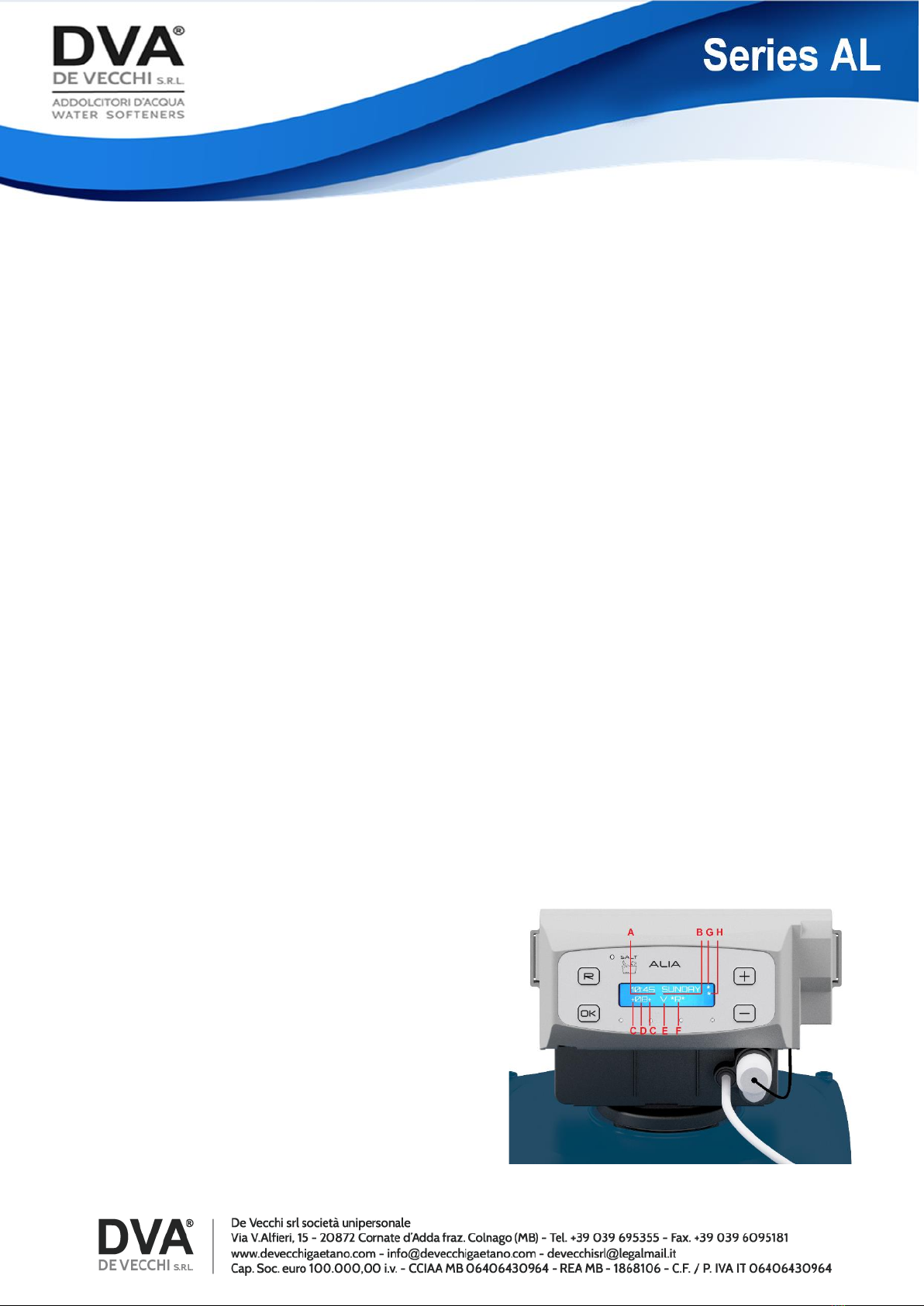
When the softener is in Volumetric mode, letter “V” is
displayed.
A-Hour
B-Day of the week
C-Extra Rinse
D-Modell
E-Volumetric mode
F-*R* Mean that on this day a regeneration will
take place
G-Acoustic salt alarm off
H-Visual salt alarms off(I)
CHRONOMETRIC SETTINGS
Regeneration cycles can be set in two different ways,
when in Chronometric mode: by setting one or more
days in a week, or by setting the number of days
elapsing between two regeneration cycles.
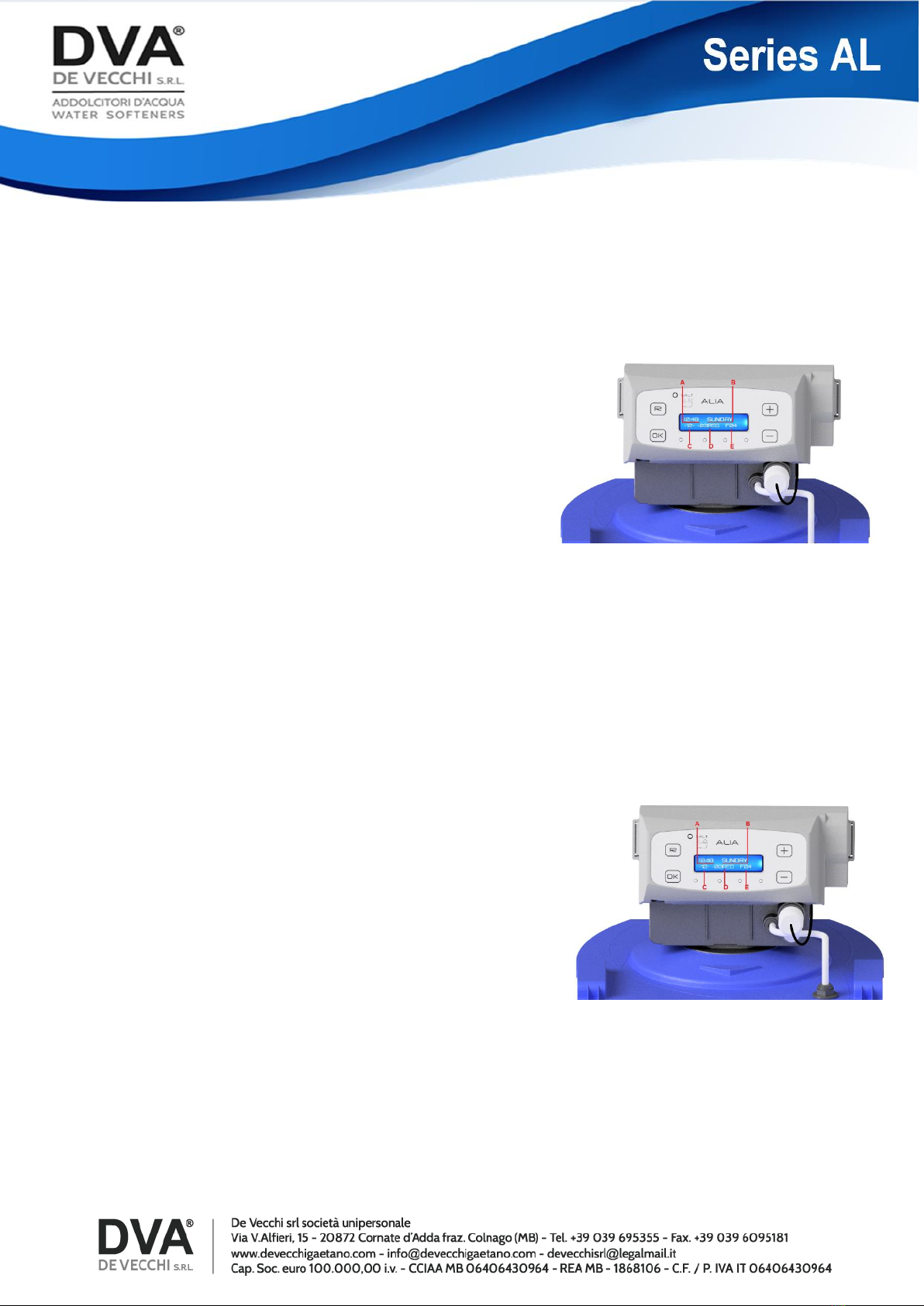
When the softener is in Chronometric mode, the 4 led
lights are green, but not on the day a regeneration cycle
is scheduled. On that day, only a green led light running
at the bottom of the display is visible.
A-Hour
B-HDay of the week
C-Modell
D-How many day are to elapse before regeneration
E-Regeneration frequency
A-Hour.
B-Day of the week
C-Modell
D-*R* Mean that on this day a regeneration will take
place
E-Regeneration weekly
F-No chime
G-No salt alarm
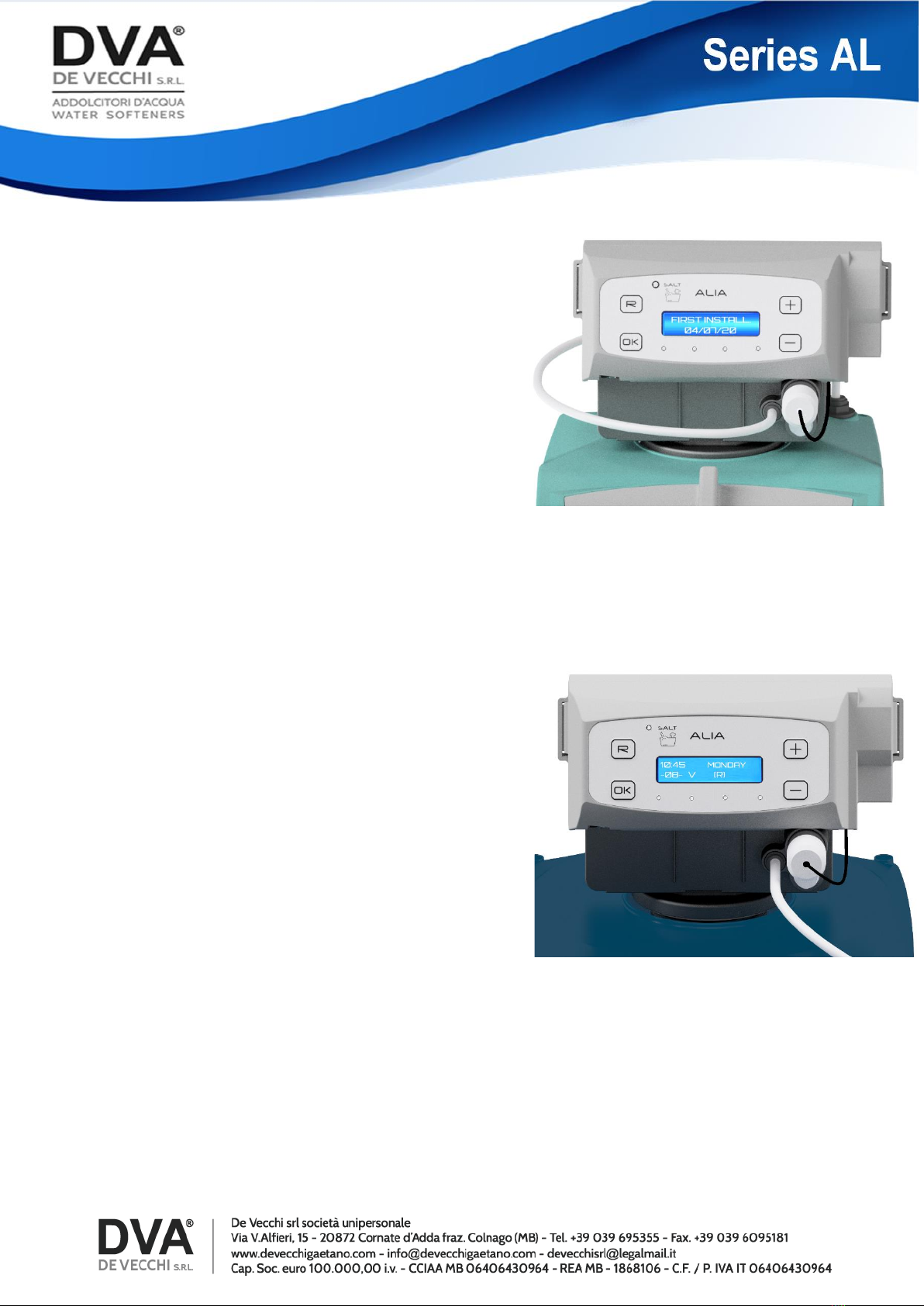
FIRST INSTALLATION
Once the third automatic regeneration is finished,
the AL softener will report in a log the day on which
it was carried out. That day is processed as the
starting day for the warranty period.
The recorded date is not effaceable.
POSTPONED REGENERATION (R)
Postponed regeneration is a useful function to restore
the salt alarm.
When the salt alarm is triggered, the correct
procedure to be implemented is the following:
silence the audible alarm by simultaneously
pressing the “R” and “-” buttons, add salt in the brine
tank and press the “ R“ button to start a postponed
regeneration cycle.
Letter (R) will be displayed.
Regeneration will be carried out at the same time set
when programming regeneration cycles.
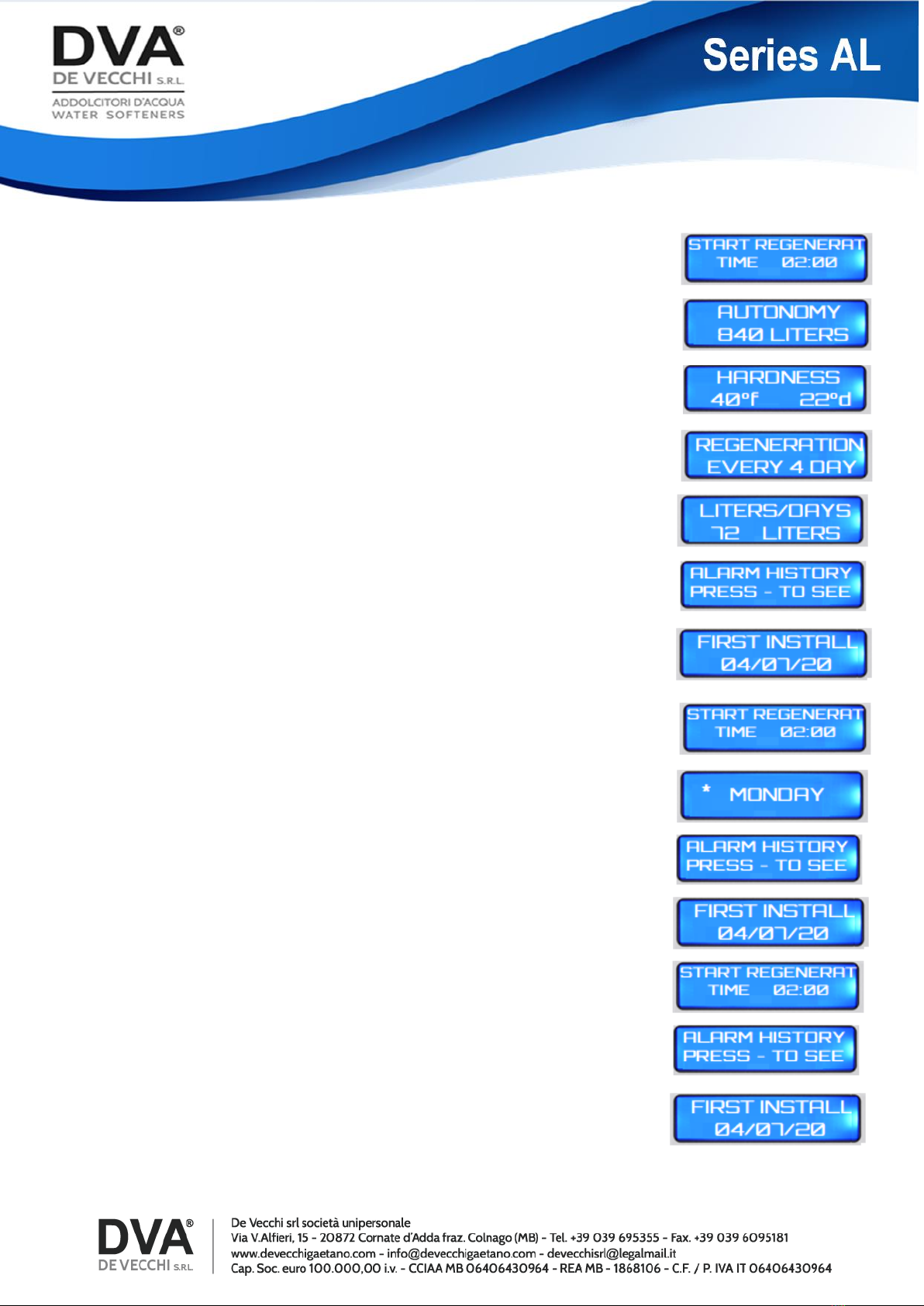
SETTINGS DISPLAY
When running, the softener displays operating data, settings
and any triggered alarms in sequence.
When the AL softener is in Volumetric mode, by pressing the
“+” button, the following data are visible:
-Regeneration start time
-Remaining water
-Water hardness
-Frequency of forced regeneration expressed in days
-Daily water consumption
-Alarm log
-First installation
If the softener regeneration cycles are set on a weekly base,
by pressing the “+” button the following information will be
viewed in sequence:
-Regeneration starting time.
-Day(s) on which regeneration will be executed.
-Alarm log (AS salt alarm).
-First installation date.
If the softener is set so as to carry out regeneration
cycles based on a day interval schedule, by pressing
the “+” button the following data sequence will be
displayed:
Regeneration start time.
Alarm log (AS Salt Alarm).
First installation date.
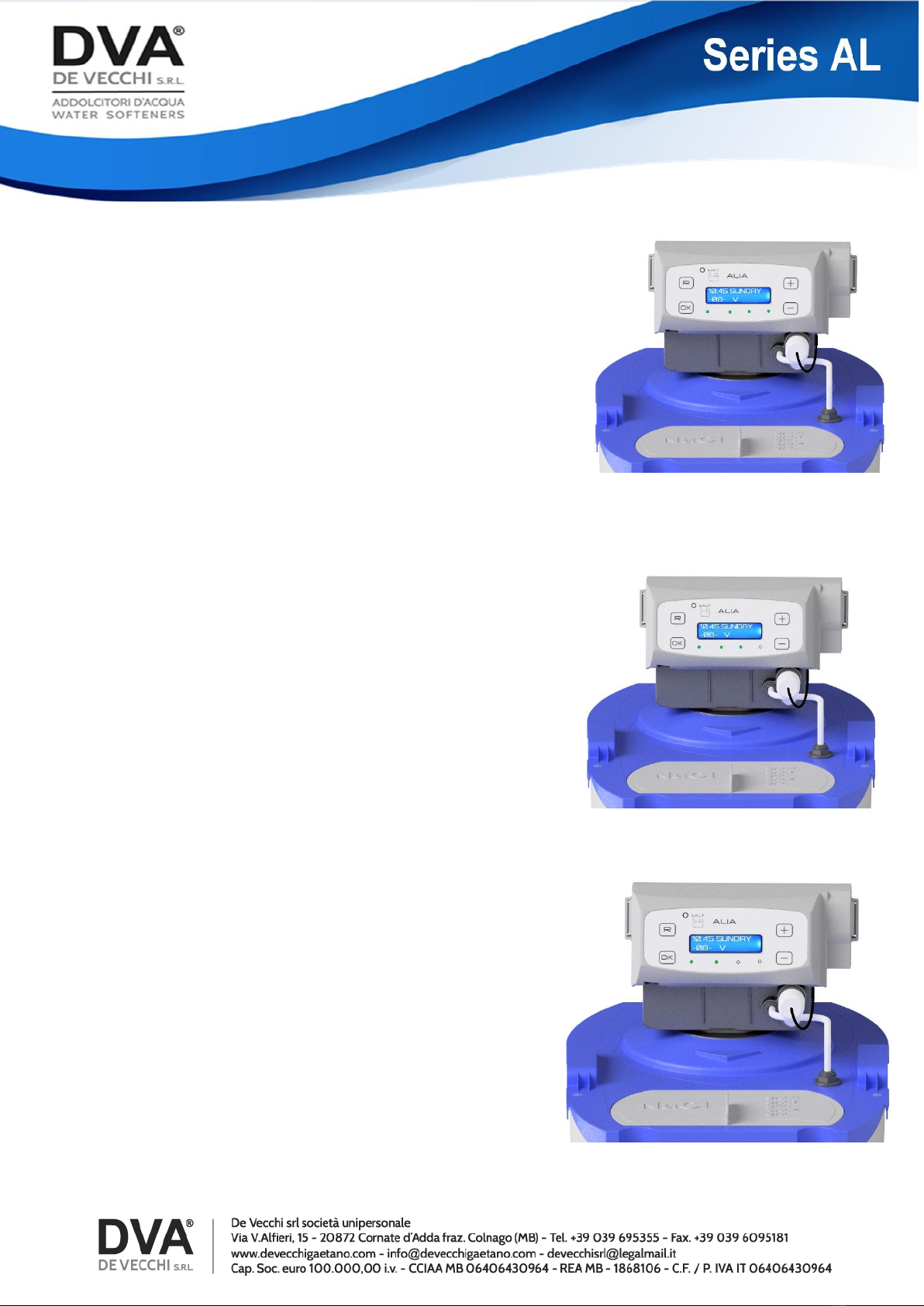
MULTICOLOUR LED LIGHT READING
Thanks to the four led lights that can display different
coulours, users can easily realize whether the
Volumetric AL softener is correctly running, if it is in a
regeneration cycle or if it is in alarm mode.
Users can understand at a glance the phase the
softener is in.
Each colour expresses a different function:
Green –the softener is correctly running
Red –an alarm is on
White –is for functions in progress
Blinking white –when date, time and language are
being set
Blue –is for the setting phase
When in Volumetric mode, during soft water supply, the
led lights will switch from green to white, and
information on remaning soft water will be displayed.
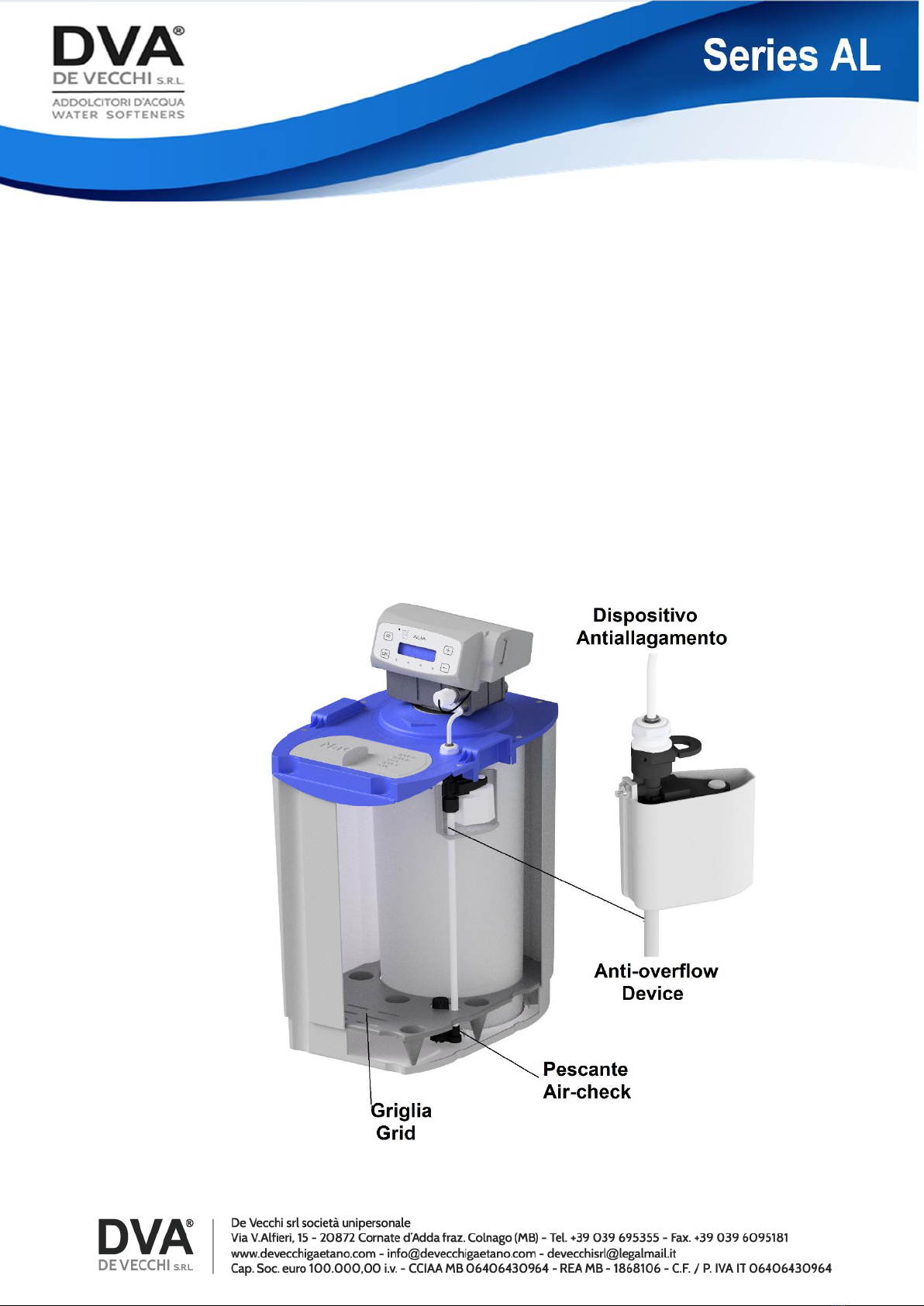
ANTI-FLOODING OPTIONAL DEVICE
This is an optional device that improves reliability of the AL series softeners by
preventing water from overflowing from the brine tank, in case of over filling.
It can be requested and installed on all models.
Softener settings, controls and functions will not change.
Questo manuale è adatto per i seguenti modelli
3
Indice
Altri manuali DE VECCHI Distributore d'acqua


