USER’S GUIDE VIDEO MODEM «OKO»
2002 LLC “Decima”
Table of contents:
1. Introduction......................................................................................................................................................... 2
1.1 Gentral: ......................................................................................................................................................... 2
1.2 Basic operating modes .................................................................................................................................. 2
1.3 Features......................................................................................................................................................... 2
1.4 Main areas of application.............................................................................................................................. 3
1.5 Basic technical and functional characteristics............................................................................................... 3
1.6 Supply set...................................................................................................................................................... 3
1.7 Minimum requirements to your PC............................................................................................................... 3
2. Installation and connection. ................................................................................................................................ 4
2.1 Installation:.................................................................................................................................................... 4
2.2 Connection:................................................................................................................................................... 4
3. Work with the program:...................................................................................................................................... 4
3.1 Starting up the program:................................................................................................................................ 4
3.1.1 Phone line connection (through modem): .............................................................................................. 5
3.1.2 Connection through СОМ port of your PC:........................................................................................... 5
3.2 Connection with video modem: .................................................................................................................... 5
3.3 Setup connection:.......................................................................................................................................... 6
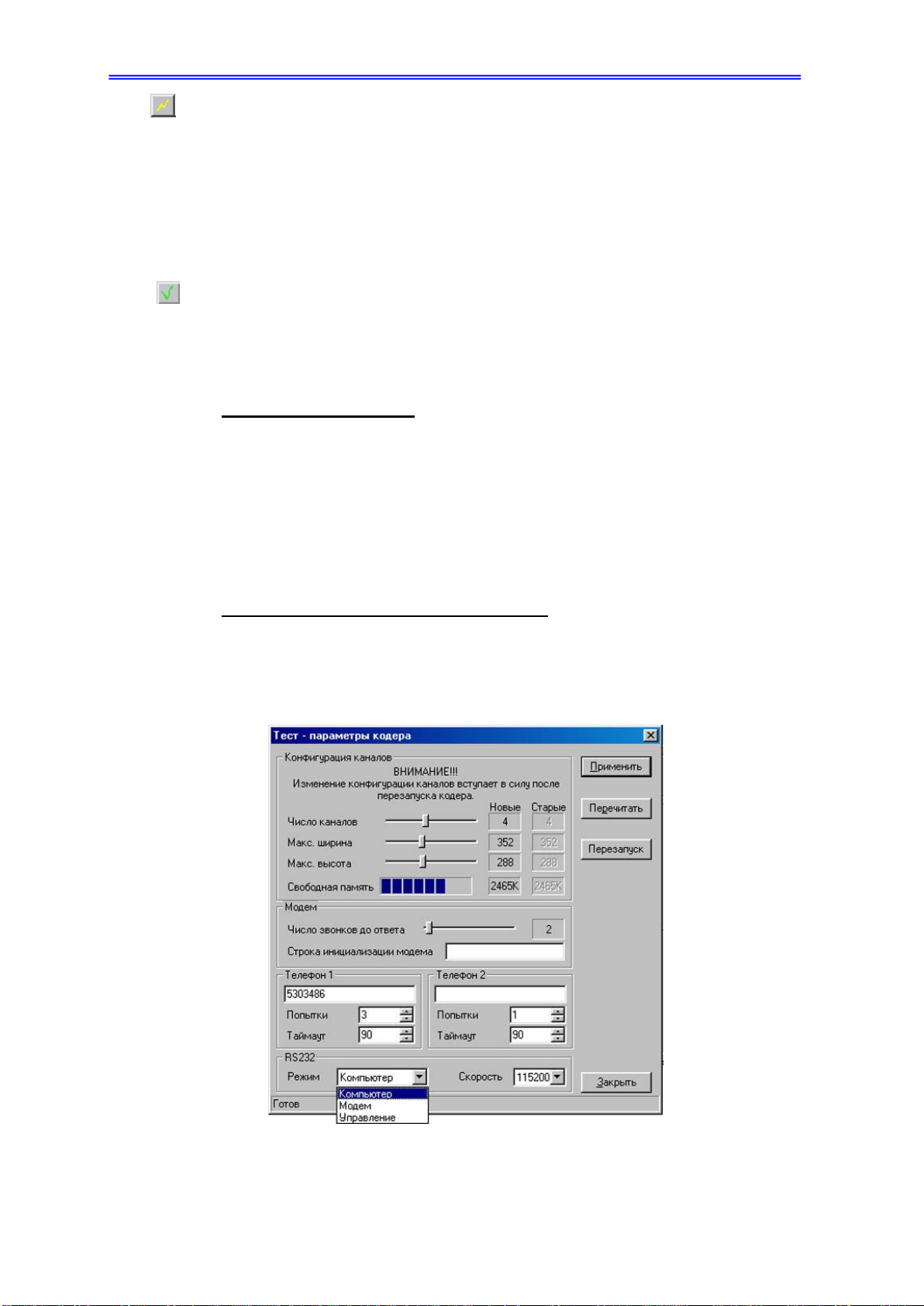
3.4 Adjustment of the coder settings................................................................................................................... 6
3.4.1 Setting of the channel configuration: ..................................................................................................... 6
3.4.2 Adjustment of the settings for modem connection (over the phone line):.............................................. 7
3.4.3 The mode of the video modem RS232 port: .......................................................................................... 7
3.5 Adjustment of the video channel settings...................................................................................................... 7
3.5.1 Adjustment of the image:....................................................................................................................... 7
3.5.2 Selection of the snapshot fragment to view:........................................................................................... 8
3.5.3 Adjustment of settings for video image transmission: ........................................................................... 8
3.6 The mode of motion detection: ..................................................................................................................... 8
3.6.1 At permanent monitoring:...................................................................................................................... 9
3.6.2 Off-line mode:........................................................................................................................................ 9
3.7 Settings for photographing............................................................................................................................ 9
3.8 Using memory of the video modem:............................................................................................................. 9
3.9 Saving the current configuration:................................................................................................................ 10
3.10 “Video-window” mode: ............................................................................................................................ 10
3.10.1 Photographing:................................................................................................................................... 11
3.10.2 Reading of the photo pictures: ........................................................................................................... 11
3.11 Full-screen mode:...................................................................................................................................... 11
3.12 Recording and viewing video information:............................................................................................... 12
3.12.1 Recording video information: ............................................................................................................ 12
3.12.2 Reading video clips, written into memory of the video modem: ....................................................... 12
3.12.3 Viewing video information: ............................................................................................................... 13
3.13 Automatic saving ...................................................................................................................................... 13
3.14 Callback: ................................................................................................................................................... 14
3.15 Connection of external devices: ................................................................................................................ 14
3.15.1 External input (grey terminals): ......................................................................................................... 15
3.15.2 External output (yellow terminals):.................................................................................................... 15
3.16 Data transmission through the video modem............................................................................................ 15
3.17 Correction of time ..................................................................................................................................... 16
3.18 Change of password.................................................................................................................................. 16
3.19 Updating software releases for the video modem: .................................................................................... 16
3.20 Completion of the work: ........................................................................................................................... 16
3.21 The video modem reset:............................................................................................................................ 16
4. Troubleshooting:............................................................................................................................................... 17
5. Registration:...................................................................................................................................................... 17
6. Warranty: .......................................................................................................................................................... 18
WARRANTY COUPON ...................................................................................................................................... 19