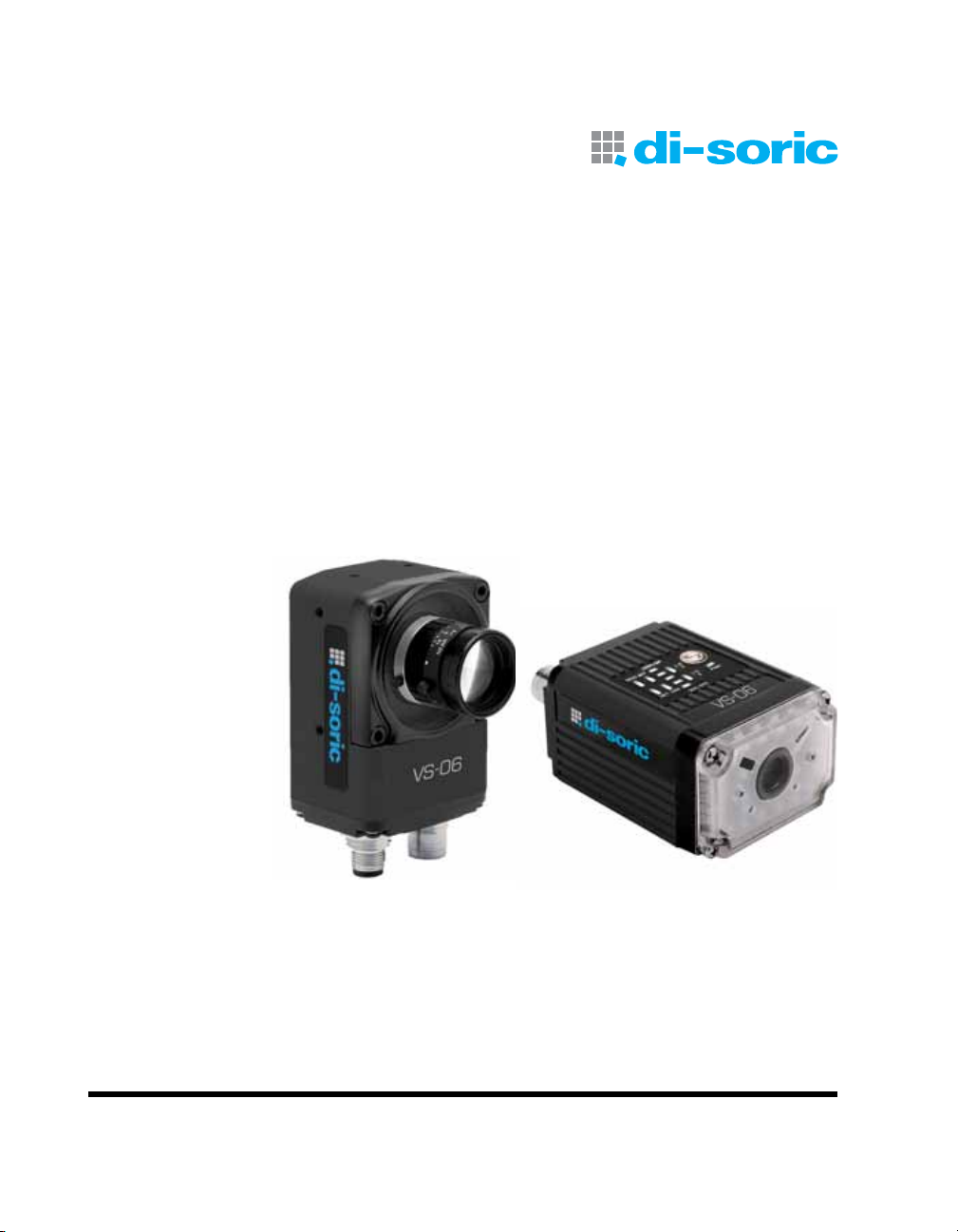
Di-soric VS-06 Manuale utente

VS-06 Smart Camera
VS-06 User´s Manual

Copyright ©2013
All rights reserved. The information contained herein is proprietary and is provided solely for the purpose of allow-
ing customers to operate and/or service di-soric manufactured equipment and is not to be released, reproduced,
or used for any other purpose without written permission of di-soric.
Throughout this manual, trademarked names might be used. Rather than place a trademark (™) symbol at every
occurrence of a trademarked name, we state herein that we are using the names only in an editorial fashion, and to
the benefit of the trademark owner, with no intention of infringement.
Disclaimer
The information and specifications described in this manual are subject to change without notice.
Latest Manual Version
For the latest version of this manual, see the Download Center on our web site at:
www.di-soric.com.
Technical Support
Warranty and Terms of Sale
For Standard Warranty information contact:
di-soric GmbH & Co. KG
Steinbeisstraße 6
DE-73660 Urbach
Fon: +49 (0) 71 81 / 98 79 - 0
Fax: +49 (0) 71 81 / 98 79 - 179
www.di-soric.com

VS-06 Smart Camera Guide v
Contents
PREFACE Welcome!
Purpose of This Manual
Manual Conventions
CHAPTER 1 Introduction 1-1
Product Summary 1-2
Features and Benefits 1-2
Applications 1-3
Package Contents 1-3
VS-06 Smart Camera Models 1-4
Part Number Structure 1-5
CHAPTER 2 System Components 2-1
Hardware Components 2-1
Important Label Information 2-8
Mounting and Wiring the VS-06 Smart Camera 2-9
Input/Output Wiring 2-16
Ground and Shield Considerations 2-17
Power Requirements 2-19
Status Indicators 2-20
AutoVision Button 2-21
Setting Up a Job in AutoVision 2-22
Trigger Debounce 2-27

Contents
vi VS-06 Smart Camera Guide
CHAPTER 3 Optics and Lighting 3-1
Optics 3-2
Lens Substitution 3-3
Illumination 3-5
CHAPTER 4 Using EtherNet/IP 4-1
VS-06 EtherNet/IP 4-2
Assembly Layout 4-4
Connection Properties: Class 3 Explicit Messaging: 4-14
EIP Control/Status Signal Operation 4-17
Data Type Descriptions and Equivalents in PLC and EDS/CIP Environments 4-18
PLC Tags and Serial Command Names 4-19
APPENDIX A Connector Pinouts A-1
VS-06 Smart Camera Connectors A-2
APPENDIX B Cable Specifications B-1
VKHM-Z-5/RJ45 Cable, Host, Ethernet, M12 8-pin Plug to RJ45, 1 m B-2
VSID-PS-24V-ES Power Supply, M12 12-pin Socket, 1.3 m B-4
APPENDIX C General Specifications C-1
Dimensions C-8
Field of View and Working Distance C-10
APPENDIX D Web HMI D-1
Adding Options to the Base URL D-4
Basic Options D-4
Layout Options D-5
Settings Pages D-7
Style D-14
Additional Notes D-15
APPENDIX E Allen-Bradley PLC Setup via EDS E-1
AB Rockwell RSLogix 5000 v20 PLC Integration with EDS E-2
APPENDIX F Allen-Bradley PLC setup via Generic Ethernet Module F-1
Prepare the PLC: Integrate the Camera into a PLC Environment F-2

Contents
VS-06 Smart Camera Guide vii
APPENDIX G Demo PLC Code G-1
Glossary of Terms G-2
Demo Setup G-3
Description of PLC Tags G-5
Run the Camera: Runtime Operation of EtherNet/IP Demo G-15
APPENDIX H Serial Commands H-1
APPENDIX I VS-06 Boot Modes I-1

Contents
viii VS-06 Smart Camera Guide

VS-06 Smart Camera Guide xi
Preface
PREFACE Welcome!
Purpose of This Manual
This manual contains detailed information about the VS-06 Smart
Camera.
Manual Conventions
The following typographical conventions are used throughout this manual.
• Items emphasizing important information are bolded.
• Menu selections, menu items and entries in screen images are
indicated as: Run (triggered), Modify..., etc.

Preface
xii VS-06 Smart Camera Guide

VS-06 Smart Camera Guide 1-1
1
Introduction
1
CHAPTER 1 Introduction
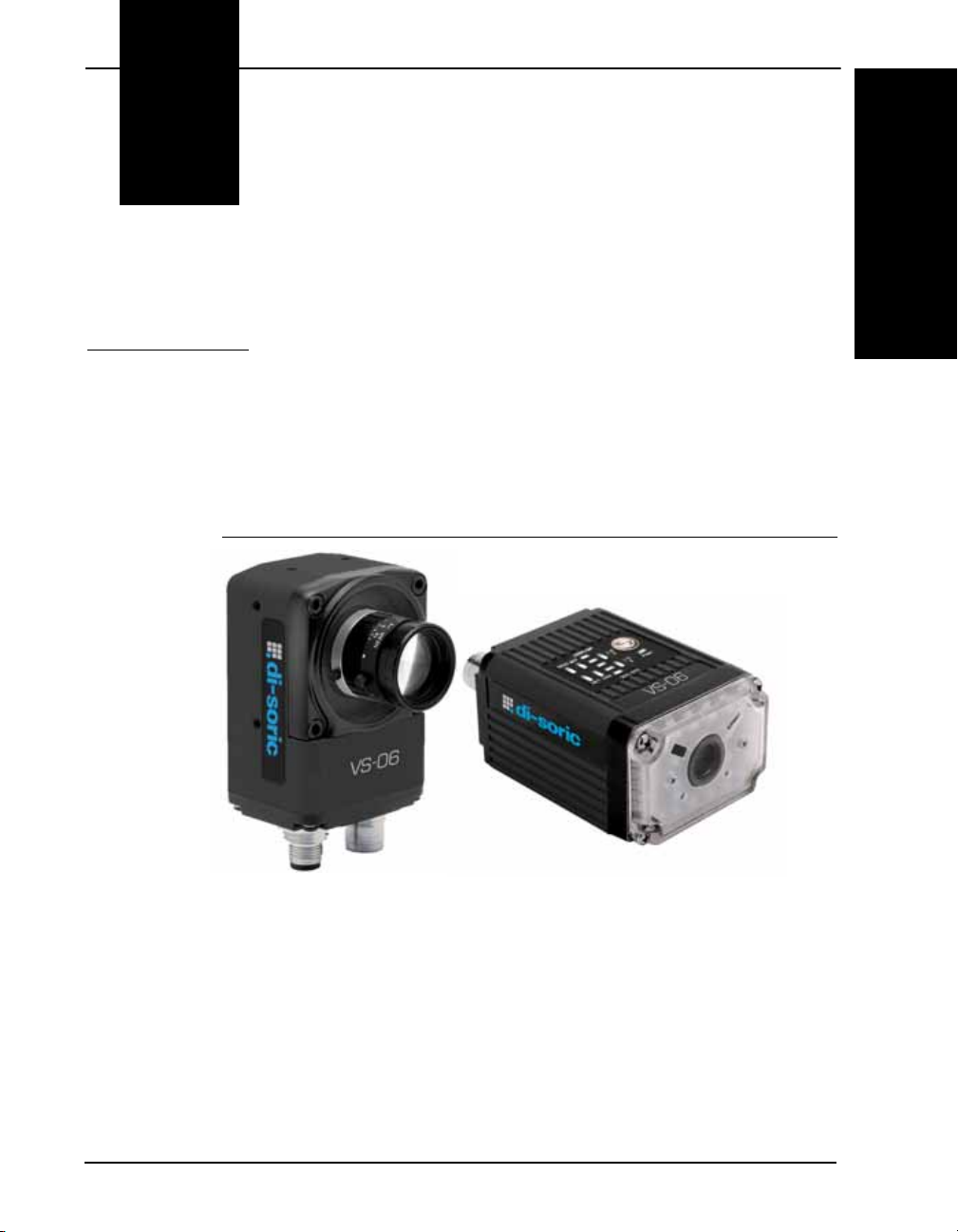
FIGURE 1–1. VS-06 Smart Camera, C-Mount and Standard Models

Chapter 1Introduction
1-2 VS-06 Smart Camera Guide
Product Summary
The VS-06 Smart Camera is a compact industrial smart camera that
provides powerful machine vision capabilities with a small form factor and
intuitive software interface. The VS-06 is designed for industrial
environments where IP65/67 enclosure and rugged M12 connectivity are
required.
Fully-integrated I/O and communications make the VS-06 easy to
incorporate in virtually any machine vision application. Patented liquid
lens autofocus and modular optical zoom enables the VS-06 to inspect
objects at distances from 33 mm to 2 m and beyond.
Pressing the AutoVision button at the back of the VS-06 enables real time
dynamic autofocus. When an object is centered in the field of view and
the AutoVision button is pressed, the camera automatically adjusts focal
distance and sets internal parameters to optimize image captures.
AutoVision software, designed for use with the VS-06, provides an
intuitive interface, step-by-step configuration, and a library of presets that
allow easy setup and deployment. For more complex vision applications,
the system can be upgraded from AutoVision to Visionscape.
Features and Benefits
• Standard and C-Mount models available
• SXGA (1280 x 960), WVGA (752 x 480), and WUXGA (2048 x 1088,
C-Mount model only) resolutions available
• World’s first vision system with liquid lens autofocus (standard models)
• Integrated lighting (standard models)
• Integrated Ethernet
• Flexible programming options for custom applications
• AutoVision button for automatic targeting, calibration, and triggering
• Simplified configuration with AutoVision software
• Fully scalable with Visionscape
• Applications can be ported to Visionscape PC-based machine vision
Altri manuali per VS-06
1
Indice
Altri manuali Di-soric Macchina fotografica digitale