28-0014 GSM REMOTE CAMERA USER MANUAL
3
CONTENTS
For your safety........................................................................................................................................ 5
Exception clause..................................................................................................................................... 5
Chapter 1 Structure instruction ..................................................................................................................6
1.1 Package contents............................................................................................................................... 6
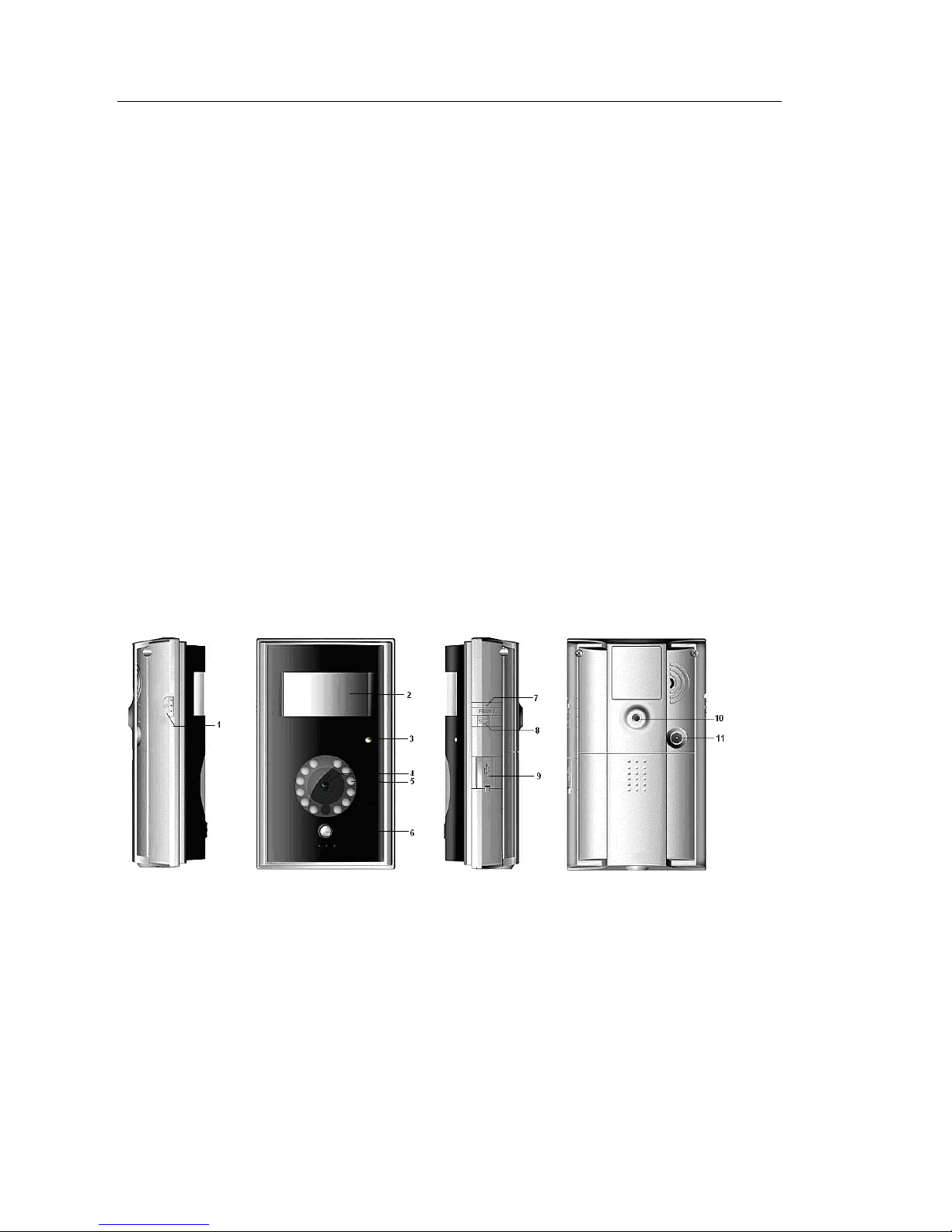
1.2 Products features............................................................................................................................... 6
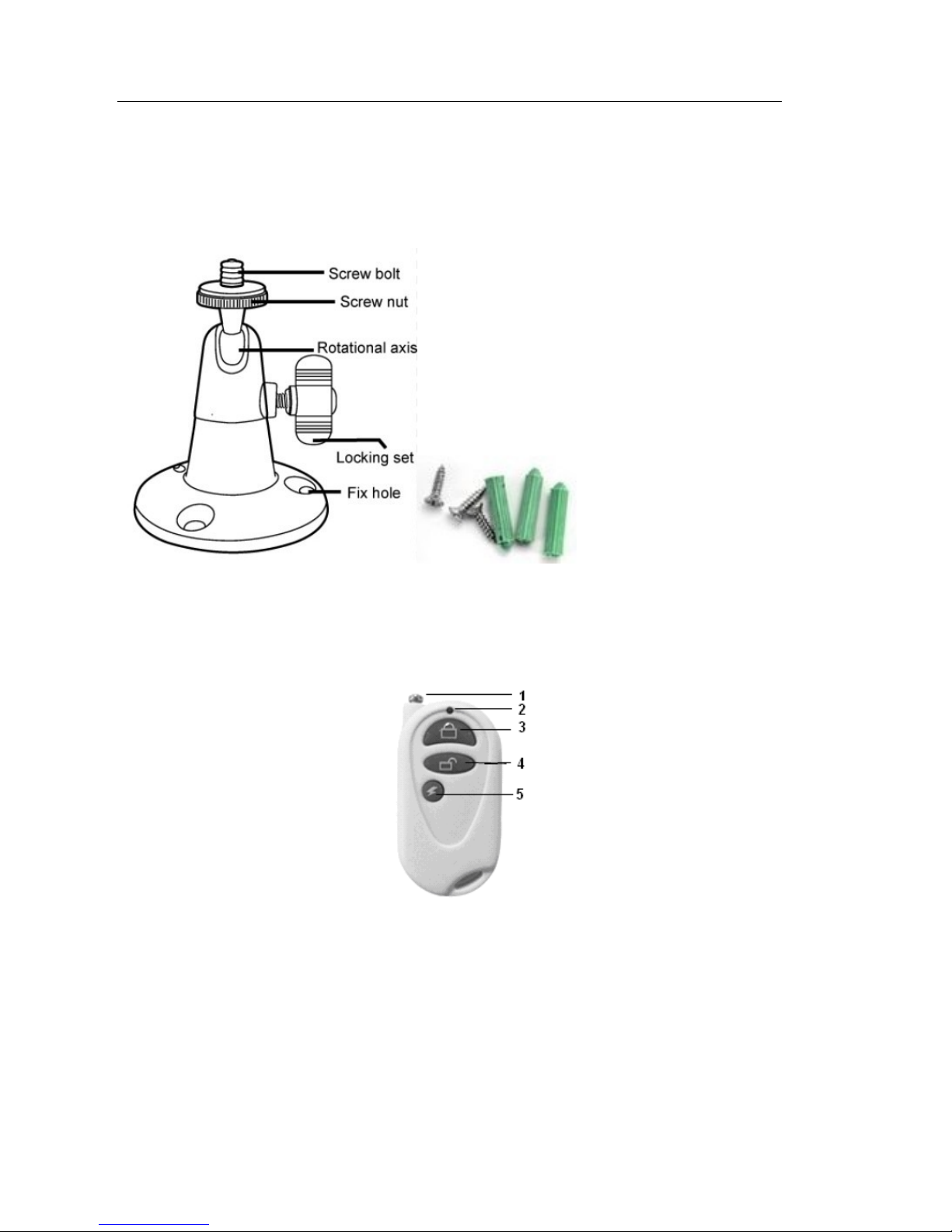
1.3 TUTA-B2 mounting bracket............................................................................................................. 7
1.4 Remote control instruction................................................................................................................ 7
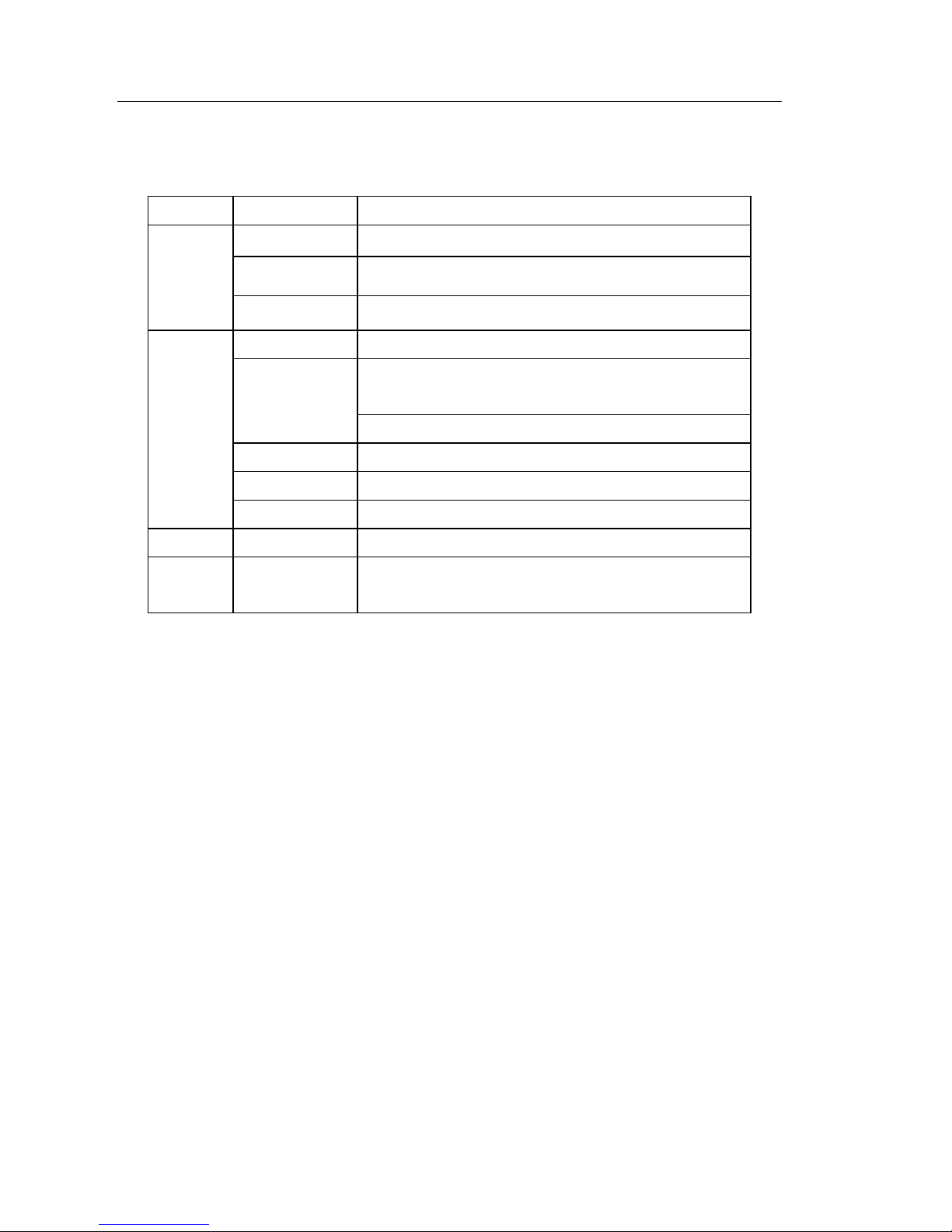
1.5 Light indicator .................................................................................................................................. 8
Chapter 2 Installation...................................................................................................................................9
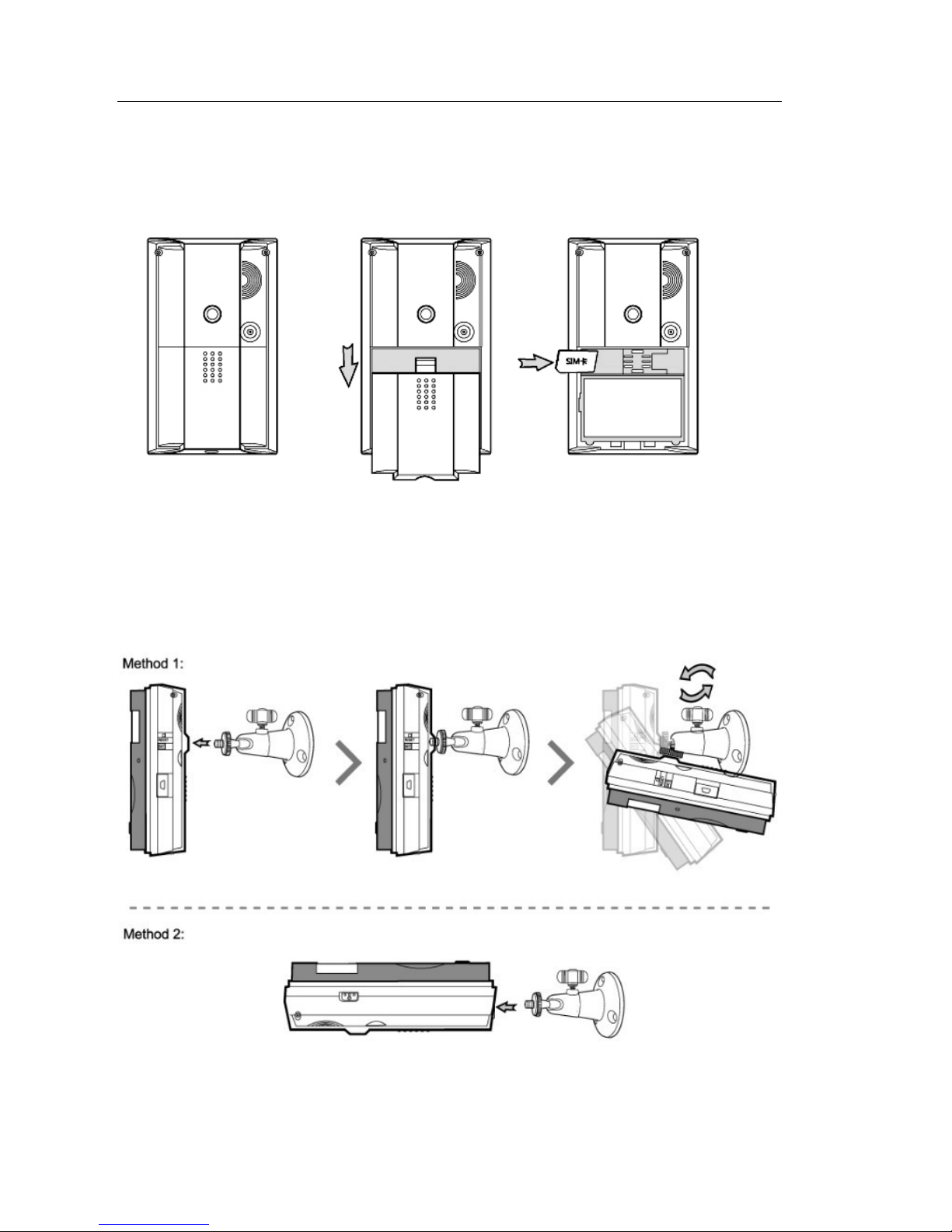
2.1 Install the SIM card .......................................................................................................................... 9
2.2 Install the host mounting bracket...................................................................................................... 9
2.3 Connecting to power adapter.......................................................................................................... 10
2.4 Mounting the TUTA camera ........................................................................................................... 10
2.5 Power on/ off .................................................................................................................................. 10
Chapter 3 Define the user and basic settings........................................................................................11
3.1 User authorization level.................................................................................................................. 11
3.2 Setup master number ...................................................................................................................... 12
3.2.1 Add a master number to the camera.............................................................................12
3.2.2 Change the master number............................................................................................13
3.2.3 Change password ............................................................................................................13
3.3 Define family user .......................................................................................................................... 13
3.3.1 Add a family number ........................................................................................................13
3.3.2 Delete family number.......................................................................................................13
3.4 Define Guest user ........................................................................................................................... 14
3.5 Network parameter settings............................................................................................................ 14
3.6 Camera language ............................................................................................................................ 14
Chapter 4 Operations and settings..........................................................................................................14
4.1 Call the camera to listen in ............................................................................................................. 14
4.2 Capture images ............................................................................................................................... 15
4.2.1 Capture images to mobile phone...................................................................................15
4.2.2 Capture images and send to user’s E-mail address...................................................15
4.2.3 Timing send images to mobile phone ...........................................................................16
4.3 Arming or disarming TUTA camera ............................................................................................... 16
4.3.1 Arming TUTA camera.......................................................................................................16
4.3.2 Camera alarm ...................................................................................................................17
4.3.3 Disarming TUTA camera .................................................................................................17
4.3.4 Timed arming the camera ...............................................................................................17
4.4 Emergency alarms........................................................................................................................... 18
4.5 Remote control................................................................................................................................ 18
4.5.1 Pairing remote control .....................................................................................................18
4.5.2 Remote control instruction ..............................................................................................18