ED9 29D A
12 13
ED92 9D A
When playing discof DVD,MPEG4,SVCD,VCD,CD,MP3,user canrepeatedly play a
specific section.
During playback,press“A-B”button at apoint A,thenpress
this button againin point B,the unit will automaticallyrepeat
playing the partbetween“A-B”
Press it thethird time,the unit will return tonormal playback.
AB
A
During playing DVDdisc with multi-angle, press“Angle”button to change the display angle.
Repeat playing offavorite scene
Angle
A-B
Angle
Number
Note:
The function isavailable only fordiscs with multi-angle.
2X
3X
4X
1 /2X
1 /3X
1 /4X
During playback,press“Zoom”button,the image will be
enlarged;press it againthe image willbe enlarged again;
press it fourthtime,the image willzoom out,press it
repeatedly and theimage will returnto normal status.
When the imageis enlarged,user canpress“ / / / ”to move the image.
Zoom in/ out
When playing discof DVD,MPEG4,SVCD,VCD,user can
zoom in orzoom out theimage.
MP3
VCD
SVCD
MPEG4
DVD CD
DVD
SVCD
DVD MPEG4 VCD
DVD MPEG4 SVCD V CD C D MP3
DVD MPEG4 SVCD VCD CD
2X 4X
8X16X32X
2X 4X
8X
16X32X
Search forward
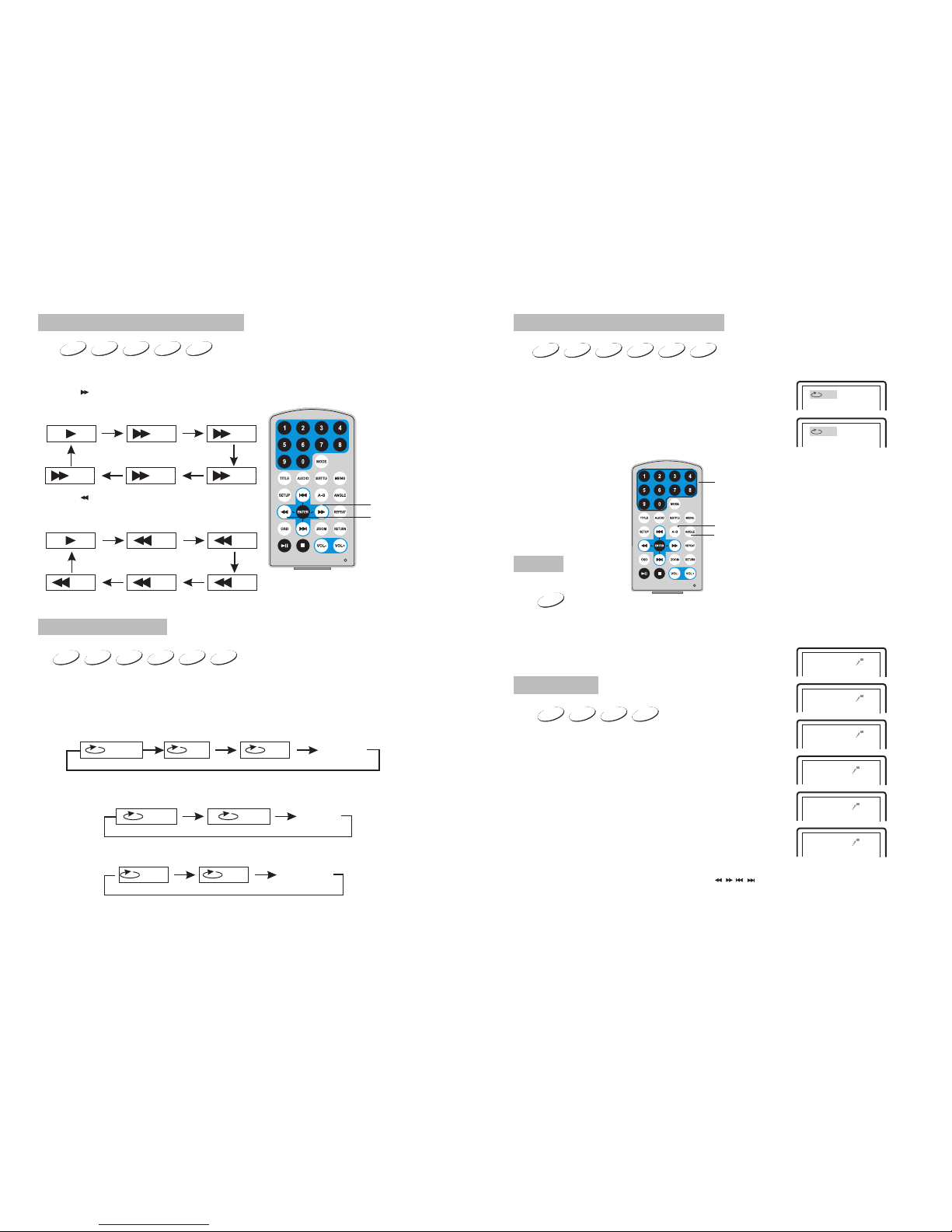
When playing discof DVD,MPEG4,SVCD,VCD,CD, themachine can search forward or
backward.
1. Press“ ”,the unit will search forward.
Press it repeatedly,the machine will play at
2, 4,8, 16, 32 times of speed.
2. Press“ ”, the unit will search backward.
Press it repeatedly,the machine willplay at
2,4,8,16,32 times ofspeed.
When playing discof DVD,MPEG4,SVCD,VCD,CD,MP3,user canrepeat playing one
chapter, titleor the wholedisc.
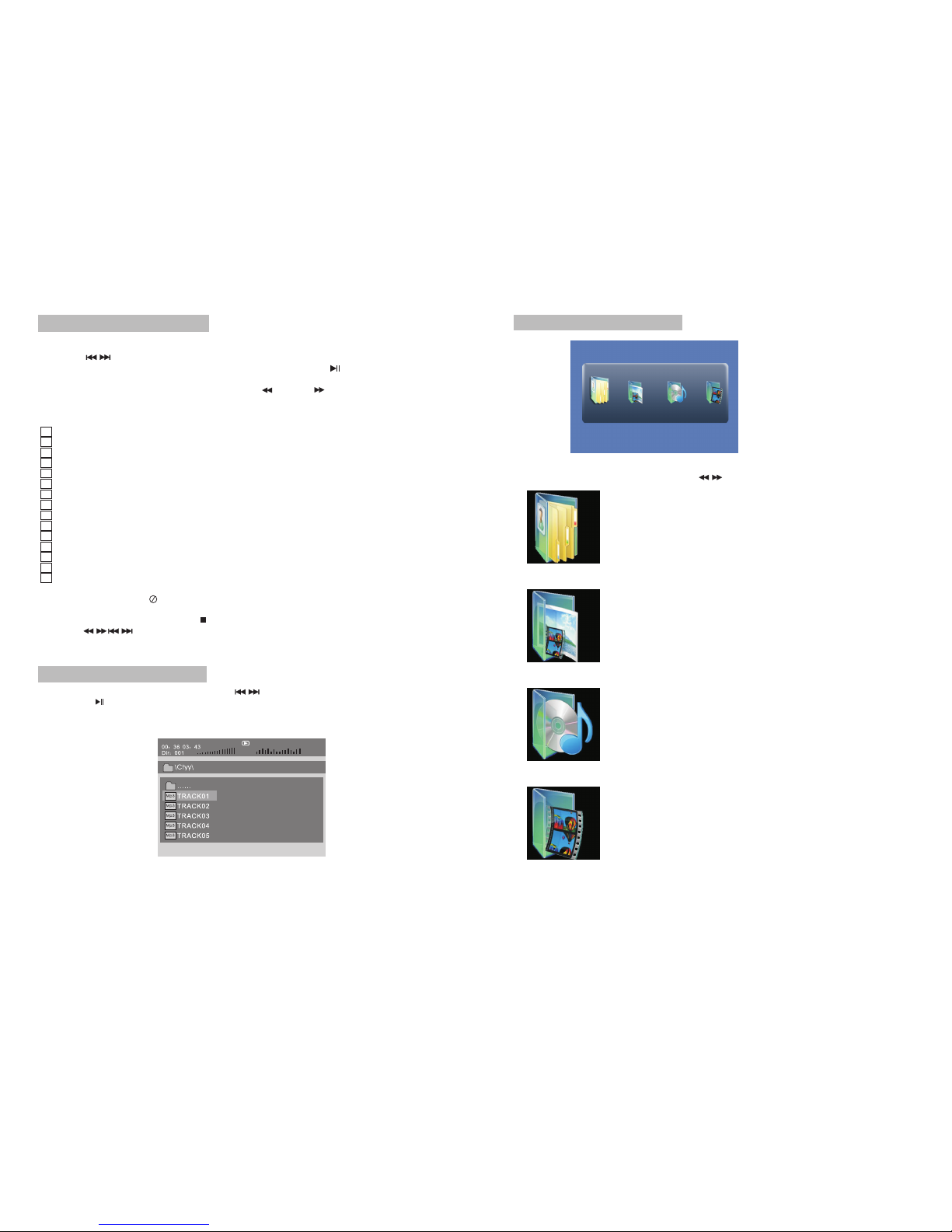
For DVD disc,press“repeat”button,user can repeat playing one Chapter;press it
again to repeatplaying Title;pressit the third time to repeatplaying the wholedisc.
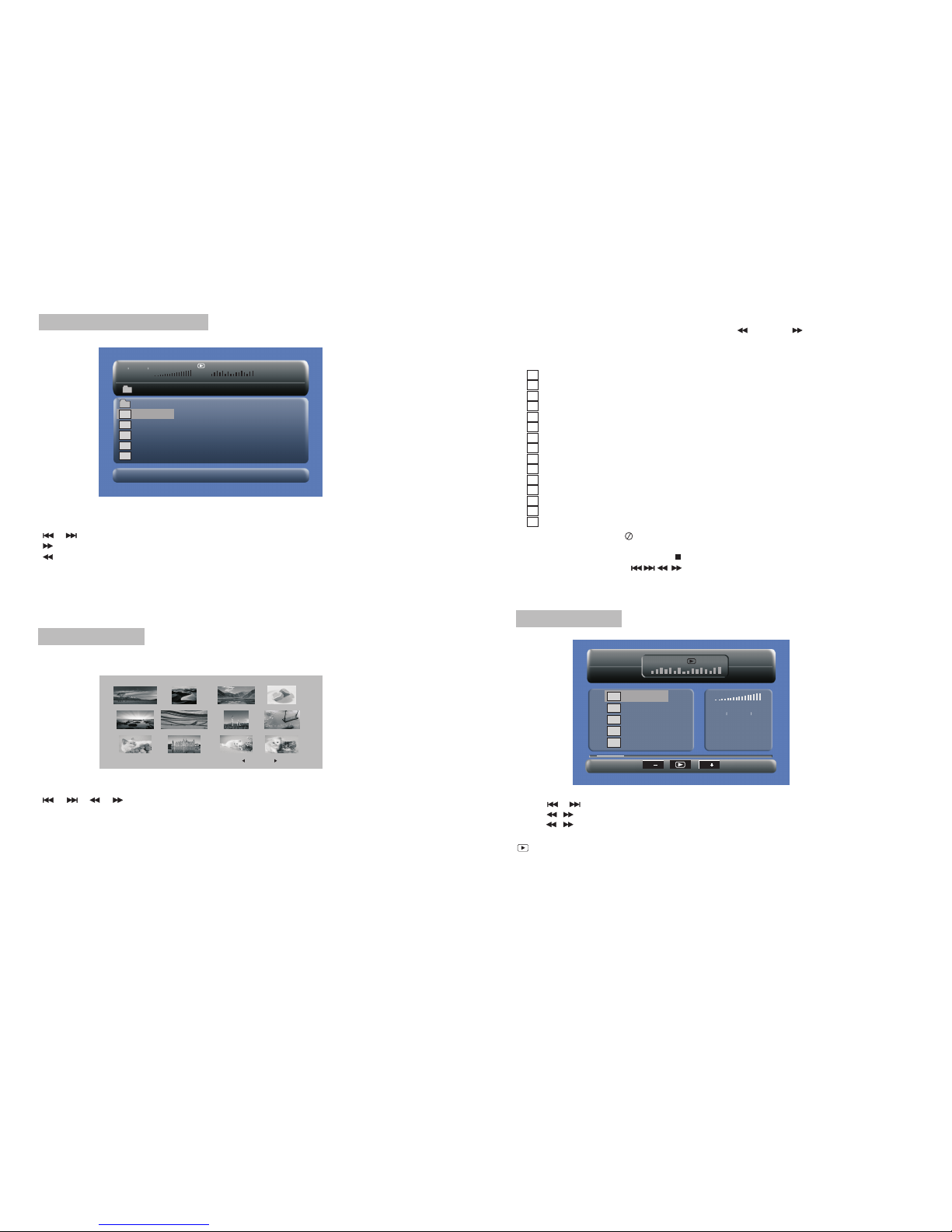
For MP3 disc,press“repeat”button to repeat playing present file;press it again to repeat
playing the folder;pressit the thirdtime to cancelrepeat function.
Search backward
Chapter Title All
Repeat off
one folder
Repeat off
Fast forward andfast backward
Repeat playing
Track All Repeat off
For CD/VCD disc,press repeatedly to repeat the track andthe whole disc.“repeat”button