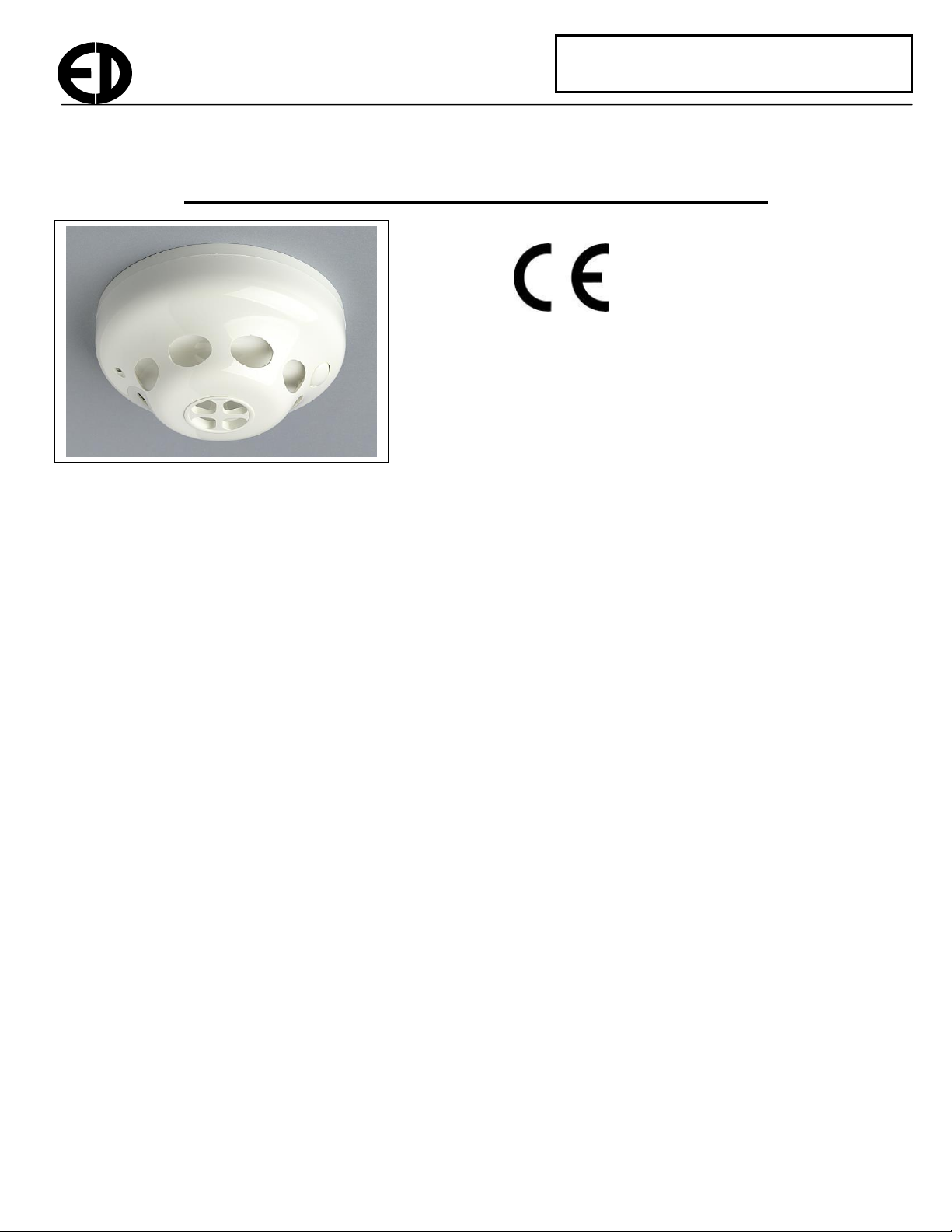
EDA-D5000 Installation Manual Page 2 of 3 Ref: EDA_D5000_Install_V105.doc
Type
There are a number of different kinds of heat detectors that can be used. The A1S type should be used for systems that
have been designed to meet EN54 part 5. Although the A1R setting conforms to the specification it has not been 3rd
party tested.
A1S As specified by EN54 part 5, A1S detectors are intended for use in applications where
the ambient temperature is typically around 25oC and not expected to exceed 50oC. A1S
detectors will not respond below their minimum static response temperature of 54oC,
regardless of a rapid change in ambient temperature.
A1R As specified by EN54 part 5, an A1R detector is a rate of rise detector with a fixed upper
limit of 57oC, at which the device will go into alarm if the rate of rise has been too slow
to trigger the alarm earlier.
Fixed Point The device will go into alarm once the temperature reaches this point. The user can
specify an alarm temperature from 50 –99oC.
Rate of Rise The device will go into alarm when it senses a rapid increase in temperature. The user
can choose from 3 levels of sensitivity. 0.5, 1.0 and 2oC per minute
Alarm Verify
The time period, in seconds, that a detector remains in alarm before sending an alarm signal.
Range: 1 to 20 seconds
The recommended value which conforms with third party type approval tests is 2 Seconds
To put the heat detector into log mode, follow the procedure below:-
1. The panel will need to be put into ‘add device’, ‘replace device’ or new set-up mode
2. Remove the base by rotating the detector anti-clockwise and pulling apart.
3. Ensure the power jumper is removed.
4. Press and hold the unit removal peg and the reset button on the front of the detector simultaneously.
5. With these buttons both pressed down, fit the power link.
6. If the mode is successfully selected the LED on the front of the unit will glow green.
7. Both buttons can now be released.
8. The panel will indicate that it has found a device of type heat detector.
9. Confirm this on the panel and select the correct zone number.
10. The panel will now ask whether to use default values or custom settings. Select which option you require.
Default values will meet the relevant parts of EN54.
11. Follow the instructions on the screen selecting the appropriate values. The selections can be made by using the
cursor keys. The available settings in the advanced menu, which are described above, are as follows.
Zone Number Type Alarm Verify
Fitting the unit to the ceiling.
If not already fitted, the power link should be fitted on the ON position. When applied, the unit will beep and the LED
will flash initially green. It will then flash red once a second indicating the unit removal condition. When fitting the unit
to its base the red marking on the base should be aligned with the led on the outer case. The detector should be located
in the base and rotated clockwise. Once mounted correctly press the reset button for about a second until it beeps. The
LED should stop flashing if the unit is mounted correctly.
Should the unit detect enough heat, it will indicate the alarm condition by illuminating the LED red. The
internal buzzer on the detector will also beep. An alarm transmission will be made to the control panel and
the alarm will be indicated on the panel.