Description and Installation
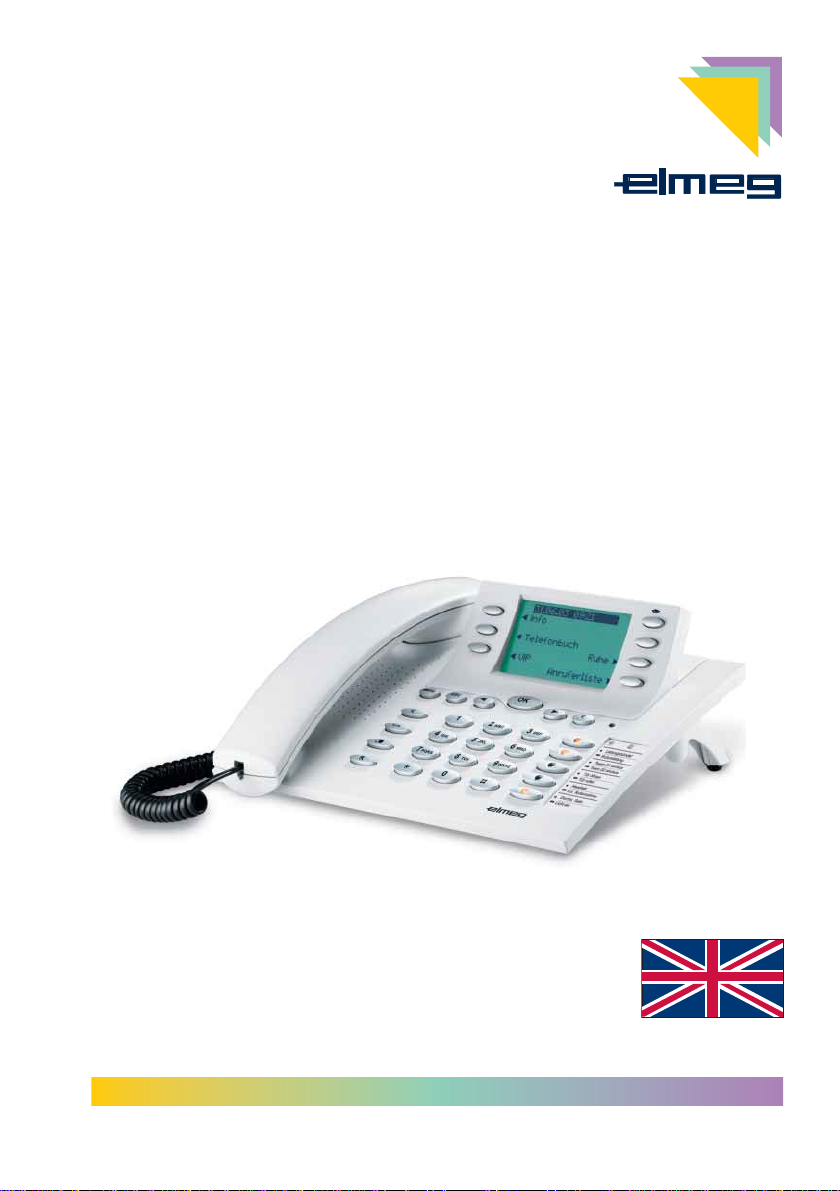
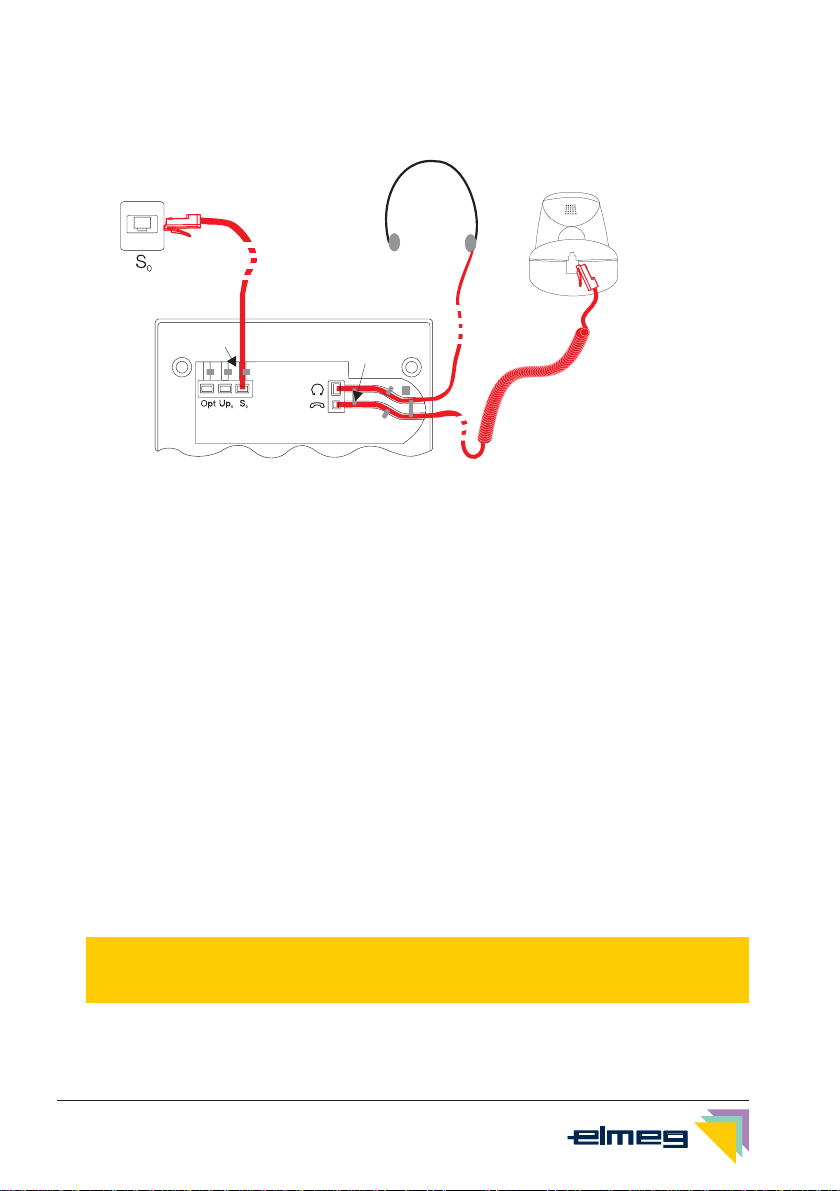
You can connect the ISDN system telephone at the internal ISDN connection of an elmeg
pabx system (S0 or Up0). The ISDN telephone is connected to the ISDN network through an
ISDN jack (Western or RJ.45).
The ISDN telephone provides system features when connected to certain elmeg PABX sys-
tems. For example:
•Dialing from the pabx telephone directory
•Sending and receiving SMS messages
•Messaging and intercom calls with other system telephones connected to the pabx.
•Function keys for controlling special pabx features (switching call modes, team
log-in/off, line buttons, extension buttons).
The status of the programmed features can be displayed by means of LEDs assigned
to the specific function keys.
•Accessing the PABX system menu. This menu provides further pabx features.
The internal ISDN connection of the PABX systems automatically interfaces with the system
telephone. Please refer to the operating instructions of your PABX to determine whether the-
se typical system features are provided with the various system telephones.
CS410
This system telephone is designed for connection to an internal S0-port (4 wires) of an elmeg
pabx system. If you wish to connect the telephone to an internal Up0-port, be sure to install
the internal Up0/S0-module into the telephone or use the external Up0/S0-converter.
CS410-U
This system telephone is designed for connection to an internal Up0-port (2 wires) of an el-
meg pabx system. The internal Up0/S0-module or the external Up0/S0- converter are then
no longer required.
Setting up/ Configuring the system telephone
On the system telephone itself you can only carry out a limited configuration of the supported
features. You can only perform a complete configuration of the system telephone with the
Professional Configurator supplied with the WIN-Tools CD-ROM via the internal ISDN port of
an elmeg pabx system (starting from firmware version 5.40, CD version 5.43 and higher,
WIN-Tools Telephones from Version 3.30) or via the telephone’s USB-port.
System telephone extension modules
Your telephone is equipped with two slots for connecting optional modules and a dedicated
interface for an additional »T400« keyboard.
•Up0/S0-module (CS410 only)
You can install the Up0/S0 module in your telephone to connect it at a Up0 port of an
elmeg PABX system. The external Up0/S0- converter is then no longer required.
•Answering machine module
This module provides your telephone with a multi-function digital answering machine.
Description and Installation 1
7
G:\_elmeg\CS410\V1\uk\mn\uk-410-mn-10x1.vp
Mittwoch, 11. Juni 2003 15:05:41
Farbprofil: Generic CMYK printer profile - None
Komposit Standardbildschirm