
EnGenius EPI-3601S Manuale utente
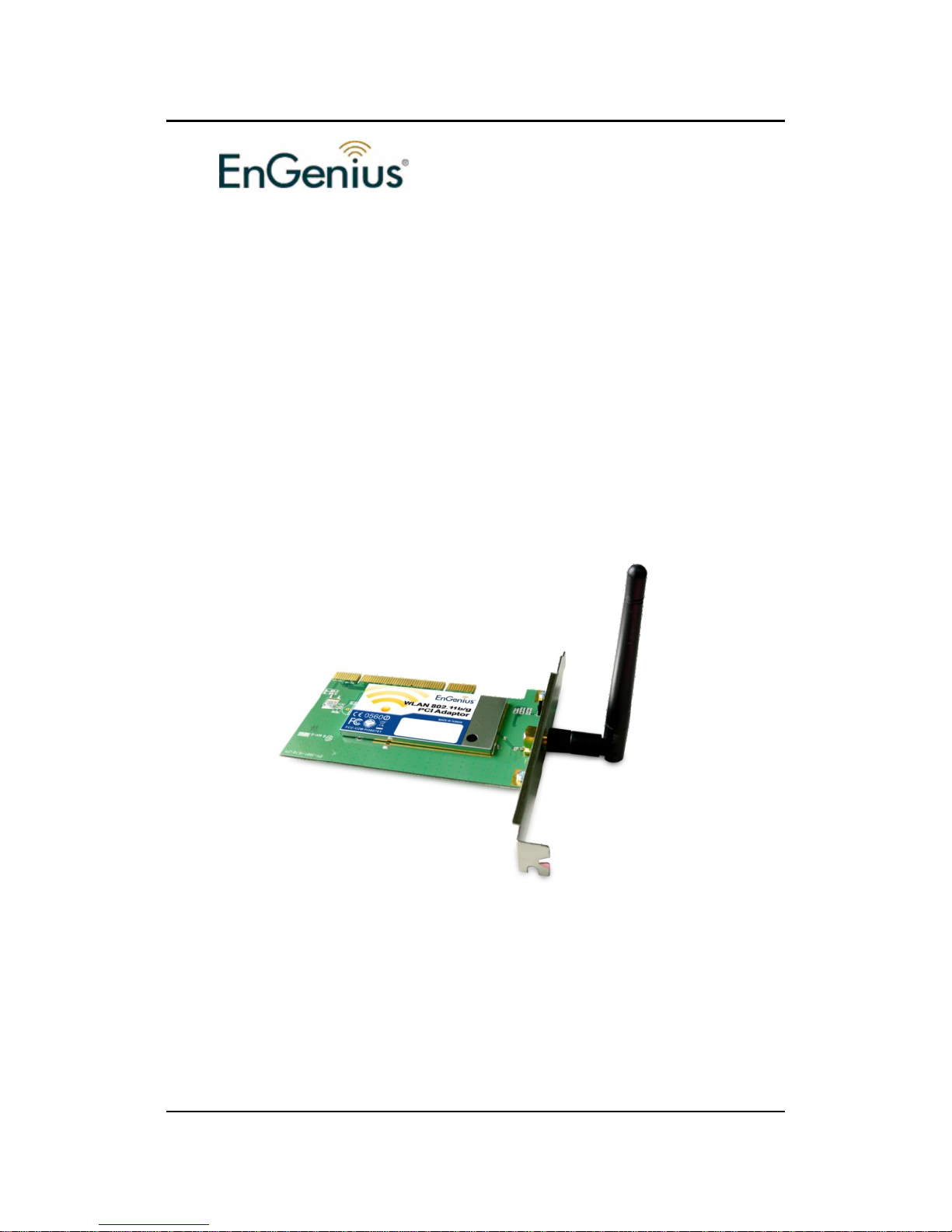
EPI-3601S Wireless LAN PCI adapter Version 1.2
1
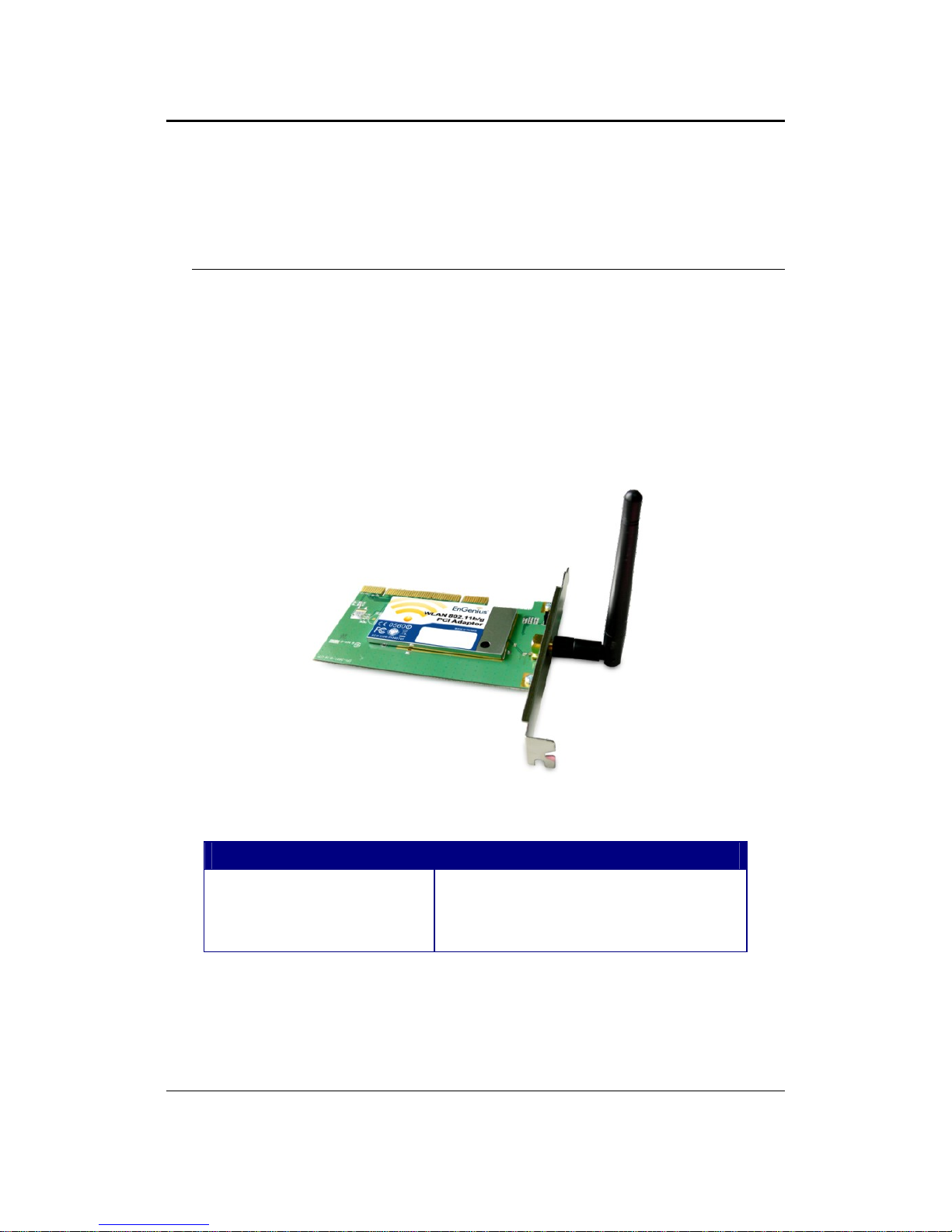
EPI-3601S
Wireless LAN PCI Adapter
(802.11g & 802.11b up to 108 Mbps)
User Manual
Version: 1.2

EPI-3601S Wireless LAN PCI adapter Version 1.2
2
TABLE OF CONTENTS
1INTRODUCTION................................................................................................................................3
2FEATURES ..........................................................................................................................................3
3PACKAGE CONTENTS.....................................................................................................................4
4SYSTEM REQUIREMENTS .............................................................................................................5
5INSTALLATION .................................................................................................................................5
6VERIFY INSTALLATION ...............................................................................................................12
7SETUP NETWORK CONFIGURATION (MS WINXP)...............................................................13
8SETUPWLAN (ENGENIUS CLIENT UTILITY) .........................................................................15
9SYSTEM TRAY UTILITY OPTIONS.............................................................................................19
10 SETUP NETWORK SECURITY (WEP, WPA…)..........................................................................25
A.NONE ....................................................................................................................................25
B.WPA/WPA2..........................................................................................................................26
C.WPA/WPA2 PASSPHRASE......................................................................................................28
D.SETTING 802.1X....................................................................................................................29
E.PRE-SHARED KEY –STATIC WEP...........................................................................................30
11 MANAGING PROFILES..................................................................................................................31
12 DIAGNOSTICS..................................................................................................................................34
13 MENU.................................................................................................................................................36
14 UNINSTALLING ENGENIUS UTILITY/DRIVER.......................................................................38
APPENDIX A – SPECIFICATIONS .........................................................................................................41

EPI-3601S Wireless LAN PCI adapter Version 1.2
3
1 Introduction
EnGenius EPI-3601S Wireless LAN PCI Adapter compliant with IEEE802.11g,
adopts “Super G” and “Extended Range” WLAN transmission technologies, resulting
in transmission speeds of up to 108M, transmission distance is 2-3 times that of the
normal 11b, 11g products, transmission range extended to 4-9 times. It provides
multiple security options with 64/128/152-bit WEP Encryption, WPA, IEEE802.1X,
TKIP andAES, which provides super-safe data communication abilities.
With strong firewall, EPI-3601S features effective security to protect wireless network
from intruders. With external antenna, it can fit various operation environments and
let the user connect to the Wireless network effortlessly. EPI-3601S also supports
Seamless Roaming compatible with other 11b, 11g WLAN equipments.
2 Features
Features Benefits
2.4GHz IEEE802.11b/g standard Fully interoperable with IEEE802.11/b/g
compliant products.
High Speed Data Rate up to 108Mbps* Capable of handling heavy data payloads
such as MPEG video streaming
802.11i security specifications, provides
Advanced Encryption Standard (AES),
Temporal Key Integrity Protocol (TKIP),
IEEE802.1x client
Enhances authentication and security
Site Survey Utility Allows users to browser the available active
access points which users can connect
802.11e Standard Support Wireless Multimedia Enhancements Quality of
Service support (QoS)
Seamless roaming Full mobility
Supports eXtended Range technology Up to 9 times than the range of normal
wireless products.
EPI-3601S Wireless LAN PCI adapter Version 1.2
4
* Theoretical wireless signal rate based on IEEE standard of 802.11a, b, g chipset used. Actual
throughput may vary. Network conditions and environmental factors lower actual throughput rate.
3 Package Contents
Open the package carefully, and make sure that none of the items listed below are
missing. Do not discard the packing materials, in case of return; the unit must be
shipped back in its original package.
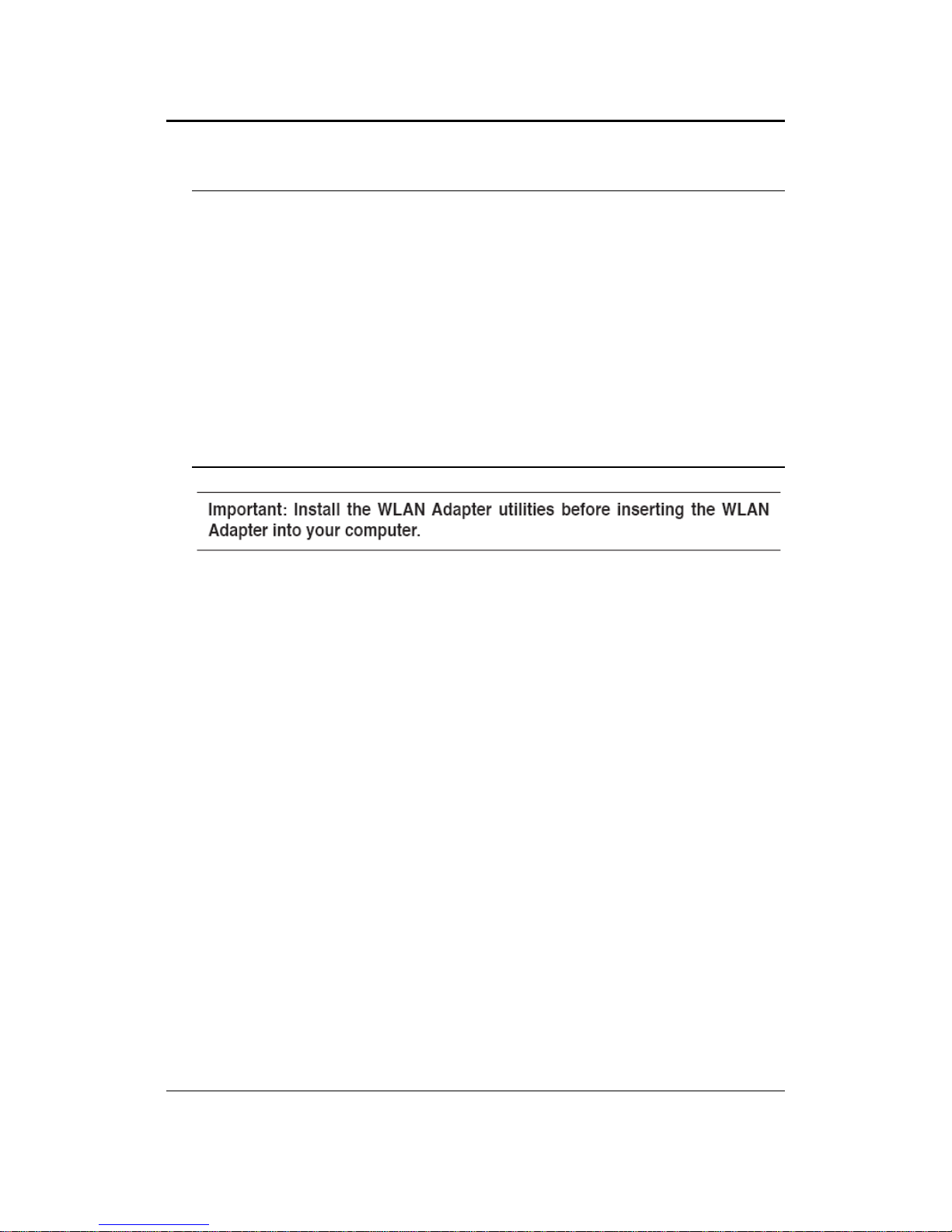
hOne EPI-3601S Wireless LAN PCI card
hOne Screwable Antenna
hOne CD-ROM with User’s Manual, Configuration utility & Drivers
Green color LED Description
LINK
Blinks when active connection is available
else remains switched OFF
EPI-3601S Wireless LAN PCI adapter Version 1.2
5
4 System Requirements
To begin using the WLAN PCI Adapter, your PC/Notebook must meet the following
minimum requirements:
hOperating System – Microsoft Windows XP/2000
hPCI socket x 1 (free to use socket)
h256MB RAM memory or higher
h750MHz CPU or higher configuration
5 Installation
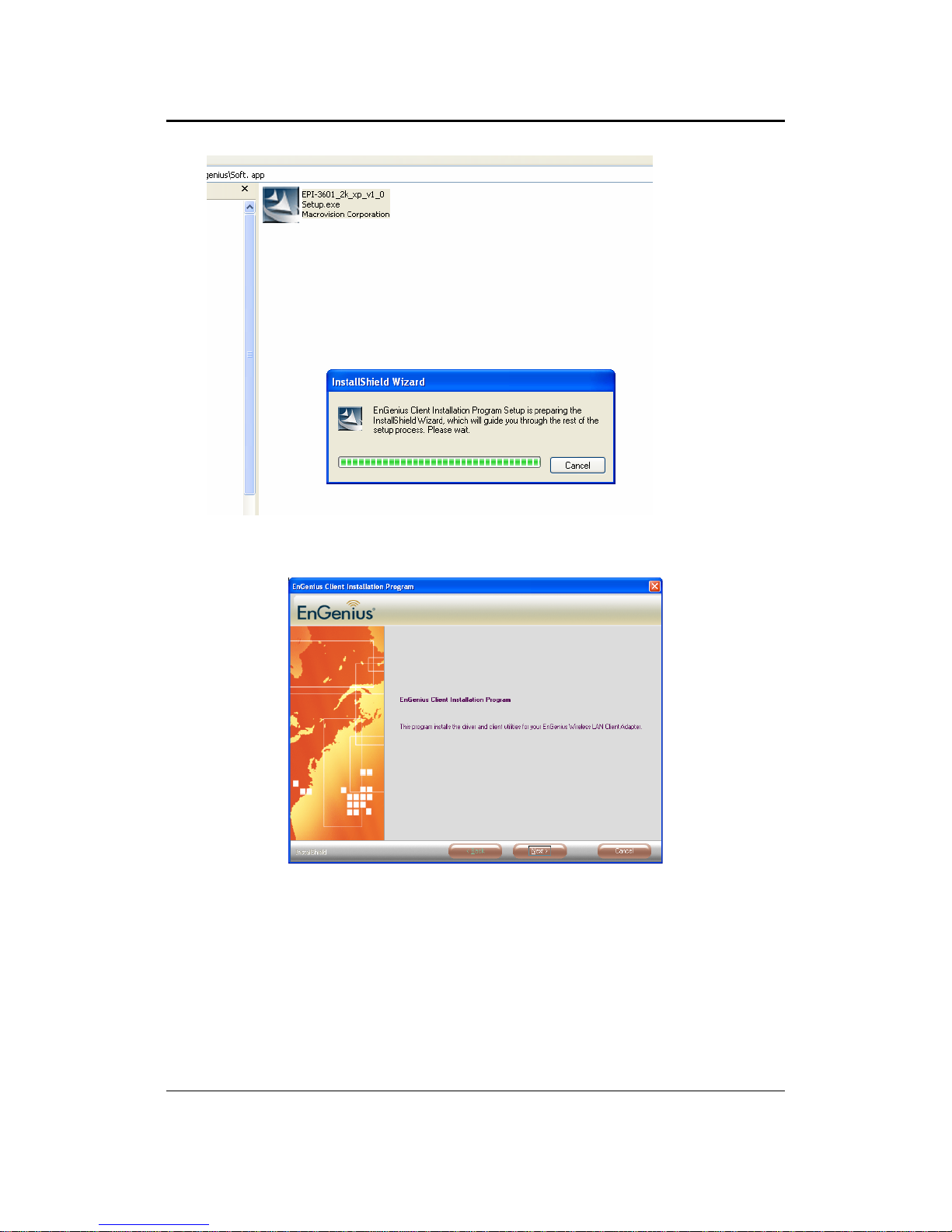
Insert the support CD into your optical drive. In the CD drive folder, you will see the
following file.
Click open the file and you can briefly see the following…
EPI-3601S Wireless LAN PCI adapter Version 1.2
6
Click next to install or click cancel to terminate installation.
EPI-3601S Wireless LAN PCI adapter Version 1.2
7
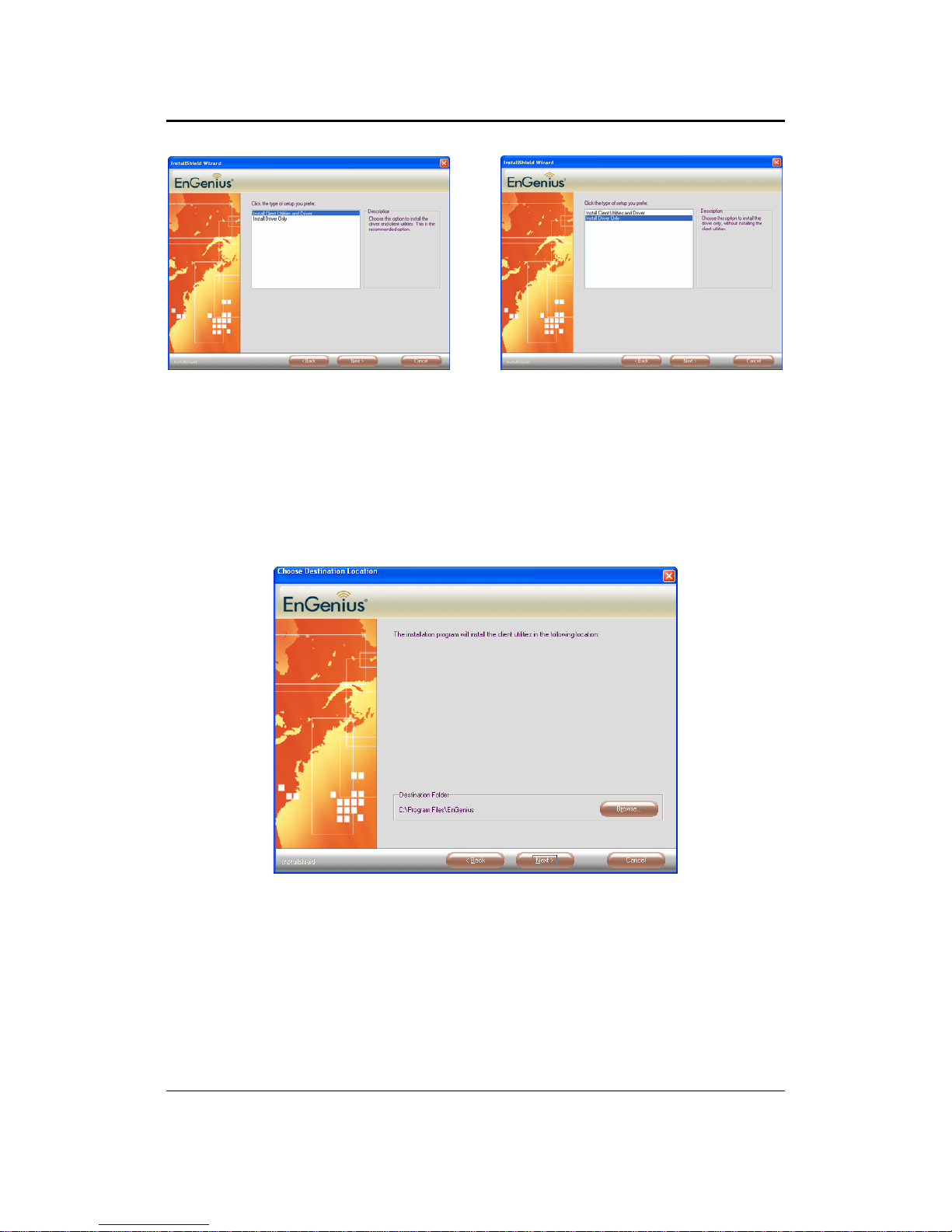
Two options are available for installation. Choose one of them and click Next
1. EnGenius Configuration Utility + driver.
2. Driver only.
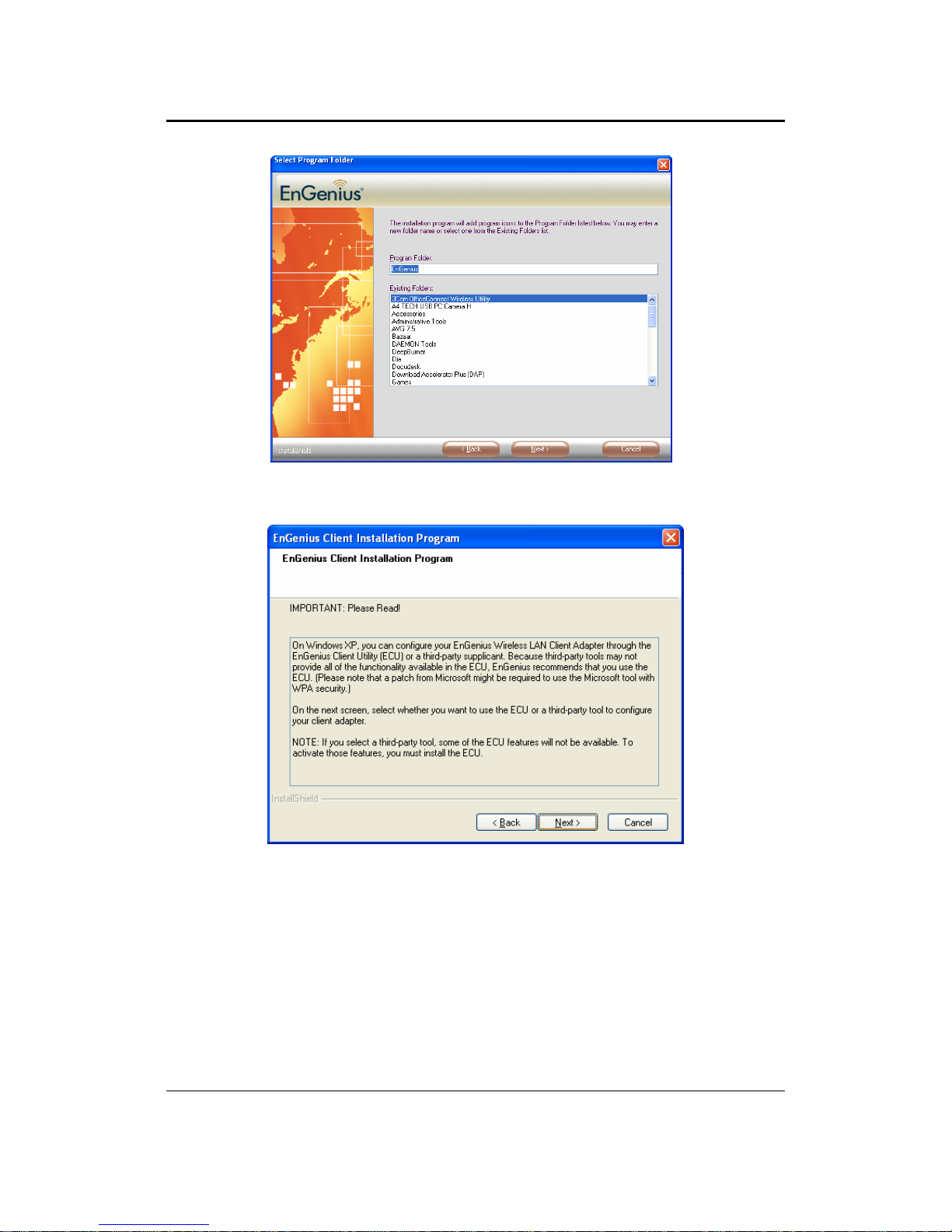
Choose location to install and click Next.
EPI-3601S Wireless LAN PCI adapter Version 1.2
8
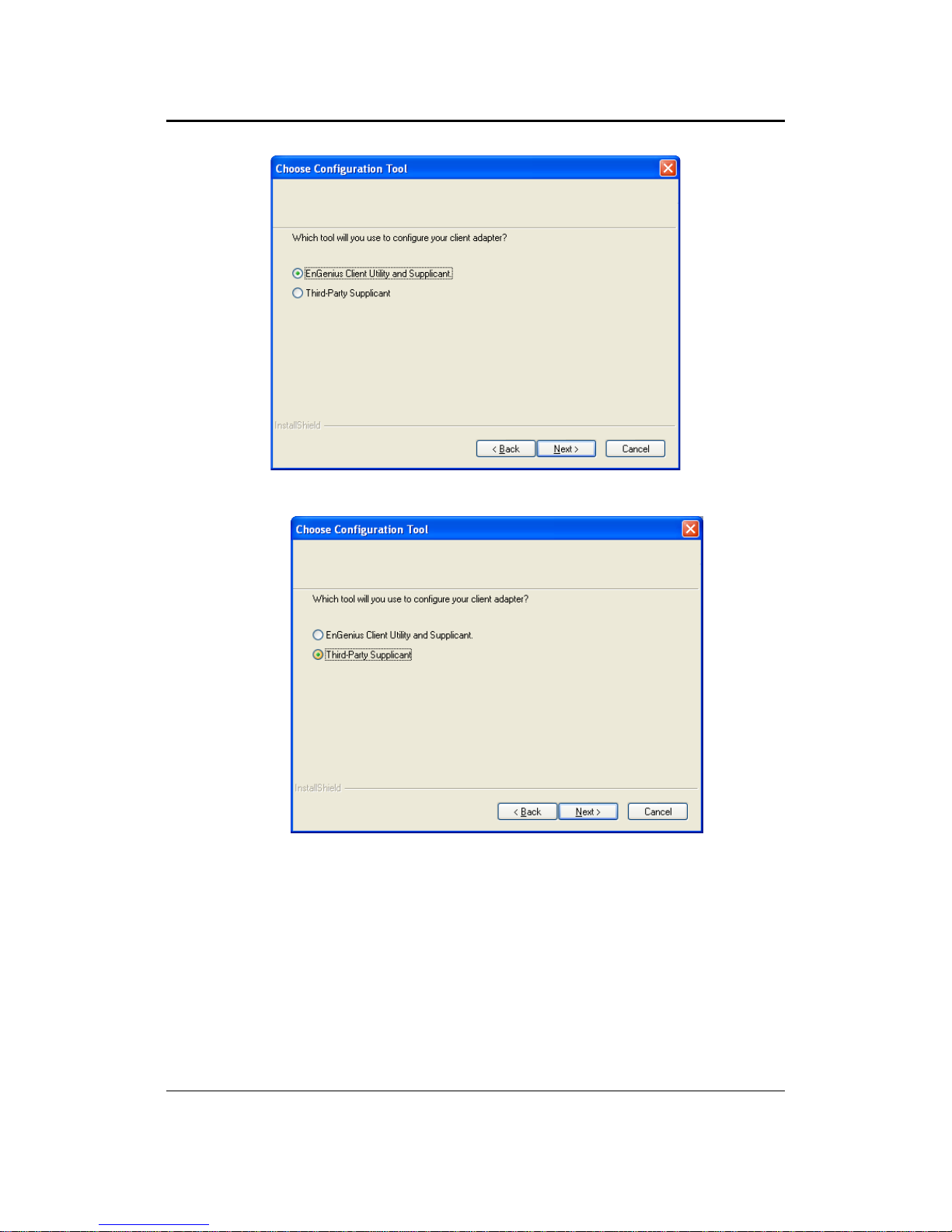
Choose name for program folder to create shortcuts. Click Next.
Should you agree with terms and conditions mentioned, Click Next else click
Cancel to exit.
EPI-3601S Wireless LAN PCI adapter Version 1.2
9
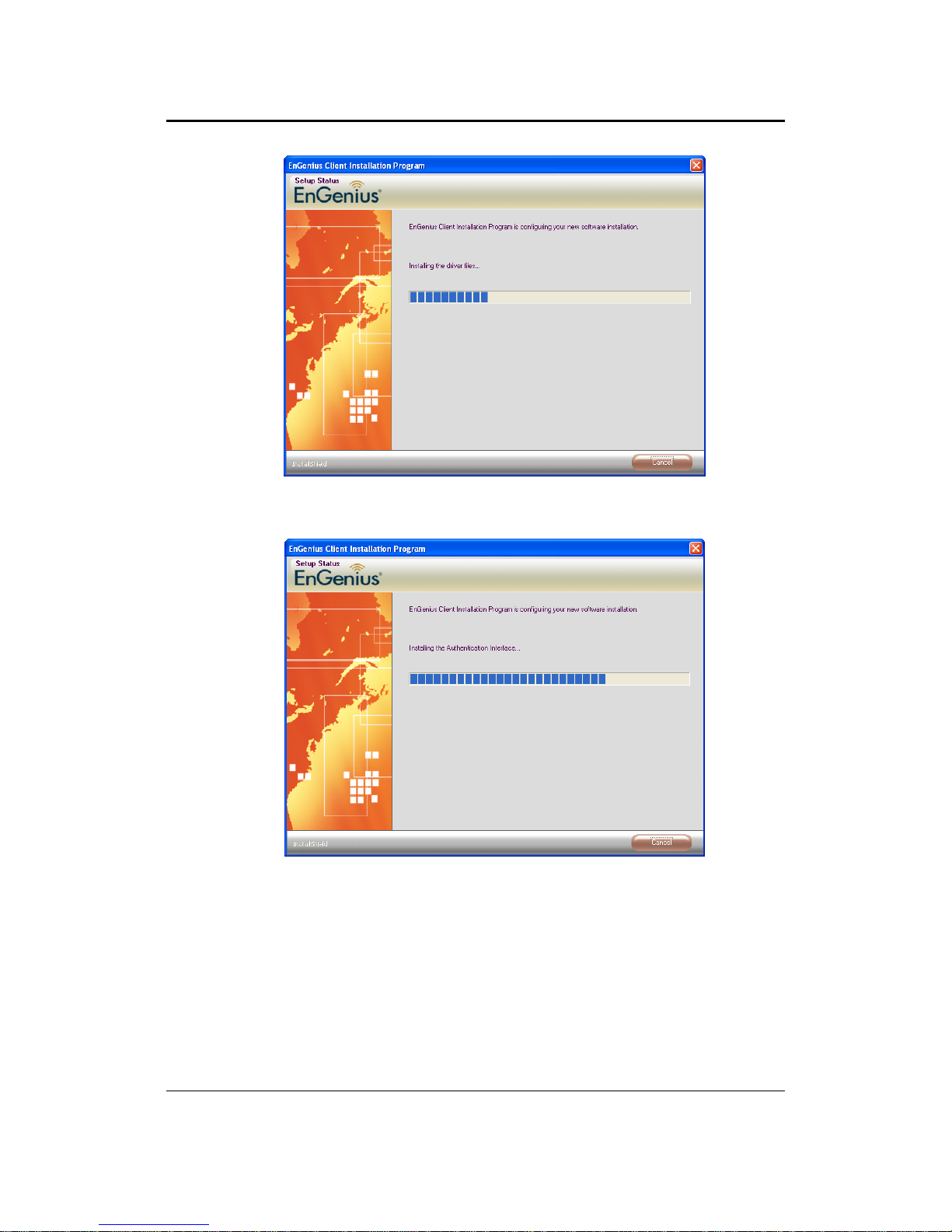
Choose Engenius client Utility & supplicant
Else choose Third-party supplicant & click Next.
EPI-3601S Wireless LAN PCI adapter Version 1.2
10
Be patient until the installation process is complete.
Altri manuali per EPI-3601S
1
Indice
Altri manuali EnGenius Scheda PCI


