SP 30T Bluetooth Speakerphone
Contents1
Contents
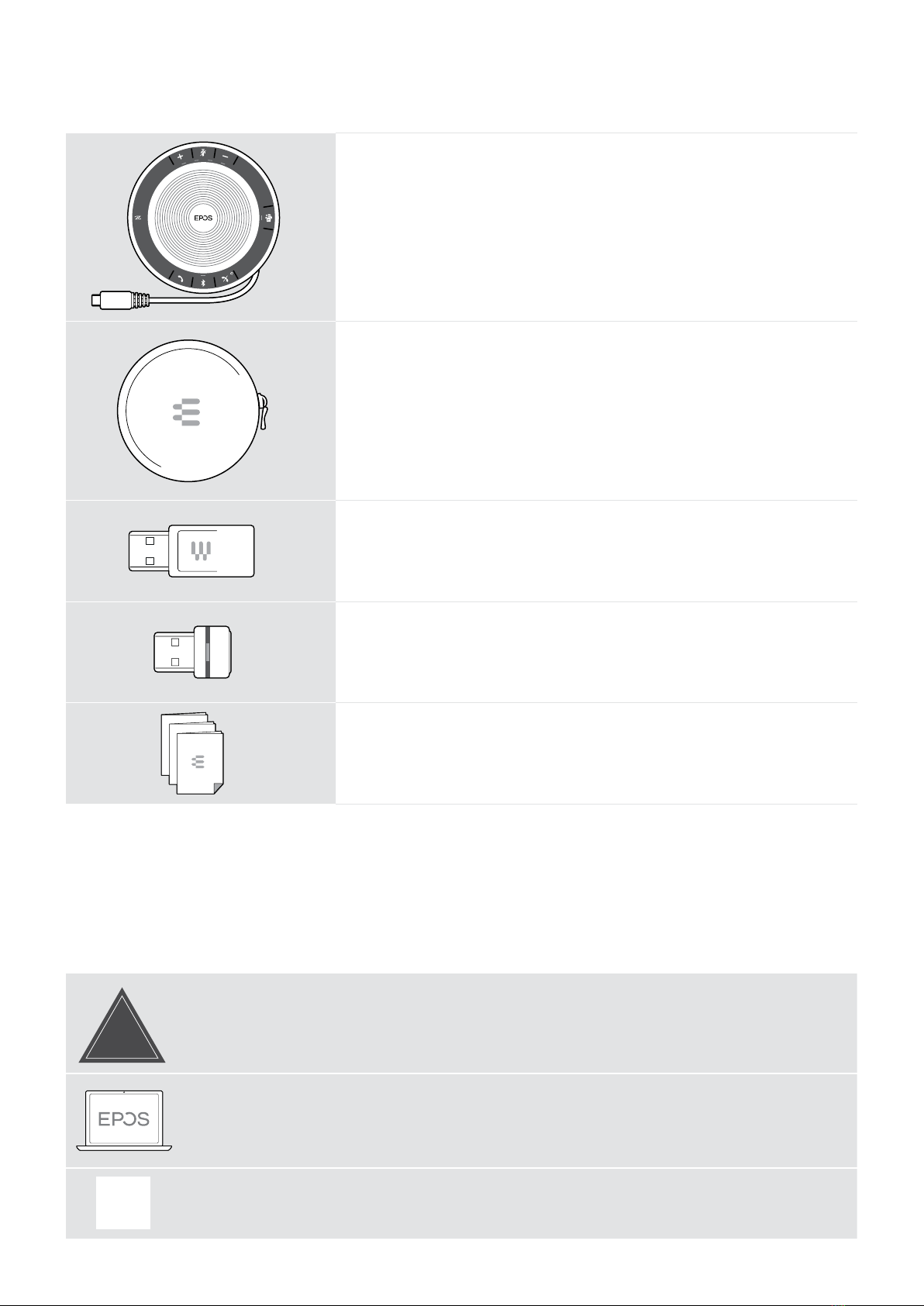
Package contents...............................................................................................................................................................................................................................2
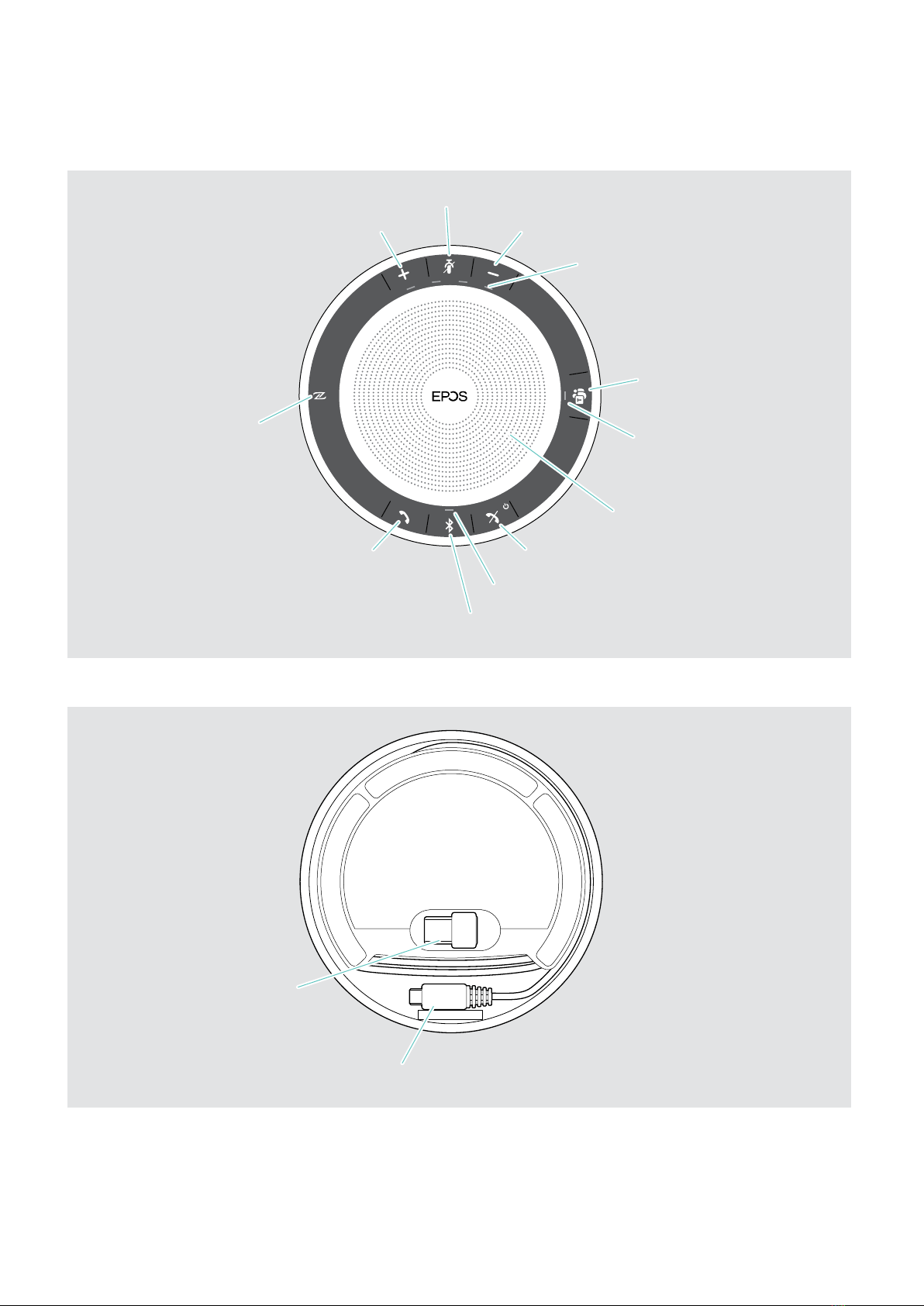
Product overview................................................................................................................................................................................................................................3
Overview of the Speakerphone.......................................................................................................................................................................................................3
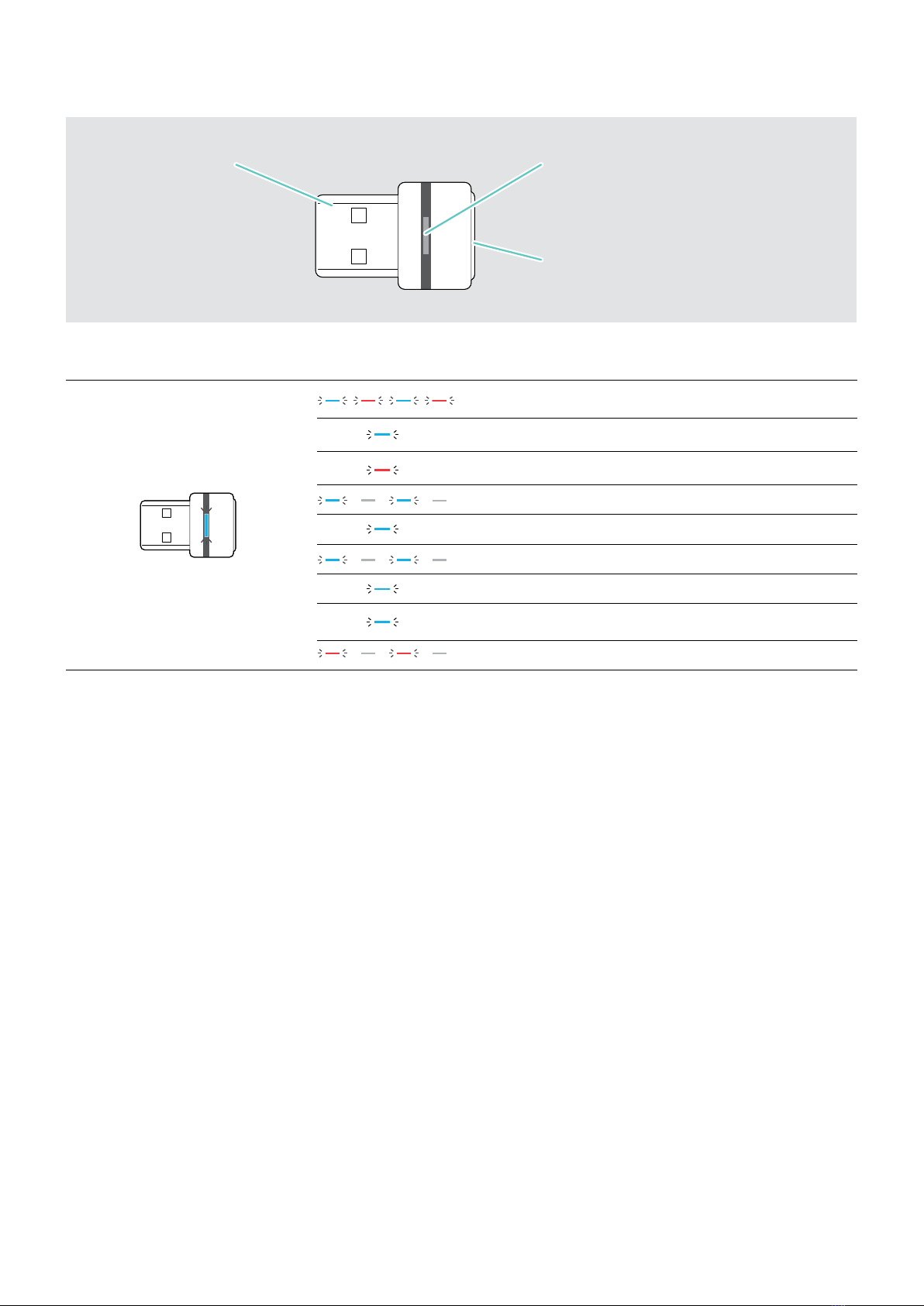
Overview of the BTD 800 USB dongle......................................................................................................................................................................................5
Setting up the Speakerphone....................................................................................................................................................................................................6
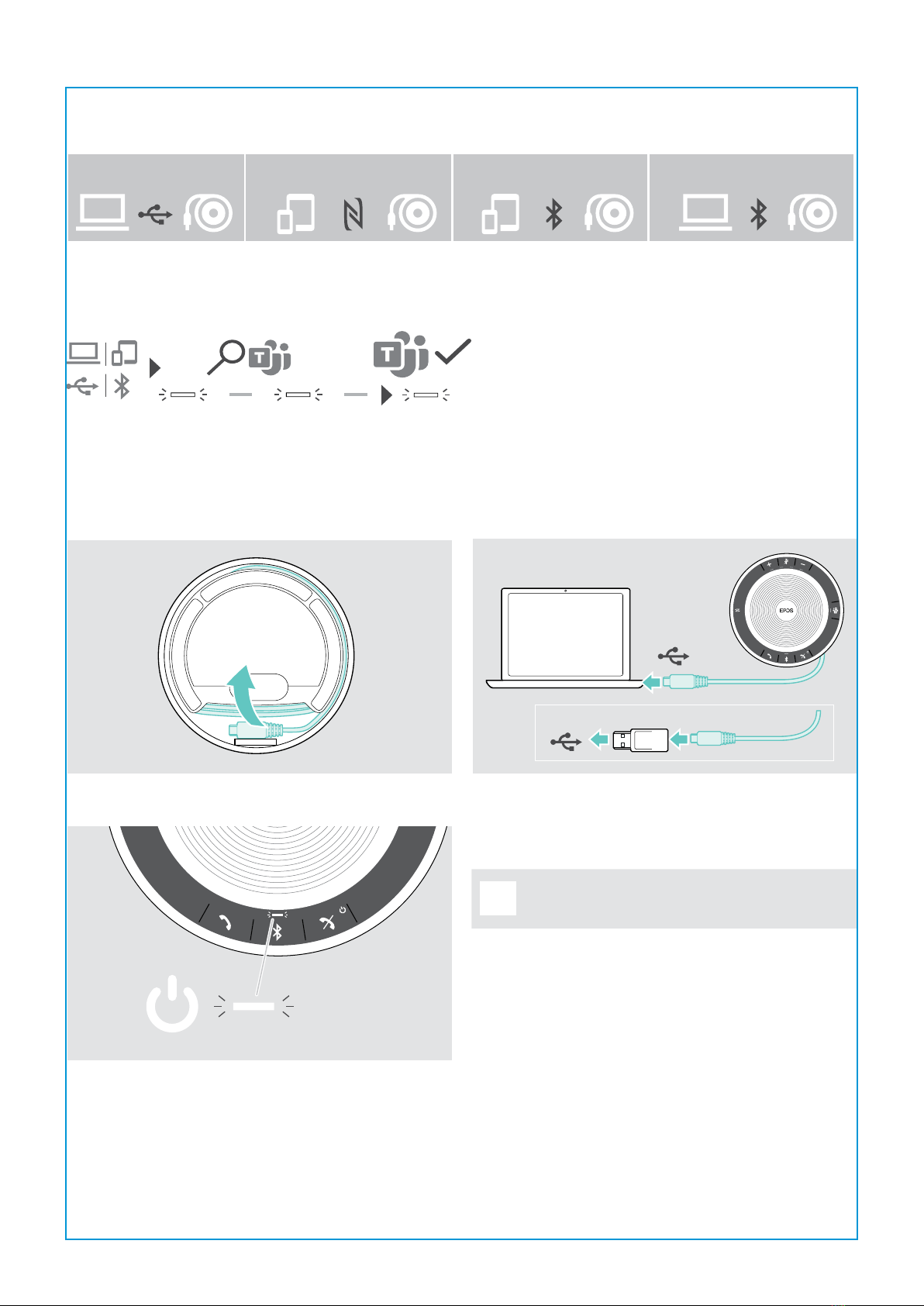
A: Connecting via USB cable.............................................................................................................................................................................................................6
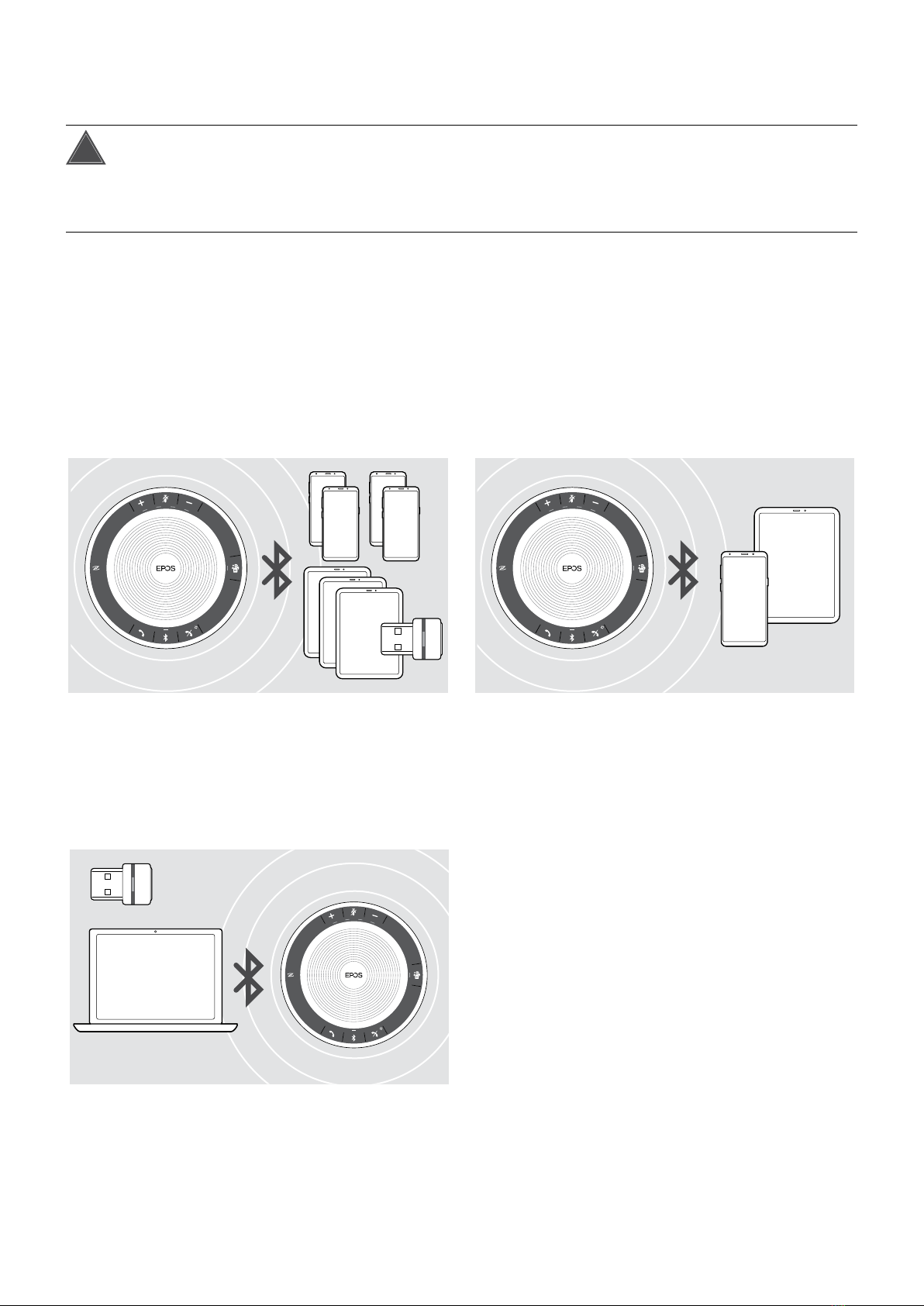
Overview: Pairing the Speakerphone with wireless Bluetooth® devices..........................................................................................................7
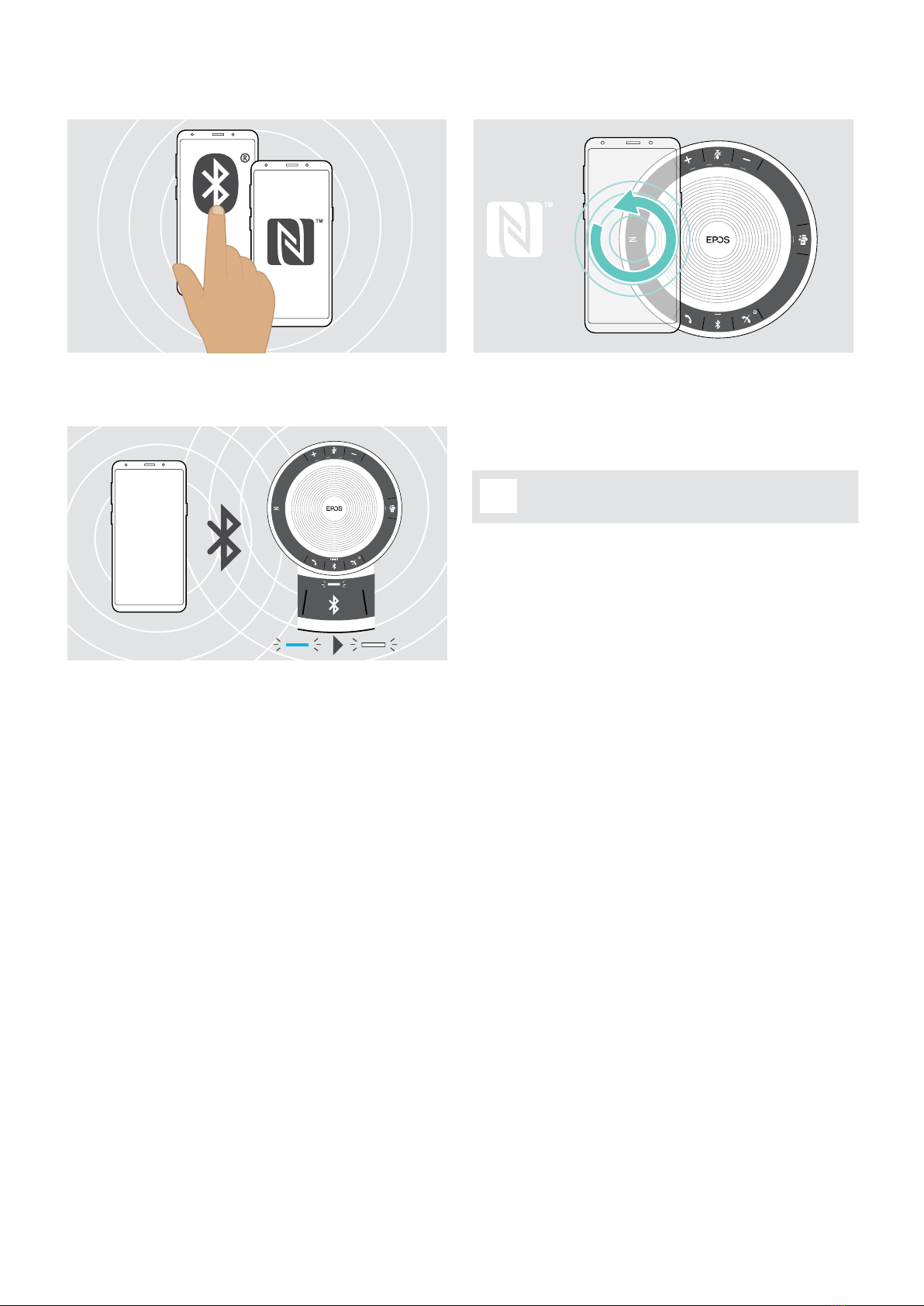
B: Pairing the Speakerphone and a mobile device via NFC™ ..................................................................................................................................8
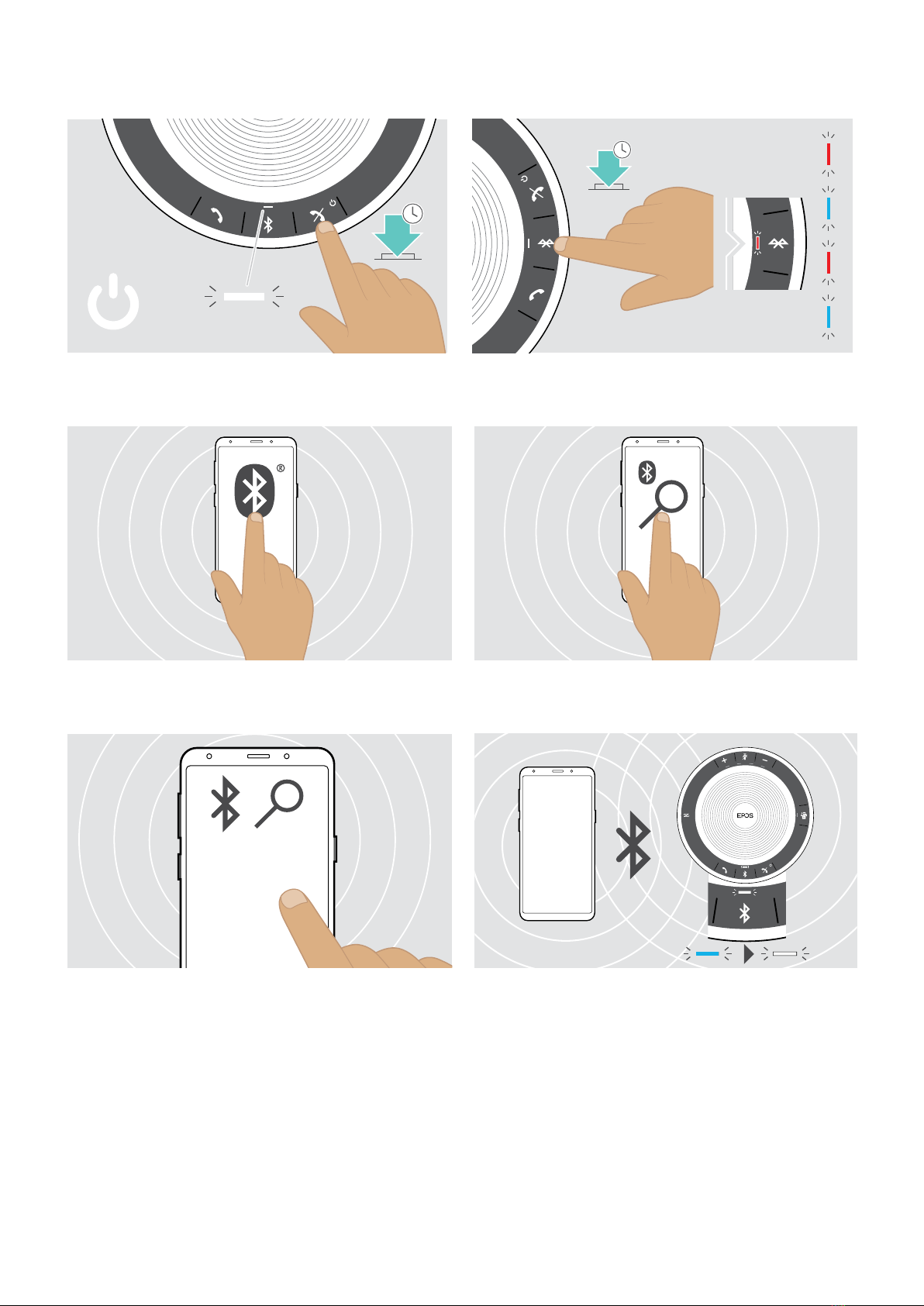
C: Pairing the Speakerphone and a mobile device via Bluetooth® .....................................................................................................................9
D: Connecting the Bluetooth® dongle to a computer and pairing the Speakerphone......................................................................10
Installing EPOS software .....................................................................................................................................................................................................................11
Using the Speakerphone ............................................................................................................................................................................................................12
Turning the Speakerphone on/o................................................................................................................................................................................................12
Connecting Bluetooth® devices..................................................................................................................................................................................................12
Disconnecting Bluetooth® device(s)........................................................................................................................................................................................13
Clearing the speakerphone’s pairing list.................................................................................................................................................................................13
Clearing the dongle’s pairing list ..................................................................................................................................................................................................14
Bluetooth® transmission range.....................................................................................................................................................................................................14
Adjusting the volume.............................................................................................................................................................................................................................15
Muting the microphone.......................................................................................................................................................................................................................15
Making calls using the Speakerphone ...............................................................................................................................................................................16
Making a call................................................................................................................................................................................................................................................16
Accepting/rejecting/ending a call...............................................................................................................................................................................................16
Redialing .......................................................................................................................................................................................................................................................17
Using the voice assistant/ voice dial.........................................................................................................................................................................................17
Managing multiple calls.......................................................................................................................................................................................................................18
Merging calls – Conference ...........................................................................................................................................................................................................20
Using the Speakerphone with Microsoft® Teams and Cortana .........................................................................................................................21
Invoking Microsoft® Teams and check notications.....................................................................................................................................................21
Activating and using Microsoft® Cortana .............................................................................................................................................................................21
Additional functions.......................................................................................................................................................................................................................22
Switching between Bluetooth® personal and shared mode..................................................................................................................................22
Waking up from standby....................................................................................................................................................................................................................22
Listening to music using the Speakerphone – Audio playback............................................................................................................................23
Retrieving battery status....................................................................................................................................................................................................................23
Charging the Speakerphone..........................................................................................................................................................................................................24
Enabling/disabling voice prompts ..............................................................................................................................................................................................24
Maintaining and updating the products............................................................................................................................................................................25
Storing and carrying the Speakerphone...............................................................................................................................................................................25
Cleaning the products ........................................................................................................................................................................................................................25
Replacing/removing the Speakerphone‘s rechargeable battery .........................................................................................................................26
Updating the rmware of the products...................................................................................................................................................................................26
If a problem occurs ....................................................................................................................................................................................................................... 27
Restoring speakerphone’s factory default settings........................................................................................................................................................28
Specications ....................................................................................................................................................................................................................................29