Manual_Page 2
www.equip-info.net
Content
Package Contents ____________________________________________________________________________3
Important Precautions ____________________________________________________________________3
1. Introduction_________________________________________
_______________________________________________4
1.1 General Information ________________________________________________________________________________4
1.2 Key Features ________________________________________________________________________________________4
1.3 Specifications ________________________________________________________________________________________4
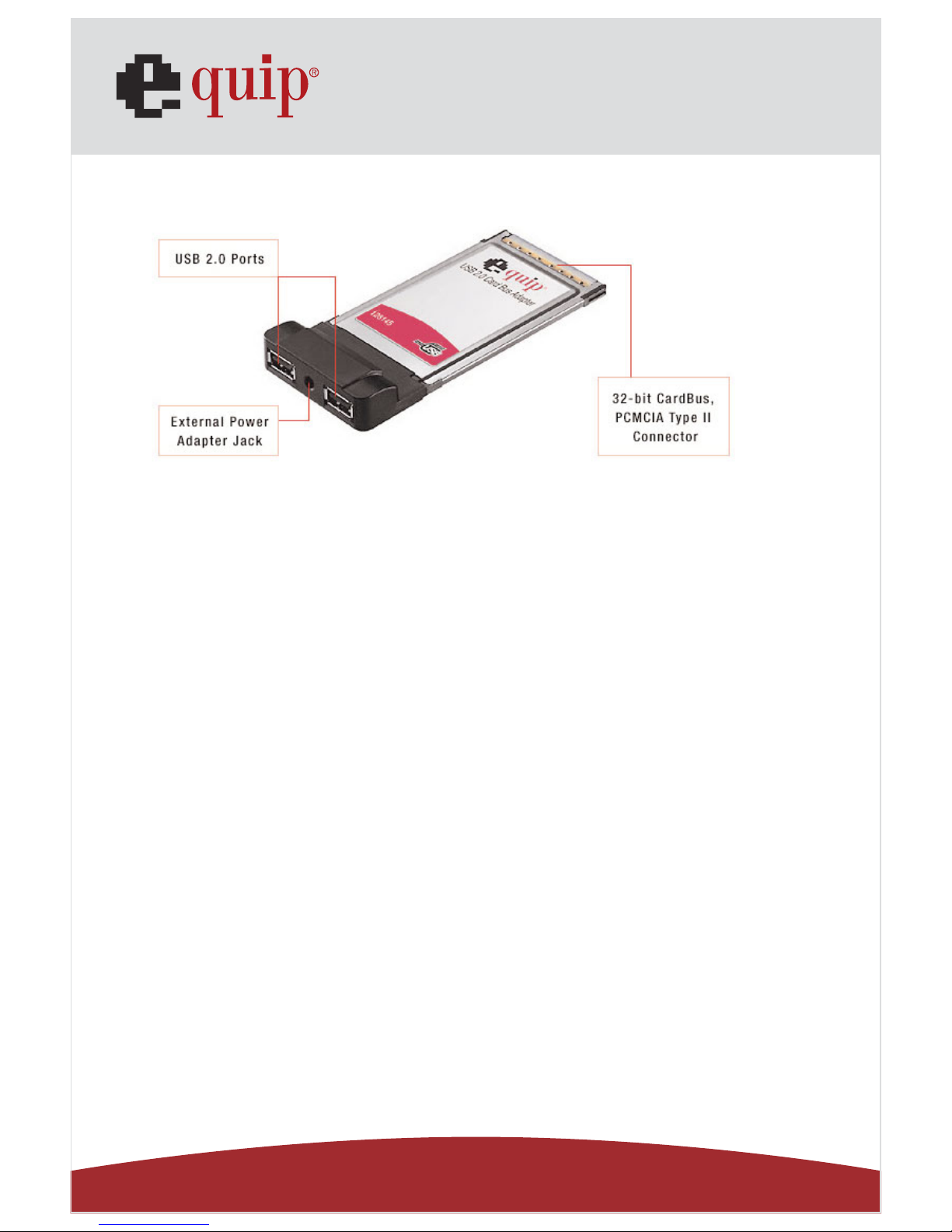
1.4 Product Layout________________________________________________________________________________________5
1.5 Minimum System Requirements ________________________________________________________________5
2. Software Driver Installation ____________________________________________________________5
2.1 Windows XP, Vista ________________________________________________________________________________5
2.2 Windows 2000, ME, 98SE ________________________________________________________________________6
2.3 Verifying the Windows installation ____________________________________________________________6
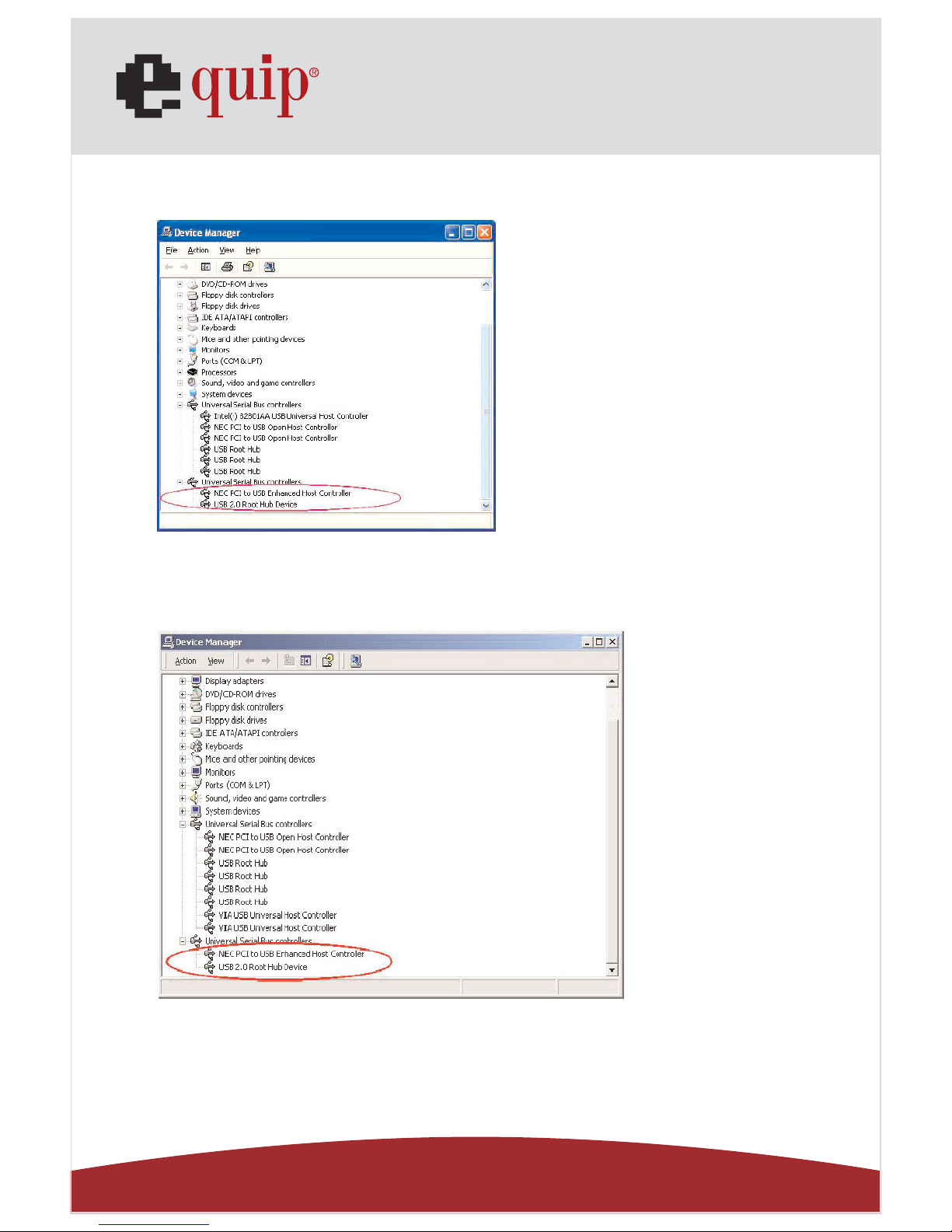
Verifying Windows XP, Vista Installation ____________________________________________________7
Verifying Windows 2000 Installation ________________________________________________________7
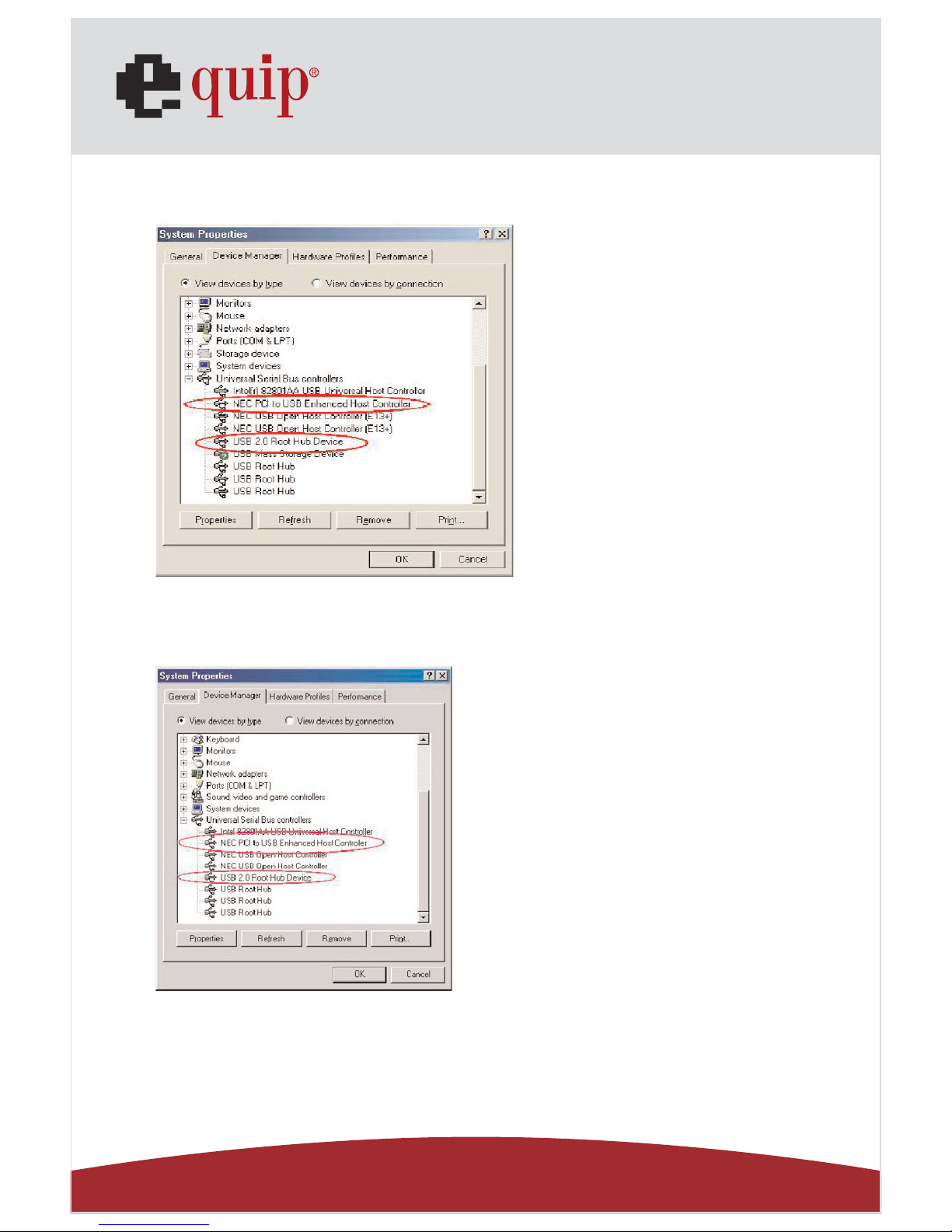
Verifying Windows Me Installation ____________________________________________________________8
Verifying Windows 98 SE Installation ________________________________________________________8
2.4 Mac OS ________________________________________________________________________________________________9
Installing the driver in Mac OS 10.1.x ________________________________________________________9
Installing the driver in Mac OS 10.2.x ________________________________________________________9
Verifying the MAC OS driver installation ____________________________________________________10
3 Hardware Installation ____________________________________________________________________10
4 External Power Adapter ________________________________________________________________11
4.1 Low-power USB Peripherals ____________________________________________________________________11
4.2 4.2 High-power USB Peripherals ____________________________________________________________11
4.3 Specifications ____________________________________________________________________________________11
4.4 Connecting the Power Adapter ________________________________________________________________12
5 Troubleshooting________________________________________________________________________________12