
ESDEC Clickfit Evo Manuale utente

Item number: 100-8064
Safety warnings
•The installation support should only be used by qualified technical staff.
•Do not install in windy conditions and on a wet and slippery roof surface.
•When working on a sloping roof, always use fall protection. Use safety nets and edge
protection when necessary.
•Slide roof tiles up to create spaces to put your feet. Warning: Never stand in the gutter.
•Wear safety shoes with reinforced toecaps and sturdy, slip-resistant soles.
•Always wear the right protective clothing when carrying out the work.
•Ladders must always be placed on a firm and stable surface.
•Ladders must be positioned at a 75-degree angle and make sure the ladder extends about 1
meter above the roof edge.
•If possible, secure the top of the ladder with rope or straps.
•Make sure you follow the instructions in the manual “Working Safely on Roofs”.
Application range for the ClickFit Evo Installation Support
•All brands and models of solar panels with a maximum frame edge thickness of 2 mm and a
maximum weight of 25 kg.
•Minimum diameter of the mounting hole: 6.5 mm
•Maximum distance from the center of the mounting hole to the frame edge: 17 mm
•Maximum load per installation support: 30 kg.
•Roof slope: Between 15 and 60 degrees (optimum slope is 35 degrees).

Attaching the installation support
1. Press down the click tab with your thumb.
2. Slide the installation support onto the edge of the panel, making sure the tab on the click tab
fits in the installation hole.
3. Repeat steps 1 and 2 for the opposite panel edge to attach the second installation support.
4. Optional: secure the cable in the integrated cable clip on the installation support to guide the
cable.
5. Then install the solar panel on the horizontal mounting rails, making sure the installation
support hooks behind the edge of the upper mounting rail.
Please note! Make sure the solar panel does not exert too much force on the installation support.
Install with care!
THIS INSTALLATION SUPPORT MUST BE KEPT IN GOOD CONDITION BEFORE USE!
Please contact the supplier for information on the warranty term and warranty conditions.
Please, also see the General Terms of Sale and Delivery, available on request.
The manufacturer rejects any liability for damage or injury caused by failing to strictly follow this instruction manual or failing to
use normal care during transport, mounting and use of the ClickFit Evo mounting system.
Because of our continuous efforts for improvement, details of the product may differ from
the description in this manual. For this reason these instructions are only a guideline for installing the
product in this manual. This manual has been drawn up with great care. However, the manufacturer cannot accept responsibility
for any errors in this manual or for the consequences of such errors. All rights reserved. No part of this manual
may be reproduced in any form.
Altri manuali per Clickfit Evo
7
Indice
Altri manuali ESDEC Rack e supporto

ESDEC
ESDEC FlatFix Fusion Manuale utente
ESDEC
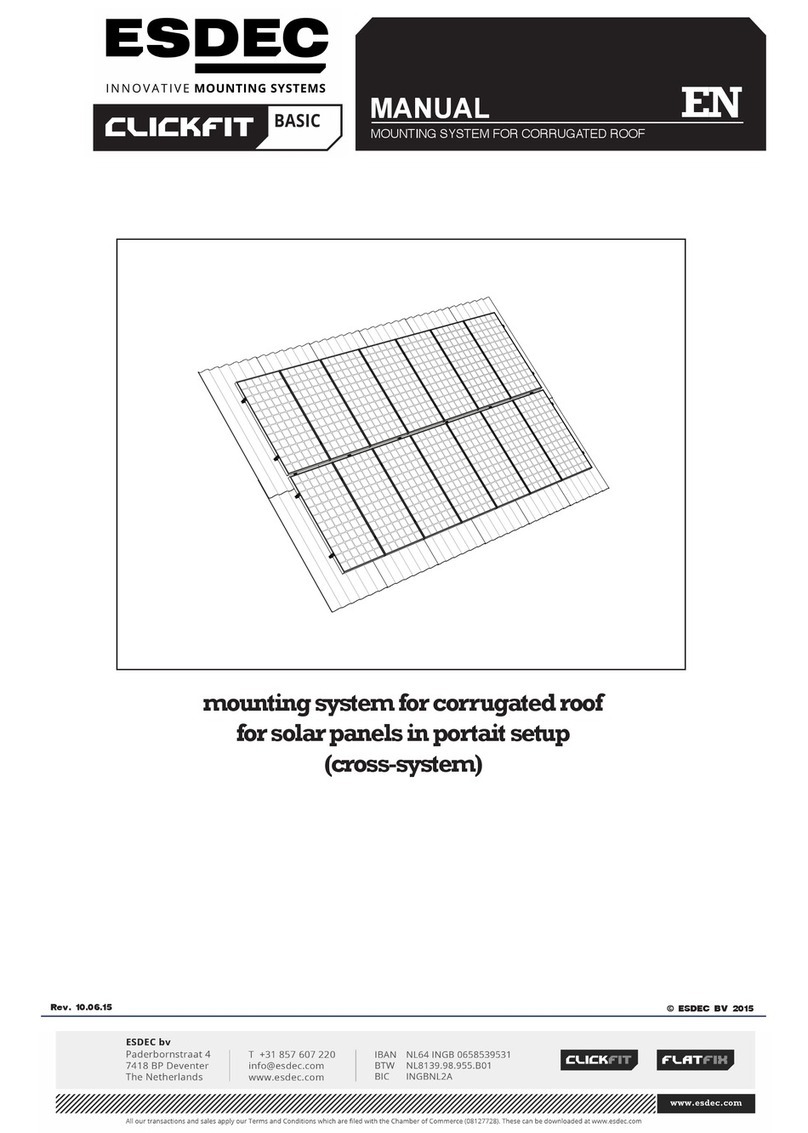
ESDEC CLICKFIT BASIC Manuale utente
ESDEC
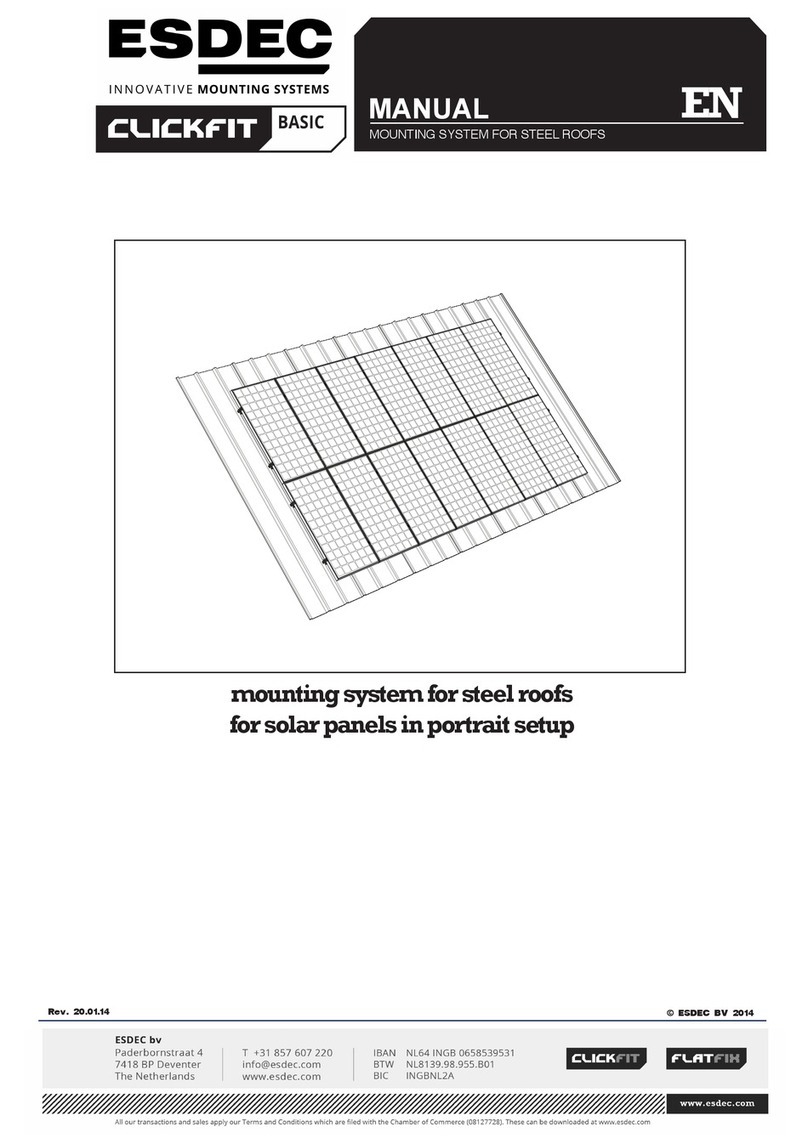
ESDEC CLICKFIT BASIC Manuale utente

ESDEC
ESDEC PANELCLAW clawFR 5 Degree Manuale utente

ESDEC
ESDEC Clickfit Evo Manuale utente

ESDEC
ESDEC Clickfit Evo Manuale utente

ESDEC
ESDEC PANELCLAW clawFR Dual Tilt 10 Degree Manuale utente

ESDEC
ESDEC Clickfit Evo Manuale utente

ESDEC
ESDEC PANELCLAW clawFR 10 Degree Manuale utente

ESDEC
ESDEC Clickfit Evo Manuale utente


