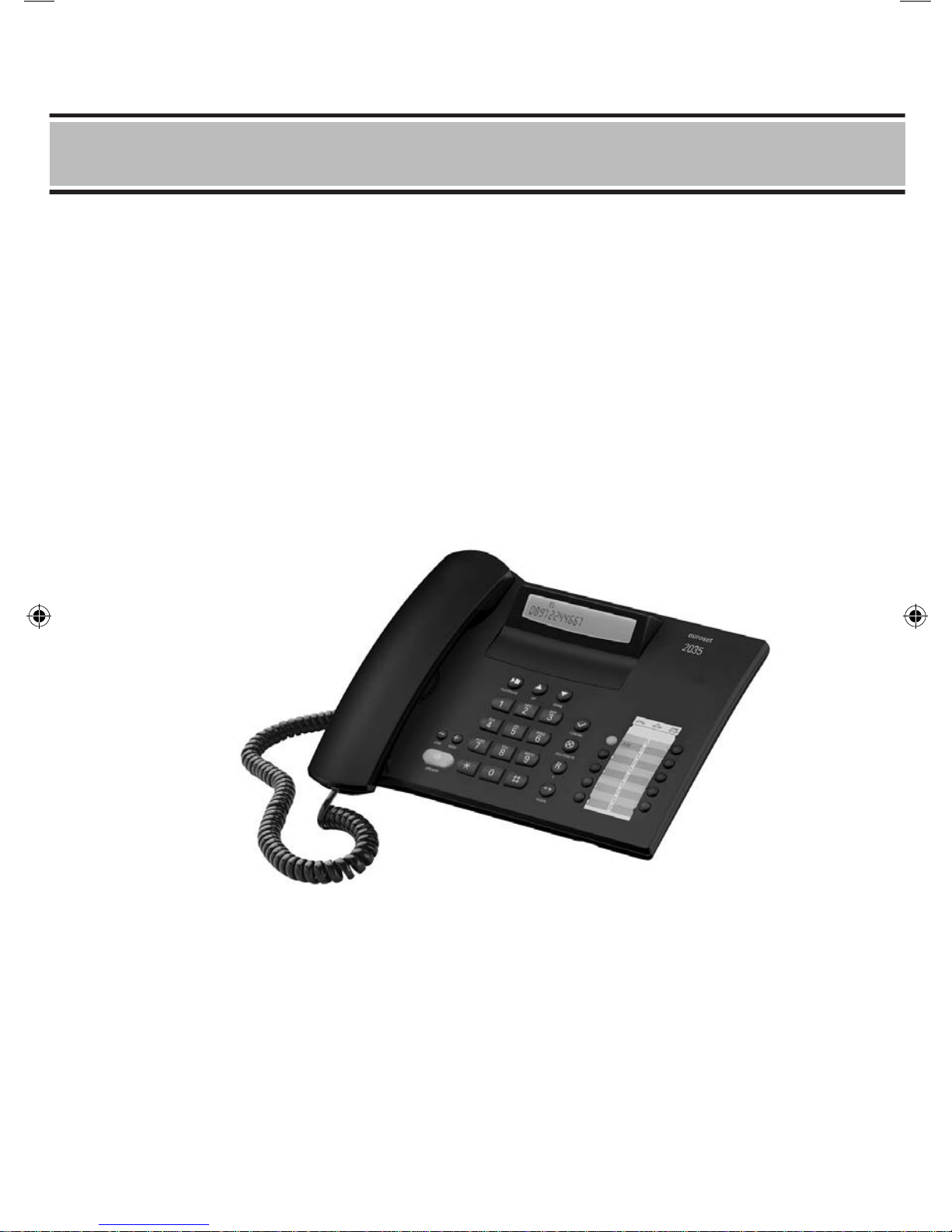
Euroset 2035 Manuale utente

euroset
2035
User Manual
2035 IM.indd 1 2009-8-28 11:36:09

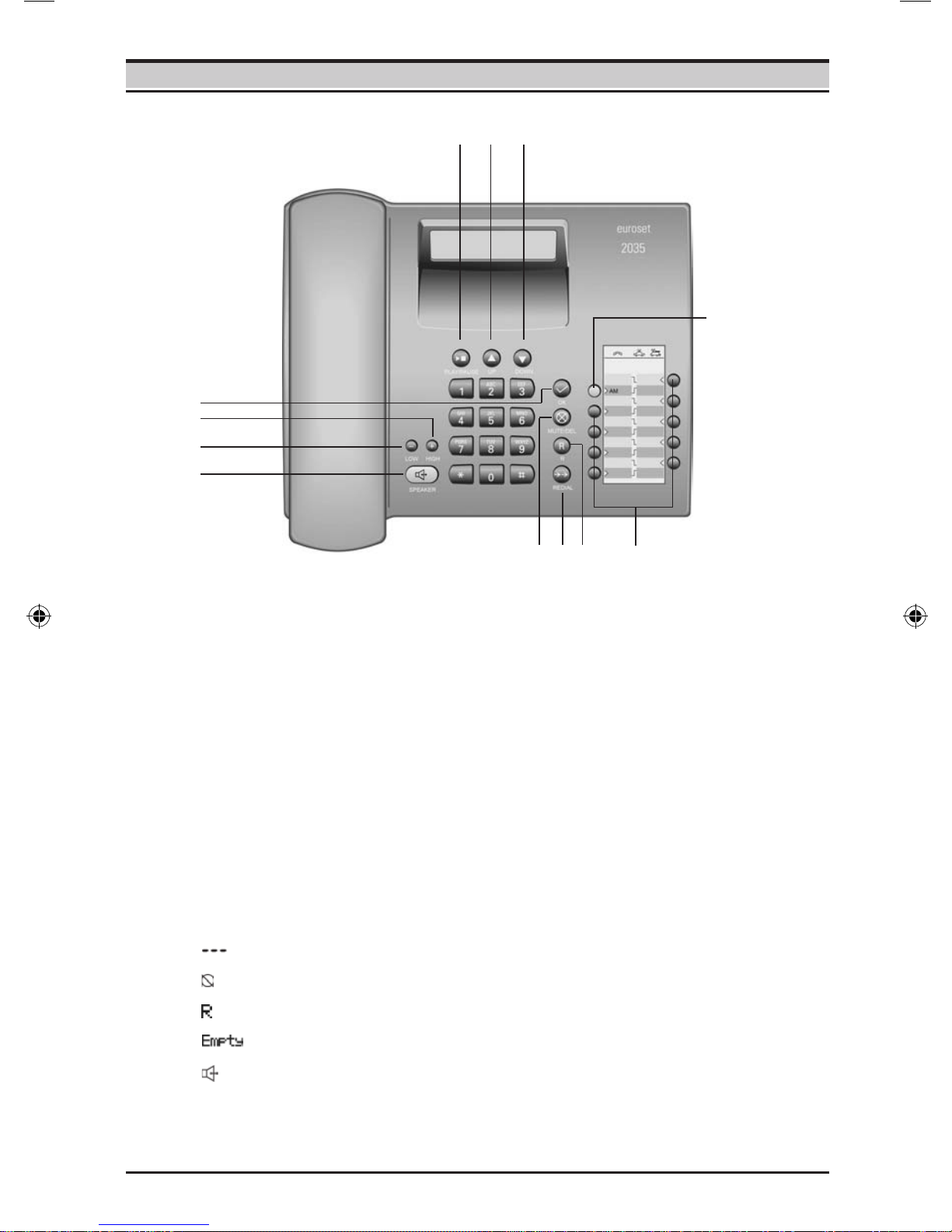
Answering machine on/off key
Repertory keys
Recall key
Last number redial key
Delete/Mute key
Loudspeaker key (handsfree)
Keys
Ready for use
Microphone off
Recall key pressed
No memory content
Handsfree
Display symbols
Quiet key
Loud key
OK key
Play/Stop key
Up key
Down key
1
2
3
4
5
6
7
8
9
10
11
12
Instruction
1
2345
6
7
8
9
10 11 12
1
2035 IM.indd 2 2009-8-28 11:36:11

2
When installing, connecting and operating the telephone, always observe the
following precautions:
Only use the plugs and leads supplied.
Only use the mains unit supplied.
Only connect the connecting lead to the socket/jack provided for that
purpose.
Only connect approved accessories.
Arrange the connecting lead where it will not cause accidents.
Position the telephone on a non-slip surface.
For your safety and protection, the telephone must not be used in bath or
shower rooms (wet locations). The telephone is not splash proof.
Never expose the telephone to sources of heat, direct sunlight or other
electrical devices.
Protect your telephone from moisture, dust, corrosive liquids and vapours.
Never open up the telephone yourself.
Do not touch the plug contact with pointed or metallic objects.
Do not carry the telephone by the leads.
If you give your 2035 to someone else, make sure you also give them the
user guide.
Safety precautions
2035 IM.indd 3 2009-8-28 11:36:11

Setting up the telephone for use
3
Purpose of connecting to the mains using the adapter
If your telephone is connected to the mains using the adapter, you can select and
save all settings without lifting the handset (or without pressing the loudspeaker
button).
Without this mains supply, setting must be selected and saved with the handset
lifted (or after pressing the loudspeaker button). Using the last number redial list,
Calling Line ldentication, answering machine function and selecting the phone
number are only possible with main supply connection.
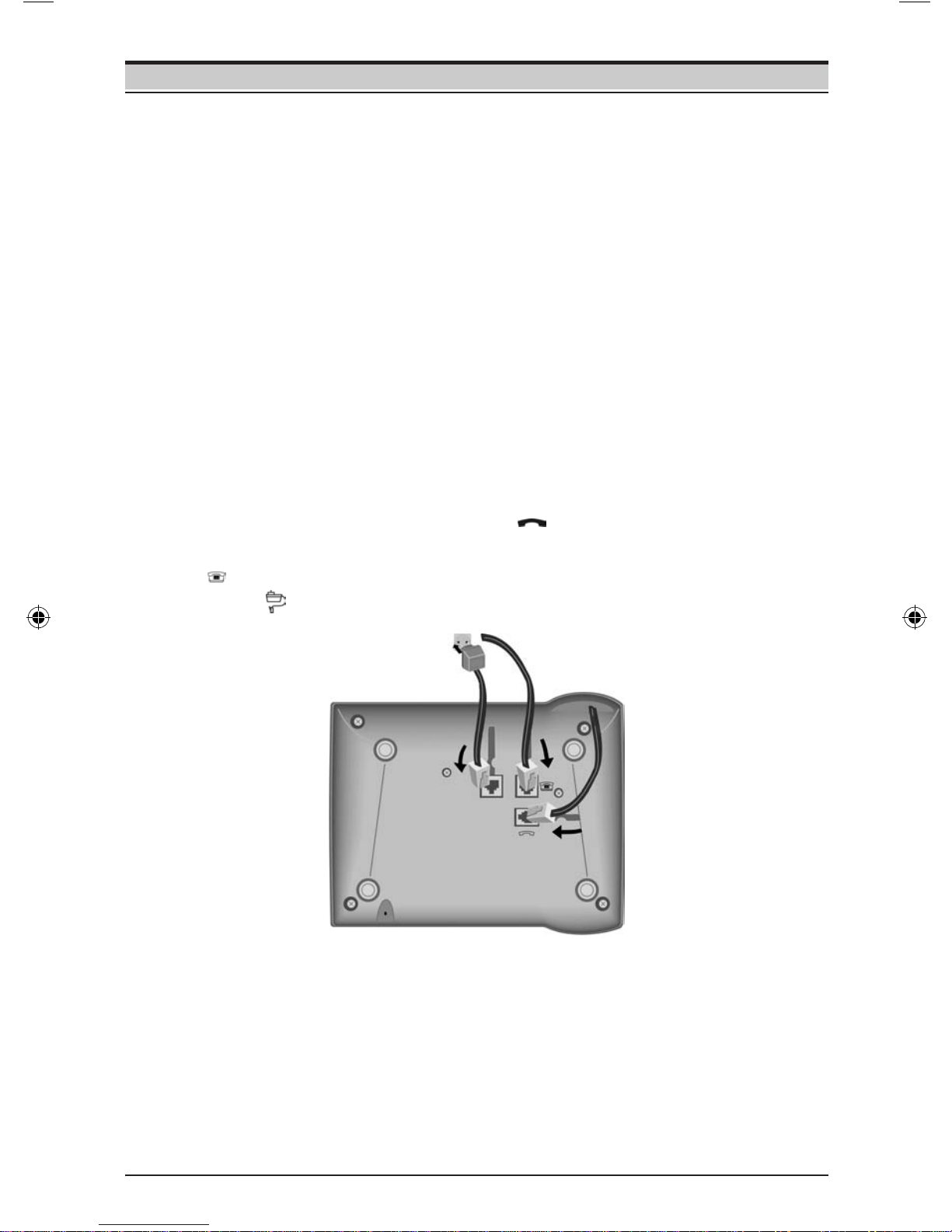
Connecting
Insert the short end of the coiled handset cord in the socket provided in the handset
and the long end in the socket marked with an on the underside of the device.
Plug the phone cord into the outlet on the wall and the other end into the socket
marked on the underside of the device. Plug the power supply unit into the
socket marked and connect it to the outlet. Then your telephone is ready to use.
Recommended installation of telephone
Do not expose the telephone to direct sunlight or other sources of heat.
Operate at temperatures between +5°C and +40°C.
Maintain a distance of at least one metre between the telephone and radio
equipment, e.g. wireless telephones, wireless pagers or TV sets. Otherwise,
telephone communication could be impaired.
Do not install the telephone in dusty areas as this can shorten the service life
of the telephone.
To clean, wipe with a moist or antistatic cloth only, never with a dry cloth (risk
of electrostatic charging and discharge) or harsh cleaning agent.
Furniture lacquer and polish can be damaged by contact with parts of the
unit (e.g. device feet).
2035 IM.indd 4 2009-8-28 11:36:12

Using the phone
Many of your telephone's functions are accessed using a menu that is organised in
several levels.
The functions of the main menu and submenus are displayed in lists.
Main menu (rst menu level)
To access a function in the main menu:
/ Use the Down/Up key to scroll to the function and press the
OK key.
Submenus
To access a function in the submenu:
/ Use the Down/Up key to scroll to the function and press the
OK key.
(If necessary, you can access the next level of the submenu in
the same way).
The function to be set follows the last selection of a submenu. A triangle on the left
displays the current setting or position in the menu.
After pressing the OK key, you can make nal edits to the function. Depending on
the function, press the OK key to save the settings.
Return (without saving) to exit the menu
While you are navigating through the menu of if you make settings without having
confirmed them with the OK key, you can go back one step at a time without
changing any settings.
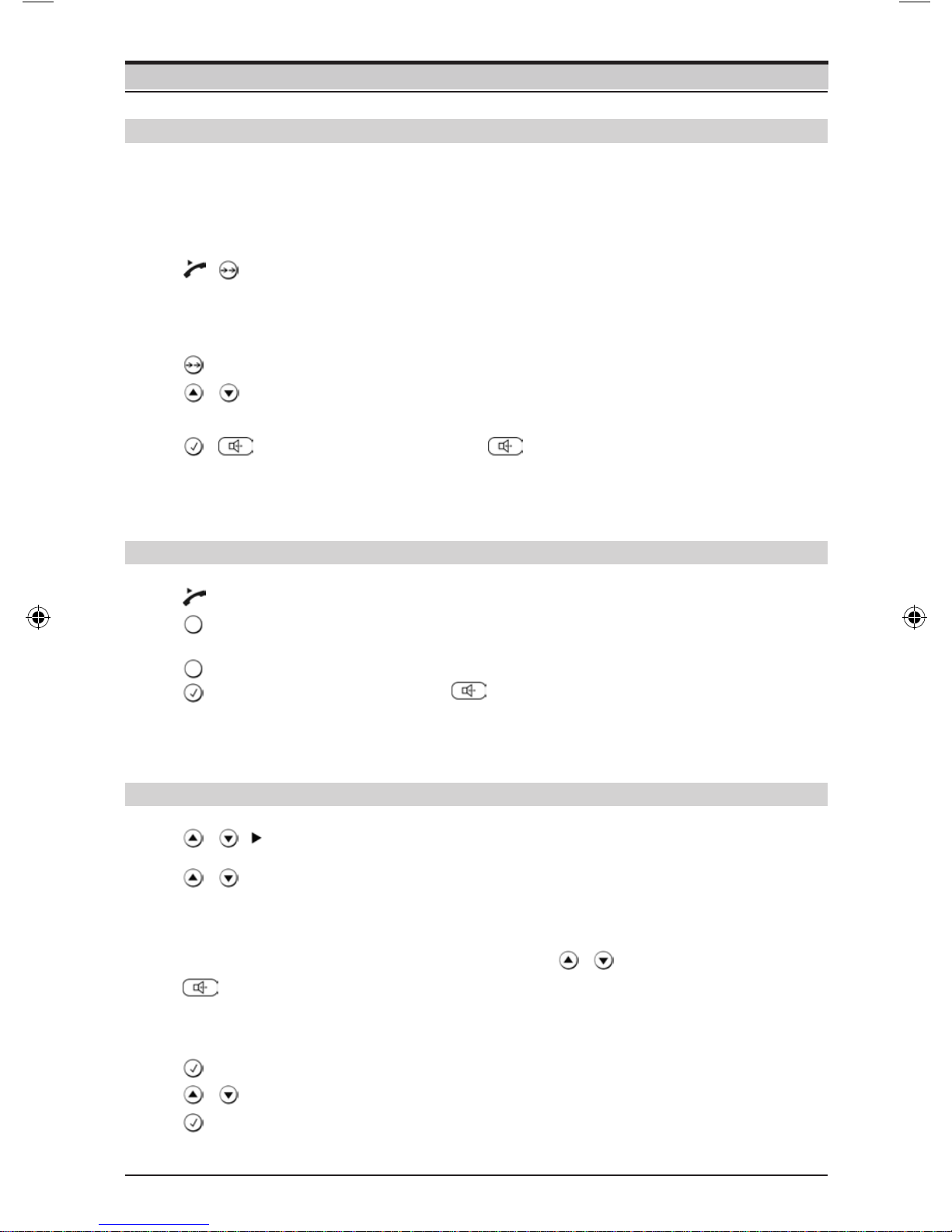
Press the Last number redial key until you reach the desired
menu level or you exit the menu.
...
Step-by-step instructions for navigating the menus
Individual steps that you must carry out to navigate the menu appear in abbreviated
form in the user guide, e.g.:
/Audio setup Speaker VOL
In each case, the arrow means:
Scroll to the function with the Down/Up key, then press the OK key.
Finally, press OK key again to select the function.
Detailed explanation of the above example:
/ Scroll to Audio setup with the Down/Up key.
Press the OK key.
Scroll to Speaker VOL with the Down/Up key.
Press the OK key.
If another submenu follows, continue using Down/Up and OK key in the same way
until the desired function is called.
4
2035 IM.indd 5 2009-8-28 11:36:15

Making calls
Dialling a number
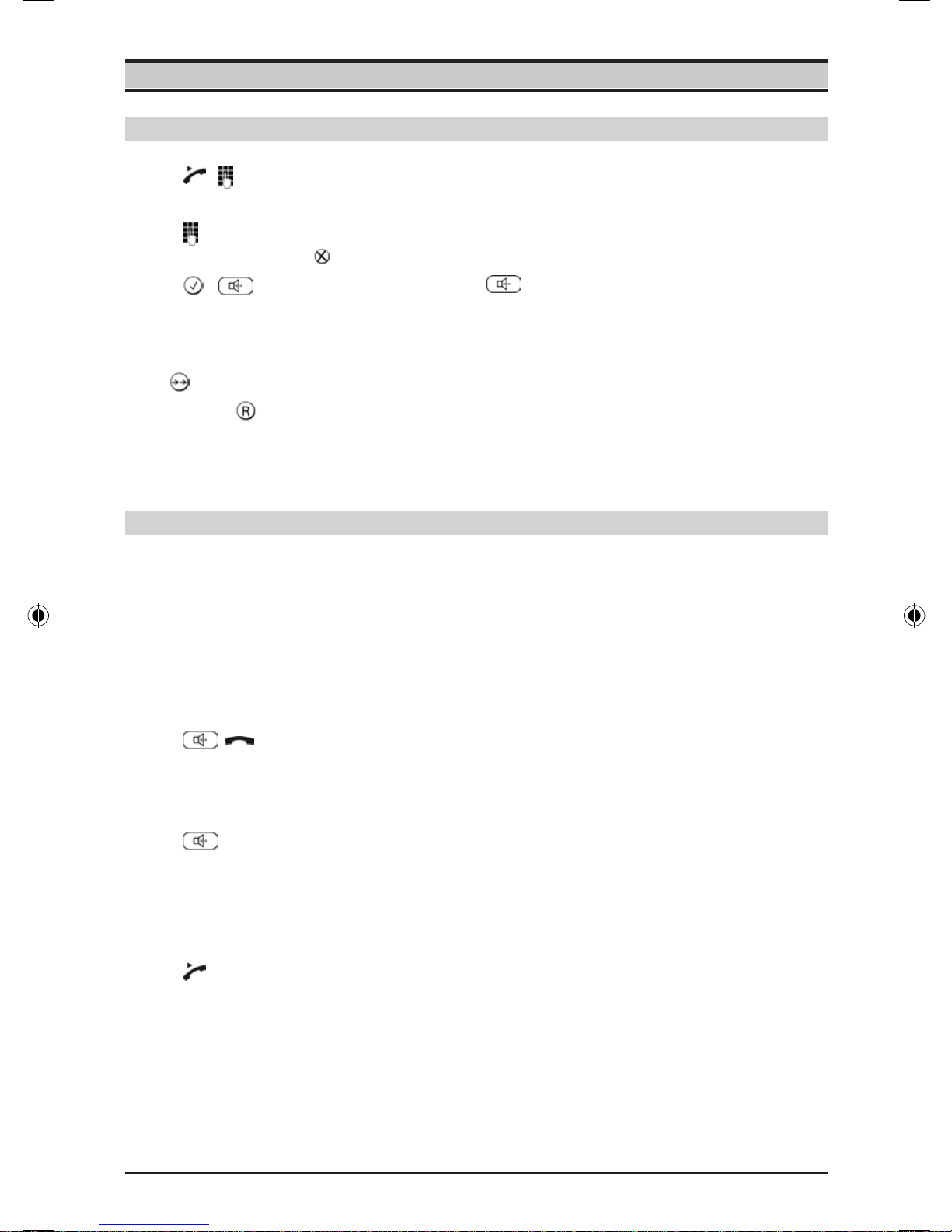
Lift handset, dial number.
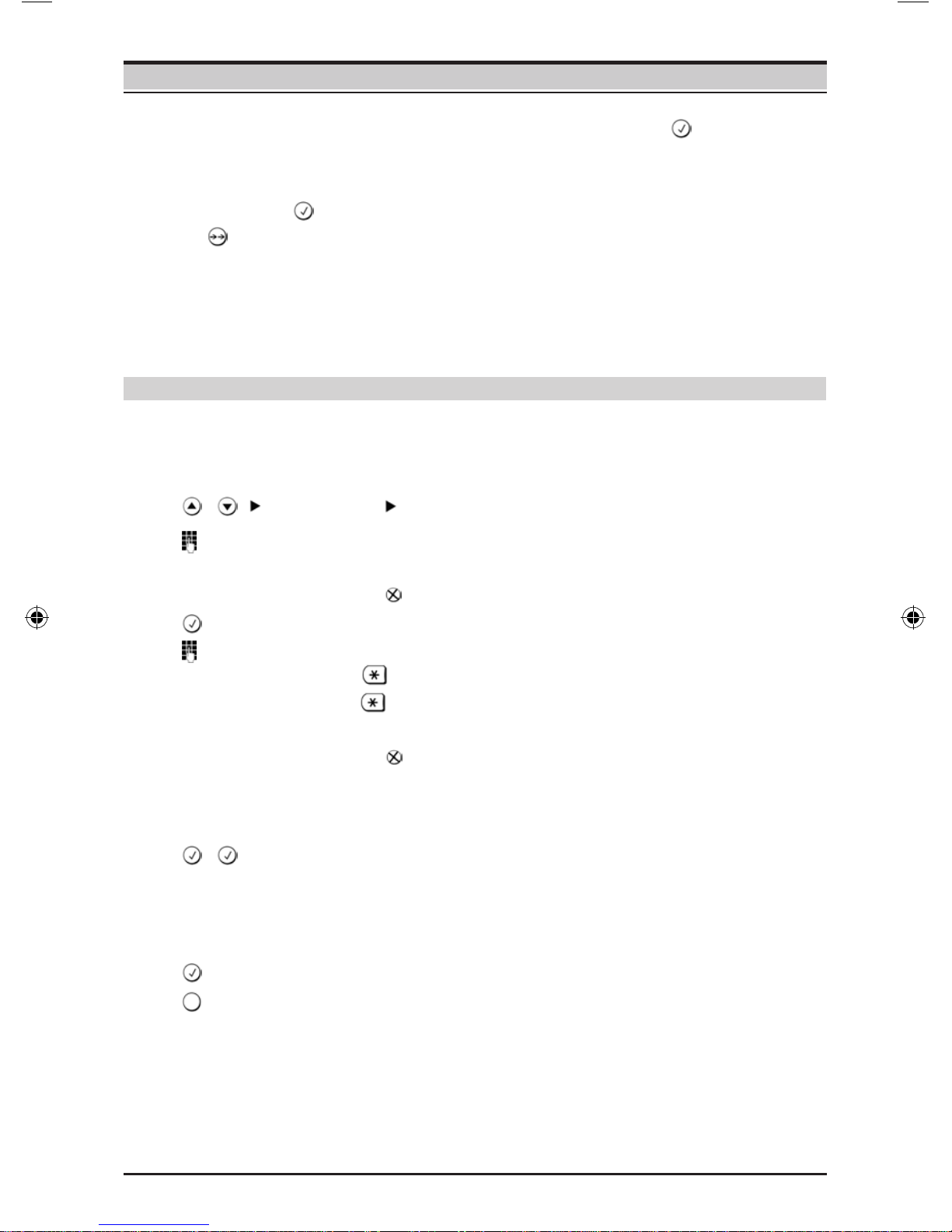
Dial a phone number. If you enter an incorrect number, press
to delete it and proceed as normal.
Press the OK key or .
After 2 seconds the number is dialled. Lift the handset if you
want to hold the conversation via the handset.
5
or ...
The key can be used to insert pauses when dialling, starting form the 2nd digit.
By pressing you can add R-key functions to the number.
The approximate length of the call is shown on the display in minutes and seconds
at the end of a call.
With this telephone you can also make calls (handsfree mode) or settings
without lifting the handset if the adapter is connected. The best distance form the
microphone for speaking is about 50 cm.
You can only talk via the microphone on the base.
Activating during a call via the handset
Press the Loudspeaker key, then replace the handset.
Activating before dialling the number
Before dialling: hold down the Loudspeaker key until you can
hear the dialling tone.
Activating/deactivating handsfree talking
Deactivating handsfree talking
Lift the handset during the call.
2035 IM.indd 6 2009-8-28 11:36:16

6
Last number redial
Making calls
The last 10 numbers dialled (up to 32 digits) are saved automatically. You can
retrieve these numbers from the redial list and dial them again:
Redialling the last number dialled
Lift the handset and press the last number redial key. Then
last dialled phone number is dialled immediately.
Redialling from the last number redial list
Without lifting the handset: Press the last number redial key.
Using the Down/Up key, scroll through the list to the desired
number.
Press the OK key or .
After 2 seconds the number is dialled. Lift the handset if you
want to hold the conversation via the handset.
/
...
Dialling using the repertory keys
Lift handset.
Press repertory key.
Press the OK or key.
After 2 seconds the number is dialled. Lift the handset if you
want to talk via the handset.
or ...
Use the Down/Up key to scroll through the list to the desired
name.
(You can also enter the rst letter of the name with the number
keys, then scroll further using , if necessary).
Press the loudspeaker key.
After 2 seconds the number is dialled. Lift the handset if you
want to talk via the handset.
Press the OK key.
Select Dial entry in the menu.
Press the OK key.
The phone number is dialled.
Dialling with the directory
/Phonebook
/
or ...
/
/
2035 IM.indd 7 2009-8-28 11:36:16

Different telephone settings must be completed with the OK key so that they are
available permanently.
In order to (e.g. after an incorrect entry) cancel without saving, replace the handset
instead of pressing at the end. The original setting is then retained.
Pressing allows you to save pauses (not for the 1st digit).
After the 15th digit, any following digits are moved from right to left in the diaplay.
Saving with notebook function
You can also save phone numbers during a conversation with the notebook function.
7
Saving numbers
Saving in the directory or as a repertory number
You can save up to 10 phone numbers on the repertory keys and up to 99 phone
numbers in the directory.
/Phonebook New entry
Enter the number to be saved (up to 32 digits).
You can delete incorrectly entered digits in reverse order by
pressing .
Press the OK key.
Enter the name (special characters see page 28).
Press key once to switch from capital letters to lower case.
Press key twice to enter digits.
You can delete incorrectly entered digits in reverse order by
pressing .
Saving in the directory
Press the OK key twice.
or ...
Saving as a repertory number
Press the OK key.
Press the repertory key under which you want to save the
repertory number.
2035 IM.indd 8 2009-8-28 11:36:17

8
Saving numbers
Saving from the calls list
In the calls list (see page 16), press the Down/Up key until the
desired number appears in the diaplay.
At the selected entry, press the OK key.
In the menu, select Save number and press OK key.
Then save the phone number in the directory or as a repertory
number, as described above.
/
/
Editing directory entries
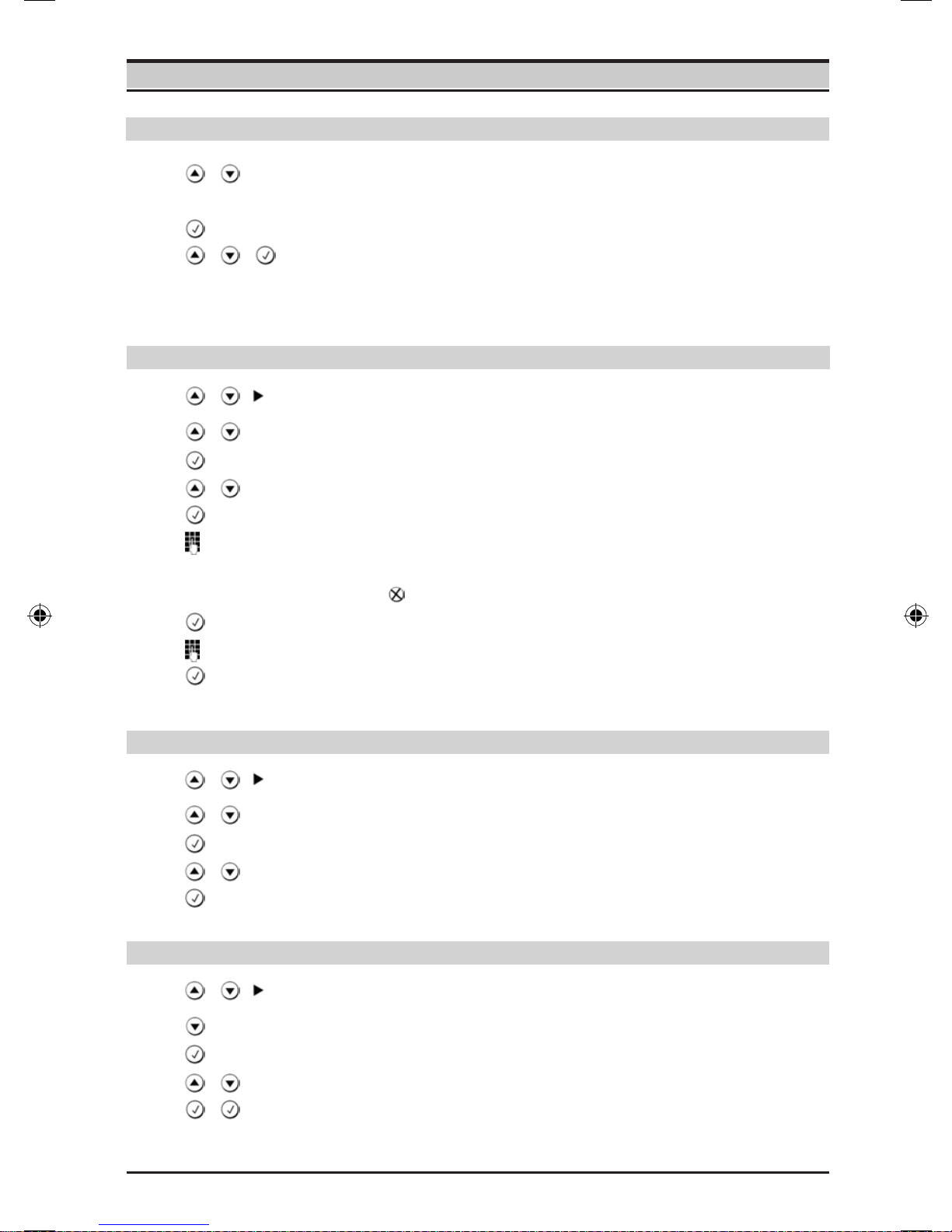
Use the Down/Up key to select the entry to be edited.
Press the OK key.
In the menu, select Edit entry.
Press the OK key.
Edit the number to be saved.
You can delete incorrectly entered digits in reverse order by
pressing key.
Press the OK key.
Edit the name.
Press the OK key twice to save the entry.
/Phonebook
/
/
Deleting directory entries
Use the Down/Up key to select the entry to be deleted.
Press the OK key.
In the menu, select Delete.
Press the OK key.
/Phonebook
/
/
Deleting the entire directory
Select any entry with the Down key.
Press the OK key.
In the menu, select Delete all.
Press the OK key twice.
/Phonebook
/
2035 IM.indd 9 2009-8-28 11:36:18

9
Adjusting the telephone
Setting the date and time
/Phone setup Date/time
Enter the date and time in YY/MM/DD HH:MM format, e.g.
09/08/31 14:59.
Use the Down/Up key to select the digit position.
Press the OK key.
Use the Down/Up key to select 12h or 24h display mode.
Press the OK key.
/
/
Adjusting the ringer volume
Press the Loud/Quiet key.
Setting the ringtone
Press one of the keys 0...9.
Setting the ringtone frequency
Press the Down/Up key.
Press the OK key.
Setting the ringtone
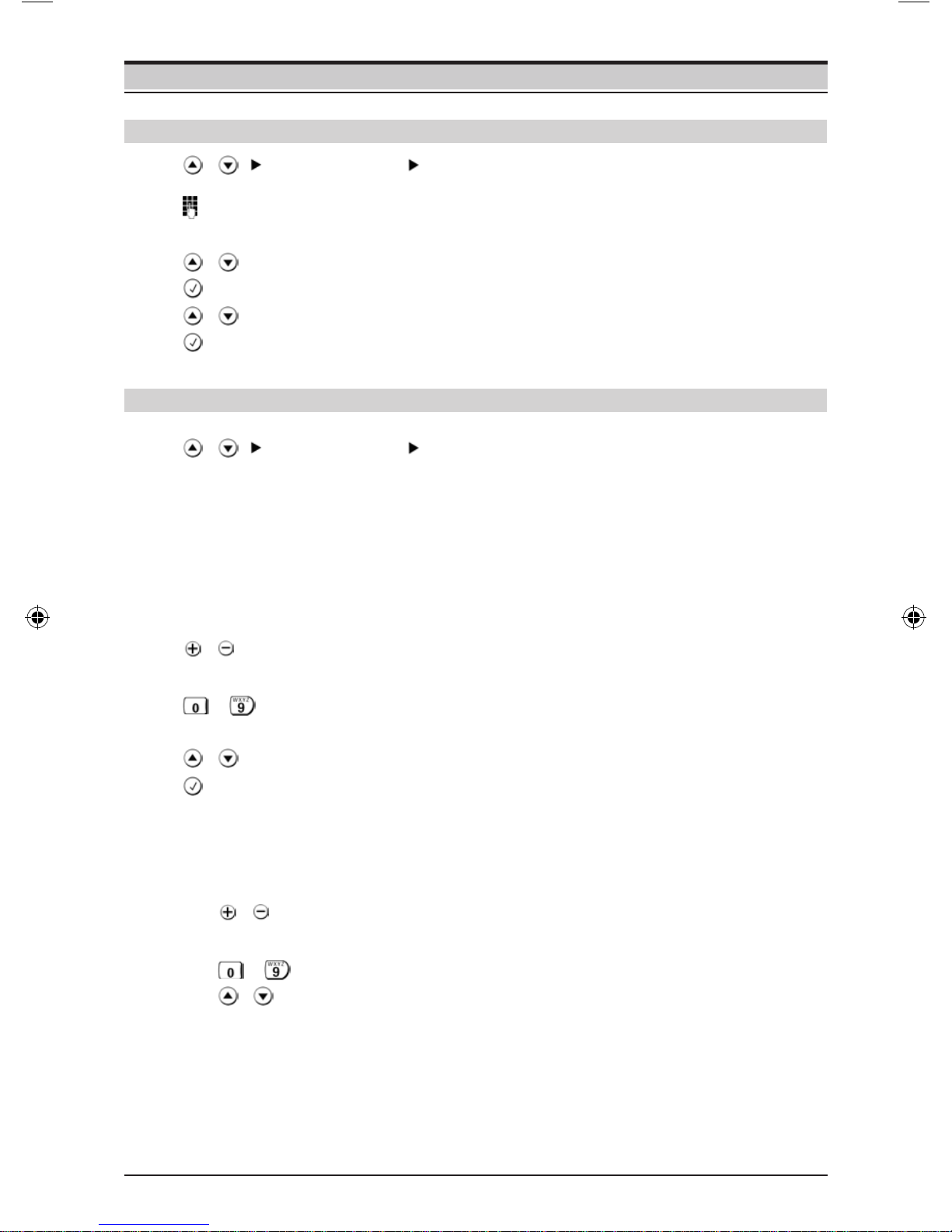
/Audio setup Ring melody
You can now set the
Ringer volume in 5 levels (default setting: 5) or “off“.
Ringtone; 10 ringtones (default setting: ringtone 0).
Ringtone frequency in 3 levels (default setting: 3).
Adjusting while the telephone is ringing
Before lifting the handset:
...
...
...
Press the Loud/Quiet key (volume, only possible with main
supply connection).
Press one of the keys 0...9 (ringtone).
Press the Down/Up key (frequency).
The last value set is saved.
...
...
...
2035 IM.indd 10 2009-8-28 11:36:20
Indice
Altri manuali Euroset Telefono