
Exsound Coral III Manuale utente

EXSOUND Coral III User's Guide

Coral III Manual Catalog
•Package Contents ------------------------------------------------------------------------------ 03
•Safety Notice -------------------------------------------------------------------------------------
•Product Features / Hardware Diagram ----------------------------------------------------
•Product Operation & LED Indicator ---------------------------------------------------------
•Coral lll Connects to XBOX360®------------------------------------------------------------
2
03
04
07
09
•XBOX360®/ XBOX Live®Voice Settings-------------------------------------------------- 09
•Coral lll Connects to XBOX Live®-----------------------------------------------------------
•Coral lll Connects to PS3™-------------------------------------------------------------------
•PS3™/ Play Station Network Settings ------------------------------------------------------
•Coral lll Connects to DVD ---------------------------------------------------------------------
10
11
11
12
•Coral lll Connects to PC------------------------------------------------------------------------ 13
•Coral lll Headset Connects to PC -----------------------------------------------------------
•Coral lll Connects to TV -----------------------------------------------------------------------
•Important Information --------------------------------------------------------------------------
14
14
15
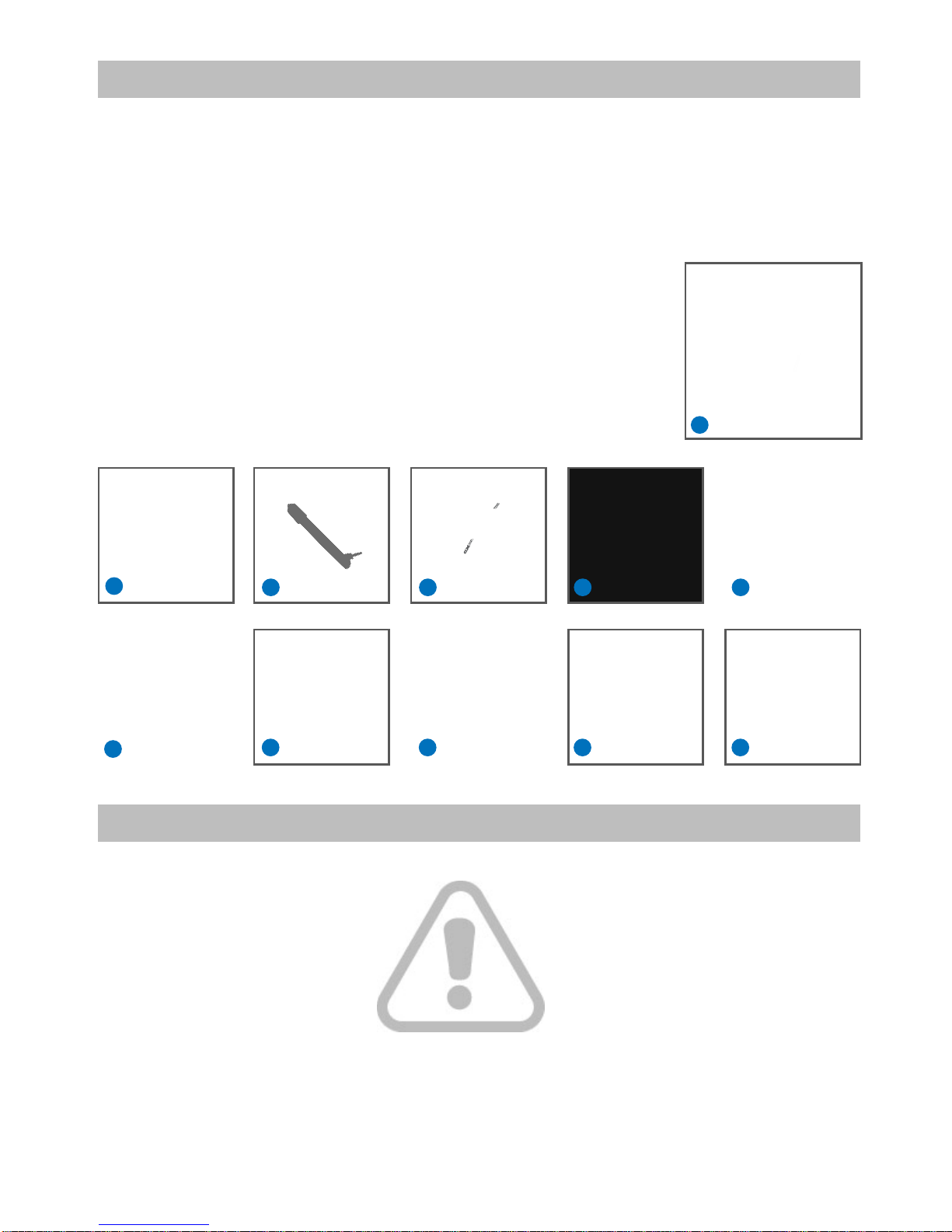
Package Contents
1. One EXSOUND Coral III Headset
2. One EXSOUND Coral III Breakaway Inline Controller Cable
3. One EXSOUND Coral III Microphone
4. One EXSOUND Coral III Decoder Box
5. One EXSOUND Coral III Headband Pad Set (Additional Set)
6. One Optical Cable
7. One USB Cable
8. One Coaxial Cable
9. One 3.5 mm Plug to 2.5 mm Plug Cable
10. One G9(F) to 3.5mm Plug *4 with USB Cable
11. One Operation Manual
Safety Notice
WARNING: Continued Exposure to High Volumes of Noise in Headsets can Cause Long-Term Hearing Damage.
Your Ears will Adapt to Loud Volume Levels over Time and Damage Your Hearing Even if You don't Feel any
Discomfort. Keeping the Volume at a Safe Level is Important while Using the Headset. The Louder the Sound is Set,
the Less Time It Takes to Affect Your Hearing.
When Putting the Headset on, It is Advised to Turn the Volume to a Low Level, and then Slowly Increase It to
A Moderate and Comfortable Level.
3
1
3 4
25 6
78 9 10 11

Product Features / Hardware Diagram
Product Features:
EXSOUND Coral III – Your Ultimate Gaming Headset with REAL 5.1 Channels Dolby 5.1 Surround Sound
Hardware Diagram:
A. EXSOUND Coral III Decoder Box
B. EXSOUND Coral III Headset
C. EXSOUND Coral III Breakaway In-line Controller Cable
A. EXSOUND Coral III Decoder Box
4
Connect XBOX360®, PS3™, DVD with Optical or Coax Input
Decoder Dolby Digital 5.1 from XBOX360®, PS3™, DVD
Decode Dolby Pro Logic II Format into 5.1 Surrounding Sound
Via Dolby Pro Logic II Technology, Empower Stereo Sound into 5.1 Surrounding Sound
Power by USB
Build in Communication with XBOX360®via XBOX Live®, & PS3™with Separate Volume Control to Adjust the
Voice Volume
Mic Volume Check Function
Comfortable Design Headset for Gamer for Long Period Wearing
Removable Mic Design
1. Power ON/OFF
2. Dolby Pro Logic ll ON/OFF
3. Volume Up
4. Volume Down
5. LED Indicator for Power and Source Format
6. LED Indicator for Dolby Pro Logic ll ON/OFF
7. Output to EXSOUND Coral III Headset
1
5 6 7
2 3 4

OPTICAL OUT
OPTICALCOAXIAL
POWER
PS3 VOICE
5.1 ANALOG OUTPUT INPUT
FRONT SURROUND CTR/SUB
8. Connect to 5.1 Speaker
9. USB Power by XBOX360®/PS3™ or Other USB Devices and Connect to PS3™for PlayStation®Network Chatting
10. Switch of Optical,Coaxial Input Selection
11. Coaxial Input: Connect with Coaxial Output Devices, Like DVD
12. Optical Input: Connect with Optical Output Devices, Like DVD, XBOX360®, PS3™
13. Optical Output: Connect with Amplifier
5
2. Two Kinds of Pads can Fit in Different Head Size
3. Ergonomics : Comfortable for Heavy Gamers Long Periods Wearing
4. Detachable Microphone with Indicator
5. Omni-direction Microphone
B. EXSOUND Coral III Headset
1. 4 Speakers Position
Center
Front
Rear
Subwoofer
1
3
4
5
8 9 10 11 12 13
2

6
C. EXSOUND Coral III Breakaway Inline Controller Cable
1. Master/Each Channel Volume Adjustment & Mute/Un-mute
2. Each Channel Selection for Volume Adjustment
3. 3.5 Jack to Connect with XBOX 360®Console for XBOX Live®
4. On-line Voice Volume from Others Adjustment
5. Switch of Microphone Mute/Un-Mute/Mic Volume Check (MVC) Selection
6. LED Indicator for Volume Level
Connect & Remove Microphone with
Headset by Aligning Two Line Secure the Microphone by
Rotating it 90 Degrees Counterclockwise
1
3
4
5
6
2

Product Operation & LED Indicator
1. PWR Button: Power ON/OFF Default is OFF, Press is ON, Press Again is OFF
2. Dolby Pro Logic ll Button: Press is ON, Press Again is OFF
3. VOL+ Button: Volume Up Switch
4. VOL- Button: Volume Down Switch
5. Reset Button (Reset to OEM setting ) : Press Volume Up & Down Together,
then Press Power Will Reset to OEM Setting, all 2 LED Will Flash 3 Times with White Color
LED Light Indicators 2 LEDs , from Left to Right
1. 1st LED: Power/Source Indicator: White Color Means Source is Dolby Digital 5.1 Blue Means Non Dolby Digital 5.1
2. 2nd LED: Dolby Pro Logic ll ON/OFF Indicator: White Means ON, Nil for OFF
White Color Means Inline Controller with Power
1. Master Volume Indicator :
i. While Reach Highest Volume, the LED Will be ON
ii. While Reach Lowest Volume, the LED Will be OFF
iii. While Mute , the LED Will Flashing
2. Each Channel Volume Indicator :
i. While Adjust Each Channel Volume , From Low to High the LED will Change
Color from Green -> Blue -> Purple -> Cyan -> Red
Product Operation
A.) Decoder Box
A.) Decoder Box
1. Work with Volume Control to Adjust Volume Level For All Channels at Same Time,
Pressing Volume Control Mute, Press Again Un-mute.
2. Front/Rear/Center/Sub Button : Press Button to Select Each Channel,
Then Use Volume Control to Adjust this Channel Volume
3. 3.5 Jack to Connect with XBOX 360®Console for XBOX Live®
4. Work with Volume Control to Adjust Voice Volume Level from Chatting.
5. Mic ON/OFF/MVC (Mic Volume Check) Button
B.) Inline Controller
B.) Inline Controller
LED Indicator
7

About Dolby Digital 5.1 / Dolby Pro Logic II
1. Most of Gaming/Movie Titles Are DVD Format, and Encoded with Dolby Digital 5.1 Technology, Multi – Channels
Sound. Need to Have Coral III, with Dolby Digital 5.1 Decoder to Have Original Sound Play Back.
2. Some PCM Format with 2 Channels, Like Dolby Pro Logic II Game Title and Lt Rt from Other Devices ,
Dolby Pro Logic II with Simulate These 2 Channels into 5.1 Channels.
More Information Please Visit - www.Dolby.com
CENTER
LEFT
SURROUND RIGHT
SURROUND
LEFT
FRONT RIGHT
FRONT
SUB
Dolby Surround Sound
8

9
XBOX360®/ XBOX Live®Voice Settings
■XBOX360®Audio Settings ■XBOX Live® Voice Settings
In The XBOX360®Dashboard Select : Press the “ XBOX®Global Button “and Go to:
Settings -> Preferences -> Voice ->
Voice Output -> Play through Headset
`System Settings -> Console Settings -> Audio ->
Digital Output -> Dolby Digital 5.1
Coral III Connects to XBOX360®
1. Connect Coral III Headset with Breakaway Inline Controller Cable.
2. Plug the USB Connector into the USB Port of XBOX360®and the Decoder Box.
3. Connect the Decoder Box and XBOX360®with Optical Cable.
4. Plug Round 9-Pin Plug (Male) from Inline Controller into Front of the Decoder Box. (Note)
5. Slide the Optical / Coaxial Switch on the Decoder Box to “Optical “.
6. Power on XBOX360®and Decoder Box.
Note:
Plug 9-Pin Round Plug into Decoder Box with Arrow Facing Up
1
53
2
4
10
Coral III Connects to XBOX Live®
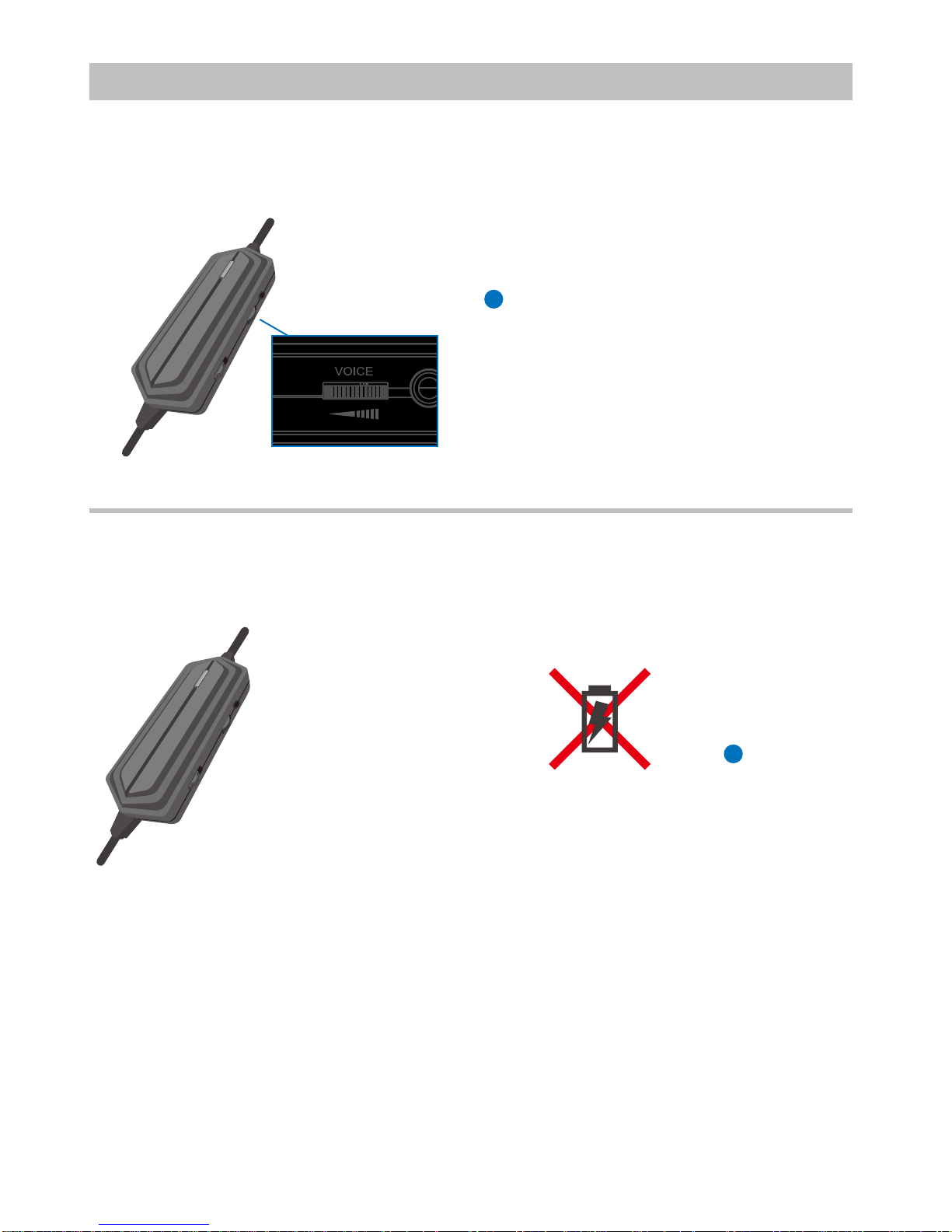
Adjust Others Voice Volume by Turning the Voice Volume Control
1
2
1. Connect XBOX Live® Communication Link Cable (2.5mm plug to 3.5mm plug) to Inline Volume Controller and
XBOX360®Controller
2. Special Note : When You Use XBOX Live®Communication Function not Allow Recharge Your Controller
from XBOX360®
Indice
Altri manuali Exsound Cuffia

Exsound
Exsound Sailfish Manuale utente

Exsound
Exsound Tropical II Manuale utente

Exsound
Exsound NETTLEFSIH II LITE Manuale utente

Exsound
Exsound SHARK VII Manuale utente

Exsound
Exsound JerryFish Manuale utente

Exsound
Exsound SHARK VII Manuale utente

Exsound
Exsound JerryFish Manuale utente

Exsound
Exsound Shark VII Manuale utente

Exsound
Exsound Shark Manuale utente

Exsound
Exsound Orca Manuale utente


