
Flexit CI 70 Manuale utente

ART.NR. 116402
CI 70
ASSEMBLY AND USER INSTRUCTIONS
Control panel
116081EN-07
2023-02
Flexit
GO

2
CI 70
Our products are subject to continuous development and we therefore reserve the right to make changes.
We also disclaim liability for any printing errors that may occur.

3
Flexit GO
Contents
1. Scope .............................................................................................................................4
2. Mechanical design........................................................................................................4
2.1. Mounting.......................................................................................................................... 5
3. Icon description............................................................................................................8
3.1. Status icon description:................................................................................................9
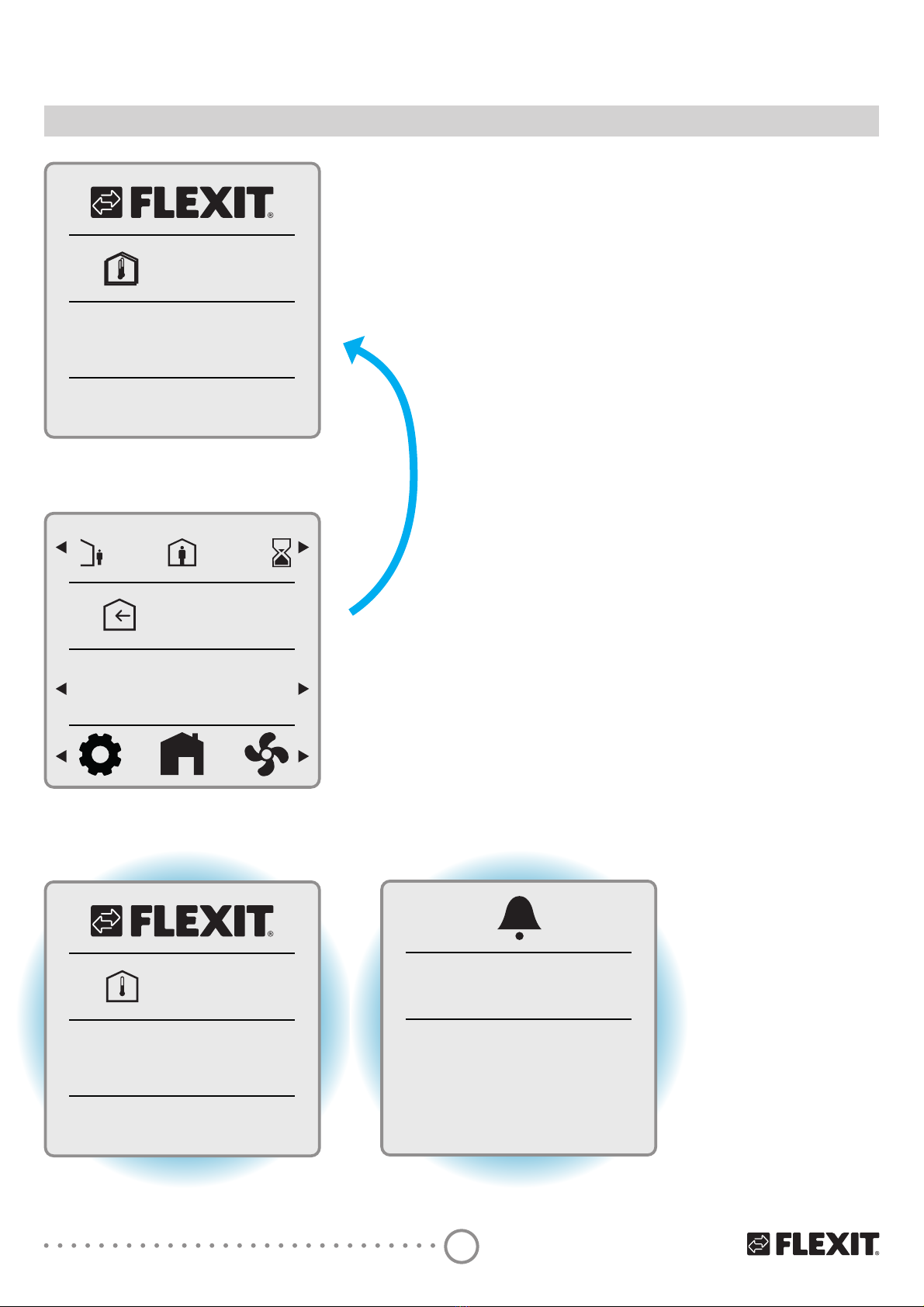
4. Sleep page & home page description..................................................................... 10
4.1. Layer consept ...............................................................................................................11
5. Settings ...................................................................................................................... 11
5.1. General description ....................................................................................................11
5.2. Adjust time date & scheduler...................................................................................12
5.3. Fan speeds ....................................................................................................................13
5.3.1. Fan speed setting page ................................................................................14
5.4. Supply air temperatures ............................................................................................15
5.4.1. Home page – mode selection .....................................................................15
5.4.2. Home page – home/away selection ..........................................................16
5.4.3. Home page – in scheduler mode...............................................................16
5.4.4. Timer functions...............................................................................................17
5.5. Information....................................................................................................................17
5.6. Alarm...............................................................................................................................18
5.6.1. Alarm mode.....................................................................................................18
5.6.2. Filter alarm.......................................................................................................19
5HVHWȴOWHUWLPHU.............................................................................................19
5HVHWȴOWHUDODUP..........................................................................................19
5.6.5. Filter interval....................................................................................................19
5.6.6. Acknowledge and reset A-alarm ...............................................................20
5.6.7. Acknowledge B-alarm ..................................................................................20
5.6.8. Alarm codes.....................................................................................................21
5.6.9. Alarm codes – Hardware related errors...................................................21
5.6.10. Alarm codes – Application related errors ................................................21
5.6.11. Alarm codes – Communication errors......................................................21
5.7. Expert mode .................................................................................................................22
5.7.1. Read parameter mode .................................................................................22
5.7.2. Parameter list..................................................................................................23
6. Technical data............................................................................................................ 24
6.1. Mechanical dimensions..............................................................................................24
6SHFLȴFDWLRQ..................................................................................................................24
6.3. Maintenance .................................................................................................................26
6.4. Disposal..........................................................................................................................26

4
CI 70
1 Gasket for panel mounting
2 Base plate
• with screw holes for all common conduit oxes
• with gaining channels for wiring from center, up, or
bottom
3 Operator unit
1. Scope
• The CI 70 works together with all ventilation units in
the Nordic series
• The CI 70 operates control functions, such as fan and
temperature control
• The CI 70 communicates with 2-wire interface to the
controller through KNX PL-Link
2. Mechanical design
1 2 3
The subsections include important
information that is either decisive
for the sale or is essential for
engineering.
i
!
National safety regulations
Failure to comply with national
safety regulations may result in
personal injury and property
damage
• Observe national provisions and
comply with the appropriate safety
regulations.

5
Flexit GO
2.1. MOUNTING
m
c
0
2
ı
150 cm
• The devices are suitable for wall mounting and panel
mounting.
•5HFRPPHQGHG KHLJKW P DERYH WKH ȵRRU
• Do not mount the devices in recesses, shelves, behind
curtains or doors, or above or near heat sources.
• Avoid direct solar radiation and drafts.
• Seal the conduit box or the installation tube if any, as
DLU FXUUHQWV FDQ DHFW VHQVRU UHDGLQJV
• Adhere to designated ambient conditions.
The cable to the control panel is laid between the
ventilation unit and the control panel.
The control panel is designed for concealed installation
above the wallbox.
The included cable is 12 meters. If you need a longer
signal cable, order our 24 m cable. Art.no. 118258.
!
The cable to the CI 70 control panel
must be at least 30 cm from the
230 V cable (including dimmers,
thermostats, etc.). Power cables
must cross the CI 70 signal cable
at a right angle. For concealed
installation, the cable is laid in 16
mm cable tubes.
When you have installed the signal
cable, pull out all cable at the CI
70 panel to avoid surplus signal
cable at the ventilation unit. A roll
of cable at the unit may cause
disruption. Cut the signal cable to
the right length before the next
step.
CI 70 control panel must be
connected to the ventilation unit
before powered ON.
After power ON it takes approx.
3 min before the control panel
is in operation.
i

6
CI 70
1
2
3
A6V10733771M03
SEAL
Min. 3 mm screwdriver

7
Flexit GO
4
5
A6V10733771M05
h>20 mm
!
81.4
2- 52
111.4
2- 121.2
5
.
2
R
5
.
3
-
4
A6V10733771M09
[mm]
Connector Pin Description
+ KNX PL-Link (positive)
- KNX PL-Link (negative)
+ brown cord
- white cord
NOTICE! Installer can choose either pair of the pins to connect.
6
A6V10733771M07
Wires are NOT interchangeable!
The device is protected against faulty
wiring, but communications does
not work on interchanged wires.
i

8
CI 70
3. Icon description
AUTO MODE
HOME PAGE
AWAY MODE
HOME MODE
HIGH MODE
FIRE PLACE MODE
COOKER HOOD MODE
SUPPLY AIR
EXHAUST AIR
FAN SPEED SETTINGS
ROOM TEMPERATURE
GENERAL SETTINGS
CONFIRM
CANCEL
TIMER MODE
ELECTRICAL HEATER ENABLED
ELECTRICAL HEATER DISABLED
GO BACK
ALARM
ALARM – NOT ACKNOWLEDGED
ALARM – ACKNOWLEDGED
NORMAL - ACKNOWLEDGED
SERVICE REQUEST
SERVICE – NOT ACKNOWLEDGED
SERVICE – ACKNOWLEDEGED
READ PARAMETER MODE
CONFIRM ALARM
INDICATES AN OPERABLE ELEMENT
HOME
20°C
selection icons
info icons
mode descriptions
page description
Only as examplary picture. Not a spec reference.
selection icons
set point
page description
selection icons
status icons max 3 icons
at one time

9
Flexit GO
3.1. STATUS ICON DESCRIPTION:
Position 1
ALARM
ALARM – NOT ACKNOWLEDGED
ALARM – ACKNOWLEDGED
NORMAL - ACKNOWLEDGED BUT NOT RESETED
SERVICE REQUEST
SERVICE – NOT ACKNOWLEDGED
SERVICE – ACKNOWLEDEGED
AUTO MODE
Position 2
AWAY MODE
HOME MODE
Position 3
HIGH MODE
Status icons max 3 icons at one time
Icon position
123
HOME
20°C
Only as examplary picture. Not a spec reference.
10
CI 70
4. Sleep page & home page description
20.1°C
16:25
Sleep page
18.1°C
HOME
Home page
20.1°C
16:25
B-alarm
See section 5.6
Displays the room temperature at the panel. NB. If the panel is
LQVWDOOHGLQDFROGURRPWKHWHPSHUDWXUHPD\GLHUIURPWKH
indoor temperature elsewhere.
Display actual time.
%DFNOLJKWVZLWFKHVRDIWHUQRXVDJHLQPLQ
Display returns to sleep page after no usage in 4,0 min.
Display supply air temperature setpoint according to
operating mode.
Display actual W mode.
6HOHFWLRQRIGLHUHQWPRGHVSRVVLEOH
Select settings pages.
A-alarm
See section 5.6
Error code
(blinking
backlight)
(blinking
backlight)
Altri manuali per CI 70
1
Indice
Altri manuali Flexit Pannello di controllo


