
Fujitsu Ten Eclipse CD3431 Manuale utente

OWNER'S MANUAL
We appreciate your purchase of this receiver.
Please read through this manual for correct operation.
We suggest that after reading it you keep this manual
in a safe place for future reference.
MODEL CD3431
by FUJITSU TEN
R
ESN E3 High-Power CD Receiver with
CDC/E-COM/DSP Control and Wireless Remote
2
For your safety in using the
CD3431
Warnings and caution signs, illustrated below, are posted
throughout this manual as well as on the CD3431. They show
safe and correct ways to handle the product so as to prevent
personal injury to you and others and avoid damage to property.
Before reading through the manual, take time to read through
and learn the important information listed in this section.
This sign indicates a situation in which
incorrect handling through disregard of a sign
might result in death or serious personal
injury.
This sign indicates a situation in which
incorrect handling through disregard of a sign
might result in personal injury or may result
solely in damage to property.
•Do not modify this system for use other than that specified
herein. Also, do not deviate from the installation procedures
described herein; Eclipse will not be held liable for damages
including, but not limited to serious injury, death or property
damage resulting from installations that enable unintended
operation.
•This unit is intended for operation in DC 12-volt, negative-
grounded vehicles only. Never use it in 24-volt vehicles such
as heavy trucks or diesel cars with cold-region specifications.
•Do not change CDs while driving. Doing so may result in an
accident.
Warning
Caution
Warning

3
•Do not place the vinyl storage bag over a person. It may
cause a serious accident or death by suffocation.
•Do not adjust the controls while driving the car. To adjust the
controls, stop the car in a safe location.
•To prevent accidents, store batteries for the remote control
out of the reach of small children.In case a child swallows a
battery, consult a physician immediately.
•Do not disassemble or rebuild this product. Doing so may
cause an accident, fire or electrical shock.
•When it is necessary to replace the fuse, always use a fuse of
the correct rating (number of amperes). Use of fuses with
higher amperage ratings may cause a fire.
•Do not operate the product in a malfunctioning condition, for
instance, when the audio does not play. Doing so may result
in an accident, fire or electrical shock.
•If an abnormal situation occurs, such as foreign matter
entering or liquid splashing on the product, or smoke or a
strange odor emitting from the unit, shut off the product
immediately and consult the dealer from whom you purchased
it. Continued operation may cause an accident, fire or
electrical shock.
•Do not install this product in locations where it may obstruct
the driver's view, or where it may endanger passengers in the
vehicle. Otherwise, an accident or injury may result.
•Do not install this product in locations where it may interfere
with the operation of the steering wheel, shift lever, brake
pedal, etc. Otherwise, an accident or injury may result.
•When installing this product, never use existing nuts or bolts
that secure parts of the fuel tank, or the steering or braking
systems. Otherwise improper steering or braking or a fire may
result.
Warning

4
•To prevent a short circuit from occurring, disconnect the
battery's negative terminal before installing this product.
Otherwise, an electric shock or injury may result.
•When using an existing nut and/or bolt from the vehicle to
ground this product, do not use any that secure parts of the
steering or braking systems. Otherwise, an accident may
result.
•Bundle cables and harnesses with electrical tape or wire ties
to prevent them from interfering with moving parts. If they
should entangle the steering wheel, shift lever or brake pedal,
an accident may result.
•Never supply power to another electrical appliance by splicing
or tapping into this product's power lead(wire).Otherwise the
current capacity of the wire will be exceeded, resulting in a fire
or electric shock.
•Never attempt to disassemble or modify the product.
Otherwise, an accident, fire or electric shock may result.
•When installing the product into a vehicle with a passenger
side air bag, do not secure it to the air bag's cover or in places
where it may impede air bag deployment. Otherewise, proper
aie bag operation may not be ensured in the event of an
accident, causing injury or death.
•When making holes using a drill or simiar tool, be sure to wear
protestive eyewear. Otherwise, an injury such as loss of
evesight may result.
•Exposed wires must be insulated with electrical tape.
Othewise, a short circuit, fire, or electric shock may result.
Warning

5
•Play the audio at a moderate volume level that permits you to
hear sounds from outside the car. Driving without being able
to hear outside sounds may result in an accident.
•Keep foreign objects out of the disc slot. They may cause fire
or electrical shock. Another possibility is that discs may be
damaged or become stuck.
•Do not stick your fingers or hands into the disc slot. Doing so
may cause personal injury.
•This product must be operated only as on-board equipment,
or it may cause electrical shock or injury.
•Do not play distorted sounds for long periods of time;
the speakers may overheat and cause a fire.
•This product uses an invisible laser light. In case a problem
develops, be sure to consult the dealer from whom you
purchased the product. Do not disassemble or rebuild the
unit; rebuilding it may expose you and others to a dangerous
laser emission (which would damage eyesight) or cause an
accident.
•Never use batteries other than those specified. Do not mix
new and old cells. Doing so may cause a fire or personal injury
due to a battery explosion or chemical leaks.
•Pay attention to the (+) and (-) polarity of the battery when
installing it in the product. Incorrect installation may cause
personal injury or product damage due to a battery explosion
or chemical leakage.
•For best results, this product should be installed by a
professional installer. .
Contact the dealer whom you purchased the product for an
appointment.
•When installing this product, be sure to use the supplied
mounting hardware. If parts other than those supplied are
used, the unit may be damaged internally, or may not be held
in place securely and become dislodged.
Caution

6
•Avoid installing this product in places where it may get wet,
such as near windows, or in places that are moist or dusty.
Presence of liquid, moisture or dust inside this product can
cause short circuiting, resulting in smoke or fire.
•Do not install this product in locations where it cannot be
fastened securely, such as places subject to frequent
vibretion. Otherwise, it may become dislodged and cause an
accident or injury.
•Do not block this product's vent or heat sink. If either is
blocked, excessive heat build-up may occur and cause a fire.
•If this product is not connected properly, a short circuit, fire or
accident may occur.
•When routing cables, use care so that they do not contact
sharp metal parts such as brackets or screw tips. Otherwise,
a short circuit, electric shock, fire or accident may result.
•Do not obstruct the vent on this product. If blocked, excessive
heat build-up may occur and cause a fire.
Caution

7
Table of Contents
Operating Precautions .............................................. 10
Notes on Operation...................................................................... 10
About compact discs .................................................................. 12
About cleaning a CD ................................................................... 14
Names of controls and parts .................................... 15
ESN (Key CD) Security Operating Procedure .......... 16
How to program the Key CD ....................................................... 16
How to cancel the Key CD .......................................................... 17
How to change the Key CD ......................................................... 18
How to resume normal operation (ESN security lock out) ............ 19
What happens if an incorrect CD is inserted? .............................. 20
How to turn the Security indicator on/off .......................................21
How to Read the Electrical Serial Number ................................... 21
Basic operation ......................................................... 22
Turning the power on and off ...................................................... 22
Listening to a CD ......................................................................... 22
Listening to the tuner ................................................................... 23
Adjusting audio volume ............................................................... 24
Displaying the clock ..................................................................... 24
Others ......................................................................................... 25
How to operate the CD player .................................. 29
Listening to CDs .......................................................................... 29
Advancing to the next track or returning to
the beginning of the track being played ....................................... 30
Playing the beginning of tracks (SCAN) ........................................ 30
Repeating the same track (REPEAT) ............................................ 31
Playing tracks in random order (RANDOM) .................................. 31
Ejecting the disc .......................................................................... 31
Displaying a genre for a CDs ....................................................... 32
Switching the display priority ....................................................... 33

8
How to operate the tuner .......................................... 34
Tuning to a station ....................................................................... 34
Entering stations into memory automatically
(The automatic preset mode: ASM) ............................................. 35
Manually setting stations into memory ......................................... 36
Preset station scan ...................................................................... 37
FM reception characteristics ........................................................ 38
How to use the Card remote control ........................ 41
Precautions in use of the remote control ...................................... 41
Cleaning the remote control ........................................................ 41
Turning the power on/off ............................................................. 42
Adjusting the audio volume .......................................................... 42
Switching playback modes .......................................................... 42
How to play the tuner .................................................................. 43
How to play CDs ......................................................................... 44
Switching the remote control settings .......................................... 45
Replacing the battery .................................................................. 46
How to use an optional NOB remote control ........... 47
Turning the power on/off ............................................................. 47
Adjusting the audio volume .......................................................... 47
Switching playback modes .......................................................... 48
How to play the tuner .................................................................. 48
How to play CDs ......................................................................... 49
Illuminating the NOB remote control ............................................ 50
Enabling the optional E-COM feature ........................................... 50
Switching the remote control settings .......................................... 51
Replacing the battery .................................................................. 52
How to operate the receiver with an optional CD
changer connected ................................................... 54
Basic operation ........................................................................... 54
Displaying a genre for a CDs ...................................................... 57
Switching the display priority ...................................................... 58
How to operate the receiver with an optional
DSP/EQ unit connected ............................................ 59
How to operate the DSP functions .............................................. 59
How to operate the EQ functions ................................................ 63

9
If you have a question: .............................................. 66
Displaying information (for troubleshooting) .................................. 67
Specifications ............................................................ 70
Before installation .......................................................72
Components ............................................................................... 72
Setting the system-selector switch .............................................. 72
Mounting Instruction...................................................73
Mounting the main unit................................................................. 73
Names of lead wires and destinations ......................................... 75
System ........................................................................................ 76
Operating precautions
10
Notes on Operation
◆
Operating Precautions
<Your CD3431 will perform well over a long period of time through correct
handling and care.>
•For your safety, play only at volume levels that allow outside sounds to
be heard.
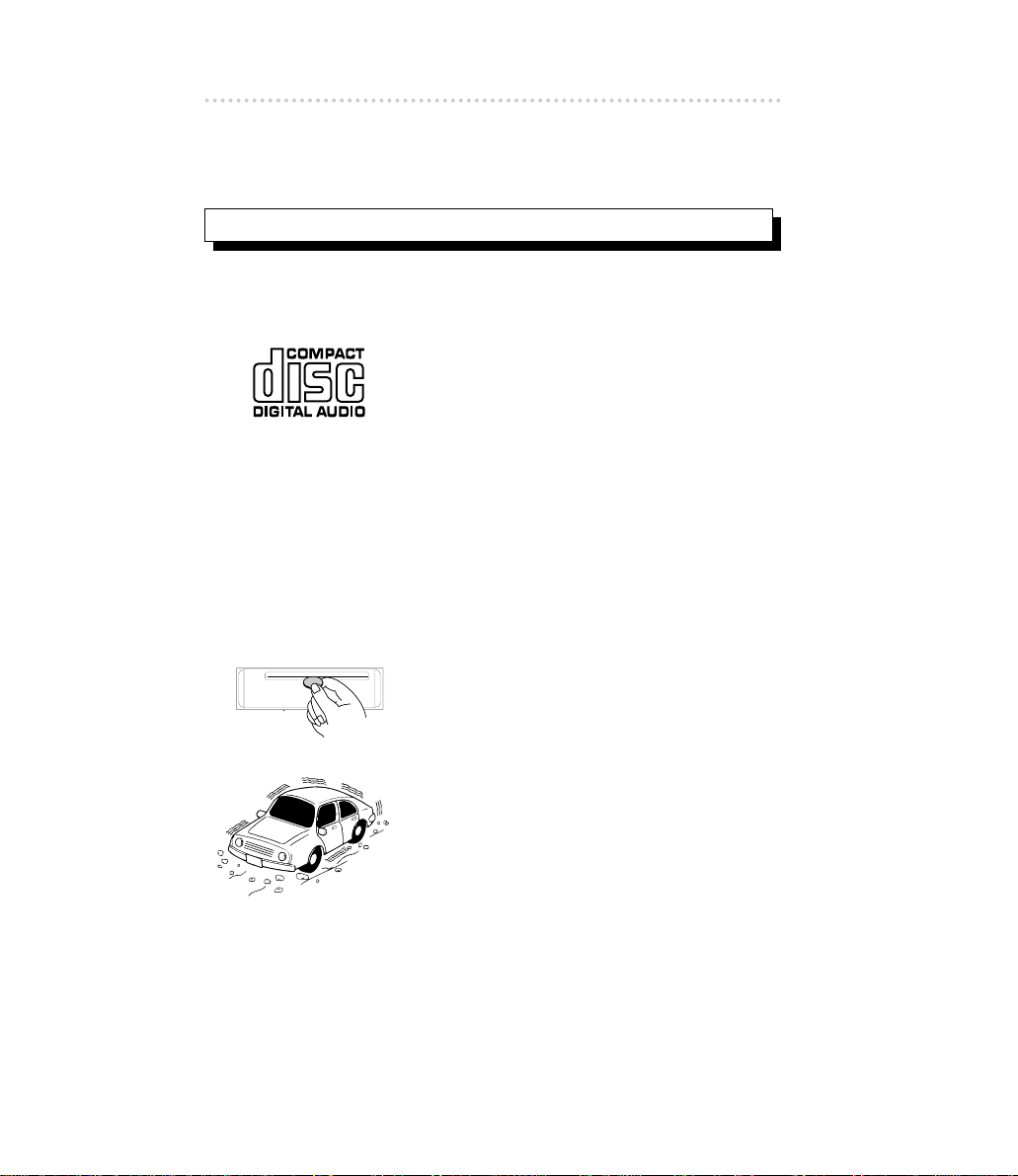
•Use only audio compact discs.
This player can only play compact discs
bearing the logo shown to the left.
•It may not be possible to play back some
tracks on CD-Rs.
•It may not be possible to play back CD-Rs
with certain characteristics, or CD-Rs
which are scratched, dirty, or which have
been left inside a vehicle for long periods.
•CDs cannot be played back until all
sessions recorded on the CD-R have been
closed.
•CD-RW discs cannot be played back.
•Do not insert anything other than a CD into
the disc slot.
Do not insert any foreign objects, such as
coins or credit cards, into the disc slot. Be
especially watchful of children’s mischief in
this regard.
•Avoid severe mechanical shock.
When the player is subjected to severe
vibration while traveling over a rough
surface, playback may be intermittent.
When a situation like this occurs, resume
playback after returning to a smoother
road.
Indice
Altri manuali Fujitsu Ten Ricevitore per auto


