
Geotech Geocontrol PRO Manuale utente

Geocontrol
PRO
InstallationandOperationManual
Rev. 8/15/09 Part # 11150263
Printed in the United States of America

2

3
TABLE OF CONTENTS
Documentation Conventions………………………………………………………4
Notices…………………………………………………………………………………4
CHAPTER 1: SYSTEM DESCRIPTION……………………………………………6
CHAPTER 2: SYSTEM INSTALLATION.............................................................7
CHAPTER 3: SYSTEM OPERATION..................................................................8
CHAPTER 4: SYSTEM MAINTENANCE.............................................................10
CHAPTER 5: SYSTEM TROUBLESHOOTING...................................................11
CHAPTER 6: SYSTEM SPECIFICATIONS.........................................................13
CHAPTER 7: SYSTEM SCHEMATIC..................................................................14
CHAPTER 8: REPLACEMENT PARTS LIST.....................................................15
THE WARRANTY................................................................................................17
EQUIPMENT RETURN POLICY.........................................................................17
EQUIPMENT DECONTAMINATION...................................................................17
DECLARATION OF CONFORMITY……………………………………………….18
4
DOCUMENTATION CONVENTIONS
This uses the following conventions to present information:
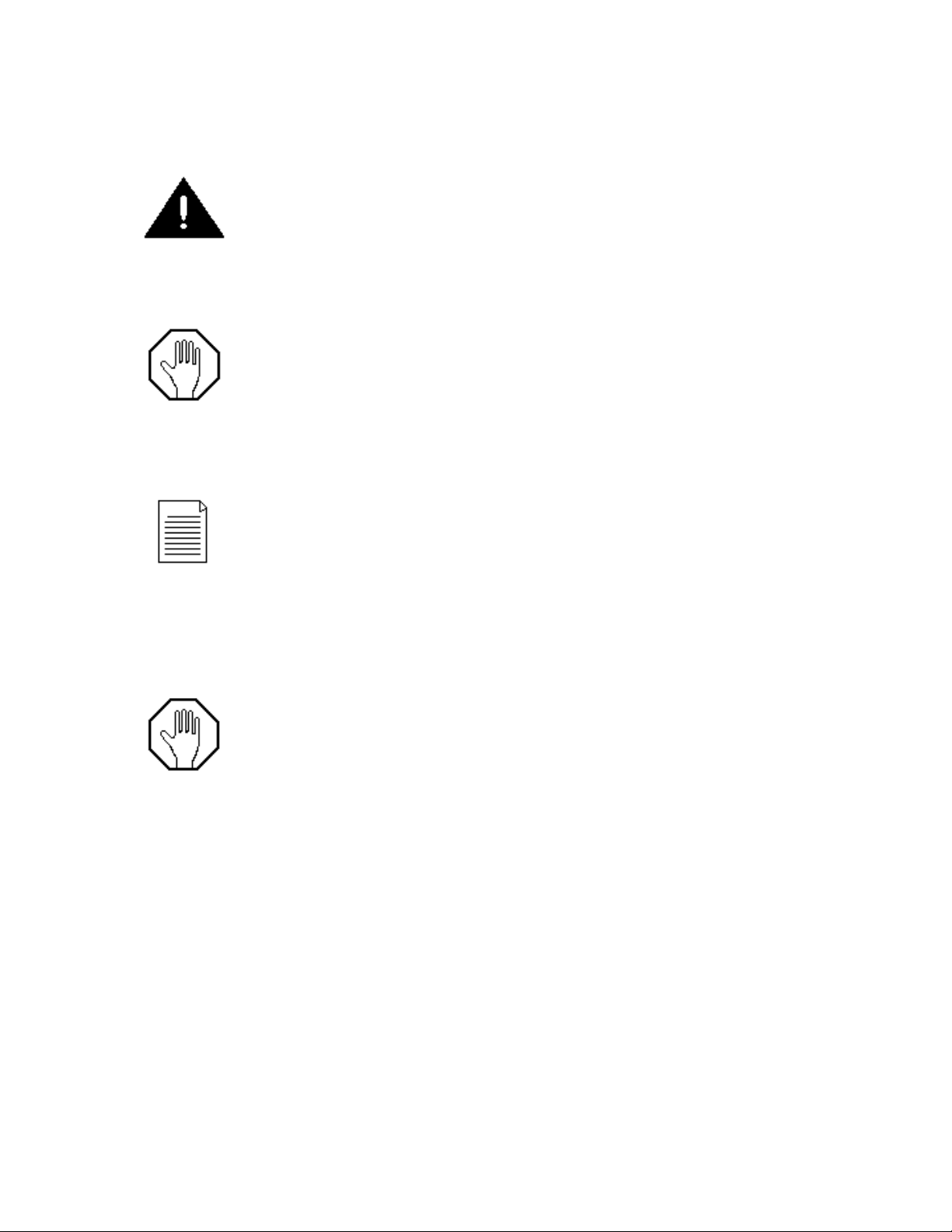
An exclamation point icon indicates a WARNING of a situation or condition that could
lead to personal injury or death. You should not proceed until you read and thoroughly
understand the WARNING message.
A raised hand icon indicates CAUTION information that relates to a situation or condition
that could lead to equipment malfunction or damage. You should not proceed until you
read and thoroughly understand the CAUTION message.
A note icon indicates NOTE information. Notes provide additional or supplementary
information about an activity or concept.
NOTICES
In order to ensure that your Controller has a long service life and operates properly,
adhere to the cautions below and read this manual before use.
Disconnect from power source when not in use.
Controller power input source must not exceed maximum ratings
Controller must be wired to a negative ground system
Controller may not operate properly with excess wiring not supplied by manufacturer
Avoid spraying fluid directly at controller
Never submerge controller
Avoid pulling on wires to unplug controller wiring

5
Avoid using controller with obvious physical damage
To prevent controller damage, avoid dropping controller
The Geotech Geocontrol Pro cannot be made dangerous or unsafe as a result of failure due to
EMC interference.
WARNING
Do not operate this equipment if it has visible signs of significant physical damage other
than normal wear and tear.
Notice for consumers in Europe:
This symbol indicates that this product is to be collected separately.
The following apply only to users in European countries:
•This product is designated for separate collection at an appropriate
collection point. Do not dispose of as household waste.
•For more information, contact the seller or the local authorities in charge of
waste management.

6
Chapter 1: System Description
Function and Theory
The Geocontrol PRO is a unique controller for operating down well bladder type
sampling pumps. When an external 12 VDC power source is connected to the controller,
the internal air compressor is capable of producing a pressure of 100 psi. This pressure
allows the user to take samples from a depth to 180ft.
The controller offers a variable cycle timer for controlling the portable compressor’s on-
time and off-time. While the compressor is on, air is pushed down well to the bladder
pump, compressing the internal bladder and evacuating the liquid in the pump. When the
compressor shuts off, the air pressure in the pump exhausts out of the system, allowing
liquids to enter the pump.

7
Chapter 2: System Installation
WARNING
Verify the 12V system to be used is rated and fuse protected for operation at 15 amps
continuous operation. Failure to verify system rating could result in damage to
equipment. Over-heated wiring and other materials or components in contact or near by
the power delivery system could pose a potential fire or burn hazard.
To operate the Geocontrol PRO, make sure the power switch is in the
“off “position (rocker in down position). Plug the power input cord into a fuse protected
12V lighter receptacle on a negatively grounded system. If the controller is to be wired
directly to a 12V battery, make sure to connect the positive (red) alligator clip to the
positive (red) battery terminal and connect the negative (black) alligator clip to the
negative (black) battery terminal. Next, securely plug in the circular plug connector on
the opposite end of the cable to the corresponding receptacle on the face of the
controller. Continue by plugging the pump’s air hose into the port labeled AIR on the
controller’s face. Then plumb the pump’s discharge line into a suitable container. Check
all wiring and plumbing for correctness.
Figure 2 – Installation Diagram
Finally, double check to ensure the 12V system positive and negative is not reversed at
any connection point.
DCPowerCordwith
CigaretteLighterAdapter
Adapter
12VoltBattery
ACPowerCord
andAdapter

8
WARNING
Do not operate this equipment if it has visible signs of significant physical damage other
than normal wear and tear.
Chapter 3: System Operation
CAUTION
Operating the equipment in any way other than that described within this document
could potentially damage the equipment.
CAUTION
Disconnect power source when not in use.
Double check 12V system positive and negative are not reversed at any connection
point.
Before turning the power switch “on” turn the Geocontrol PRO’s “Fill” and “Discharge”
timer knobs to adjust the cycle times. These knobs are located on the front face of the
Geocontrol Pro below the airline pressure gauge. To the left is Discharge time and to the
right is Fill time. Use the radial number scales around each timer knob to adjust timer
values in seconds.
Discharge Time:
The time it takes to squeeze the bladder and push the water out of the pump. Increase this
time with increased depth to water and larger bladder pumps. Decrease this time with lower
depth to water and smaller bladder pumps. Timer can be set from approximately 2 to 60
seconds.
Fill Time:
The time allowed for the bladder to refill. Increase this time with increased depth to water and
larger bladder pumps. Decrease this time with lower depth to water and smaller bladder
pumps. Timer can be set from approximately 2 to 60 seconds. Fill rate depends on
hydrostatic pressure (pressure from the water above the pump) and will vary depending on
pump placement within the water column. Therefore, the more water above the pump the
faster it will fill.
Turn the controller power switch ON. In case of long fluid discharge lines it could take
multiple cycles for water to reach the outlet. If the fluid discharge from the pump falls off
before the discharge cycle is complete, the discharge time is set too high. This could
result in a creased bladder that will reduce per cycle pump volumes. Therefore, if the

9
compressor is still running and water has stopped coming out of the discharge tube, the
discharge time should be decreased. Pumping efficiency can be maximized by
measuring the amount of fluid discharged. If the volume of fluid after one pump cycle is
less than the rated volume of the pump being used, then the fill rate can be increased.
The air line pressure gauge can be utilized to maximize efficiency. As a general rule, the
pressure indicated on the gauge should not exceed an equivalent depth to water
pressure. 1PSI = 2.31 Feet of water. Once the bladder in the pump is empty of liquids
the pressure will increase sharply. If a quick pressure increase is noticed, reduce the
discharge time until the quick pressure increase is no longer obvious.
For example, if the well you are sampling has a depth to water of 23 feet you should not
expect to see a reading on the pressure gauge much over 10 PSI. When the discharge
cycle begins the reading on the pressure gauge will begin to rise. Once depth to water
pressure has been reached the reading will ‘stall’ at that pressure until the bladder is
empty or discharged. Once the bladder is compressed completely the pressure will
again start to rise. For maximum per cycle liquid pumping volume, this is the optimum
point at which the discharge timer would expire and the fill rate timer would begin.
Reduced per cycle liquid pumping volume can be achieved by further decreasing the
discharge time, thus evacuating only part of the total bladder volume.
CAUTION
For use with negative (-) ground systems only.
Exceeding the recommended duty cycle will cause overheating.
Damage will result if the supply voltage exceeds 14 VDC.
10
Chapter 4: system maintenance
Maintenance Procedures
Disconnect power source when not in use.
Unit must be returned to Geotech for any service. In order to ensure a long service life,
keep the Geocontrol PRO clean. Often a soft, damp cloth can be used to remove dust
and dirt from the exterior surfaces of the Geocontrol Pro. In extreme cases, or to remove
aged caked on dirt and dust, a mild soap and water solution can be applied to a soft
cloth and used to clean the exterior surfaces of the Geocontrol Pro. Do not soak or
directly spray liquids on the Geocontrol PRO.
Equipment can be repaired by factory trained repair technicians only. Improper repair of
equipment may result in degradation of performance and/or service life. Disassembly
exposes potentially dangerous moving components that could injure someone who is not
properly trained to repair this equipment.
Altri manuali per Geocontrol PRO
3
Indice
Manuali Compressore popolari di altre marche


Emerson
Emerson Copeland Scroll Digital HLR Series Manuale di istruzioni

Drawmer
Drawmer 1968 MKII Manuale utente

Badger Air-Brush
Badger Air-Brush X-Air 80-8 Manuale di istruzioni

Omnitronic
Omnitronic CL-166 Manuale utente

Scheppach
Scheppach HC24V Istruzioni per il montaggio

Ingersoll-Rand
Ingersoll-Rand centac C950 Manuale tecnico


