
Gigabyte GN-WP01GT Manuale utente
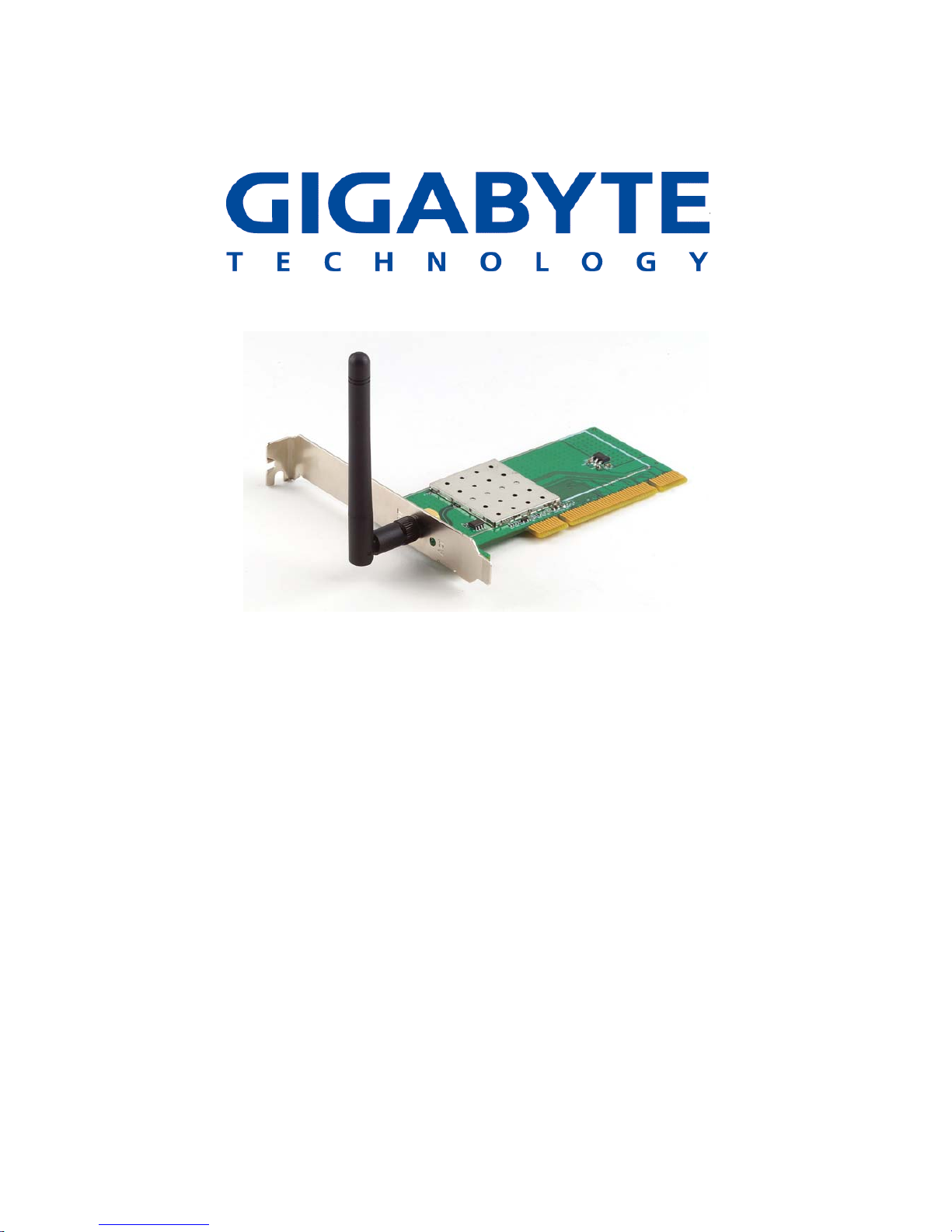
Super G Wireless PCIAdapter
Super G Wireless PCI Adapter
GN-WP01GT
User’s Guide
October 2004 - Revision 1.0
1

Contents
Chapter 1 Introduction.................................................5
Overview ...........................................................................5
Key Features..................................................................... 5
Package Contents ............................................................7
Operating Modes..............................................................7
LEDs.................................................................................. 8
System Requirements......................................................8
Chapter 2 Installation ....................................................9
Installing PCI Adapter ...................................................... 9
Hardware Installation.......................................................9
Installing the Driver and Utility...................................... 10
SmartSetup 3.................................................................. 15
Chapter 3 Configuration.............................................. 18
Using the GIGABYTE Wireless Utility........................... 18
Current Status Tab ......................................................... 18
Site Survey Tab............................................................... 22
Profile Management Tab................................................ 23
Diagnostics Tab.............................................................. 36
Advanced Statistics ....................................................... 37
Adapter Information Tab................................................ 40
Appendix A FAQ............................................................. 41
Appendix B Wireless Security....................................... 42
Appendix C Troubleshooting........................................ 43

Super G Wireless PCIAdapter
Appendix D Glossary..................................................... 44
Appendix E Specifications ............................................ 47
Appendix F Regulatory Information ............................. 49
Appendix G Warranty..................................................... 51
3

Federal Communication Commission Interference Statement:
This equipment has been tested and found to comply with the limits for
a Class B digital device, pursuant to Part 15 of the FCC Rules. These
limits are designed to provide reasonable protection against harmful
interference in a residential installation. This equipment generates,
uses and can radiate radio frequency energy and, if not installed and
used in accordance with the instructions, may cause harmful
interference to radio communications. However, there is no guarantee
that interference will not occur in a particular installation. If this
equipment does cause harmful interference to radio or television
reception, which can be determined by turning the equipment off and
on, the user is encouraged to try to correct the interference by one of
the following measures:
• Reorient or relocate the receiving antenna.
• Increase the separation between the equipment and receiver.
• Connect the equipment into an outlet on a circuit different from
that to which the receiver is connected.
• Consult the dealer or an experienced radio/TV technician for
help.
FCC Caution:
To assure continued compliance, any changes or modifications not
expressly approved by the party responsible for compliance could void
the user's authority to operate this equipment.
This device complies with Part 15 of the FCC Rules. Operation is
subject to the following two conditions: (1) This device may not cause
harmful interference, and (2) this device must accept any interference
received, including interference that may cause undesired operation.
IMPORTANT NOTE
FCC Radiation Exposure Statement:
This equipment complies with FCC radiation exposure limits set forth
for an uncontrolled environment. End users must follow the specific
operating instructions for satisfying RF exposure compliance.
This transmitter must not be co-located or operating in conjunction with
any other antenna or transmitter.
4

Super G Wireless PCIAdapter
Chapter 1
Introduction
Overview
The GIGABYTE WP01GT Super G PCI Adapter with SmartSetup 3 delivers to
you with today’s fastest available wireless connection.
The WP01GT Super G Wireless Adapter communicates over the 2.4GHz
802.11g wireless standard with throughput up to 15 times faster than the
11Mbps 802.11b while still remaining fully backward compatible with that
standard.
Desktops PC’s equipped with wireless adapters communicate with Wi-Fi
Application Points and wireless routers giving you the freedom from having to
run Ethernet cabling. The WP01GT has powerful security features and
lightening fast speed, moving files, watching streaming video and downloading
MP3’s faster than ever.
The WP01GT supports 64/128/152-bit WEP encryption, 802.1x RADIUS
authentication and WPA support, giving you complete peace of mind over data
security.
With SmartSetup 3 built-in setting up and configuring a secure wireless network
has never been easier. SmartSetup 3 takes all the guesswork and mystery
away, giving you a bullet-proof WPA connection generally in less than two
minutes. No pushing buttons, no fussing with technical support – three steps
and you’re done.
Get ready to join the wireless revolution, made easy by GIGABYTE.
Key Features
Connects to any 802.11b, and 802.11g wireless network
Data rates up to 108Mbps in Super G mode
Dynamic rate shifting ensures fastest possible connection
64/128/152-bit WEP encryption, 802.1x and WPA\WPA2 ,WMM
support
External antenna with reversible SMA
*Theoretical throughput based on doubling of the 54Mbps radio channel.
5

6

Super G Wireless PCIAdapter
Package Contents
• GN-WP01GT Super G Wireless PCI Adapter
• User Guide on CD-ROM
• Quick Start Guide
If there are any missing or damaged parts, please contact your local distributor
or dealer immediately.
Operating Modes
The GN-WP01GT PCI Adapter can operate in three modes:
• 802.11b (11b) – 2.4GHz 11Mbs. This radio has a range of about 50
meters and a maximum throughput of 11 Mbit/s. Although it’s slower
than 11g, it’s still the most commonly used network today.
• 802.11g (11g) – 2.4GHz 54Mbps. In June 2003, a third standard for
Wi-Fi was ratified: 802.11g. This version works in the 2.4 GHz band
(like 802.11b) but operates at 54 Mbit/s raw, throughput like 802.11a.
It is fully backwards compatible with 11b and uses the same
frequencies.
• Super G - The Super G is a set of technologies was invented by the
Atheros Company to double the throughput of the 54Mbps promised
by the IEEE 802.11g wireless standard. To use Super G, not only
your PCI Adapter but your wireless Router or AP must also support
the Atheros Super G functionality.
These and other advanced configuration options are explained further in
Chapter 3 - Configuring the WP01GT.
7

LEDs
The WP01GT has two LED’s on the face plate next to the external antenna.
The TOP LED is the Receive/Transmit indicator, while the BOTTOM LED is the
Network Association LED. Please see the Figure 1 below.
TOP LED BOTTOM LED Meaning
Steady blink Steady blink Looking for network
association
Random blink Random blink Associated with
network. Blinking
increases with activity
on network
OFF OFF No Power
Slow blink OFF Power save mode
System Requirements
For trouble free installation and operation, please assure your PC meets the
following minimum system requirements:
• Desktop PC with a Pentium 300Mhz or higher compatible processor
with an available PCI slot.
• A CD-ROM drive
• 20 Mbytes of hard disk space
Fi
g
ure 1
–
Ada
p
ter LED
8

Super G Wireless PCIAdapter
Chapter 2
Installation
Installing PCIAdapter
This chapter covers the installation of the WP01GT Adapter for your
desktop PC. The following sections will assist you with proper installation
of the PCI Adapter, and also with installing the necessary drivers and
utilities.
Hardware Installation
You will need a Phillips head screwdriver to perform the installation as
described below:
Step 1: Power OFF your PC.
Step 2: Plug the PCI Adapter into an open PCI slot on the motherboard by
pressing the card gently until the card edge connector is completely and
firmly inserted into your motherboards PCI slot.
Figure 2. Insert your PCIAdapter
Step 3: Once inserted, attaché the antenna on the mount of the PCI
Adapter by screwing it on clockwise as shown in the figure below.
9
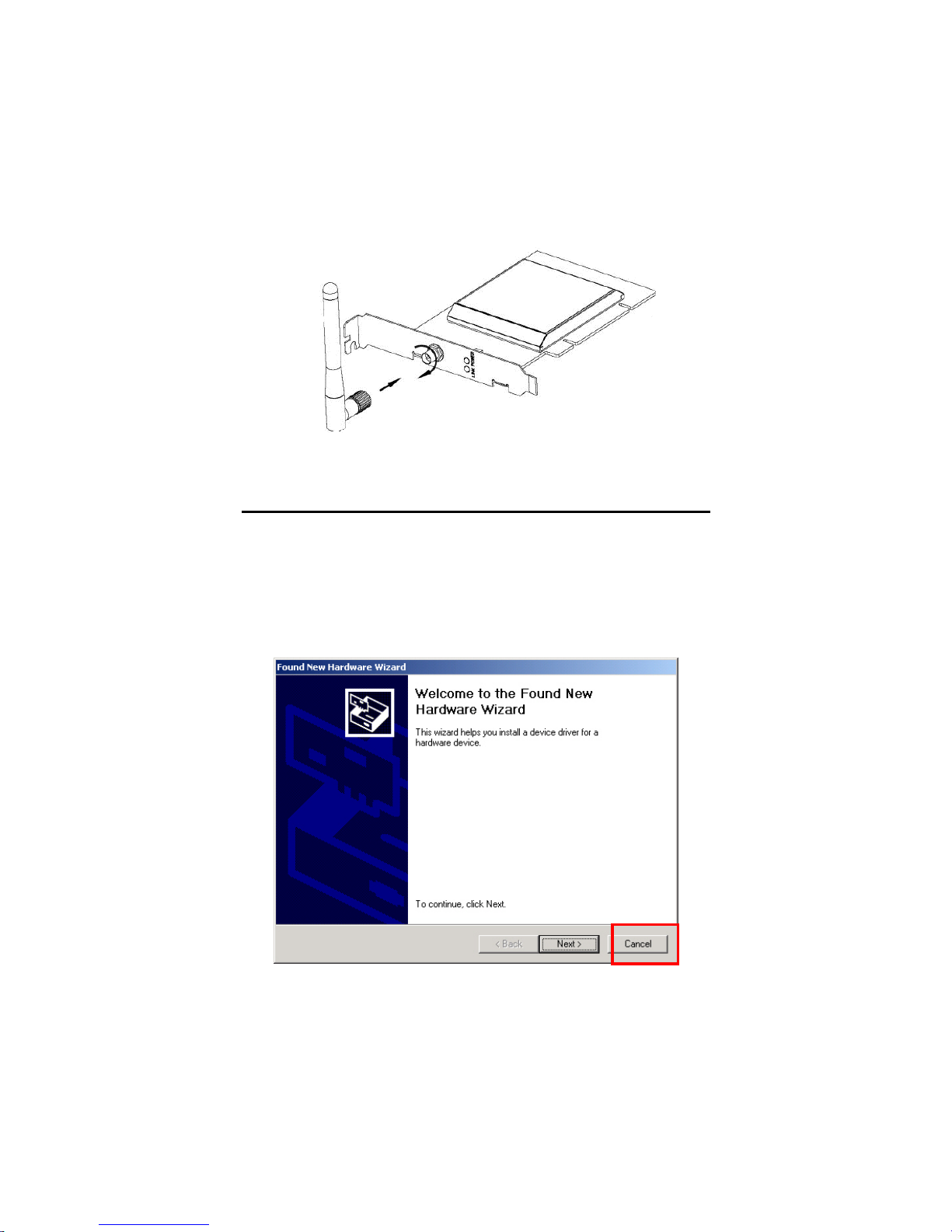
Figure 3. Attach the high gain antenna
Installing the Driver and Utility
This section covers installation of the WP01GT wireless drivers and utility.
You should use the drivers that are included on the CD-ROM rather than
the default Windows drivers. The GIGABYTE WMAG drivers have special
features and utilities that give you more stability and security than
Window’s default “Wireless Zero Configuration”.
Step 1: Upon starting your PC, the Windows Found New Hardware
wizard will open. Click Cancel to close this window.
Figure 4. Found New Hardware Screen
10
Indice
Altri manuali Gigabyte Scheda PCI

Gigabyte
Gigabyte GN-WPEAG Manuale utente

Gigabyte
Gigabyte GT-PS700 Manuale utente

Gigabyte
Gigabyte GN-WIAG Manuale utente

Gigabyte
Gigabyte GN-FE605(M) Manuale utente

Gigabyte
Gigabyte GN-WI02GM Manuale utente

Gigabyte
Gigabyte G1.ASSASSIN2 Manuale utente

Gigabyte
Gigabyte GN-FE605 Manuale utente

Gigabyte
Gigabyte GN-WP01GS Manuale utente

Gigabyte
Gigabyte GN-WP01GS Manuale utente

Gigabyte
Gigabyte GC-WB1733D-I Manuale utente


