
GIMBAL REMOVU K1 Guida all'installazione

Technical Training Manual
Version 1.6
REMOVU K1
*This manual is based on system firmware - 1.1.1, gimbal - 01.10.23
<Contents>
1. Product Information
a. Introduction
b. Specifications
c. Important
2. FAQ
3. Troubleshooting
4. Remarks

1. Product Information
a. Introduction
REMOVU K1 is a 4K Camera with an integrated 3-axis gimbal. It is lightweight, portable, user-
friendly and affordable. To ensure that everything is in the shot, the K1 has a custom designed
F2.8 wide angle lens. It shoots sharp 12MP photos and stable video up to 4K. With the built-in
1.5” LCD screen, you can preview and playback recorded videos and photos instantly. The K1 uses
a powerful interchangeable smart battery, that provides up-to 4 hours of continuous filming on
a single charge.
Due to the K1 interface being very sophisticated and advanced, effort must be put in when learning
how to operate it.
b. Specification
REMOVU K1 (RM-K1)
all-in-one handheld 4K camera with integrated 3-axis gimbal
K1 lens is F2.8 FOV 101°(D) and 17mm wide-angle lens.
Light-Weight: 340g (including Battery)
Pocket Size
K1 Smart Battery (RM-K1B)
Attachable Li-ion 2,900mAh (10.7Wh)
Direct charging by USB Cable
Operating Time: 4 Hours Continuous Recording
(1080p@30fps, Wi-Fi Off, LCD Off)
K1 Smart Phone App
Support Live View (Preview) & Playback
Remote Control Camera & Gimbal
Importing media to the phone
Updating the firmware
c. Important
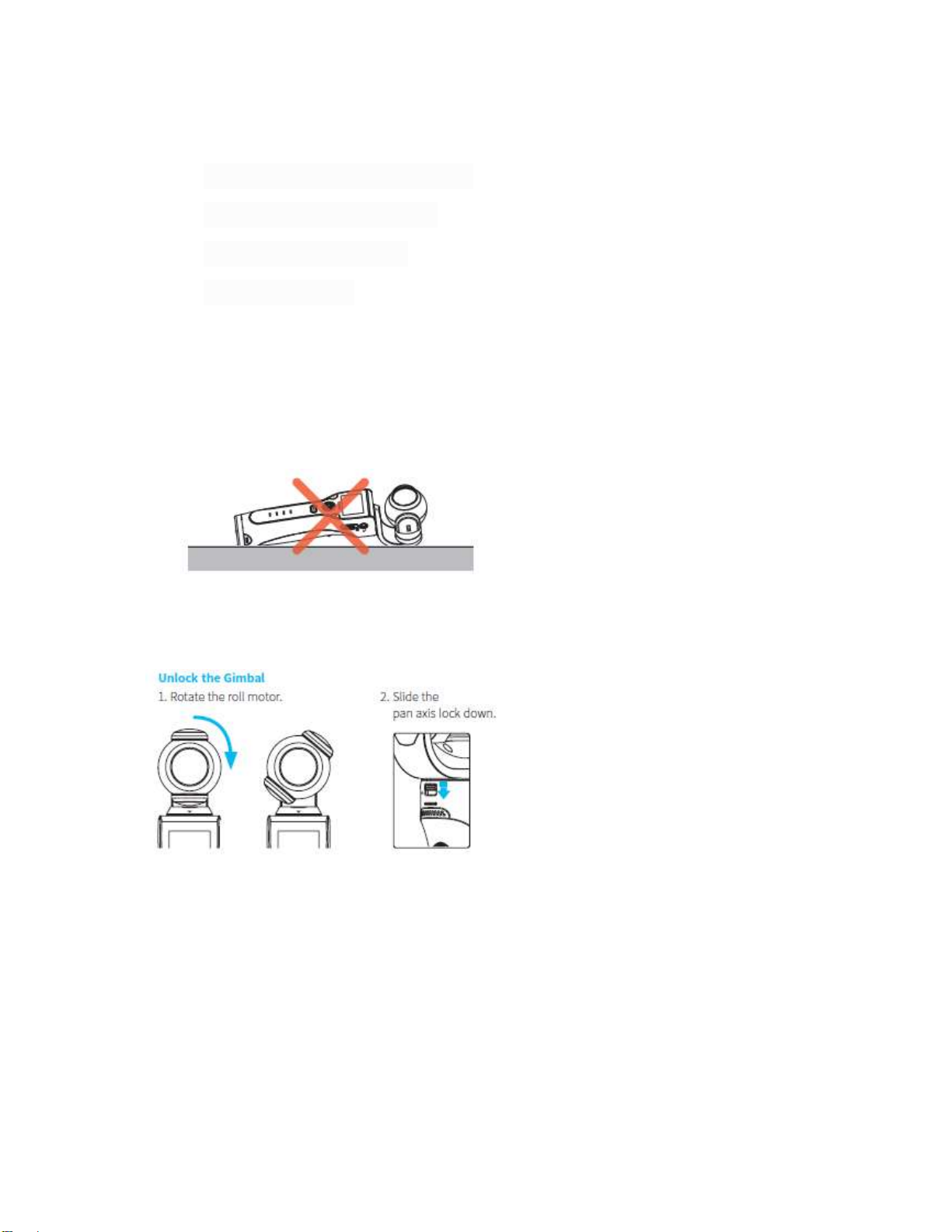
- Do NOT lay K1 horizontally while powered on. Make sure the gimbal assembly is not in contact
with any objects. This may damage the gimbal.
- Before powering on, you MUST unlock the gimbal first.
- The K1 is not waterproof. Please avoid exposing your K1 to water or moisture.
2. FAQ
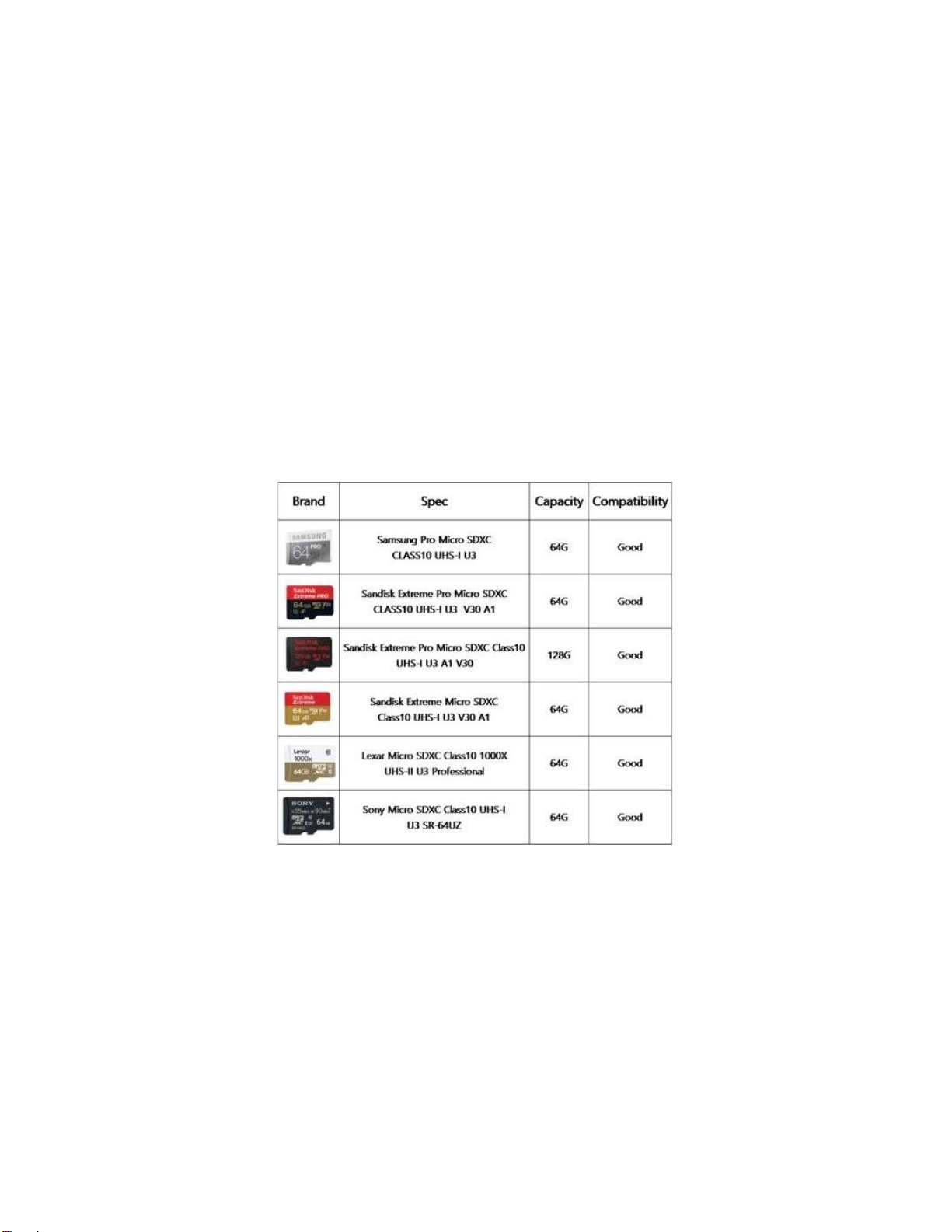
Q. What kind of SD card does the K1 support?
A: Use brand name memory cards that meet these requirements:
• Micro SDHC or Micro SDXC
• UHS-I U3 (V30) rating or faster (at least of 30mb/s write speed)
Please refer to the list below.
<List of compatible SD cards for K1>
Note: The K1 supports FAT32 and exFAT. but NTFS is not supported.
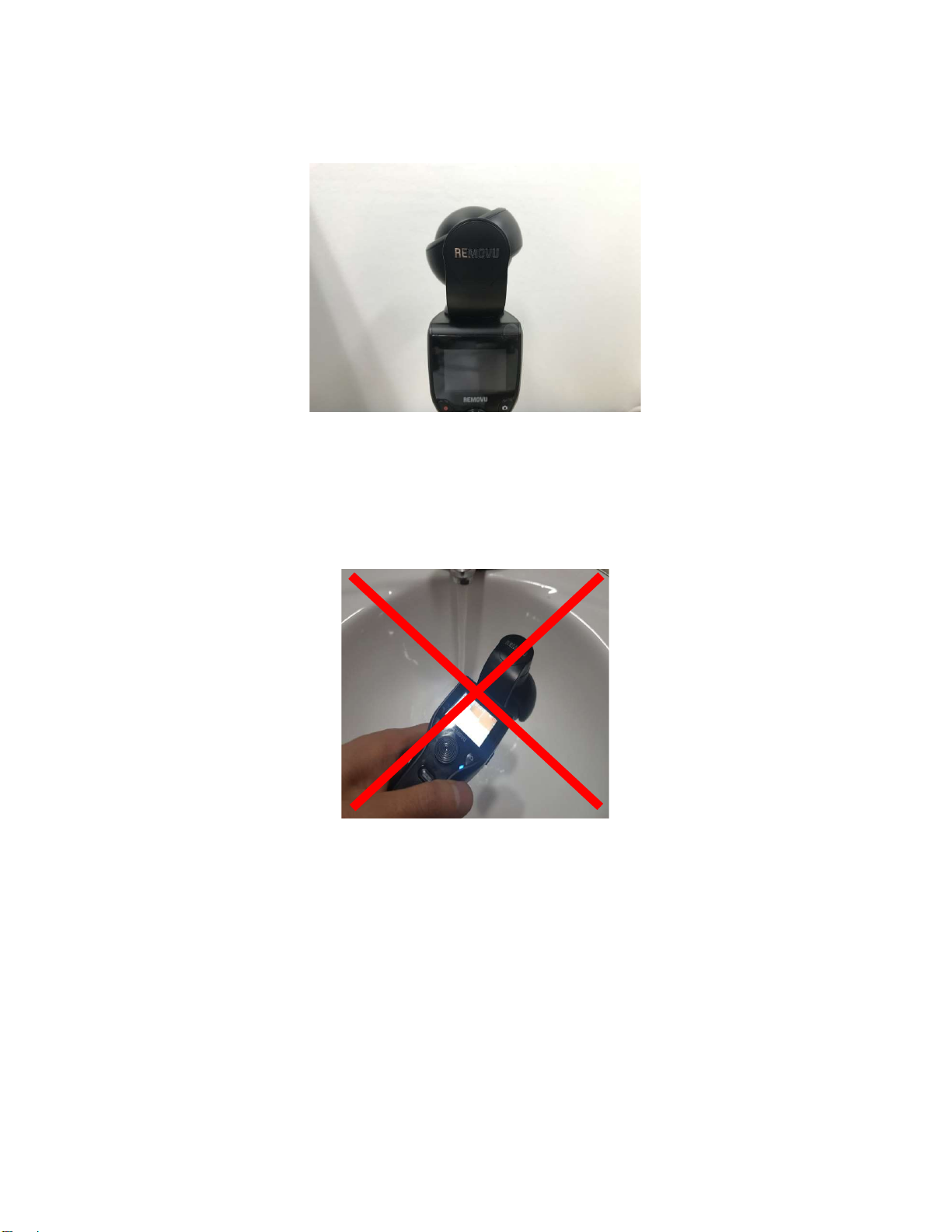
Q. Why is the camera tilted when the power is OFF?
A: It is normal for the camera to tilt when not turned on. This is caused by the weight of
the internal components. When K1 is powered on, the motors will balance the camera
Q. Is the K1 waterproof/rainproof?
A: No, please AVOID exposing your K1 to water or moisture. Any water damage will NOT
be covered by warranty.
Q. Can I mount a smartphone to the K1?
A: No. However, there is a 1.5-inch LCD on the K1 which allows you to see what the
camera sees. It also allows user to view and modify the camera's settings.
Q. Can I mount the K1 to a tripod?
A: Yes. There is a 1/4-inch connection at the bottom of the K1 where you can attach a
tripod.
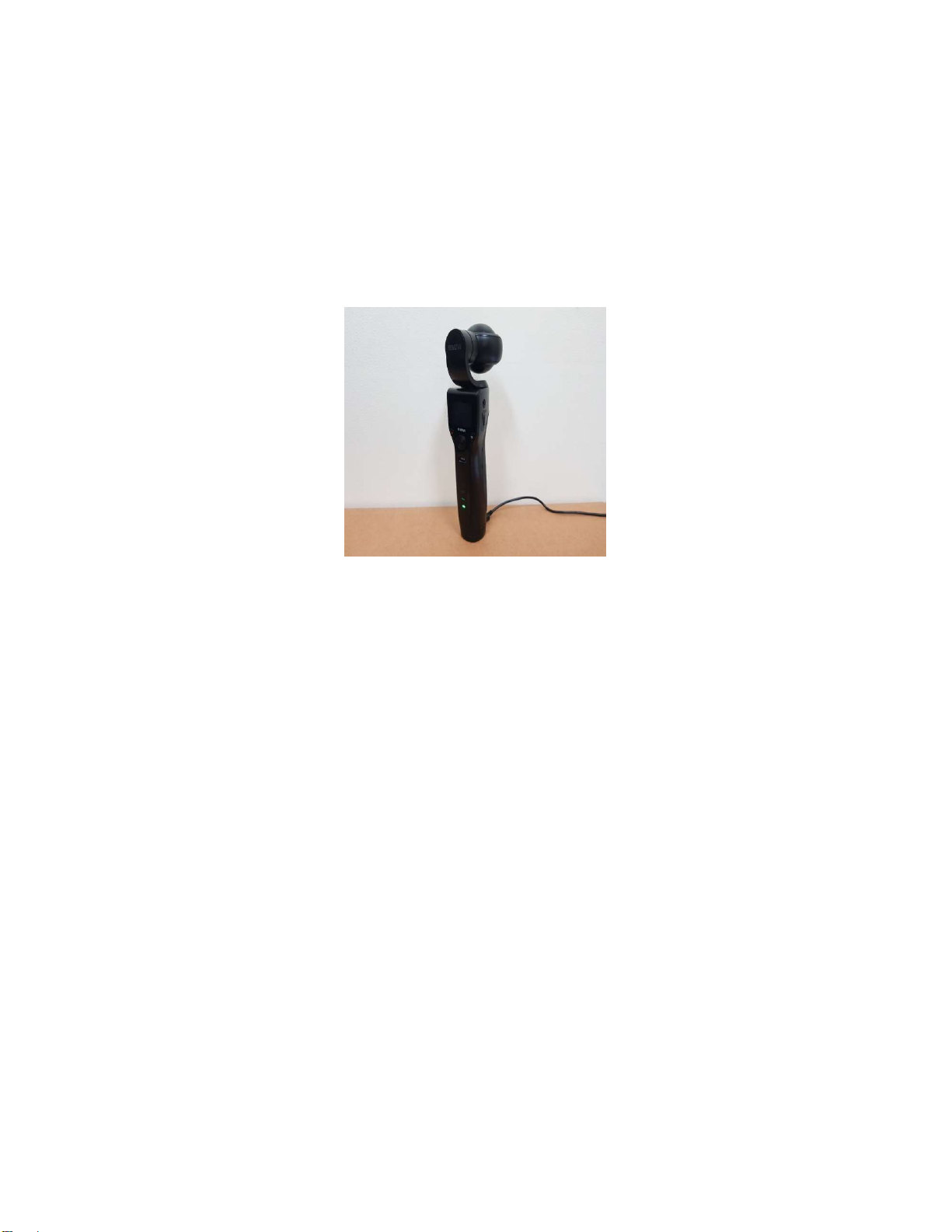
Q. Do I need a charging cradle for K1 battery?
A: No, the K1 battery is designed to charge with or without a charging cradle. Therefore,
it can be charged with any power source via a micro USB cable.
Q. Can I purchase the K1 Accessory Kit separately?
A: Yes, K1 Accessory Kit is sold separately. MSRP is USD$49.99.
Furthermore, users can purchase each item in the accessory kit separately.
(Please refer to the price list).
Q. What’s K1 operating temperature?
We recommend our users to use K1 in 0C~40C (32F~104F).
Note: If using K1 below 0C (32F) or above 40C (104F), K1 might not perform as well.
Note2: If the temperature changes since the last calibration, it is best to re-calibrate in the new
temperature. For example, if you're in-doors and it is 22 degrees. And then you go outside and it
is -5 degrees. You should calibrate the K1 outside once the K1 has been outside for a while and
the K1 unit's temperate has adjusted to the outside temperature. If the gimbal is level, then you
don't need to do this, but you should check when you power on the gimbal.
Practice with your camera as well. Get to know all of the settings and features. The more you get
comfortable with it, the better your shots will be.
Q. Can I detach the K1 camera from the gimbal?
A: No, the K1 is an all-in-one handheld 4K camera with integrated 3-axis gimbal so you
CANNOT detach the camera from the Gimbal.
Q. Is there Lock mode?
A: Lock mode is currently NOT supported on K1. However, we are looking to add Lock
mode in a future firmware update.
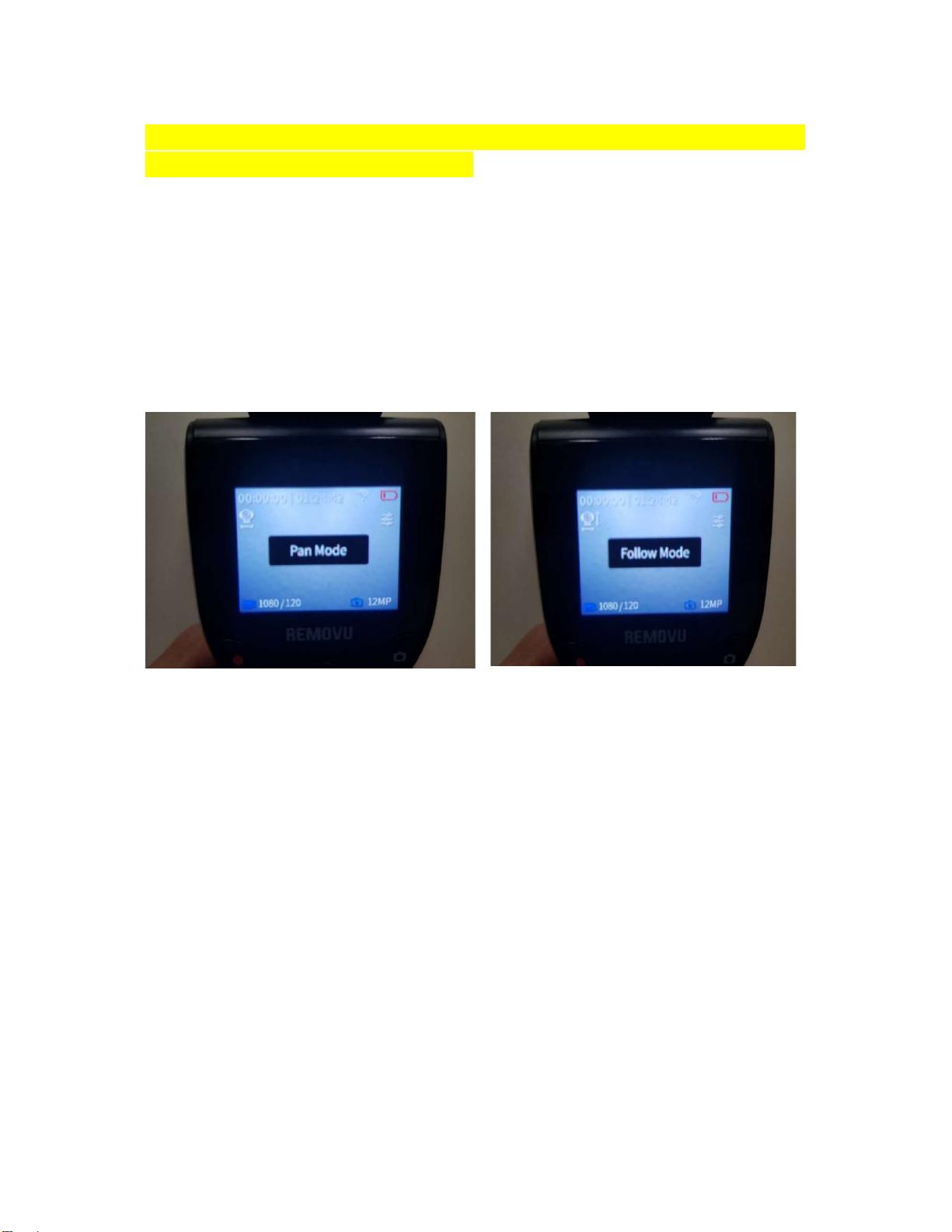
Currently, K1 supports Pan and Follow mode. User can toggle between modes by pressing
the trigger once.
Q. The K1 app doesn’t work at all or there’s no preview, is there anything I should do?
A: Some cellular carrier may interfere the K1’s wireless connection, try disabling the mobile
data and see if that helps.
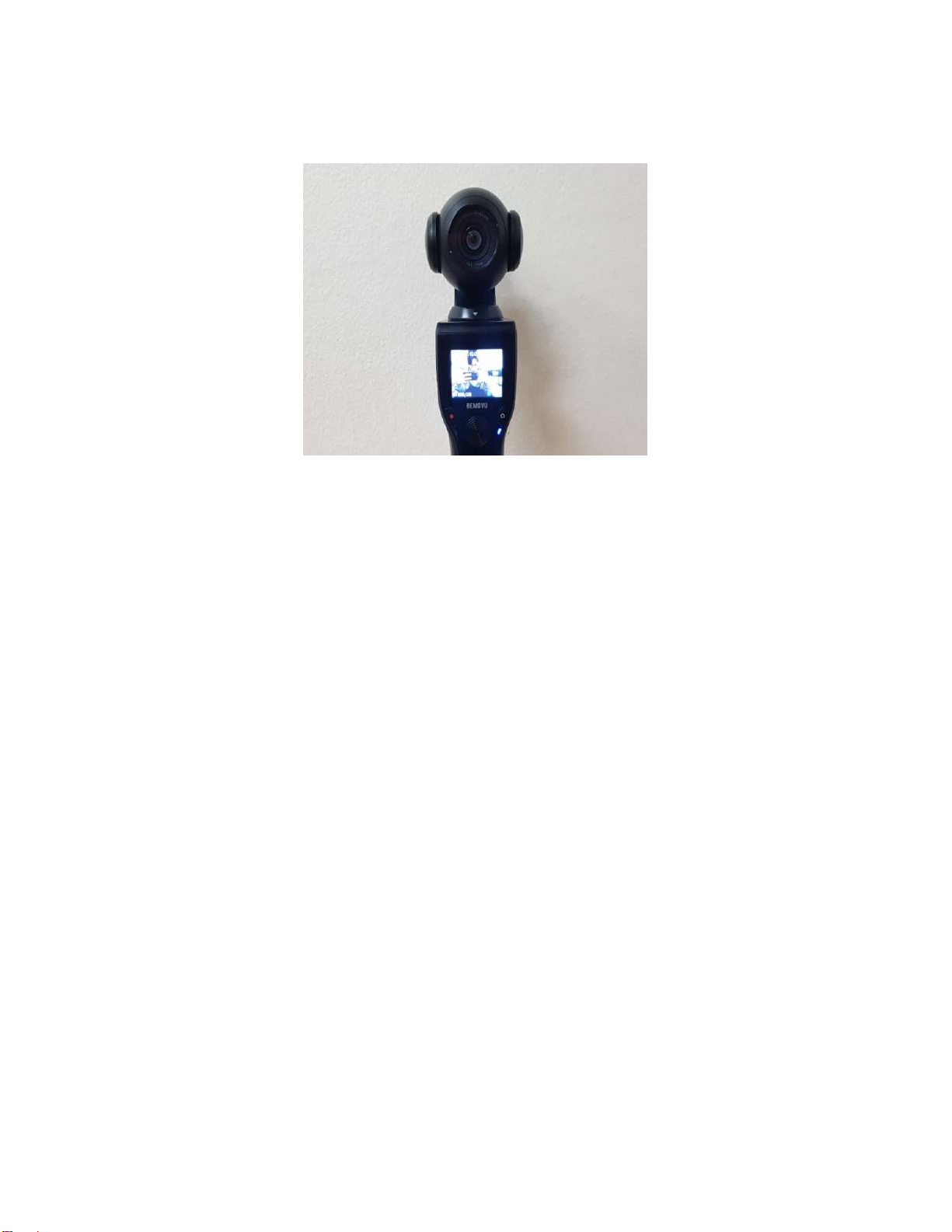
Q. Why does the LCD screen change from left to right in Self-mode?
A: The K1 is not the same as a smartphone camera. There are dual lenses on Smartphones
so the LCD displays the subject as a mirror image when taking a selfie. However, the K1
has only one lens. Therefore, the LCD on the K1 displays a subject without inversion in
Selfie Mode.
Q. Why does my SD Card take a long time/freezes to save video?
A: This issue can occur when you use a memory card that is unsupported by the K1. See
our SD Card recommendations in FAQ #1.
NOTE: We recommend using at least 32GB, and SD cards with U3 rating (at least 30 MB/s
write speed).
Q. Why does my K1 automatically stops recording and/or freezes by itself?
A: Another symptom of using an unsupported SD Card. However, of the SD Card’s write
speed is over 30 mb/s and U3 rated but you’re still facing issues, please contact support.
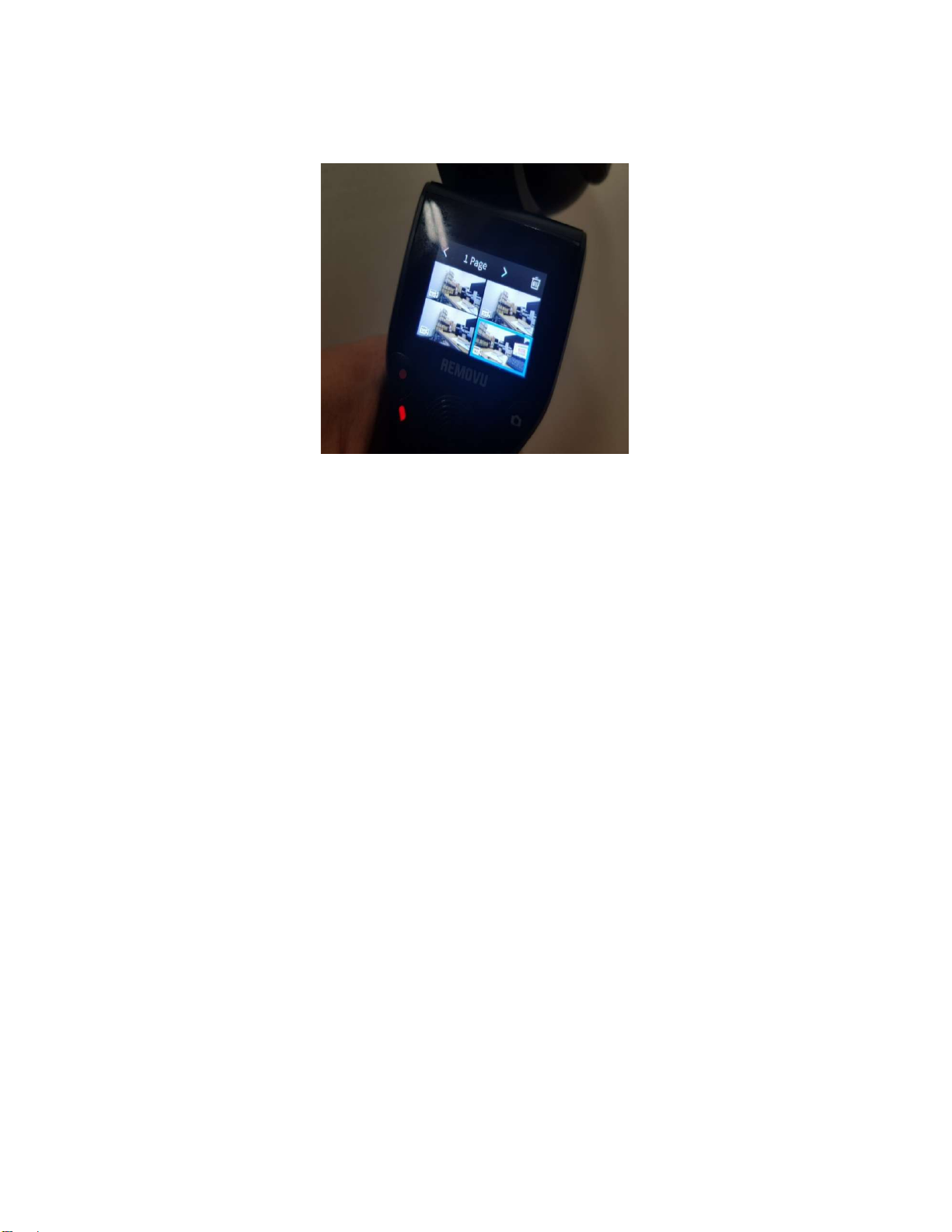
Q. Why are videos divided and saved into multiple files when shooting long videos?
A: The maximum size of a video file is 4GB. Therefore, the files are automatically divided
once the file size reaches 4GB. No data is lost during this process. The max file size will vary
between 3.7GB-3.9GB.
Q. Does the file name initialize after the SD card format?
A: The file names are automatically generated in sequential order. Starting at “V00_0001”.
The next sequential number is determined by the file names saved on the SD card. If the
last saved file name is “V00_0004”, then the next file name will be “V00_0005”.
If the SD card is formatted, the sequence starts over at 1 and the first file name will be
“V00_0001”.
Q. Is there Audio Setting?
A: There are no Audio Setting for the internal microphone but there are settings for external
microphones. External microphone volume can be set to one of the following three options:
low, middle, or high.
We will improve this feature with future firmware update.

Q. How to use the Self Timer setting?
A: In the Menu, go to Photo Settings > Self- Timer. Available options are 3sec, 5sec and
10sec.
K1 will take a photo 3, 5, or 10 seconds after the user presses the capture photo button.
Q. How do I adjust the Gimbal speed?
A: In the Menu, go to Gimbal Settings > Speed. Gimbal speed can be set to Fast, Normal,
Slow.
Q. Can I adjust the ISO or exposure settings?
A: ISO/EV (exposure) settings can be adjusted at the Pro Settings
[How to set-up the ISO]
In the menu, please go to Pro Settings (Make sure it is toggled on) > ISO/EV.
Q. Can I connect the K1 to TV?
A: The K1 does not have HDMI port so it CANNOT connect directly to a TV. If you want to
playback a video on a TV, insert the Micro SD Card into a USB Reader and connect it to a
TV using USB input if your TV has that option.
NOTE: 4K video can only be played on a TV that supports 4K.
Indice


