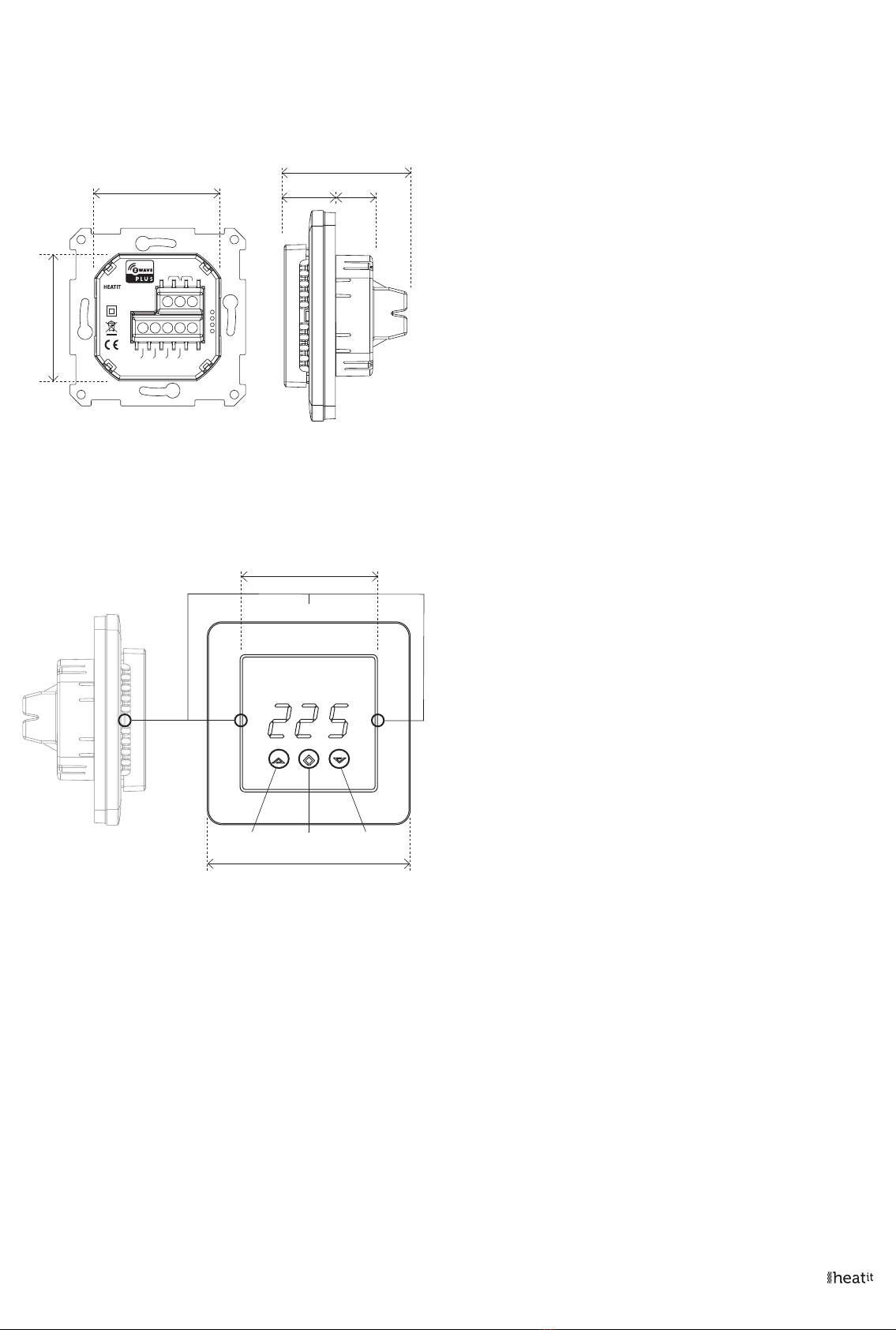
br1 The display brightness may be adjusted in this menu.
Con Activation of inclusion/exclusion mode.
dIF Hysteresis.
ALo Setting lowest allowed temperature (limitation).
(Air sensor)
AHI Setting highest allowed temperature (limitation).
(Air sensor)
Flo Setting lowest allowed temperature (limitation).
(Floor sensor)
FHI Setting highest allowed temperature (limitation).
(Floor sensor)
A2L Setting lowest allowed temperature (limitation).
(A2 air sensor)
A2H Setting highest allowed temperature (limitation).
(A2 air sensor)
ESC Escape – exit programming menu.
12. CHOICE OF SENSOR
The thermostat has a range of choices when it comes to sensors.
To access the menu, press Center (confirm) for 10 seconds, then press
Right (down) once. An A will appear on the display. Then press Center
(confirm) again and choose modes while moving up and down with
buttons Left or Right:
F Floor sensor
A Internal sensor
AF Internal sensor + Floor sensor
A2 External room sensor
A2F External room sensor + Floor sensor
When you have chosen sensor mode, press the Center (confirm)
button. If you choose F without having a floor sensor connected, Er4
will be shown in the display. If you choose A2 or A2F and there is no
external sensor installed, Er5 will be displayed on the screen.
NOTE: Wooden floors require that a floor sensor is connected in order
to limit the floor temperature to a maximum of 27°C (in accordance
with specifications from most wooden floor manufacturers).
When using the thermostat is used in (AF or A2F) the floor limiter
FHI is automatically set to 27°C. When using any other sensor type
(A, F or A2F) the max temperatures is default 5°C minimum and 40°C
maximum.
13. SELECTING THE RIGHT OHM VALUE FOR YOUR EXTERNAL
FLOOR SENSOR
The following values are available: NTC type (10, 12, 15, 22, 33 or 47kΩ).
Default 10kΩ. Confirm with the Center (confirm) button. You can not
combine two types of NTC sensors.
14. CALIBRATION
CAr, CAF, CAE – Parameters 10, 11, 12)
Using Floor / External sensor (F, A2 or A2F-mode)
In this mode, you may adjust the displayed temperature. If the
Temperature sensor is not calibrated properly, you can make minor
changes to the temperature readout. You can calibrate the measured
temperature by up to ±6°C.
You may later adjust the temperature recorded by the sensor using in
the menu structure or using parameters.
8. PRINCIPLES OF REGULATION
Using Floor / External sensor (F, A2 or A2F-Mode)
The thermostat uses temperature readings retrieved from the internal
sensor or external wired sensor to regulate heating. When you have
chosen a setpoint temperature, the thermostat will use an internal
hysteresis to regulate the temperature. This hysteresis is adjustable.
See Chapter 5“Installation”.
Using Internal sensor (A-mode/AF mode)
If you have a set point of 20°C, the thermostat will use the full power
until the temperature is 19°C. The thermostat will then begin to
regulate the output from 19°C with a 75% duty cycle until it reaches
19,25°C. When the temperature has reached 19.5°C the thermostat will
use a 50% duty cycle, until it reaches 20°C, then the thermostat turns
off and repeats the process. For example, at a 75% duty cycle it will turn
ON for a total of 90 minutes and OFF for 30 minutes.
9. PROGRAMMING THE THERMOSTAT
To activate the programming mode, press Center (confirm) for 10
seconds. The display will show OFF. You are now in programming
mode. To scroll up and down in the menu, use buttons 1 and 3 (left
and right) to navigate. To enter the submenu, press Center (confirm).
Always confirm your setting by pressing Center (confirm) for 2 seconds.
Sto will appear to indicate saved settings.
10. TEMPERATURE SHOWN IN DISPLAY
By default, the temperature shown on the display is the setpoint. This
may be altered with parameter 13: “Temperature display”. You may
calibrate the sensor values ±4 degrees using parameters 10 to 12.
11. STANDBY AND MAIN SCREEN
When the thermostat remains untouched for a while, it will
automatically revert to the standby screen. The standby screen will by
default show the setpoint temperature. By pressing any button once,
you will see the measured temperature. By pressing the left or right (up
or down) button one more time, you will change the setpoint.
Menu structure
OFF Turns the thermostat off
Sensors:
F Depending on your choice of sensors, the menu will change.
SEn Select the right Ohm value for your external/floor sensor.
NTC type (10, 12, 15, 22, 33 or 47kΩ). Default 10kΩ.
CAE Calibration for external sensor.
CAF Calibration for floor sensor.
CAr Calibration for internal sensor.
50% duty cycle
75% duty cycle
20 min.
30 min. 30 min. 30 min.
20 min.
2 hrs.
2 hrs.
20 min.