
Hitachi DMP210N Manuale utente

INSTRUCTION MANUAL
DMP210N
2 GB MP3 PLAYER
Thank you for purchasing the Hitachi DMP210N that delivers a
combination of style, features, and user friendliness. The best
combination that you can find anywhere - a new experience of
powerful, yet intuitive control over your multimedia collection.
Highlights of the player include:
1
File Support:
USB Mass Storage:
Supported Audio File Formats
MP3 (MPEG1/2/2.5 Layer1/2/3, 32kbps -320kbps, including
VBR)
WMA (support WMA DRM9)
WAV
Support 50 folders (max)
USB Interface
Type A USB Connector
USB 2.0 High Speed
USB Mass Storage is implemented for PC downloading
Supported OS: Windows 2000/me/xp/Vista, MAC 9.2x or above

Attention:
If the player is used for illegally copying or distributing the
software and music that are protected by intellectual property
rights, the user must take all legal responsibility for such actions.
The manufacturer importer or dealer cannot be held
responsible for accidental damage due to inappropriate use of
the player.
Safety Warning
Do read the operating instructions before you attempt to use
the equipment.
Do ensure that all electrical connections (including the mains
plug, extension leads and interconnections between the
pieces of equipment) are properly made and in accordance
with the manufacturers instructions.
Do consult your dealer if you are ever in doubt about the
installation, operation or safety of your equipment.
Do not remove any fixed covers as this may expose
dangerous voltages.
Do not obstruct the ventilation openings of the equipment
with items such as newspapers, tablecloths, curtains, etc.
Overheating will cause damage and shorten the life of the
equipment.
Do not allow electrical equipment to be exposed to dripping
or splashing, or objects filled with liquids, such as vases, to
be placed on the equipment.
Do not place hot objects or naked flame sources such as
lighted candles or night lights on, or close to equipment.
High temperatures can melt plastic and lead to fires.
Do not continue to operate the equipment if you are in any
doubt about it working normally, or if it is damaged in any
way-switch off, withdraw the mains plug and consult our dealer.
Do not use equipment so that you are distracted from the re
quirements of traffic safety.
2

SAFETY PRECAUTION
Warning:
3
Hitachi DMP210N is a precise device which makes use of
sensitive components like Hard Disc, TFT display and
rechargeable battery. There are some safety precautions and
guidelines must be followed.
Do not place heavy objects
on the device. Keep away
from harsh environments
including humid, dusty
and smoky areas
Avoid contact with water
and other liquids.
Do not use water or chemicals
to clean the player. Clean the
surface with a soft cloth.
Do not clean with chemical
or detergent.
Do not use excessive force
on the buttons or attempt to
disassemble the device.
Keep out of direct sunlight,
extreme heat or cold.
Do not drop or subject the
device to impact.
Keep the player away from
strong magnets.
Do not disassemble or modify
the player.
flash memory.

4
Do not dry the product
with heater or microwave.
When you upload or
download files using USB
cable, do not disconnect
USB cable during data
transfer or turn the device
off.
Data can be damaged
because of physical impact,
lightning and power failure.
To avoid damage, make
sure you do not drop,
smash, bend or crash
the player.
Operate the device in
acceptable temperature.
Make sure you only use
the device where temperature
between 0-40 C.
Do not use headphone/
earphone while cycling,
driving, or operating any
motorized vehicle.
Reduce volume while walking
especially at pedestrian
crossing
Do not use headphone/
earphone at high volume.
Hearing experts advise that
do not listen to continuous,
loud and extended player.
Reduce volume or stop
using the player if you
experience a ringing in
your ears.
Do not use at high volume
for continuous listening.
Keep headphone/ earphone
cords under control to avoid
getting caught on various
objects.

Package content.................................................................6
Battery charging.................................................................8
Reset................................................................................9
Minimun PC system requirement........................................9
Connected to the computer...............................................10
- Connection............................................
- File transfer............................................
- Disconnection.................................................................
Basic operation................................................
- Power on........................................................
- Key lock.........................................................
- Play songs......................................................................12
- Shuffle............................................................................12
3
Trouble shooting..............................................................14
........... 15
Locating the controls..........................................................7
.........................10
.........................10
11
.................12
.................12
.................12
- Volume control................................................................13
- Pausing Playbacke..........................................................13
- Skipping to a different track.............................................1
- Power off.........................................................................13
Specification..................................................... ....
5
Contents

PACKAGE CONTENT
6
Main Unit User Manual and battery charging)
(for PC connection
USB cable
Earphone
INSTRUCTION MANUAL
DMP210N
2 GB MP3 PLAYER

7
LOCATING THE CONTROLS
Headphone Jack USB Jack
LED
indicator
Volume +
Volume -
Next
Previous
Play/Pause
Power ON / Power OFF
Hold
Play
Mode
Reset
Front view Side view
Top view Bottom view

8
BATTERY CHARGING BY CONNECTING PC/ADAPTOR
Notes:
The battery can be charged by using the provided USB2.0 cable
or AC adaptor (not supplied).
Connect the player with PC using the USB cable and charging
will be started automatically. Thereafter it takes about 2 hours to
fully charge the battery.
1. Please charge at least 4 hours prior first time use.
2. If the device connect to PC through USB hub, then the USB
hub must be self-powered in order to charge battery properly.
3. File transfer may extend the charging time.
LED INDICATOR
Charging Light on red
Charging Completed Light on green
Transmitting Files Red and green light flashing
(PC connected only) alternatively
PLAYING WITH BATTERY
During Playback Light on green
Pause Flashing green
Low Battery Flashing red
Pressing any button Flashing green once
No files in the player
LED INDICATOR
AC adaptor Charging specification:
Input DC5V-0.2A for external power
from AC adaptor.
NOTE:
Red and green light Flashing alternatively
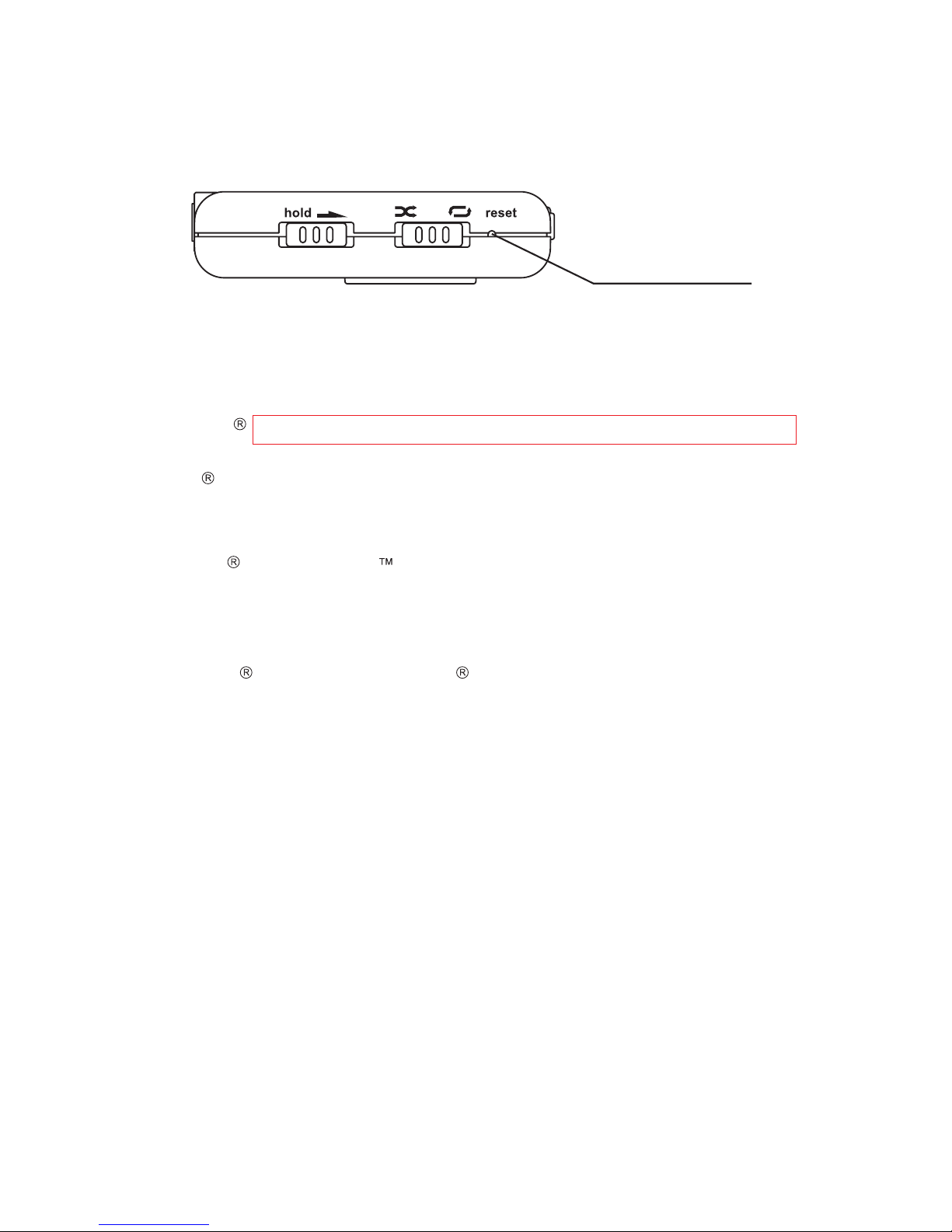
RESET
If the unit acts erratically, reset the unit by inserting a fine object
(such as a paper clip)into the recessed Reset button.
9
MINIMUM PC SYSTEM REQUIREMENT
Notes:
You can connect the device to computer via the provided USB2.0
cable for both battery charging and file transfer purpose.
- Windows 98 SE/ ME (Driver is required for Windows 98 SE)
- Or Windows 2000 (Service pack 3 or above) with Window
Media Player 9 Series
-OrWindowsXP(Servicepack1orabove)withWindowMedia
Player 10 Series
- Pentium Class MMX 166 MHz processor or better
- 96MB RAM
- 50MB hard drive space
- Internet connection
- Microsoft Internet Explorer 5.5 or later
- Video display card
- Sound card
- USB port 1.0 (use USB2.0 for faster data transfer)
MSC stands for Mass Storage Class. It doesn't require separate
drive installation when it's first connected to PC and it can be
used as an external mass storage device using 'drag and drop
method with 'Windows Explorer'.
Reset button
ME
Indice
Altri manuali Hitachi Lettore MP3


