
Hive EO Mini Pro 3 Manuale utente

Hive EV Charging
EO Mini Pro 3 user guide

Welcome to Hive
EV Charging

Contents
Getting started
Charger settings
LED lights
6
7
8
9
10
11
12

Getting started
Installing your charger:
Download the Hive app:
1.
a. Apple App Store
b. Google Play
2.
3.
6

Onboarding
your charger
To get started, you’ll need:
Important:
hivehome.com/contact-us
0333 202 1054.
7
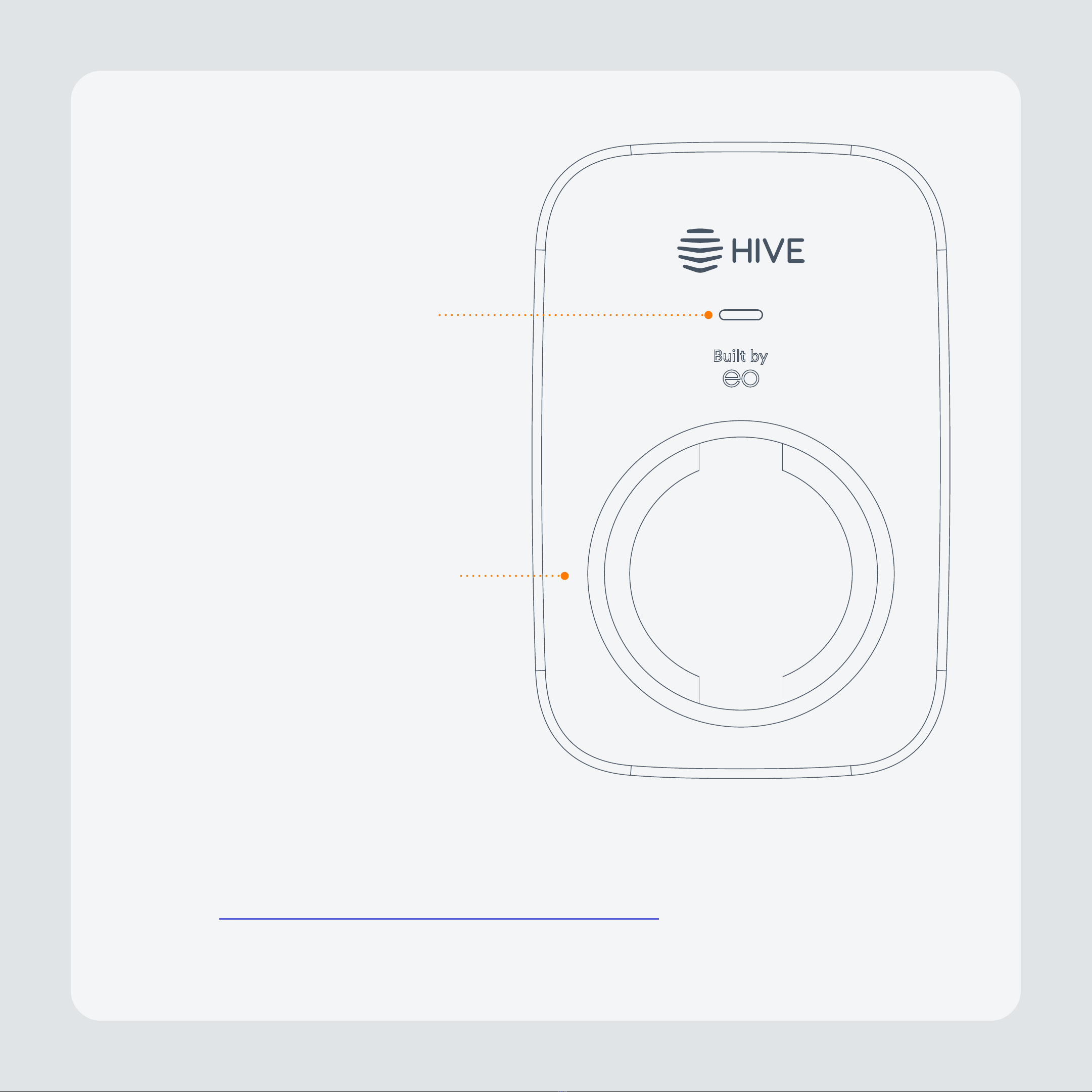
Getting to know
your charger
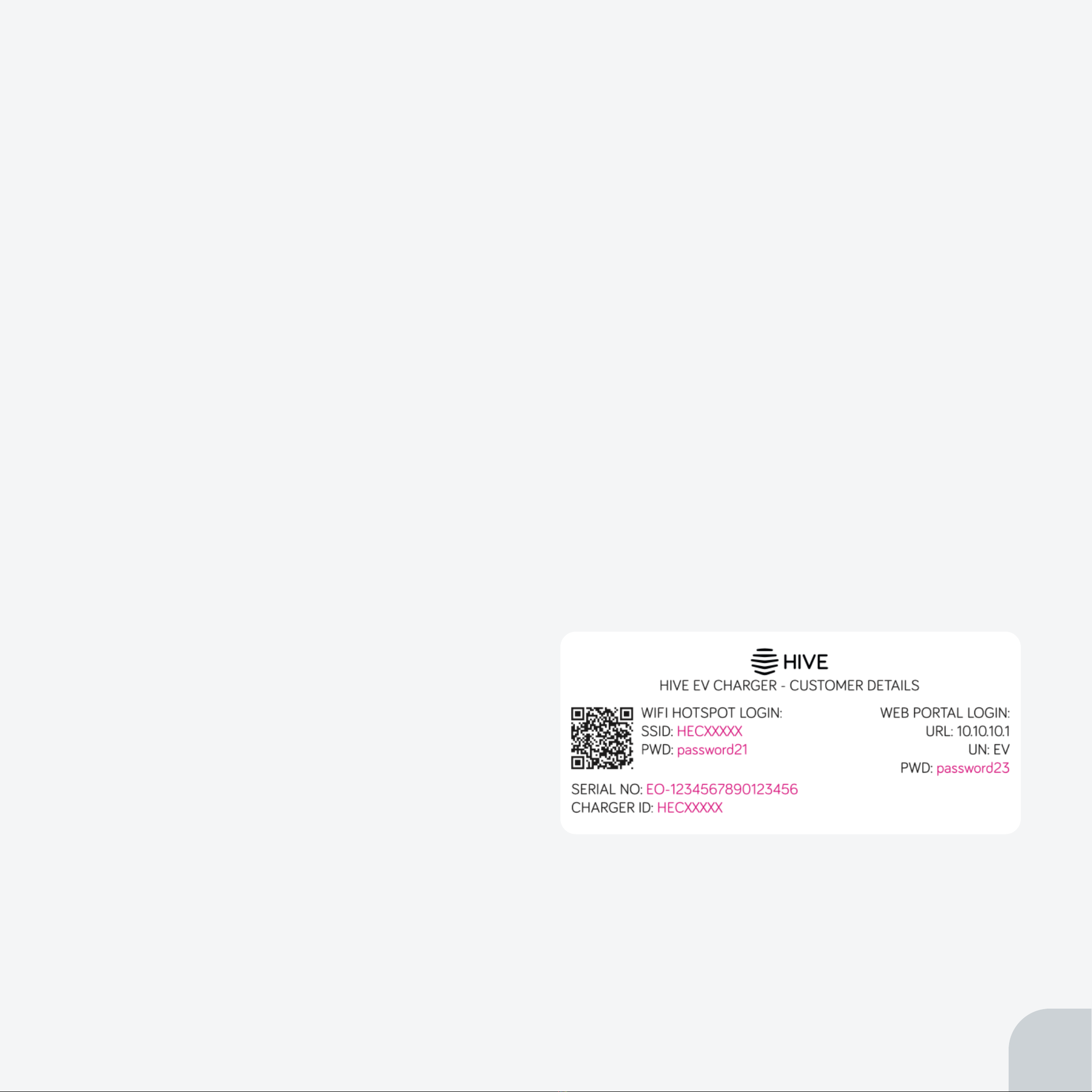
Randomised delay
Using the charger without the app
Accessing the charger portal locally
Note:
8
Charger settings
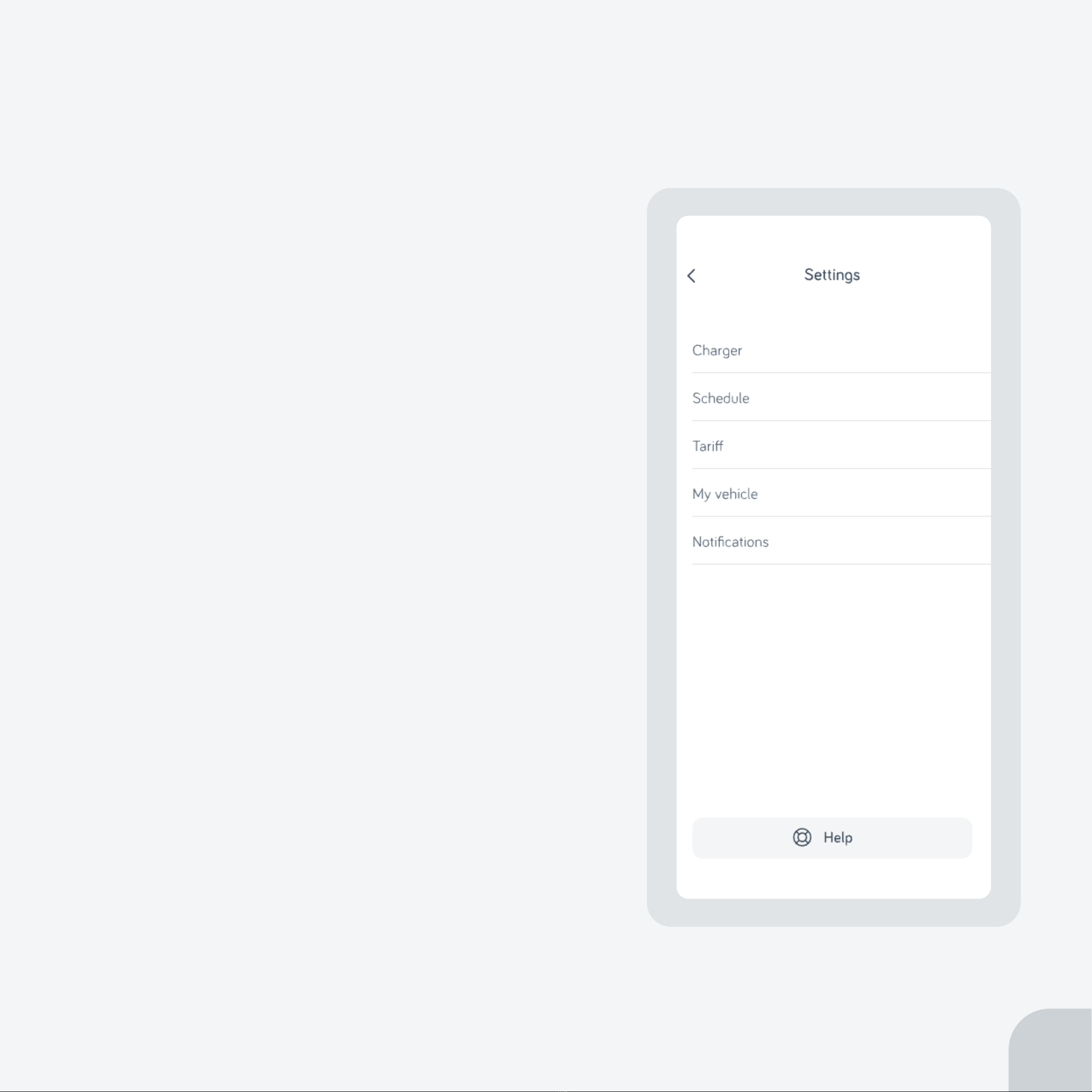
Configure your charger, your way
Charger
Schedule
Tariff
My vehicle
Notifications
9

Schedules
Optimise your charging to meet your needs
Eco
Custom
No schedule
My vehicle
Note:
10
LED lights
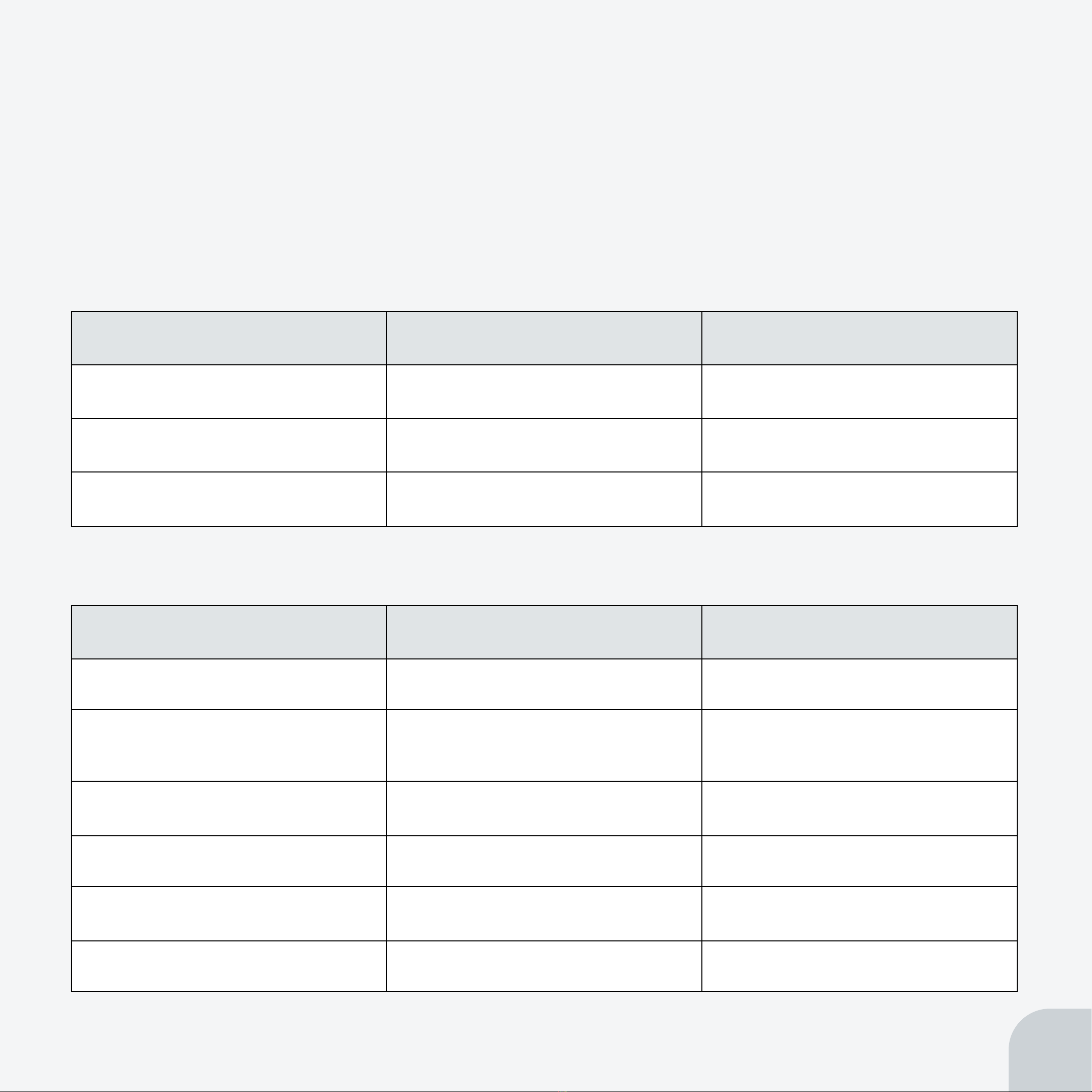
During device switch on:
During normal operation:
11
LED colour State Notes
*
LED colour State Notes
LED pulses green
LED solid green Charging
Paused
on pause
LED pulses red
Altri manuali per EO Mini Pro 3
1
Indice
Altri manuali Hive Caricabatterie per batterie


