MBeacon User’s Guide
Contents
1Warnings.................................................................................. 5
1.1 Operation Area and Conditions ................................. 7
1.1.1 Hazardous Areas classified by Zones ................. 7
1.1.2 Hazardous Areas classified by Divisions............ 7
1.2 Instruction For Safe Use ............................................ 7
1.3 Use In Hazardous Areas............................................. 7
2Standard Kit............................................................................. 8
2.1 Key features ............................................................... 8
3General Information................................................................. 9
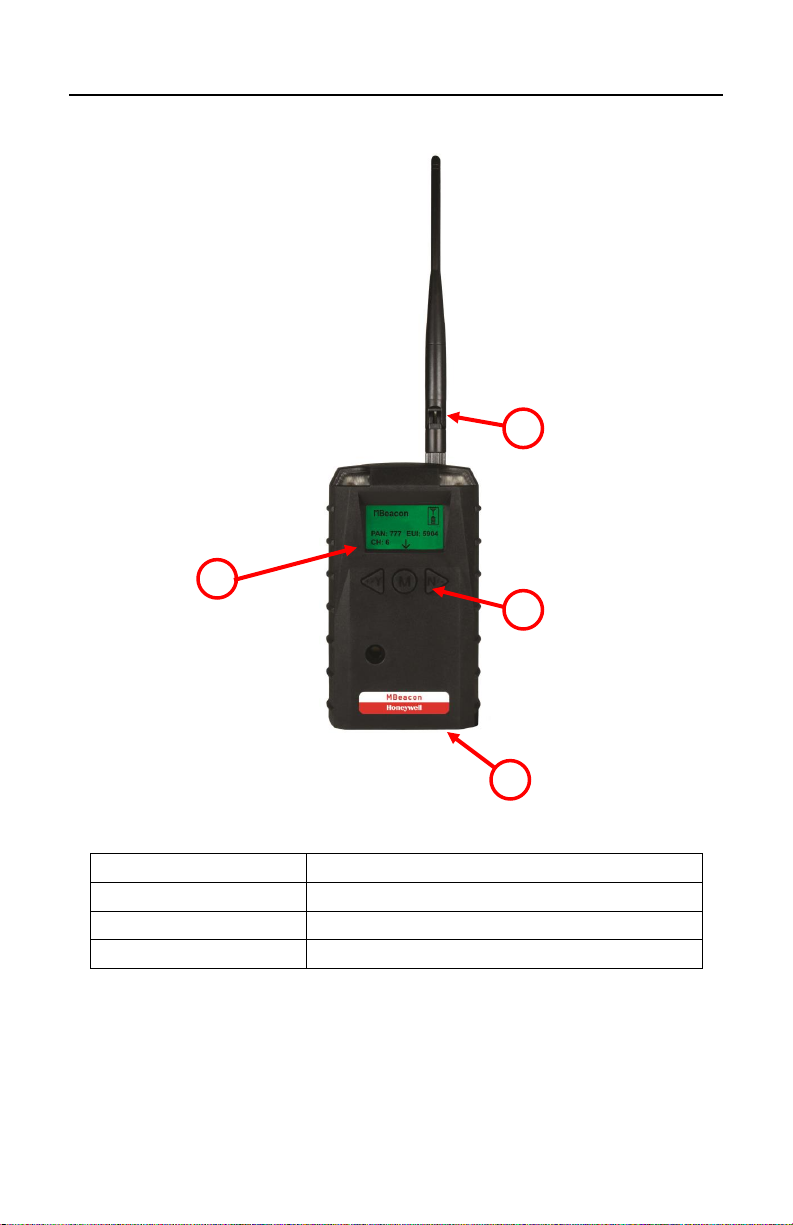
4Physical Description .............................................................. 10
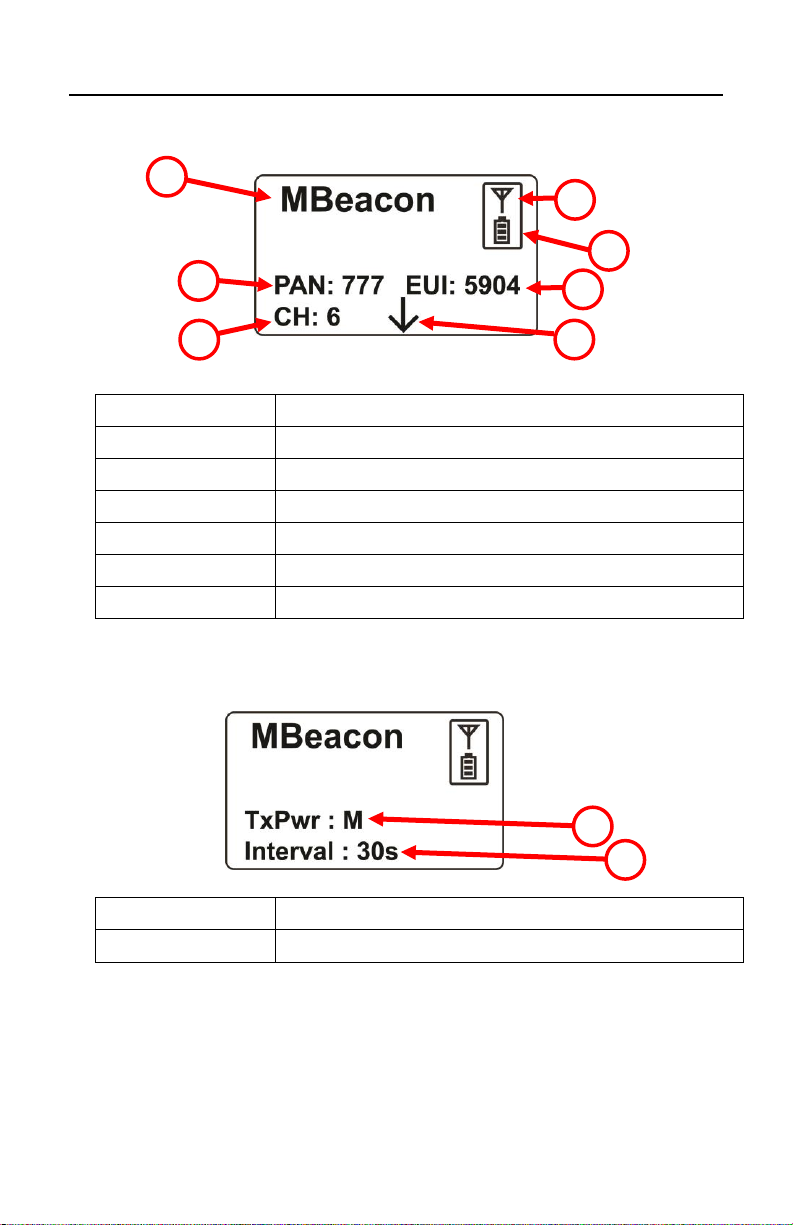
4.1 LCD Display (Monitoring) ...................................... 11
5Specifications......................................................................... 12
6Operation................................................................................ 13
6.1 Network Planning and Preparation.......................... 13
6.2 Turning The MBeacon On....................................... 14
6.3 Turning The MBeacon Off ...................................... 15
6.4 Battery Charge Indicator.......................................... 15
7Button Functions.................................................................... 16
7.1 Backlight.................................................................. 16
8Programming The MBeacon.................................................. 16
8.1.1 LCD Contrast.................................................... 19
8.1.2 Serial Number................................................... 19
8.1.3 Firmware Version ............................................. 20
8.1.4 Factory Reset .................................................... 20
8.1.5 Edit Password.................................................... 21
8.1.6 Exit.................................................................... 22
8.2 Wireless.................................................................... 23
8.2.1 PAN ID Setup................................................... 24
8.2.2 Channel Setup................................................... 25
8.2.3 TxPower Setup.................................................. 27
8.2.4 Interval Setup.................................................... 28
8.2.5 Exit.................................................................... 29
9Installation.............................................................................. 30
10 Internal Battery Replacement ......................................... 31
10.1 Proper Battery Disposal........................................... 32