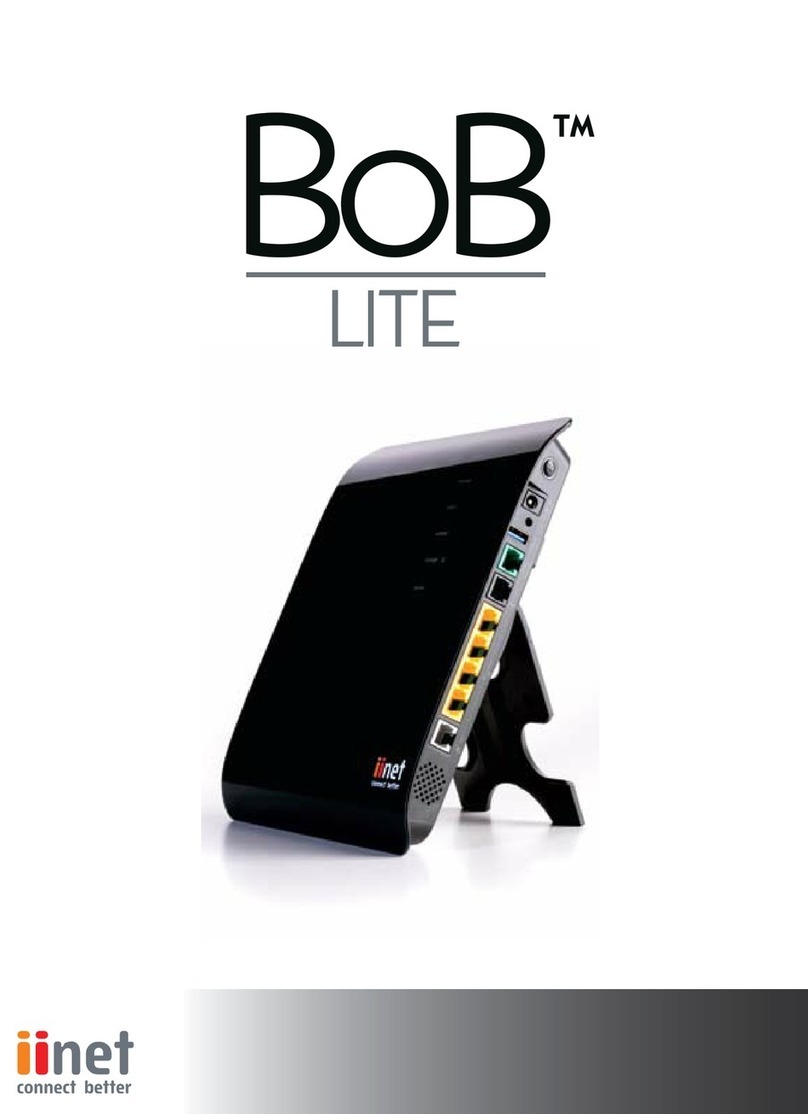
iiNet Budii Lite Manuale utente

User Manual

2
Welcome to Budii Lite®
Thank you for purchasing Budii Lite®, the next generation of home
internet connectivity.
This manual will show you how to navigate around Budii Lite’s most
commonly-used configuration pages. For detailed information on
setting up your ADSL or NBN/Fibre service, please consult the
Quick Start Guide.
If you get stuck at any point or if technology just isn’t your strong point,
please call our friendly Support Team using the contact information on
the last page of this guide.

Table of Contents
Budii Lite®Overview .......................................................................................................................... 7
Budii Lite®Front Panel ...............................................................................................................................................7
Budii Lite®Back Panel ................................................................................................................................................ 8
Getting Started............................................................................................................................9
Login Page ..................................................................................................................................................................... 9
Navigation Bar............................................................................................................................................................ 10
Wizard ............................................................................................................................................................................ 11
ADSL Status ........................................................................................................................................................ 11
Modem Restart ................................................................................................................................................. 11
Setting up my Wireless ............................................................................................................ 12
Setting up my wireless ........................................................................................................................................... 12
Enable/disable Budii Lite®wireless features......................................................................................... 13
Security options............................................................................................................................................... 14
Hiding SSIDs........................................................................................................................................................17
Setting up a secondary wireless network...............................................................................................17
Configuring wireless protocol and channel options .......................................................................... 18
Set up a Wireless Distribution System (WDS) ................................................................................................. 19
Set up Mac address filtering.................................................................................................................................. 21
Wi-Fi Protected Setup (WPS)................................................................................................................................23
Set up my VoIP............................................................................................................................25
Netphone (VoIP) advanced setup........................................................................................................................25

VoIP advanced settings...........................................................................................................................................25
General settings ........................................................................................................................................................26
Advanced call features............................................................................................................................................28
Voice Codecs configuration..................................................................................................................................29
VoIP port advanced settings................................................................................................................................ 30
VoIP dial plans............................................................................................................................................................. 31
Call History..................................................................................................................................................................33
DECT settings.............................................................................................................................................................34
Configure my USB port.............................................................................................................35
USB Configuration....................................................................................................................................................35
Set up a USB Hard Drive as an FTP (File Transfer Protocol) server...........................................................36
Set up a USB Hard Drive as a File Server............................................................................................................39
Advanced Settings .................................................................................................................... 41
Remote management............................................................................................................................................. 41
Remote management settings ...........................................................................................................................42
Changing modem passwords ..............................................................................................................................43
Modem date/time ................................................................................................................................................... 44
DNS (Domain Name Server), UPNP (Universal Plug and Play)
and DDNS (Dynamic Domain Name Server......................................................................................................45
About DNS (Domain Name Server) lookup............................................................................................ 46
DNS settings .................................................................................................................................................... 46
Changing your DNS Addresses .................................................................................................................. 46

Dynamic DNS (DDNS) ..................................................................................................................................... 47
Access control and parental control tools...................................................................................................... 49
Internet schedule rule.................................................................................................................................. 50
URL website filtering rule............................................................................................................................. 51
Internet setup & ADSL Standard ..........................................................................................................................52
Select an ADSL standard for your internet connection .....................................................................53
WAN Configuration (ADSL) ....................................................................................................................................54
WAN Configuration (NBN/FTTH) .........................................................................................................................56
Local Area Network settings ................................................................................................................................ 57
VLAN settings.............................................................................................................................................................58
Firewall.........................................................................................................................................................................59
Port Forwarding....................................................................................................................................................... 60
Setting up Port Forwarding.........................................................................................................................62
IPSEC .............................................................................................................................................................................63
Handy Tools................................................................................................................................ 64
Firmware upgrade................................................................................................................................................... 64
Backup ..........................................................................................................................................................................65
Restart Budii Lite®................................................................................................................................................... 66
Restore Budii Lite® to factory settings ............................................................................................................. 67
Status/Diagnostics .................................................................................................................. 68
DHCP client list ......................................................................................................................................................... 68
Fix IP address to client? ................................................................................................................................ 68

Viewing the NAT (Network Address Translation) Mapping Table............................................................. 69
Buddi Lite’s routing table .......................................................................................................................................70
ADSL monitoring........................................................................................................................................................71
Network connection diagnostics ....................................................................................................................... 73
Ping Test ............................................................................................................................................................. 73
LAN connection diagnostics........................................................................................................................ 75
WAN connection diagnostics...................................................................................................................... 75
Current time and uptime .......................................................................................................................................76
Internet .........................................................................................................................................................................77
Gateway .......................................................................................................................................................................79
Wireless....................................................................................................................................................................... 80
Information.................................................................................................................................................................82
ATM PVC/ETH WAN ..................................................................................................................................................83
Contact ....................................................................................................................................... 84

7
Storage
Lights up if you’ve
connected an
external USB
hard drive.
ADSL Sync and
Internet
Lights up when
ADSL broadband
connection is
working.
Wireless 2.4GHz
Lights up when your
2.4GHz Wi-Fi network
is ready for wireless
devices to connect.
NBN
Lights up when NBN
or fibre internet
connection is working.
External Antenna
Lights up when External
Wi-Fi antennas are in
use.
Wireless 5GHz
Lights up when your
5GHz Wi-Fi network
is ready for wireless
devices to connect.
Wired
Indicates when
Budii Lite®wired
(Ethernet) ports are
in use.
Budii Lite®Overview

8
Storage
For external USB hard
drives (maximum 3TB)
or 3G USB modems.
ADSL Internet
Phone cable plugs
into this port and
connects Budii Lite®
to the Internet.
Wireless On/Off
Use this button to,
turn Budii Lite®
wireless on or off
when not in use.
Wired
Four super-fast
Gigabit Ethernet
ports for connecting
computers, game
consoles or set top
boxes.
NBN
Dedicated Gigabit
Ethernet port for
your NBN or Fibre
connection.
PSTN
Hook up your home
telephone line to
Budii Lite®, if you want
to answer calls using
Netphone
Plug in a third-party
handset if you want
to use it for Netphone
(VoIP).
Find and Pair
Press the Pair
button to pair your
DECT handset or
tablet with Budii
Lite®; or press
Find to locate an
already paired
device.
WPS
Set up wireless
computers easily
and securely.
External
Antenna On/Off
This should only be
turned on when
the external Wi-Fi
antennas are in
use.
Power
Turn Budii Lite®
on or off.
Antenna Ports
Sockets for the
external antennas are
located under these
removable tabs.
your handset.

9
Login Page
The login page of Budii Lite®is the first thing you see when you’ll try to access the modem settings. It
contains useful information about your modem’s current status, letting you see what Budii Lite®is doing at
a glance.
To log in to Budii Lite®:
1. Open a web browser on your computer.
2. In the address bar, enter http://10.1.1.1 - and press Enter. It may take a minute or two to load.
3. Enter Budii Lite’s modem password where indicated on the login page. The default password is "admin".
4. Click Login.

10
NAVIGATION BAR
At the top of the Budii Lite®configuration page, you will always see a Navigation Bar which will help you
move around the various settings pages.
1234 5 6 7
1
2
3
4
5
6
7
Wizard
Takes you to the Wizard page.
Set up my wireless
For all Wi-Fi configuration options.
For more details on how to set up your
Wi-Fi, please consult the Quick Start Guide.
Set up my VoIP
For all Netphone (VoIP) advanced
configuration options. For basic VoIP set
up, the Wizard page should be sufficient.
For more details on how to set up your
Netphone (VoIP) service, please consult the
Quick Start Guide.
Configure my USB Port
Configure USB ports for external hard drives
or 3G mobile broadband modems.
Advanced Settings
Advanced configuration options, including
modem password & remote management
controls, parental controls, LAN setup,
firewall and port forwarding options.
Handy Tools
Reboot, factory reset and firmware upgrade
tools for Budii Lite®.
Status/Diagnostics
Detailed status information for Budii Lite®,
as well as the DHCP client list, network
diagnostics options and much more.
Altri manuali per Budii Lite
1
Indice
Altri manuali iiNet Modem

iiNet
iiNet MobiiConnect 4G Manuale utente

iiNet
iiNet MobiiBroadband 3G Manuale utente

iiNet
iiNet Budii Manuale utente

iiNet
iiNet MOBIIBROADBAND 4G Manuale utente

iiNet
iiNet BOB Lite Guida utente

iiNet
iiNet ADSL2+ Modem Manuale utente

iiNet
iiNet BOB Lite Manuale utente

iiNet
iiNet BOB2 Manuale utente

iiNet
iiNet E5 Manuale utente

iiNet
iiNet TGIINet-1 Manuale utente