
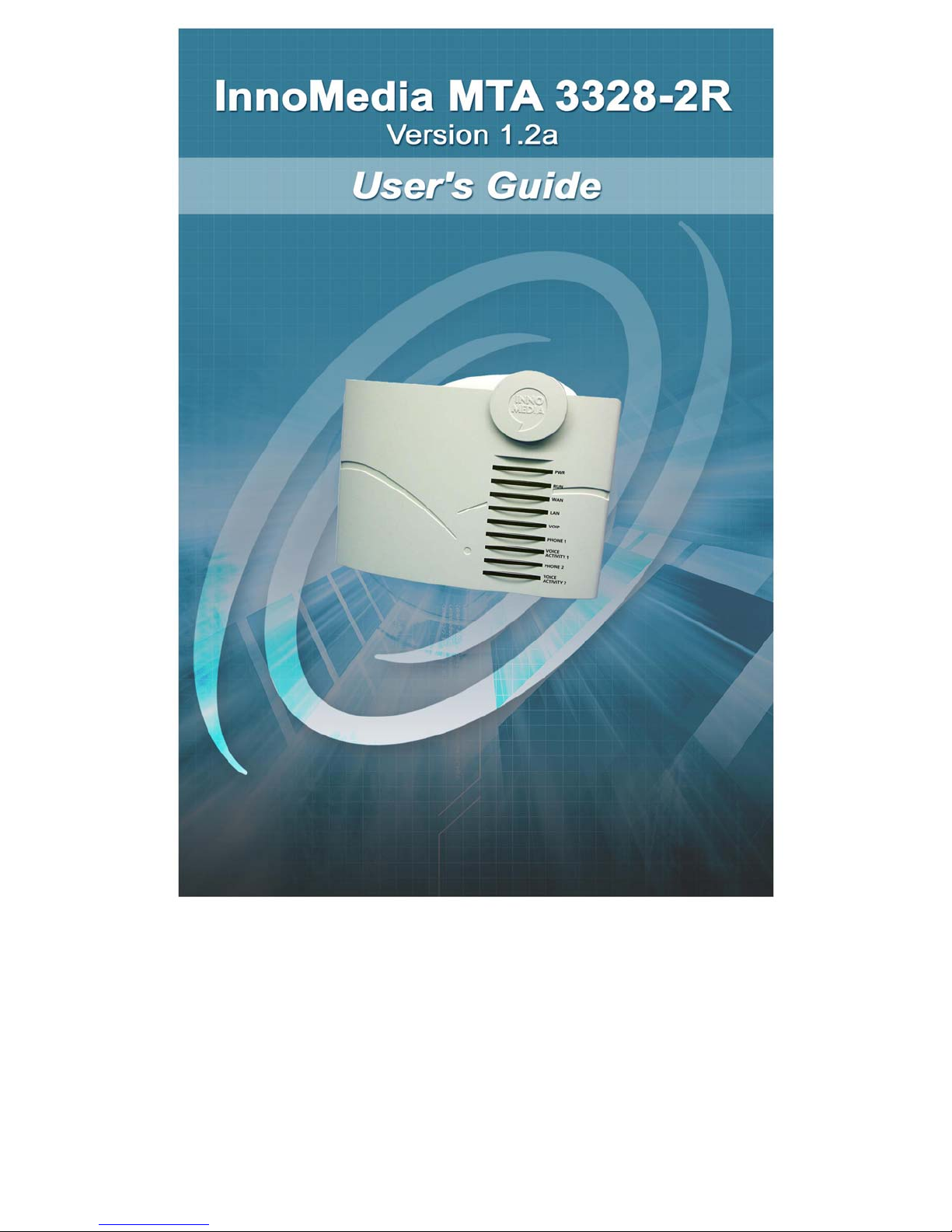
InnoMedia MTA 3328-2R Manuale utente

All Rights Reserved. Copyright © 2005
The use, disclosure, modification, transfer, or transmittal of this work for any purpose, in
any form, or by any means, without the written permission of the copyright holder, is
strictly forbidden.
Disclaimer
The content of this manual is subject to change without notice and should not be
construed as a commitment by the manufacturer, distributor, or service provider. This
manual is furnished for informational use only and the manufacturer, distributor, or
service provider assumes no responsibility for any errors or inaccuracies that may
appear herein.


InnoMedia MTA 3328-2R User’s Guide
i
Table of Contents
1WELCOME ...............................................................1
OVERVIEW............................................................................1
PRODUCT FEATURES ............................................................2
PACKAGE CONTENTS ............................................................2
SYSTEM AND SERVICE REQUIREMENTS ..................................3
ABOUT THIS GUIDE ...............................................................3
Symbols...........................................................................5
2GETTING STARTED................................................7
OVERVIEW............................................................................7
INNOMEDIA MTA 3328-2R HARDWARE OVERVIEW ................7
LED Lights.......................................................................7
Back Panel....................................................................11
SETTING UP THE MTA 3328-2R ..........................................12
Preparing for Installation...............................................12
Installing the MTA 3328-2R...........................................12
Installation without an External Router ...............................12
Verifying that You Have Internet Connectivity.................14
Installation with an External Router ....................................15
Recommended Configuration with an External Router....16
Alternate Configuration with an External Router .............18
CONFIGURING THE MTA 3328-2R WAN INTERFACE............21
Using DHCP Addressing...............................................22
Using Static IP Addressing, PPPoE, or MAC Address
Cloning..........................................................................23
Configuring Your PC for DHCP Addressing........................23
Verifying that the PC Has Obtained an IP Address.........24
Logging into the Web Management Tool ............................24
Using Static IP Addressing .................................................25
Verifying that You Have Internet Connectivity.................27
Using PPPoE ......................................................................27
Verifying that You Have Internet Connectivity.................30
Using MAC Cloning ............................................................30
Verifying that You Have Internet Connectivity.................32

InnoMedia MTA 3328-2R User’s Guide
ii
3PLACING CALLS................................................... 33
OVERVIEW..........................................................................33
UNDERSTANDING DIAL PLANS..............................................33
CALLING WITH A NORTH AMERICAN DIAL PLAN .....................34
Calling North American Destinations ............................34
Calling International Destinations..................................34
CALLING WITH A NON-NORTH AMERICAN DIAL PLAN ............35
4USING THE WEB MANAGEMENT TOOL.............37
OVERVIEW..........................................................................37
LOGGING INTO THE WEB MANAGEMENT TOOL ......................38
CONFIGURING THE MTA 3328-2R VIA THE WEB
MANAGEMENT TOOL ...........................................................39
Network Configuration...................................................39
Port Configuration .........................................................41
Device Management .....................................................43
Device Information..............................................................44
Username and Password....................................................44
Firmware Upgrade ..............................................................46
Advanced Settings ........................................................47
Router Settings..............................................................48
NAT PortMap ......................................................................49
Configuring NAT Port Mapping .......................................50
Deleting a Port Mapping Entry ........................................51
Access Filtering ..................................................................51
Configuring IP Filtering....................................................52
Configuring Domain Filtering...........................................53
DHCP Server ......................................................................55
MAC Cloning....................................................................... 57
PPPoE Setting ....................................................................58
PPPoE Status .....................................................................60
Disconnecting and/or Reconnecting to PPPoE...............60
Reboot...........................................................................61
Restore Default Values.................................................61
5VOICELINE FEATURES ........................................ 63
OVERVIEW..........................................................................63

InnoMedia MTA 3328-2R User’s Guide
iii
6APPENDICES......................................................... 65
APPENDIX A – TROUBLESHOOTING & TECHNICAL SUPPORT..66
APPENDIX B – APPROVALS AND LISTINGS ............................69
FCC Declaration of Conformity.....................................69
FCC Compliance Statement: ........................................69
APPENDIX C – END USER WARRANTY .................................70
7INDEX..................................................................... 73

InnoMedia MTA 3328-2R User’s Guide – Chapter 1
1
1 Welcome
Overview
Congratulations on purchasing the InnoMedia
MTA 3328-2R!
The MTA 3328-2R is a Voice over Internet Protocol
(VoIP) broadband device that allows you to connect up
to two analog telephones and make and receive calls
over the Internet using a broadband connection. The
MTA 3328-2R includes a built-in broadband router that
shares the Internet connection with your PC.
The MTA 3328-2R converts the analog signal from your
telephone(s) to Voice over Internet Protocol (VoIP). It
then uses the LAN’s broadband connection to send
calls over the Internet via the service platform. Since
VoiceLine calls bypass most of the Public Switched
Telephone Network (PSTN), the result is significant
savings on long-distance communications services.
This chapter will introduce you to the InnoMedia MTA
3328-2R device, its features, and its requirements.
This chapter describes:
Product Features
Package Contents
System and Service
Requirements
About this Guide
NOTE: If you need technical support
for the MTA 3328-2R, contact your
service provider. Please do not
contact InnoMedia directly.
1

InnoMedia MTA 3328-2R User’s Guide – Chapter 1
2
Product Features
Designed for versatility and performance, the MTA
3328-2R provides the following features.
Auto-provisioning – the device settings are
automatically obtained from a central
provisioning server, so the device is ready to
use as soon as you set it up and connect it to
the Internet.
LEDs – the device has light-emitting diodes
(LEDs) that communicate the status of the
device and each call.
Built-in router – provides an IP address to a
connected PC.
Port mapping – supports port mapping for
routing inbound data requests.
Voice prioritization – prioritizes voice traffic
over data traffic for Quality of Service (QoS)
management.
Access filtering – provides Internet access
control of the connected PC.
PPPoE – supports authentication via the
PPPoE broadband authentication protocol.
MAC cloning – accommodates users whose
service providers authenticate via MAC
address.
Package Contents
You should find the following contents in your
InnoMedia package:
InnoMedia MTA 3328-2R device
One 12-volt D/C power adapter
One standard telephone cable (RJ-11)
One standard Ethernet network cable (RJ-45)
User’s Guide (if not available in your package,
please contact your distributor)
Getting Started Guide
Altri manuali per MTA 3328-2R
1
Indice


