IriSys SafeCount Manuale utente

Installation Guide

Version 4 | February 2021Page 2
1EQUIPMENT REQUIRED
2YOUR SAFECOUNT SENSOR
3SYSTEM OVERVIEW
4PRIMARY SENSOR INSTALLATION
5SECONDARY SENSOR INSTALLATION
6SYSTEM CONFIGURATION
7UNDERSTANDING DEVICE LEDs
8DISCLAIMER
INSTALLATION GUIDE

Version 4 | February 2021Page 3
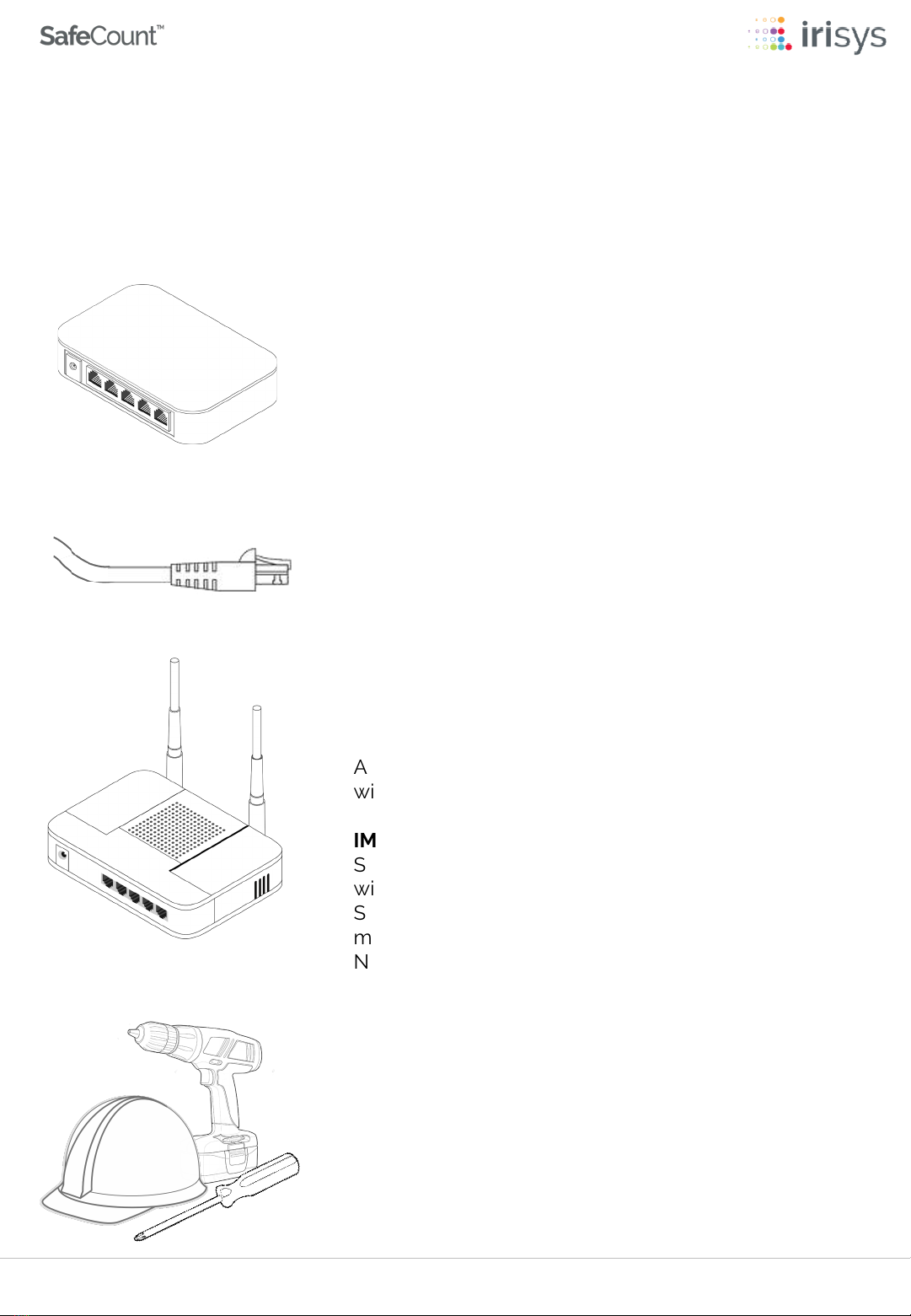
You will also require suitable tools to mount each
SafeCount Sensor and personal protective
equipment (PPE), especially when working at height.
SUITABLE TOOLS & PPE
A WiFi Router is recommended and should have a
wired connection to your PoE Switch.
IMPORTANT -Without a WiFi Router, the SafeCount
Sensors will not be assigned (DHCP) IP addresses and
will revert to a default IP Address of 192.168.0.10. Each
Sensor will need to be configured (in turn) with a unique
manual IP address. We recommend contacting your
Network Administrator for guidance on how to
configure manually.
WIFI ROUTER (RECOMMENDED)
Your SafeCount Primary Sensor should be connected
to a PoE Switch on your network via CAT 6 Ethernet
•Cables with a maximum length of 100m / 328 ft.
•CAT5 Cables can be used, however we recommend
CAT6 or better, with gauge AWG 22 or 23.
CAT5/6 ETHERNET CABLES
The SafeCount Primary Sensor and/or SafeCount
Secondary Sensor requires a Power over Ethernet
(PoE) Switch in order for the SafeCount Sensor to be
powered
PoE SWITCH
The following equipment is required for acomplete system, most of which will already
be present in atypical setup.
1EQUIPMENT REQUIRED

Version 4 | February 2021Page 4
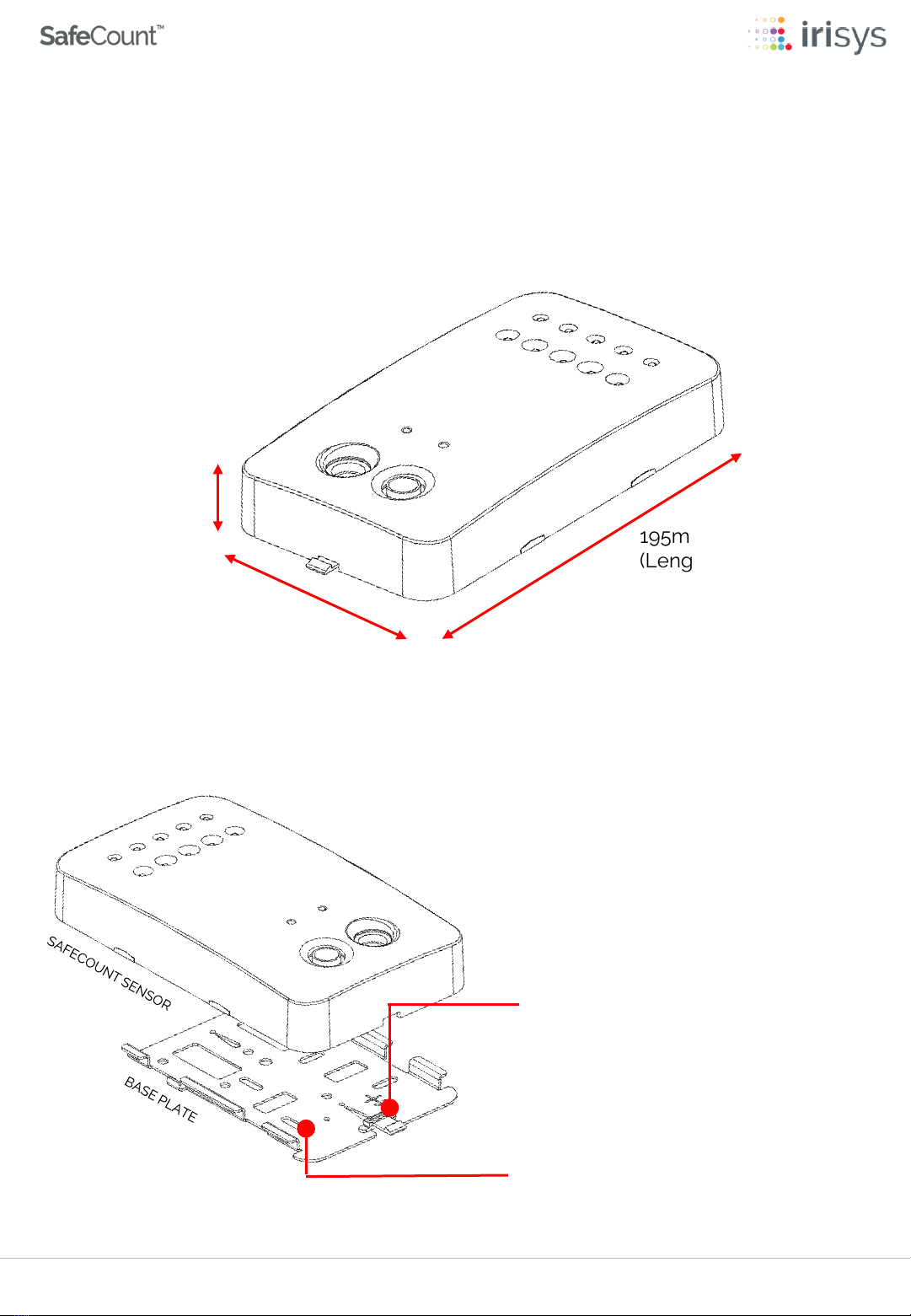
The base plate has a number of
screw holes for complete flexibility
when fixing to the ceiling
There is a white plastic clip at the
top of the base plate, which allows
the SafeCount Sensor to be
separated from it when required
*The SafeCount Sensor weighs approx.550g (19.4oz), so always use appropriate fixings
to secure the base plate in place.
550g (19.4oz)
(Weight)*
32mm (1.25in)
(Depth)
110mm (4.33in)
(Width)
195mm (7.68in)
(Length)
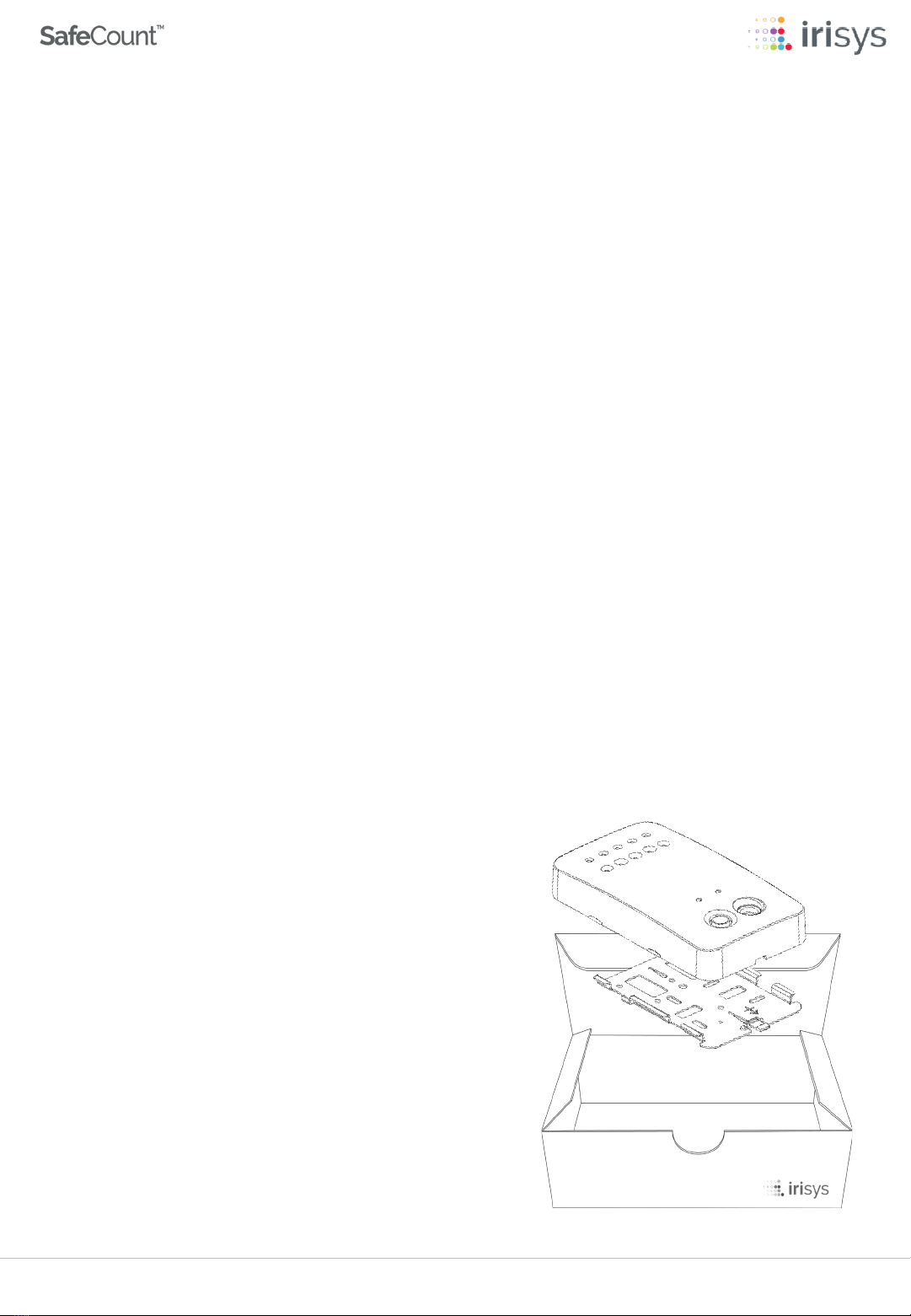
Your SafeCount Sensor is the most important part of your new counting solution, so it is
important to familiarize yourself with the Sensor and its key component parts.
YOUR SAFECOUNT SENSOR
2

Version 4 | February 2021Page 5
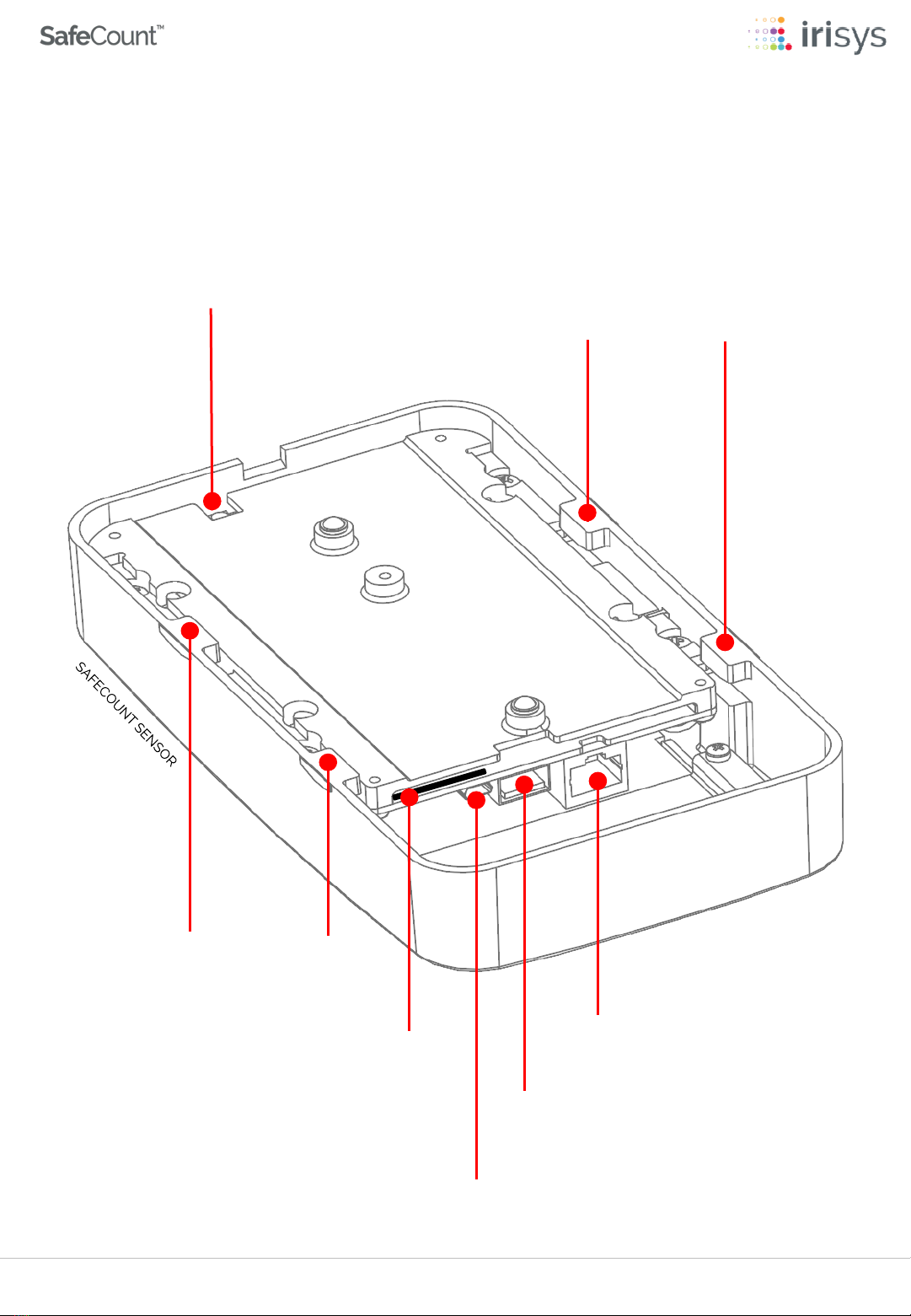
Factory Reset Button
Network Cable Connection
USB Type A Host Connection
(for use with SafeCount Display Kits)
Micro USB Type B Device Connection
(reserved for future use)
SD Card Slot
(do not remove)
Mounting Lugs
Mounting Lugs
Please familiarize yourself with the underside of your SafeCount Sensor and the key
component parts that can be found there.
YOUR SAFECOUNT SENSOR
2

Version 4 | February 2021Page 6
CAT 5/6 CABLE
YOUR EXISITING NETWORK
SafeCount Secondary Sensors
Installed at Secondary Entrances (Up to maximum of 20)
SafeCount Primary Sensor
Installed at Primary Entrance
Before starting your installation, it is important to understand how your new SafeCount
Sensor -as well as any SafeCount Secondary Sensors you may have - are connected
with your own equipment, to form acomplete system.
SYSTEM OVERVIEW
3
If your SafeCount system does not include a WiFi Router, please follow the
instructions on the following page to manually set each SafeCount sensors IP
address.

Version 4 | February 2021Page 7
CAT 5/6 CABLE
SafeCount Secondary Sensors
Installed at Secondary Entrances (Up to maximum of 20)
SafeCount Primary Sensor
Installed at Primary Entrance
If your setup does not include aWiFi Router, then your SafeCount Sensors will not be
assigned (DHCP) IP addresses and will each revert to adefault IP Address of 192.168.0.10.
Each Sensor will need to be configured (in turn) with aunique manual IP address.We
recommend contacting your Network Administrator for guidance on how to configure
manually.
You should plug each Sensor in one-by-one when configuring their IP addresses, as
having multiple devices with the same IP address on the network can lead to unforeseen
issues.We would further recommend setting these unique addresses prior to installing
on the ceiling, but it is equally possible to do so after the Sensors have been ceiling
mounted, provided only one Sensor is powered and configured at atime.
Your SafeCount Sensors should be configured in line with your own network architecture
needs and if required, you should consult your IT department or network administrator
for how best to configure the devices to match your corporate network needs.
3SYSTEM OVERVIEW

ADoorway Width (Maximum)
BCeiling or Installation Height
Doorway
Width
A
Mounting
Height B
Your SafeCount Primary Sensor should be installed at the main entrance (and exit) of
your designated building.
We recommend that you measure and record the maximum width of your chosen
doorway as well as the ceiling height in front of the doorway, so that you can more
accurately position your SafeCount Primary Sensor.Your measurements will be needed
to determine the optimum mounting location.
4PRIMARY SENSOR INSTALLATION
Version 4 | February 2021Page 8

Version 4 | February 2021Page 9
Doorway
Distance From
Doorway
C
Place the Base Plate on to the ceiling, the correct distance back from the doorway.The
‘Distance from Doorway’ measurement (C)is the total distance from the door to the
bottom of the Base Plate.The arrow on the Base Plate should point into the building
and away from the door, with aclear view to the floor.
A
Doorway Width
B
Minimum Mounting Height*
C
Distance From Doorway
Up to 195cm (76in) 250cm (98in) 45-59cm (18-23in)
196-230cm (77-90in) 275cm (108in) 51-72cm (20-28in)
231-265cm (91-104in) 300cm (118in) 64-84cm (25-33in)
266-335cm (105-132in) 350cm (138in) 76-110cm (30-43in)
336-410cm (133-161in) 400cm (157in) 89-135cm (35-53in)
*The minimum mounting height is 250cm and Sensors should never be installed below this height.
The maximum mounting height of any SafeCount Sensor should never exceed 450cm (177in)
To ensure that the Base Plate of your SafeCount Primary Sensor is ceiling mounted, the
correct distance back from your chosen doorway, you should use the quick reference
table below in-conjunction with your Aand Bmeasurements, to determine C.
4PRIMARY SENSOR INSTALLATION

Version 4 | February 2021Page 10
Distance from
Doorway
C
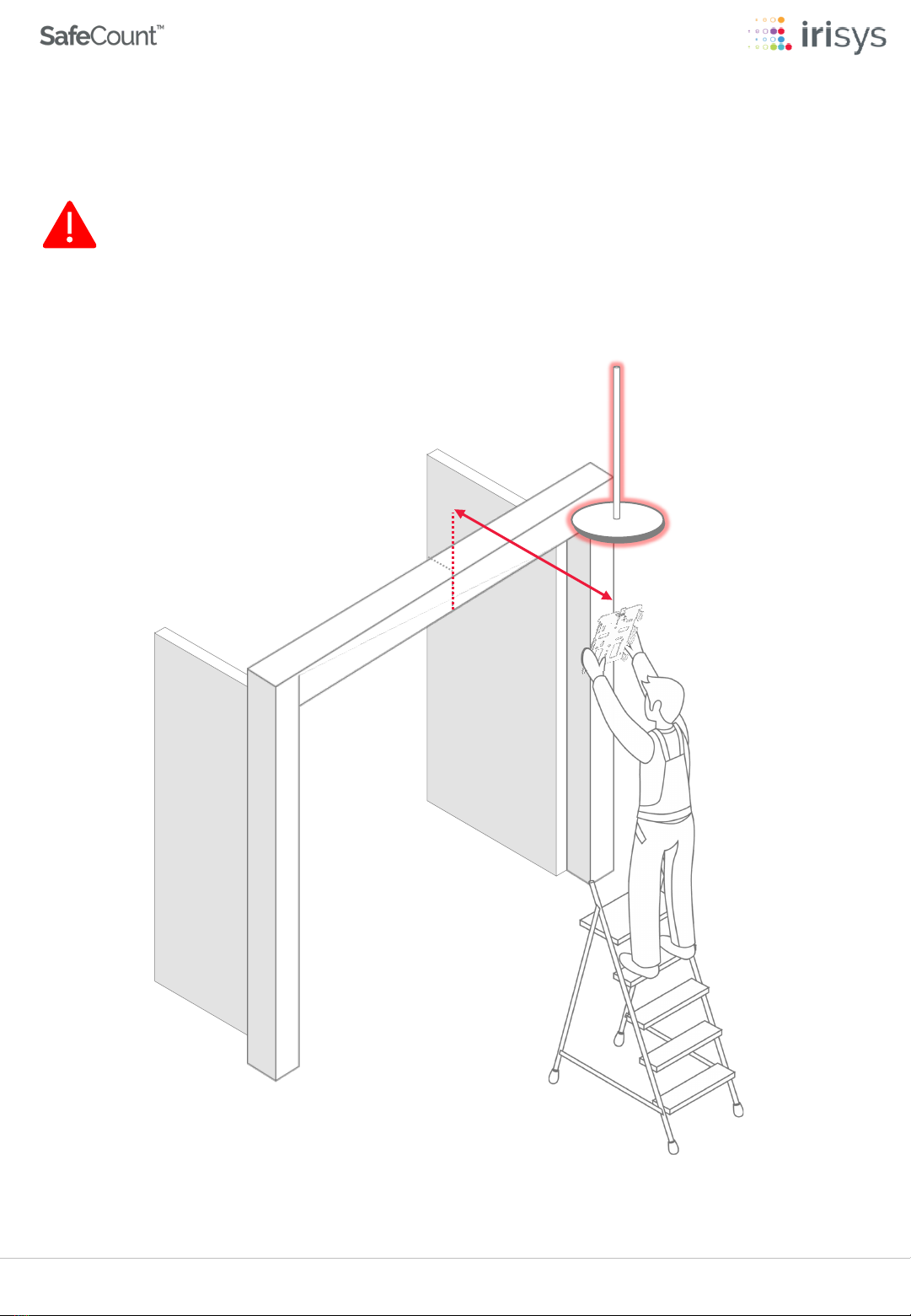
If the ceiling height at the correct distance from doorway ( C) is greater than the
maximum recommend Sensor mounting height of 450cm (177in), then a suitable
mounting pole should be used.
4PRIMARY SENSOR INSTALLATION
Indice