
JOBO GIGA ONE ULTRA Manuale utente
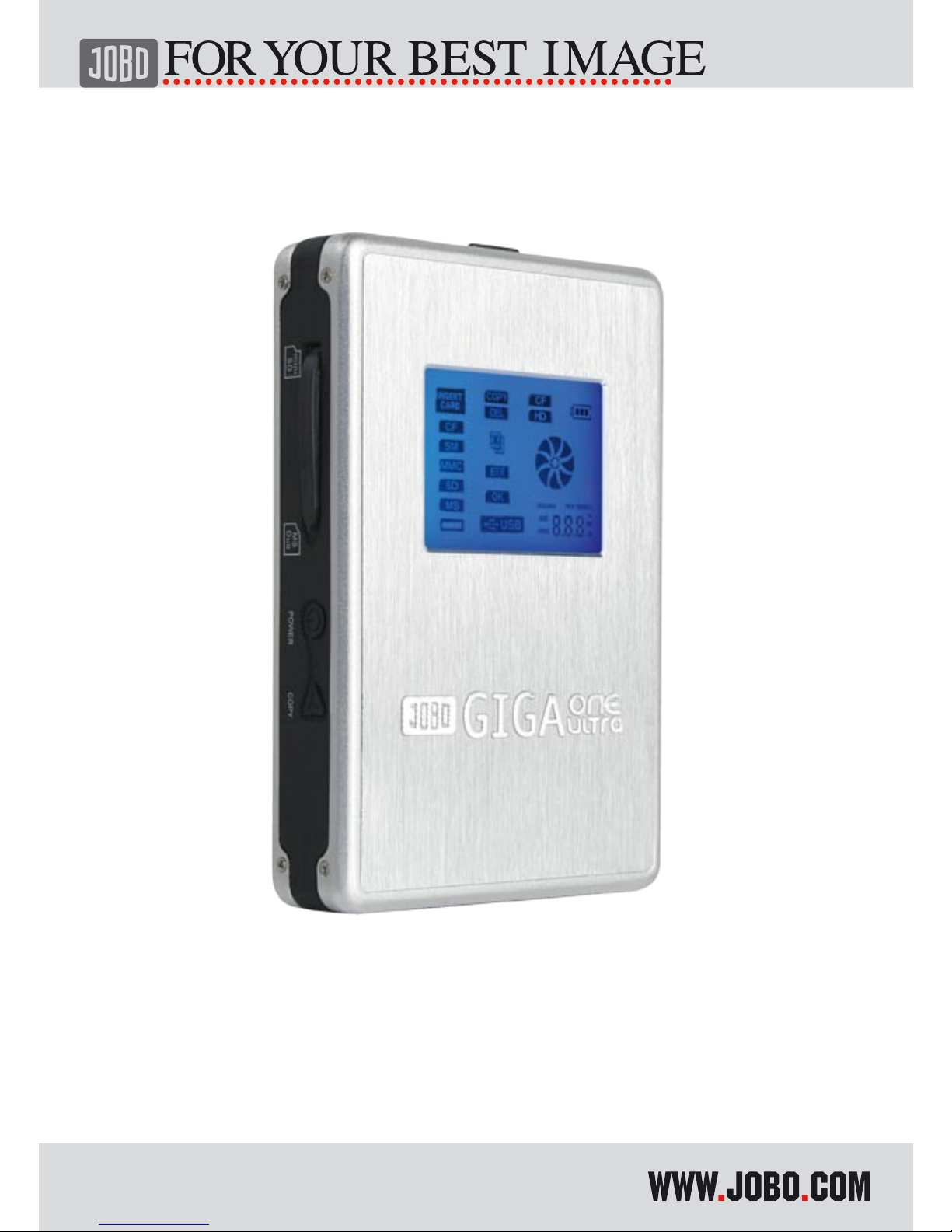
GIGA one ultra
Instruction Manual
2

3
GB
Content
What is GIGA one ultra? 4
General remarks 5
1. Liability 5
2. Safety instructions 5
3. Instructions for use 5
4. Waste disposal of batteries 6
1. First use 7
1.1. Introduction 7
1.2. Safety instructions for GIGA one ultra 7
1.3. Scope of delivery 8
1.4. Charging the battery 8
1.5. Buttons 9
1.6. LED Indication 9
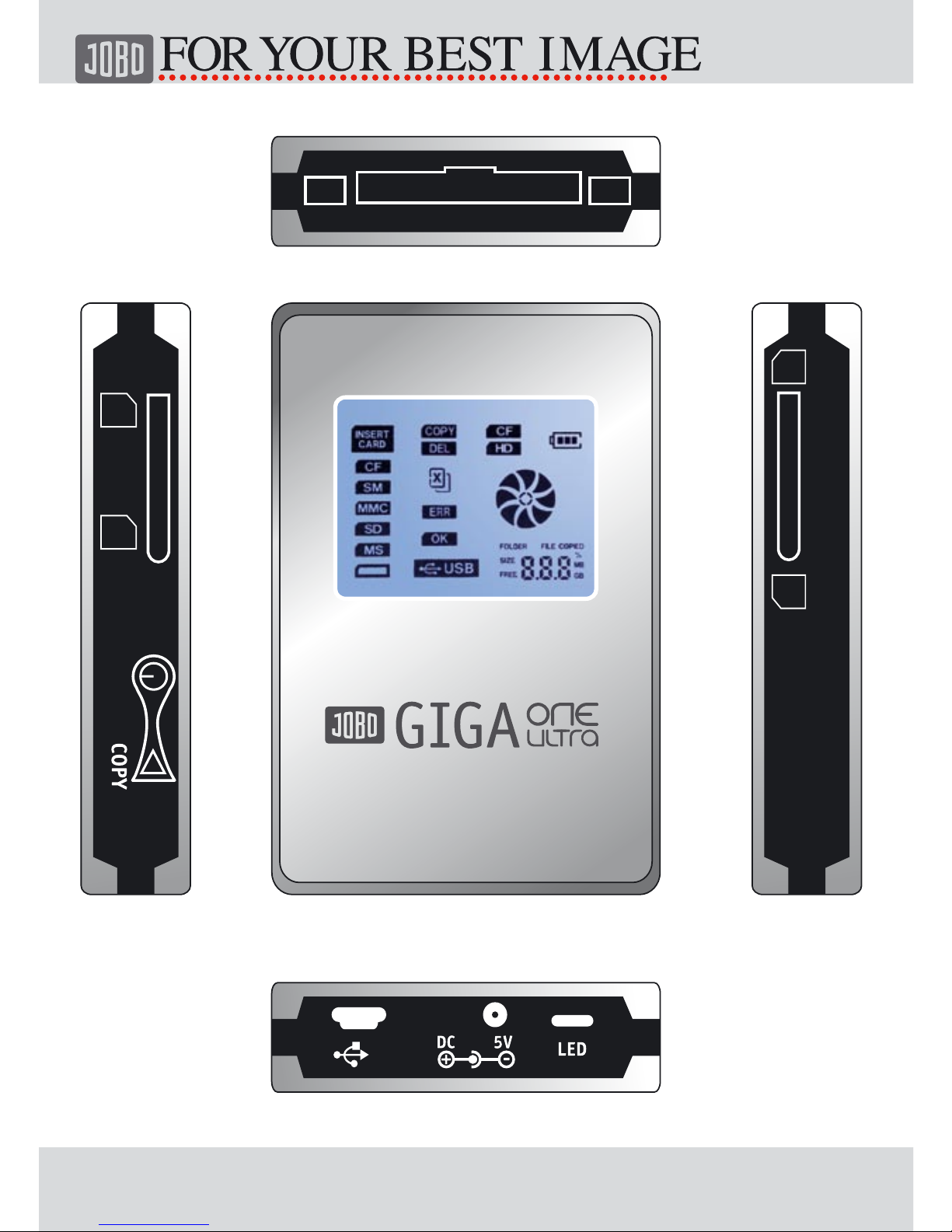
1.7. Connectors (see drawing on page 2) 9
1.8. Buttons and Switch Description 10
2. COPY / DELETE Mode 11
2.1 Copy Memory card to HDD 11
2.2. Delete Content of Memory Card 12
3. Connect to the PC 13
3.1. Minimum systems requirements 13
3.2. Driver Windows 98/ME/XP/VISTA, Linux 2.4.x, MacOS 10.2.x 13
3.3. Log off GIGA ONE ULTRA under Windows 13
3.4. GIGA ONE ULTRA format for hard disks 13
3.4.1 Installing Swissknife 14
3.4.2 Prepare formatting 14
3.4.3 Formatting 14
3.5 Connect to PC 16
4. Warranty and Service 16
4.1. Warranty conditions 16
4.2. Contact/Service 17
4.3. STATEMENT & CAUTIONS 17
4.4. Technical specifications 18

4
What is GIGA one ultra?
GIGA one ultra is one of the smallest & light integrated solution that provides
a memory card backup function, a card reader and an external hard disk in one
device. As a portable external storage device, GigaOne Ultra is a perfect choice
for active mobile photographers providing a very light and optimal solution for
storing photos and videos on the integrated HDD. Most importantly, GigaOne Ultra
enhances the mobile users by enabling them to copy the content of a memory card
onto the internal hard disk without any PC or notebook required. The User can
backup the memory card content with a single touch of one button and even erase
the memory card after downloading. GigaOne Ultra allows users to easily free up
more expansive memory cards for re-use in the field. In addition, GigaOne Ultra
also acts as an all-in-one card reader supporting all major memory card types. Any
PC with a USB port is enough for the user to access the downloaded images, or
any other data stored on the internal hard disk.
GigaOne Ultra supports Type I & II of Compact Flash (CF), MagicStore, Secure
Digital Card (SD and SDHC), Multimedia Card (MMC), Memory Stick /DUO, Memory
Stick PRO/DUO, Picture Card (xD), MiniSD, GigaOne Ultra hook to PC can be
achieved using USB 2.0 High Speed (480Mbps) link.
GigaOne Ultra comes equipped with an internal Li-polymer rechargeable battery.
The battery can be charged either with an external AC adapter or via the USB port
when connect to the PC or notebook.

5
GB
General remarks
1. Liability
The manufacturer only guarantees suitability for the original purpose of this
product. Furthermore the manufacturer cannot be held responsible for the damage
of data. This also includes the loss of data as well as any consequential damage re-
sulting from the use of this product. The manufacturer reserves the right to further
develop the product continuously. Any such changes can be made without being
directly described in this manual. Thus, information contained in this manual must
not necessarily reflect the state of technical execution. For information on updates
please go to our Internet page under www.jobo.com.
2. Safety instructions
- Work on the product must only be carried out by appropriately qualified staff of
JOBO AG.
- Please, read this manual carefully and observe the appropriate instructions
when installing the device.
- Do not open the product or try to make changes to it. Never insert metallic
objects into the product as this may cause an electric shock, fire, a short circuit
or hazardous emissions. The components cannot be serviced by the user. If the
device does not function properly it must be examined by a qualified staff mem-
ber of the JOBO Technical Service. In this context please observe the warranty
conditions listed in Chapter 4.
- Never expose the device to rain and keep it away from water and moisture.
Never place liquid-filled containers on the device as its contents might penet-
rate into the opening of the drive as a result of which the danger of an electric
shock, a short circuit, a fire or an injury would be increased.
3. Instructions for use
- Never expose the device to temperatures outside the range of between 5° C
and 40° C (41 F and 104 F). This could result in damage to the drive or other
electronic components. Do not place the device in the proximity of heat sources
and do not expose it to direct sun light (also not through a window). Excessi-
vely cold or damp environments may also cause damage to the drive.

6
- Always pull the mains cable from the socket when there is the danger of
lightning or when the drive is not being used for an extended period of time
because otherwise the danger of electrical shocks, of fire or of short circuits will
increase.
- Do not place the drive next to other electrical devices like television sets, ra-
dios or loudspeakers as this may impair the functioning of these other devices.
- Do not place the drive next to sources of magnetic interferences like computer
screens, television sets or loudspeakers. Magnetic interferences may impair the
operation and the stability of the drive. Do not place any heavy objects on the
drive and do not exert any excessive force or pressure on the device.
- During use or storage keep the device as free of dust as possible. Dust may
accumulate on the inside of the device and thus increase the danger of damage
or dysfunction.
- Never clean the surface of the device with solvents, paint thinners, cleaning
agents or any other chemical products. Instead clean the device by wiping it
down with a soft, dry cloth.
- In security checks at airports, customs stations etc. the device should be
treated like a laptop and not be put through X-ray machines or other control
systems.
- Do not switch on GIGA ONE ULTRA above an altitude of 3,000 m above sea le-
vel. The hard disk could be damaged by this and as a result data could be lost.
Attention! If the above instructions for use are not observed the warranty for this
device may lapse.
4. Waste disposal of batteries
Batteries do not belong into household waste. As a consumer you are legally
obliged to return spent batteries to the point of purchase. Under no circumstances
must batteries be disposed of in an open fire, in a trash can, in a recycling
container unsuitable for batteries or in any other way that might constitute an
environmental hazard.

7
GB
1. First use
1.1. Introduction
Many thanks for choosing the JOBO GIGA one ultra. The GIGA ONE ULTRA is the
perfect solution if you want to download your data from a memory card the fast
way! With the new GIGA ONE ULTRA you can download your data with a copy
speed of up to 5,47 MB/sec. while you are still traveling, no matter where you are
– and you can do so without a PC!
The GIGA ONE ULTRA supports SDHC memory cards as well as all other conventional
memory cards such as CF, MS and SD. The mobile storage device which is available
with a 40, 80 or 120 and 200GB hard disk starts the data transfer with just pres-
sing one button. The integrated Li-Ion battery makes the GIGA ONE ULTRA your
ideal companion with which you can store your photos wherever you are.
For more information on all JOBO premium class photo storage products please go
to www.jobo.com
1.2. Safety instructions for GIGA one ultra
The hard disk of the GIGA ONE ULTRA is factory-formatted.
In order to prevent short circuits and electrical discharges you must avoid expo-
sing this product under all circumstances to water, rain or moisture. Please, also
observe the warranty provisions in Chapter 4.
In security checks at airports, customs stations etc. the device should be treated
like a laptop and not made to go through an X-ray machine or other control
systems.
Do not switch on GIGA ONE ULTRA above an altitude of 3,000 m above sea level.
The hard disk could be damaged by this and as a result data could be lost.

8
1.3. Scope of delivery
The package contains the following parts:
- JOBO GIGA one ultra
- integrated battery
- integrated hard disk
- AC power adapter
- driver CD including software
- USB cable
- manual
- light bag
1.4. Charging the battery
The device has an integrated Li-Ion battery with 1300 mAh. Please, charge the
battery once completely for 12 hours before the first use by way of the mains
adapter supplied with GIGA ONE ULTRA. Only use the original mains adapter that
comes with the device for charging. The internal battery will then be charged via
the mains adapter. If the GIGA ONE ULTRA is connected to a computer the char-
ging is effected via the USB cable as long as the computer is switched on. Since
the battery is a Li-Ion battery the so-called memory effect is eliminated, which
means you can recharge the battery to be on the safe side when it is still half full.
The charging level of the battery is indicated by the battery symbol in the display.
The battery must not be exchanged by anyone other than the manufacturer.
9
GB
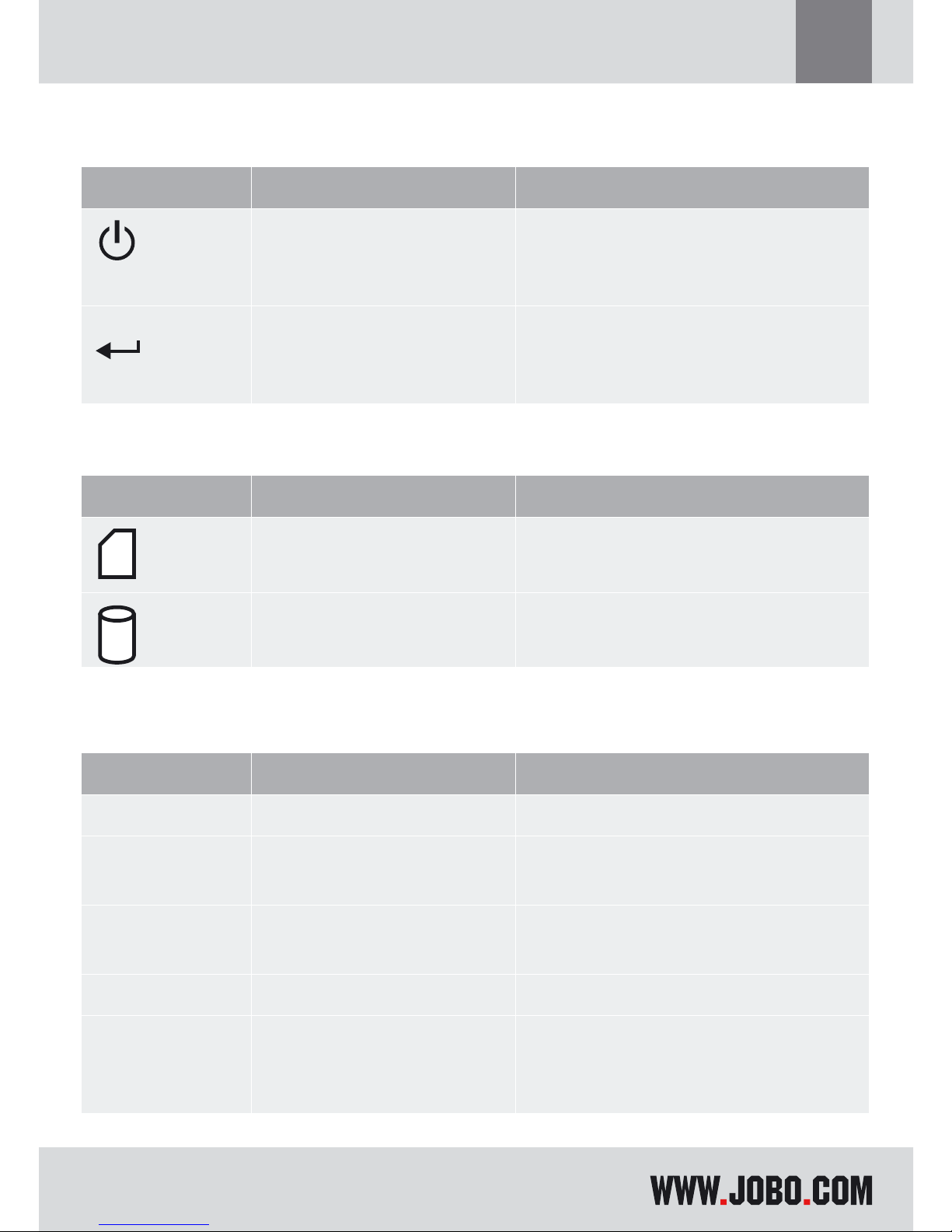
1.5. Buttons
This section gives a briefly overview of the buttons on the GIGA one ultra.
Key Activation Operation
Select
Press & Hold
Press & Hold
Press once
Power On
Power Off.
Select Copy or Delete mode
Copy
Press Copy memory card to Hard disk in
Copy mode
Delete memory card in Delete mode
1.6. LED Indication
LED Definition Indication
Card access Memory card is accessed
HDD access Hard disk is accessed
1.7. Connectors (see drawing on page 2)
Type Definition Purpose
CON1 DC jack DC source +5V @ 1A
CON2 Mini USB connector Connect to PC or Notebook USB
1.0 or 2.0 port
CON3 Memory Card connector Memory Card slot (SD/SDHC/MMC/
MS/MS-PRO/xD)
CON4 CF Card connector Compact Flash memory card slot
CON5 Memory Card connector Memory Card slot (MiniSD/MS
Duo/MS Pro Duo)
10
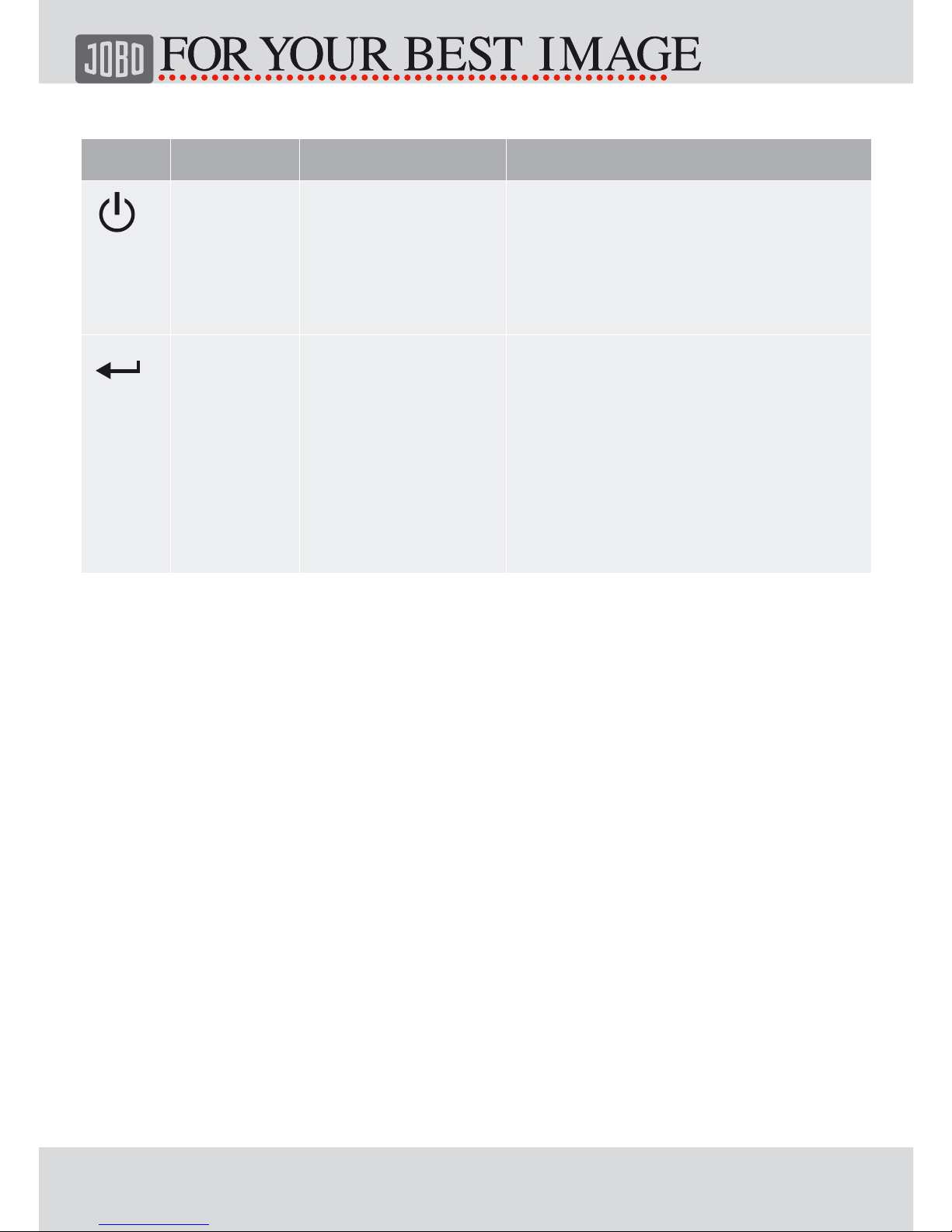
1.8. Buttons and Switch Description
Key Activation Operation Mode Description
Power
/
Select
Press
Hold
USB / Standalone - Press and hold this button for a
second to power-up the device.
- Press and hold this button for
few seconds, release the button
to power down the device.
Copy /
Execu-
te
Press Standalone - Press this button once to initiate
copy in copy mode. The device
copies all the content of the
memory card to Hard disk.
- Press this button once to initi-
ate delete in delete mode. The
device delete all the content in
the memory card.
Indice
Altri manuali JOBO Magazzinaggio


