
jWIN JD-VD504 Manuale utente

The product is manufactured in accordance with
the international standard for DVD players.
Before attempting to connect, operate or adjust this player, please read this instructions completely and save for future reference.
JD-VD504 DVD PLAYER


Attention for parents:
In order to avoid the situation that you forget the parental lock code and
can not enter into the operation of parental lock setting, here we offer you the
super secret code: . You may use this code to enter into the operation of
parental setting. To prevent the young children from knowing this secret code,
please tear the note from this user's manual and keep in safe place.
1369
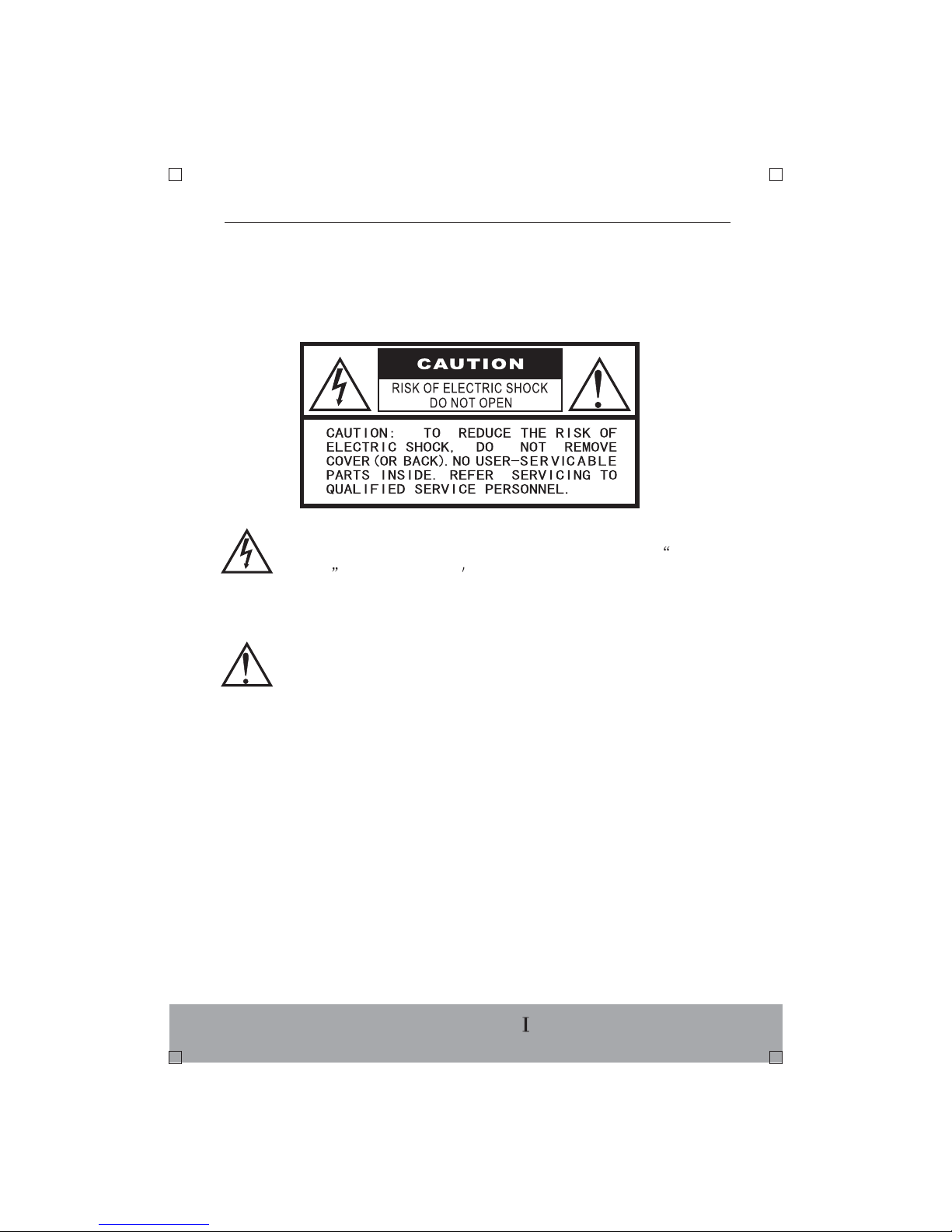
SAFETY PRECAUTION
The exclamation point within an equilateral triangle is intended to alert
the user to the presence of important operating and maintenance
(servicing) instructions in the literature accompanying the appliance.
ENGLISH-
WARNING:
TO REDUCE THE RISK OF ELECTRIC SHOCK, DO NOT EXPOSE THE
APPLIANCE TO RAIN OR MOISTURE. DANGEROUS HIGH VOLTAGES ARE
PRESENT INSIDE THE ENCLOSURE. DO NOT OPEN THE CABINET.
CAUTION:
When replacing the direct plug-in power supply or a separable, cord-connected
power supply, the replacement must be the exact duplicate, or one that has been
recommended by the manufacturer.
CAUTION:
TO PREVENT ELECTRIC SHOCK, MATCH THE WIDE BLADE OF THE PLUG
TO WIDE SLOT, AND FULLY INSERT IT.
Thank you for purchasing this DVD player . Before operating this unit, please
read the manual carefully and retain it for future reference.
The lighting flash with arrowhead symbol, within an equilateral triangle,
is intended to alert the user to the presence of uninsulated dangerous
magnitude to constitute a risk of electric shock to persons.
voltage within the product s enclosure that may be of sufficient

This DVD player employs a laser system.
Use of controls, adjustments or the performance of procedures other than
those specified herein may result in hazardous radiation exposure.
To prevent direct exposure to laser beam, do not open the enclosure.
DO NOT STARE INTO BEAM.
This equipment has been tested and proved to comply to the limits for a Class
B digital device, pursuant to part 15of the FCC Rule. These limits are designed
to provide reasonable protection against harmful interference in a residential
installation.
CAUTION:
FCC NOTICE:
However, there is no guarantee that interference will not occur in a particular
installation. If this equipment does cause harmful interference to radio or
television reception, which can be determined by turning the equipment off and
on, the user is encouraged to try to correct the interference by one or more of
the following measures:
-Reorient or relocate the receiving antenna.
-Increase the separation between the equipment and receiver.
-Connect the equipment into an outlet on a circuit different from that to which
the receiver is connected.
-Consult the dealer or an experienced radio/TV technician for help.
WARNING:
Changes or modifications made to this equipment, not expressly approved by
our company, or parties authorized by our company ,will void any remaining
warranty for the unit.
This equipment generates, uses, and can radiate radio frequency energy and,
if not installed and used in accordance with the instructions, may cause harmful
interference to radio communications.
ENGLISH-

IMPORTANT SAFETY INSTRUCTIONS
CAUTION: PLEASE READ THESE INSTRUCTIONS AND KEEP THESE
INSTRUCTIONS FOR FUTURE REFERENCE. PLEASE NEED ALL WARNINGS
AND FOLLOW ALL INSTRUCTIONS.
This set has been designed and manufactured to assure personal safety.
Improper use can result in electric shock or fire hazard. The safeguards
incorporated in the unit will protect you if you observe the following procedures
for installation , use and servicing.This unit is fully transistorized and does not
contain any parts that can be repaired by the user.
DO NOT REMOVE THE CABINET COVER, OR YOU MAY BE EXPOSED TO
DANGEROUS VOLTAGE. REFER ALL SERVICE TO QUALIFIED PERSONNEL
ONLY.
ENGLISH-
1.Read the instruction
After unpacking this product, read these
instructions carefully, and follow all the
instructions.
2.Keep these instructions.
3.Read all warnings.
4.Follow all instructions.
5.Do not use this unit near water.
6.Clean only with dry cloth.
7.Do not block any ventilation openings.
Install in accordance with the manufacturer's
instructions.
ENGLISH-
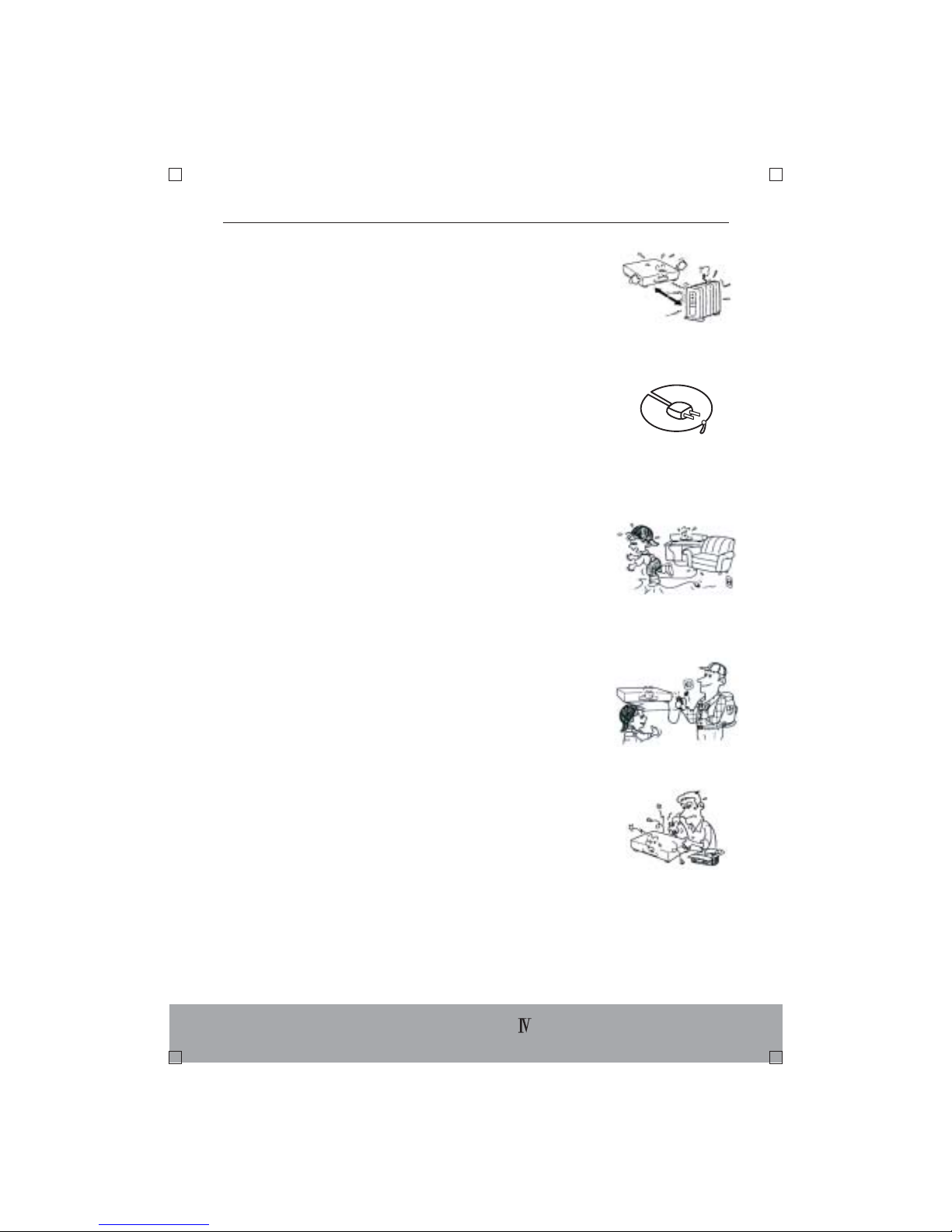
10.Protect the power cord from being walked
on or pinched particularly at plugs, convenience
receptacles, and the point where they exit
from the apparatus.
11. Only use attachments/accessories specified
by the manufacturer.
12. Unplug this apparatus during lightning storms
or when unused for long periods of time.
13. Refer all servicing to qualified service personnel.
Servicing is required when the apparatus has
been damaged in any way, such as power-supply
cord or plug is damaged, liquid has been spilled
or objects have fallen into the apparatus, the
apparatus has been exposed to rain or moisture,
does not operate normally, or has been dropped.
8.Do not install near any heat sources such as
radiators, heat registers, stoves, or other
apparatus (including amplifiers) that produce
heat.
9. Do not defeat the safety purpose of the
polarized or grounding-type plug. A polarized
plug has two blades with one wider than the
other. A grounding type plug has two blades
and a third grounding prong. The wide blade
or the third prong are provided for your safety.
If the provided plug does not fit into your
outlet, consult an electrician for replacement
of the obsolete outlet.

Notes on Handling
* When shipping the DVD player, the original shipping
carton and packing materials come in handy. For
maximum protection, repack the unit as it was
originally packed at the factory.
* Do not use volatile liquids, such as insect spray,
near the DVD player. Do not leave rubber or plastic
products in contact with the DVD player for a long
time.
* The top and rear panel of the DVD player may
become warm after a long period of use. This is not
a malfunction.
* When the DVD player is not in use, be sure to
remove the disc and turn off the power.
* If you do not use the DVD player for a long period,
the unit may not function properly in the future. Maintain
it by turning the unit on periodically.
Notes on Position
* When you place this DVD player near a TV, radio,
or VCR, the playback picture may become poor and
the sound may be distorted . In this case, place
the DVD player away from the TV, radio, or VCR.
Notes on Cleaning
Use a soft, dry cloth for cleaning.
ENGLISH-
* For stubborn dirt, soak the cloth in a mild
detergent solution, wring well and wipe. Use a dry
cloth to wipe it dry.
* Do not use any type of solvent, such as thinner
or benzine, as they may damage the surface of
the DVD player. If you use a chemical saturated
cloth to clean the unit, follow that product s
instructions.
To Obtain a Clear Picture
The DVD player is a high technology, precision
device. If the optical pick-up lens and disc drive
parts are dirty or worn down, the picture quality
becomes poor. To obtain a clear picture, we
recommend regular inspection and maintenance
(cleaning or parts replacement)every 1,000 hours
of use depending on the operating environment.
For details , contact your nearest dealer.
Notes on Moisture Condensation
Moisture condensation damages the DVD player.
please read the following carefully.
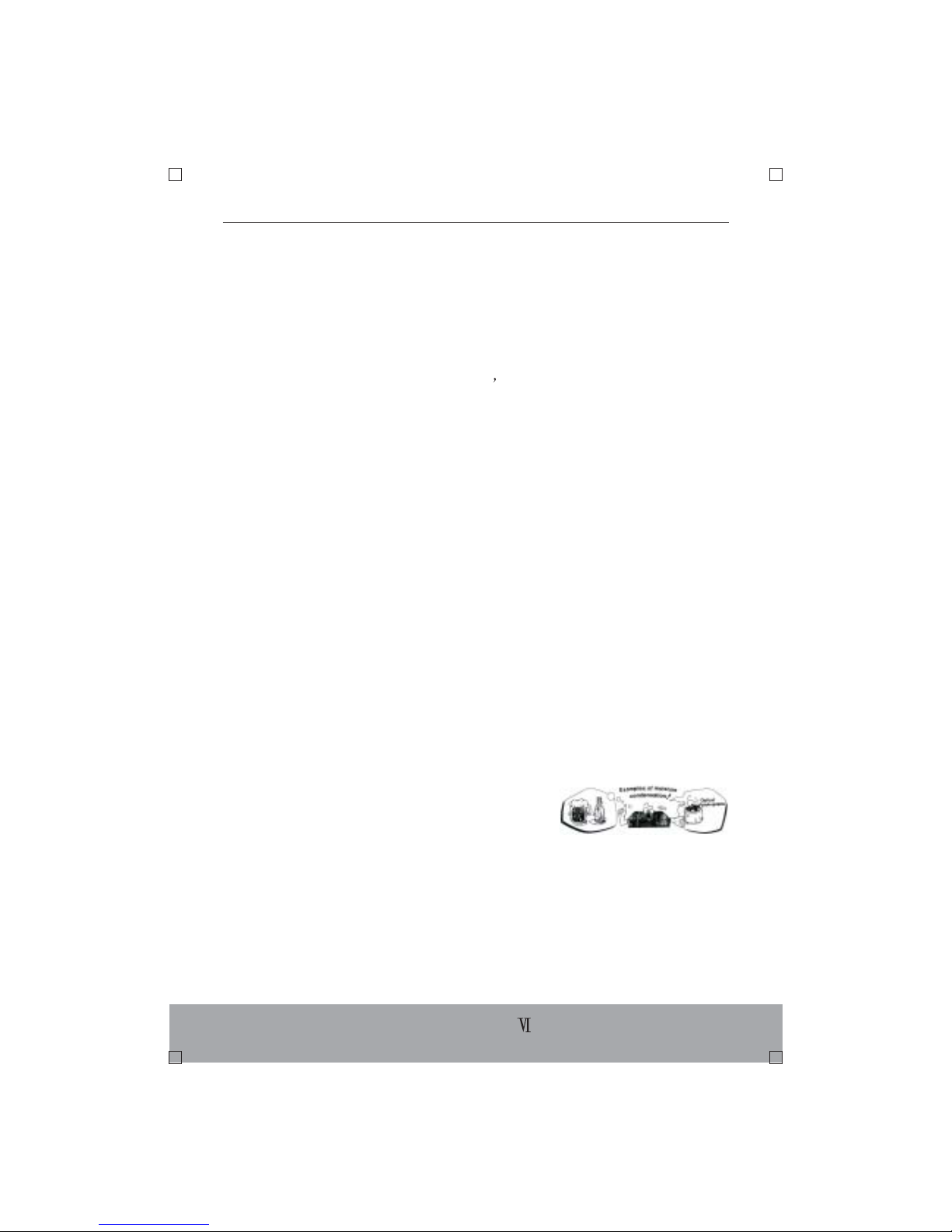
Moisture condensation occurs, for example, when
you pour a cold drink into a glass on a warm day.
Drops of water form on the outside of the glass. In
the same way, moisture may condense on the
optical pick-up lens inside this unit, one of the most
most crucial internal parts of the DVD PLAYER.
Moisture condensation occurs during the following
cases:
ENGLISH-

*When you bring the DVD player directly from a cold
place to a warm place.
*When you use the DVD player in a room where
you just turned on the heater, or a place where the
cold wind from the air conditioner directly hits the
unit.
*In summer, when you use the DVD player in a hot
and humid place just after you move the unit from
an air conditioned room.
*When you use the DVD player in a humid place.
Do not use the DVD player when moisture
condensation may occur:
*If you use the DVD player in such a situation, it may
damage discs and internal parts. Remove the disc,
connect the power cord of the player to the wall
outlet, turn on the DVD player, and leave it for two
or three hours. After two or three hours, the DVD
player will have warmed up and evaporated any
moisture. Keep the DVD player connected to the
wall outlet and moisture condensation will seldom
occur.
ENGLISH-
Indice
Altri manuali jWIN Lettore DVD

jWIN
jWIN JD-VD518 Manuale utente

jWIN
jWIN JD-VD500 Manuale utente

jWIN
jWIN JD-VD135 Manuale utente

jWIN
jWIN JD-VD508 Manuale utente

jWIN
jWIN JD-VD203 Manuale utente

jWIN
jWIN JD-VD519 Manuale di istruzioni

jWIN
jWIN JD-VD502 Manuale utente

jWIN
jWIN JD-VD143 Manuale utente

jWIN
jWIN JD-VD509 Manuale utente

jWIN
jWIN JD-VD138 Manuale utente


