
KDDI A1407PT Manuale utente

Basic
Manual
Contents/
GettingReady
Makingand
AnsweringCalls
CharacterEntry
AddressBook
PairFunction/
OneTouchKeys
Mail
Camera
EZweb
BoneConduction
Setting
OtherFeatures
Troubleshooting
Index
Forinquiries,call:
auCustomerServiceCenter(GeneralInformation)
FromEZweb:
Howtoaccess
EZ]TopMenu
]auお客さまサポート(auCustomerSupport)
]お問い合わせ(Inquiry)
*Menuissubjecttochange.
CellphoneandPHSoperatorscollectandrecycleunusedtelephones,
batteriesandbatterychargersatstoresbearingthelogo
regardlessofbrandandmanufacturertoprotecttheenvironment
andreusevaluableresources.
Sales:KDDICORPORATION•
OKINAWACELLULARTELEPHONECOMPANY
Manufacturedby:Pantech&CuritelCommunications,Inc.
FirstEditionissuedinOctober2007
Generalinquiry,fee-relatedinquiries
Fromalandlinephone
Fromanauphone
Fromanauphone
Dial157withoutanareacode
Dial113withoutanareacode
(nocharge)
(nocharge)
(nocharge)
(nocharge)
Forloss,theft,breakdownandhowto
usethephone,fromalandlinephone
Accesstheauonline
manualfromhere.
Note
●The images in this guide may show a cellphone with different designs and shapes,
or the images may omit some details found on the actual handsets.
Thankyouforyourpurchaseof“A1407PT”.Pleasereadthis“A1407PTBasic
Manual”carefullypriortousingyourcellphone.Whenyoufinishreadingthis
guide,pleasekeepitinasafeplacesothatyoucanrefertoitwheneveryou
need.Ifyouloseyourcopyof“A1407PTBasicManual”,pleasecontactyour
nearestaushoporaucustomercenter.
かんたんH2-H3.qxd06.7.211:39PMページ1
「A1407PT」User’s Manual
Greetings
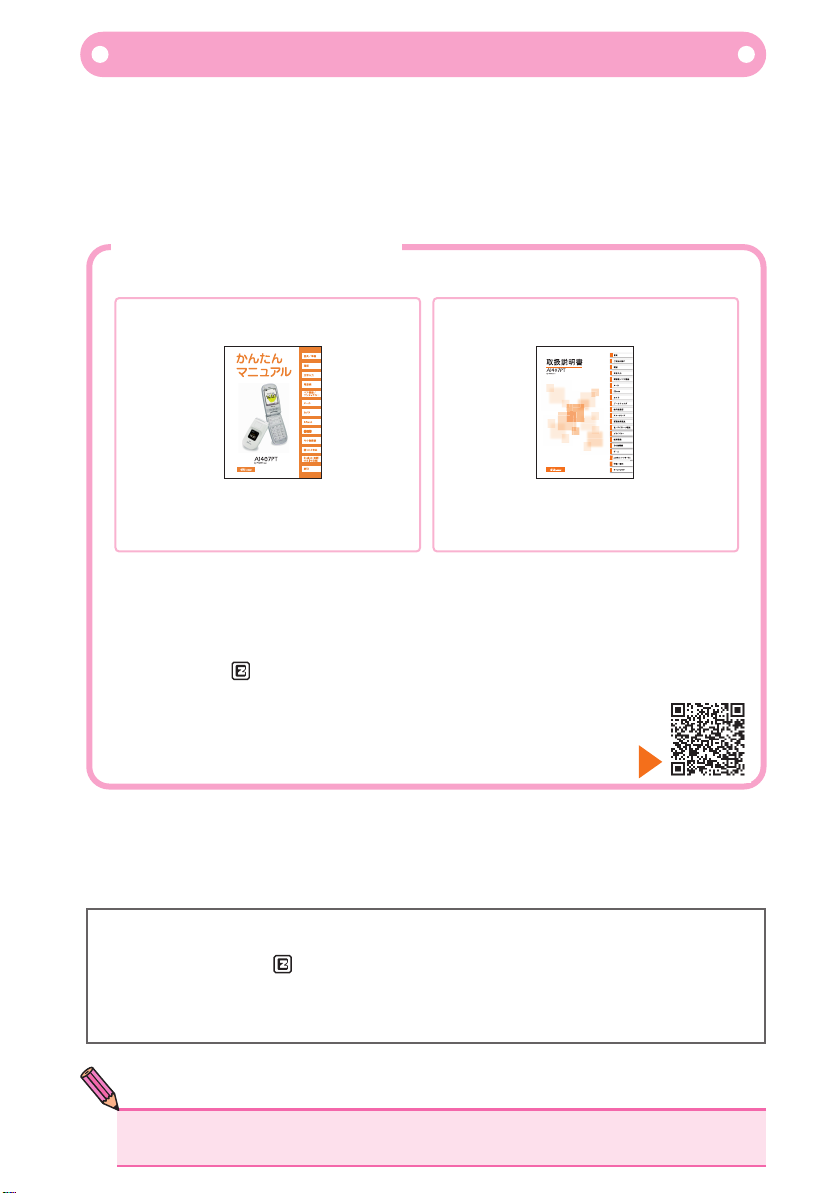
“A1407PT” comes with this Basic Manual and Manual.
●Basic Manual ●Manual
SafetyNotice
Before using your “A1407PT”, please read “Safety Notice” included in the attached “A1407PT”
Manual carefully to use your cellphone correctly.
If you think there is a fault with your cellphone, please check conditions with the below
“Troubleshooting” guide found on Customer Support on au website.
FromyourA1407PT→ [auone]→[auお客さまサポート](auCustomerSupport)→
[調べる](search)→[オンラインマニュアル](onlinemanual)→
[故障診断Q&A](TroubleshootingQ&A)
FromaPC→(http://www.kddi.com/customer/service/au/trouble/kosho/index.html)
The below guides are available from the au website.
This manual is available in English
(PDF format only).
This manual is not available in
English.
・Downloadable copies of “A1407PT Basic Manual”and “A1407PT Manual”
…………………………… (http://www.au.kddi.com/torisetsu/index.html)
・au online manual with keyword-search options
…………………………… (http://www.au.kddi.com/manual/index.html)
au online manual can also be accessed via EZweb.
<How to access> [auone]→[auお客さまサポート](auCustomerSupport)→
[調べる](search)→[オンラインマニュアル](onlinemanual)
seetheBarcode(QRcode)and
accessauonlinemanual.

1
PleasecarryyourMannersaroundwithyou
Cellphonesreleaseweakelectronicsignalswhenitispoweron,
evenifnocallsarebeingmade.
Pleaseremembertocareabouttheothersaroundyou,andenjoya
safeuseofyourhandset.
CellphoneEtiquette
Itisforbiddentouseyourcellphoneincertainplaces.
●It is against the law to use your cellphone
while driving as this is very dangerous.
It is against the law to use cellphones
onboard aircrafts. Please keep your
cellphone power off.
●
●In cinemas, theatres, museums and libraries,
not only refrain from making calls, but also
keep your cellphone power off or set to
manner mode to avoid disturbing others with
ringtones.
●In a crowded place like inside a packed train,
there may be somebody wearing a heart
pace-maker near you, please keep your
cellphone power off.
●In places where use of cellphones
are prohibited such as in hospitals,
please follow rules.
●In towns, please use your cellphone where
it will not obstruct traffic and pedestrians.
●When making calls onboad trains and
hotel lobbies, move to a place here you will
not disturb others around you.
●Keep your voice low when talking on the cellphone.
●When taking pictures using a built-in camera on your cellphone, only do so
when you have a permission of the person.
Pleasepayattentiontowhereyouuseyourcellphone
andhowloudlyyouspeak.
Electronicsignalsfromcellphonesmayaffect
electronicmedicaldevices.

2
Note
●HowtoTurntheSmartModeOff
WhentheSmartModeisoff,thephoneisinthe“normalmode”.Toturn
theSmartModeoff,see“Beforesettingthedisplaylanguage:Setthe
phonetothenormalmode”(p.22).
[SmartModescreen]
SmartMode
HowtoUseSmartMode
A1407PTispre-setatSmartModewhenpurchased.SmartMode
isamodewhereonlyfrequently-usedfunctionssuchascall,mail,
andcameraareshownonthemenuscreen.Thereareotherdesigns
thathelpaneasyuseofthecellphonesuchaslarge-printdisplay.
ThisbookletexplainshowtouseSmartMode.
Oh, it is so
easy,
I love it!

3
( 、 、 )
OneTouchKeys
HowtoUseOneTouchKeys
A1407PThasOneTouchkeys
willconnectyoutopre-registerednumbers.
.PushingOneTouchKeys
ItisForbiddentoUseYourCellphoneinCertainPlaces
HowtoRegisterNumbersonOneTouchKeys
Push and hold down One Touch Keys for more than 1 second will connect you to
pre-registered numbers. If you would like to check the registered number before
calling, please follow the below steps.
Please refer to “Registering a Pair Partner to a One Touch Keys” on page 44.
①Press one touch keys
②Confirm the number
③Press (call)

4
かんたんp1-9.qxd06.7.2110:23AMページ4
BoneConductionSpeaker
EZwebE-MailOneTouchKeys
CameraPairFunction SafetyBuzzer
CellphoneBasics
WhatyoucandowithyourA1407PT
Page44
Page42 Page55 Page68
Page66
Page46 Page59
You can make calls to
numbers you register as
Pair Function easily.
You can make a call to
or send an E-Mail to
numbers you register
with a simple function.
Sound can be delivered via vibration on your bones.
You can make a loud
noise as Safety Buzzer
when you are in a
dangerous situation.
You can take photographs
and record movies,
and send them along
with E-Mails.
You can send E-Mails
to other cellphones and
PCs.
You can download
‘Chaku-Uta ’ and wall
papers.
®
Chaku-Uta

5
「 」
「 」
MannerMode/EasyVoiceMemo
CheckYourPowerSupply,ElectronicSignalandElectronicCharger!
MannerMode
EasyVoiceMemo
Usuallykeepyourcellphonepoweredon
Youcannottalkunlessthereiselectronicsignal
Payattentiontothebatterylevel
Page16
Page16
Page16
Manner mode sets your cellphone so that it will not release
sound such as ringtones in order to prevent disturbing others.
When you cannot take your calls, it will play an auto reply and
prompts the caller to leave messages.
To make and receive calls, leave your power on.
Press down for more than 1 second.
There may be areas where you cannot receive signal very
well even within the service area.
Your cellphone may not function well if the battery level is low.
On standby screen Press
On standby screen Press
shows the status of signal received.
shows the battery level of your cellphone.
To release Press own again for more than 1 second.
down for more than 1second.
To release Press down again for more than 1second.
down for more than 1second.
Power is on!

6
●
Note
Donotuseyourcellphonewhiledriving
Itisagainstthelawtoholdamobilephoneinyourhandwhiledrivingto
makeandreceivecallsortoreademails,andyoucanbepunishedfor
breakingthislaw.
Keepingyoureyesfixedonthescreenwillbeanobjectofpenalty.
(Amendedroadandtransportationlaw,putineffecton1
November2004)
Poweryourcellphoneofforusedrivemodewhendriving
×Reading mail or looking
at the display. ×Holding a cellphone in
your hand to talk.
When the cellphone is set to drive mode, it will not release any ringtones when an
incoming call or message is received. When there is an incoming message it will
play an Easy Voice Memo and informs the caller that you are driving and cannot take
your call. It will then give the caller an option to leave a message.
Drive Mode
●DrivemodecannotbeaccessedviaSmartMode.Pleasesetyour
cellphonetonormalmodefirstbeforesettingittodrivemode.

7
かんたんp1-9.qxd06.7.2110:23AMページ7
BewareofSpamand One-ringCalls
IfyouReceiveaSPAM
Whenyoureceiveacallfromanunknownnumber
Use mail filters so that your cellphone will not receive mails from particular
addresses, or Spoof e-mail. Mail filter filtering spam has the
following function.
・Unauthorised advertisement filter
・Filters mails from particular addresses.
・Narisumashi-function to filter Spoof e-mail.
There is a danger that this may be a trick to make you call back to an expensive
paying number. Please be careful.
When a caller hangs up in less than 3 seconds, this will be marked with [ ] in
the list of received calls.
Note
●Mailfilterscanbeactivatedwhenyousetyourcellphonetonormalmode.
Tosetyourfilters,pleasereferto“Howtosetupmailfilters”inthe
section“SettingE-Mails”ontheattached“Manual”.
●Youmaybeabletoavoidreceivingspambychangingyour
address.Pleasereferto“HowtochangeyourE-Mailaddress”onPage
26tolearnhowtochangeyouraddress.
8
*
→ [ auone]→ [災害用伝言板]
http://dengon.ezweb.ne.jp/
かんたんp1-9.qxd06.7.2110:23AMページ8
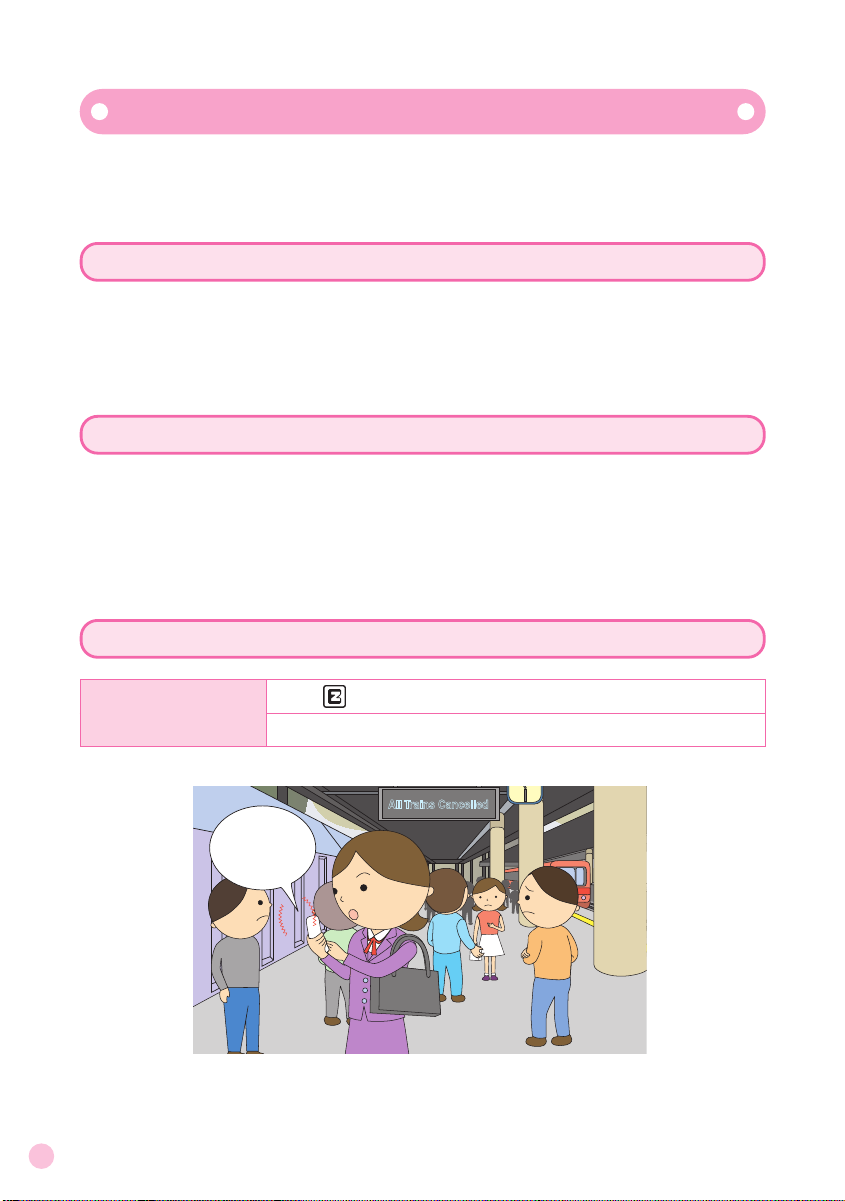
DisasterMessageBoardService
Incaseofalarge-scaledisaster,youcanregisterinformationonyour
safetyusingEZweb.InformationyouregistercanbeviewedonEZweb
orInternetfromanywhereinthecountry.
RegisteringInformationonSafety
Checkingsafetyinformation
HowtoaccesstheDisasterMessageBoard
Howtoaccess
In case of a large-scale Disaster Message Board, you can register information on
your safety, news on damages received and your comments. After registering
information, notification E-Mails will be sent to pre-registered family members and
friends informing that you have registered information on the system.
You can check safety information on your friends or family by entering the phone
number of the person information for on EZ web and Internet*
: When checking information from other providers’ handsets (excluding TU-KA’s)
and from PCs, please use the following URL address.
http://dengon.ezweb.ne.jp/
All Trains Cancelled
I 'm alright,
so don't worry.
Indice
Altri manuali KDDI Telefono cellulare

KDDI
KDDI W62S Manuale utente

KDDI
KDDI IIDA G9 Manuale utente

KDDI
KDDI SH005 Manuale utente

KDDI
KDDI CA001 Manuale utente

KDDI
KDDI W62SA Manuale utente

KDDI
KDDI aquos K SHF31 Manuale utente

KDDI
KDDI IS12T Guida all'installazione

KDDI
KDDI A1305SA Istruzioni per il montaggio

KDDI
KDDI S002 Manuale utente

KDDI
KDDI T007 Manuale utente

KDDI
KDDI T005 Manuale utente

KDDI
KDDI T002 Manuale utente

KDDI
KDDI HI-VISION CAM WOOO Manuale utente

KDDI
KDDI au K010 Guida all'installazione

KDDI
KDDI ARROWS Z ISW11F Guida all'installazione

KDDI
KDDI P001 Manuale utente

KDDI
KDDI AQUOS SHOT SH006 Manuale utente

KDDI
KDDI T003 Manuale utente

KDDI
KDDI au IS12SH Scheda tecnica

KDDI
KDDI SA001 Manuale utente


