2/7
莞市长安镇长青南路 306 号金 大厦 8F
8F,JINYE BUILDING,NO.306,CHANGQINGSOUTH ROAD,
CHANG'AN,DONGGUANG CITY,GUANGDONG,CHINA
TEL: 86 76981620398/ 8162 0399 FAX:86769 81620318
www.kintecdigital.com
other equipment,suppliespower ,canalsobeconnectedtothePC,readtheinternaldataof
themachine.
4.TF (MicroSD)slot:Externalexpansion memorycardslot, supportup to 32GBTF (MicroSD)
memorycard.
5.USB HostInterface:accessto USBremovablestoragedevices,wirelesskeyboardandmouse
receiver,USB,theHUB and otherequipment.
QuickInstallation Guide
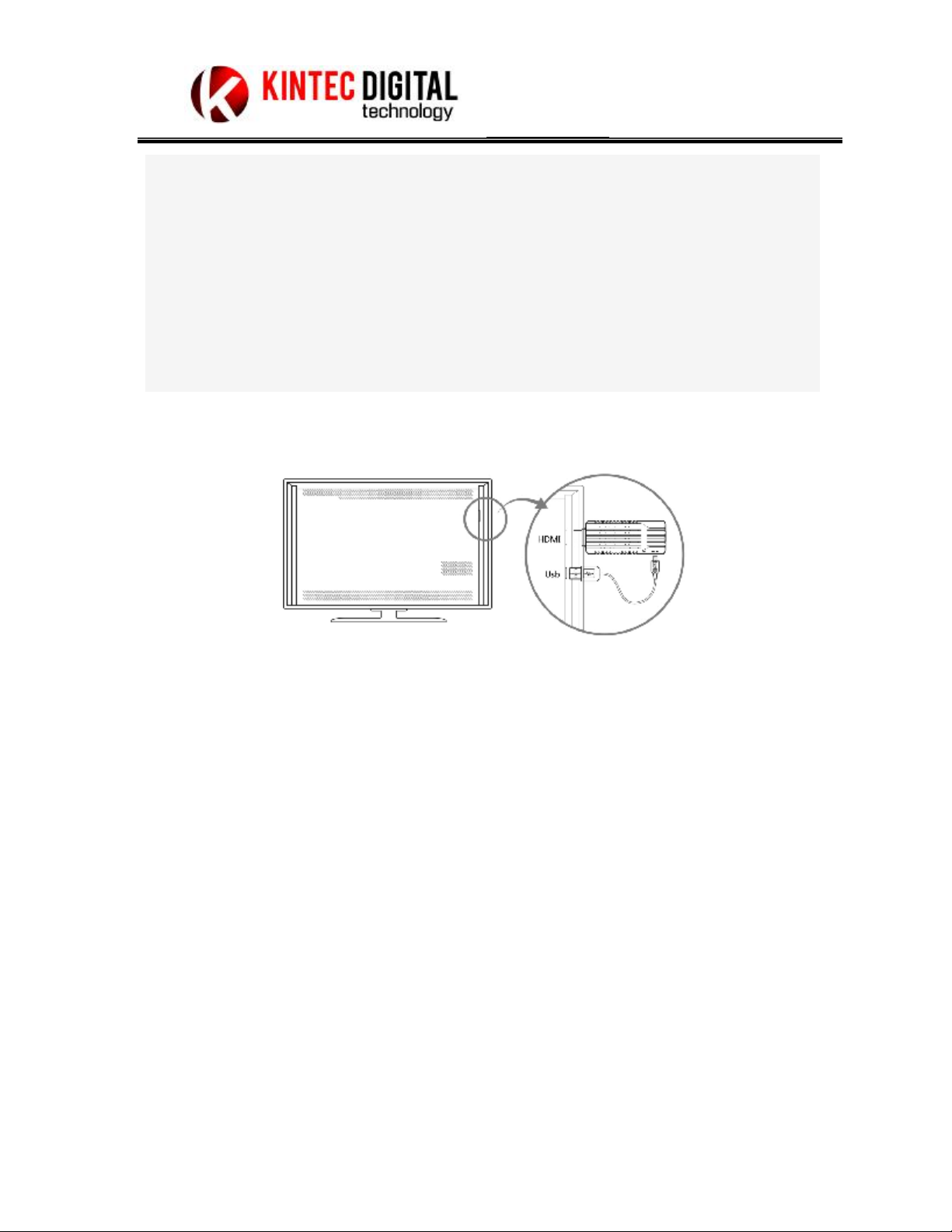
1. Youneed aTV orother displaydevice with HDMIinput
2. InsertKAD-P601HDMIportto theTVorother displaydeviceHDMIinputport.
3. IftheTV haveUSBTYPEAHOSTinterface,then insertTYPEAportoftheUSBcableto TV
USB interface,and theotherportinsertto themini-USBportofKAD-P601.
Note:
Thismachineisprovidedpower throughtheUSBinterface,makesuretheTV sUSB interface
can providemaximum5V/1Acurrent, ifthecurrentisnot enough maycausethemachinenot
workorisnot workingproperly,IftheTV SUSB Interfacecannotprovidethemaximum
5V/1A,please changeanother 5V/1Apower adapter.
TheoperationofKAD-P601
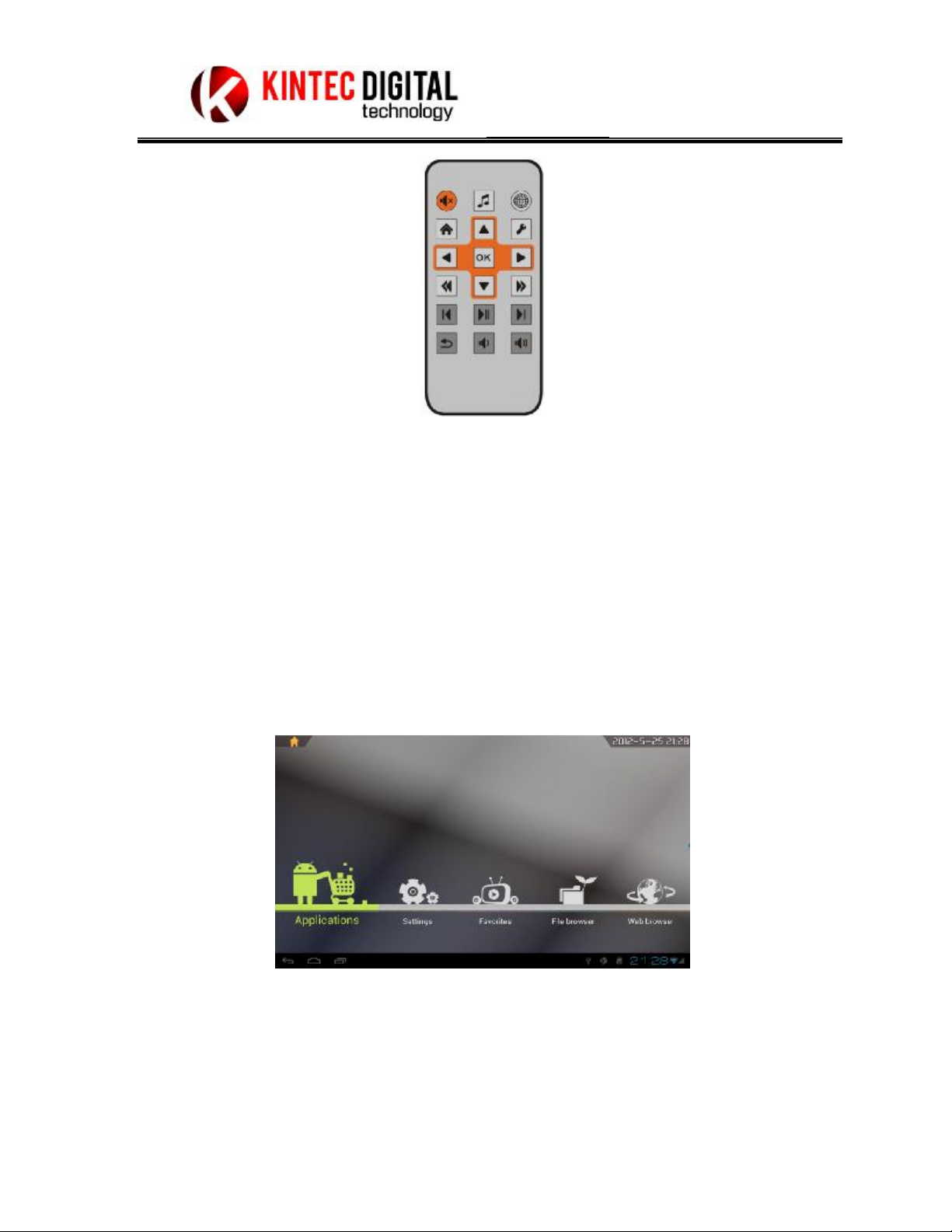
1. Operationofusingtheremotecontrol
Connectedtheremotecontrol signalreceivingheadPLUG totheremotereceiver
interface,fixthereceiver headtoauncoveredplace,thenyoucanusetheremotecontrol
tooperation themachine.