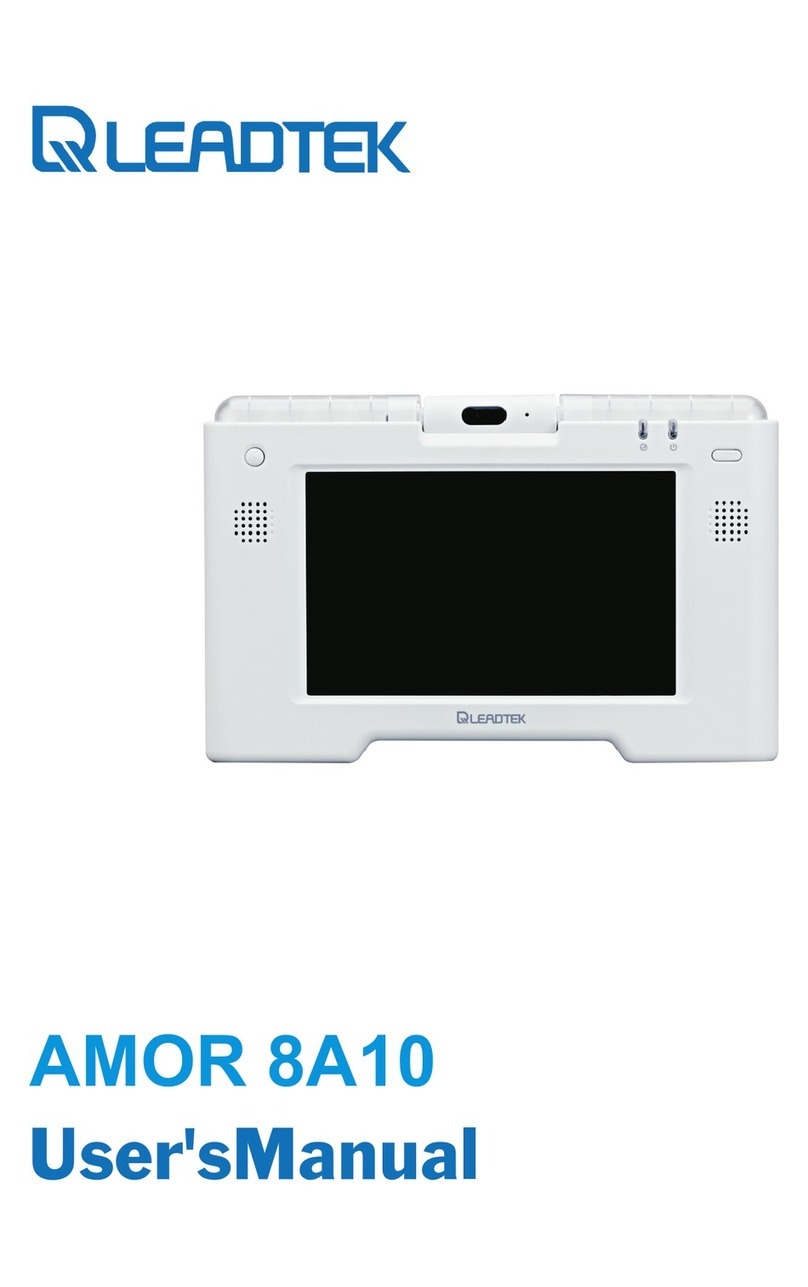
Leadtek XTP8886 Manuale utente

XTP8886
User's Manual

XTP8886 User's Manual
Version B
June 2008 P/N: W05G0243
International Headquarters
18F, No. 166, Chien Yi Rd., Chung Ho,
Taipei County,Taiwan, (23511)
Tel:+886 2 8226 5800 Fax: +886 2 8226 5801
Copyright 2008 Leadtek Research Inc. All rights reserved.
No part of this document may be copied or reproduced in any form or by any means without the prior written
consent of Leadtek Research Inc.
Leadtek makes no warranties with respect to this documentation and disclaims any implied warranties of
merchantability, quality, or fitness for any particular purpose.The information in this document is subject to
change without notice. Leatek reserves the right to make revisions to this publication without obligation to notify
any person or entity of any such changes.
Trademarks or brand names mentioned herein are trademarks or registered trademarks of their respective owners.

1 Getting Started ................................................... 1
2 What's In The Package ...................................... 2
3 Getting to Know Your XTP8886 ........................ 3
Front view ...................................................................... 3
Rear view ..................................................................... 10
Side panel ..................................................................... 11
4 Installation ......................................................... 12
Installing the unit ......................................................... 12
5 System Setup ..................................................... 14
Powering Up the Videophone For the First Time ........ 14
IP Telephony Setup ...................................................... 16
6 Making a Call ...................................................... 17
Before making a video call .......................................... 17
Making and receiving calls .......................................... 18
Dialing out ..................................................................... 18
Dial with phone number ................................................ 19
Dial with IP address ....................................................... 20
Answering ...................................................................... 21
During a call ................................................................... 23
Call List ....................................................................... 24
Phonebook ................................................................... 29
Table of Contents

7 Configuration Menu .......................................... 33
Photo Setting ............................................................... 34
Device Setting ............................................................. 35
Display Setting .............................................................. 35
Sound Setting ................................................................ 36
Time Setting ................................................................... 37
Change Password ........................................................... 37
Call Setting .................................................................. 38
Call Feature ................................................................... 38
Codec & Misc ............................................................... 42
Network Setting .......................................................... 44
DHCP ............................................................................ 44
Static IP ......................................................................... 45
PPPoE ........................................................................... 46
Service Setting ............................................................ 47
SIP Service ................................................................... 47
STUN Service ............................................................... 49
APS Service .................................................................. 50
Software Update ............................................................ 50
Product Info ................................................................. 50
8 Photo Frame ..................................................... 51
Browse the Pictures in the SD Memory Card ............. 51
Browse the Pictures in System Memory ..................... 53
Capture a Picture ......................................................... 54
9 TV Mode ............................................................ 55
10 Trouble Shooting .............................................. 56
11 Limited Warranty .............................................. 57
12 FCC Statement .................................................. 58
Table of Contents

XTP8886 is an H.264 based broadband videophone supporting Video and
Voice applications. Its major functions include IP Telephony, IP Camera
Viewer (SIP based) and Photo frame. It can satisfy the demanding
requirements of the next generation of IP broadband communication
applications and opens the door to the world of multimedia.
Feature highlights
State-of-the-art H.264 codec
Photo phonebook
Photo frame
Built-in 4.3" LCD screen and CMOS camera
Secure Digital (SD) flash memory slot
USB 2.0 Host port
Complete IP networking support for standalone operation
Auto provisioning support for user friendly installation
Firmware ungradable
SIP V2
Overview
1Getting Started
XTP8886 User's Manual 1

2What's In The Package
XTP8886
XTP8886 x1
Handset x 1
Handset Cable x 1
Telephone Line Cord x 1
Stand x 1
Power Adapter x 1
Ethernet Cable (RJ-45) x 1
User's Manual x 1
Telephone
Line Cord
Power Adapter Ethernet Cable User's Manual
Please unpack the product package with caution; inspect
the items closely. If you find any damaged item, please
contact your local distributor immediately. Also, please keep
the box and packing material for future use in the event of
future shipments.
Handset Cable
Handset
2
Stand
Note: The telephone line cord is only available for the model with
PSTN connectivity.

3Getting to Know Your XTP8886
Front view
Handset
Speaker
Camera
SD card slot
(on the top)
USB
(on the side)
LCD
Soft keys
Keypad
LED
Handset Cable
XTP8886 User's Manual 3
Microphone

Numeric / Alphabet / Symbol Keys
Front view (cont.'d)
Keypad Soft keys
Navigation keys
Speakerphone
key
Feature keys
Numeric /
Alphabet /
Symbol keys
The numeric / alphabet / symbol keys are used for entering numbers, letters
and symbols. In a situation where only a number is expected, for example,
when dialing a phone number, pressing a key will enter the corresponding
digit. For example, pressing will enter the number 2. In a situation
where alphabet or symbol or both are allowed - when entering a URL address
for example - you will need to press the same key repeatedly to reach the
character you want. For example, pressing two times will enter the
letter A. To enter alphabets in lower or upper case, you need to be in lower
case mode or upper case mode, respectively. A soft key is used to switch
between the two modes. The current mode is indicated by one of the
following icons shown on the LCD screen.
: Current mode is lower case.
: Current mode is upper case.
: Current mode is numeric.
4
: Current mode is smart input method.

Front view (cont.'d)
A complete example:
Press To get
Upper case
G
Lower case
o
t
Space
2
Space
Upper case
G
Lower case
o
Suppose is used to switch between the lower case/upper case and
numeric modes. To arrive at the characters Got 2 Go, do this:
XTP8886 User's Manual 5

Speakerphone Key
This key is to let you make/answer a call in speakerphone mode, or switch
the mode between hands-free and handset during a call.
6
Feature Keys
The feature keys provide a quick way to invoke a feature or a function.
Phonebook:
Press to access the phonebook menu.
Video Privacy:
Press to turn on video privacy, the videophone stops sending your
video to the recipient. Press again to turn off video privacy.
Flash:
When there is an incoming call, pressing this key followed by a phone
number will forward the call to the number.
During a call, if another call comes, you will hear a reminding tone.
Press this key to answer the other call, and use this key to switch
between two calls.
Redial:
Press to make the last call.
Front view (cont.'d)
Indice
Altri manuali Leadtek Telefono