
Leviton DLR Manuale utente
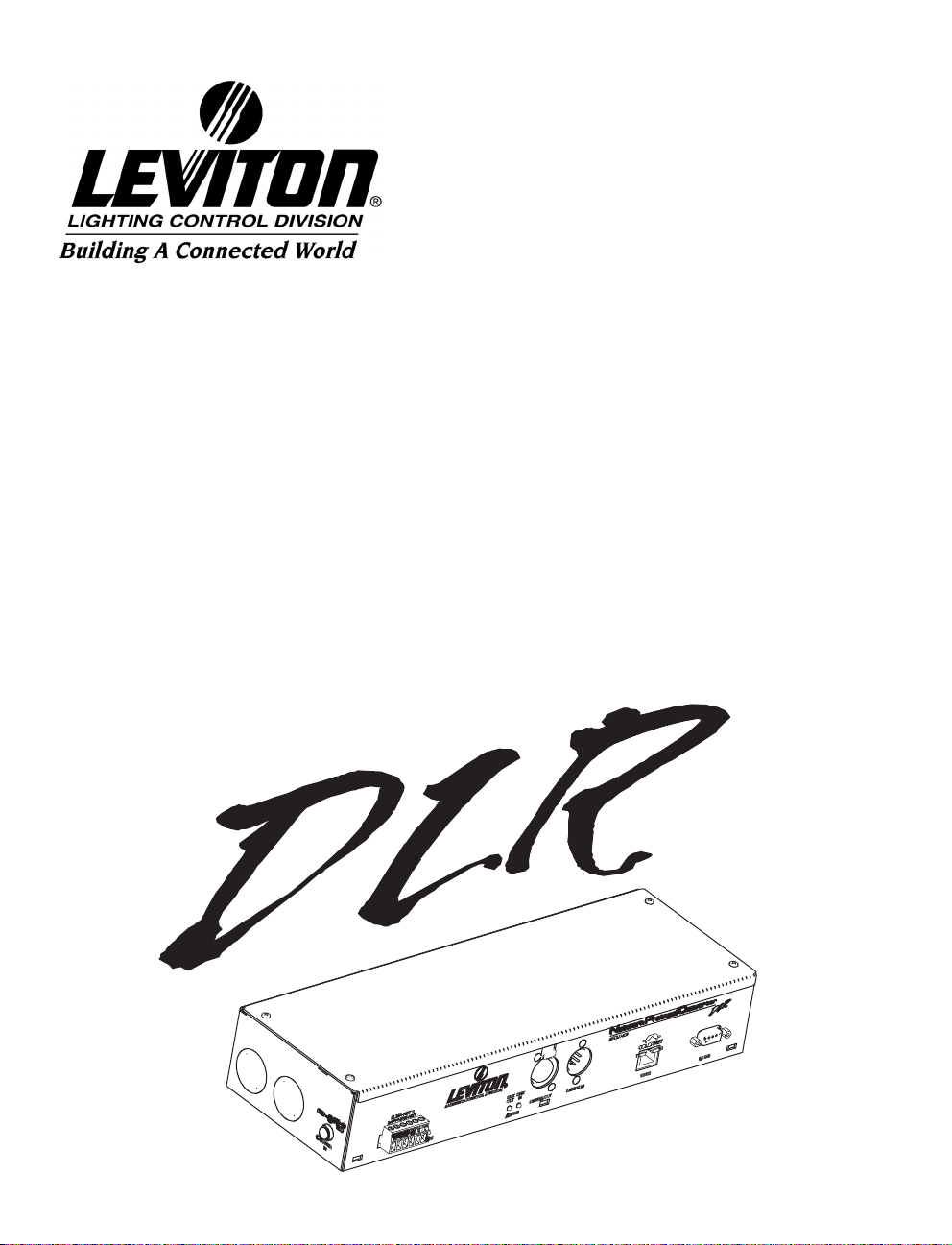
User Guide
Network Protocol Converter
Software Revision 3.10 and above
Leviton Lighting Control Division Headquarters
20497 SW Teton Avenue, Tualatin, OR 97062
Customer Service Telephone: 1-800-736-6682
FAX: 1-503-404-5600
Tech Line: 1-800-864-2502
Leviton Manufacturing Co., Inc.
59-25 Little Neck Parkway, Little Neck, NY 11362-2591
Telephone: 1-800-323-8920
FAX: 1-800-832-9538
Visit Leviton’s Web site at http://www.leviton.com and http://www.nsicorp.com
© 2002 Leviton Manufacturing Co., Inc. All Rights Reserved
Specifications and Pricing Subject to Change at any time.
LIT-NPDLR-000
rev: A, 2/03/2004

User Guide
Rev: A, 02 03 2004,.sw3.10 Page 1
Table of Contents
Overview 3
Part 1 Initial Set-up & Basic Configuration 7
Physical Connections 8
Installation 10
System Status Check 18
Part 2 Wrapping Up 19
Part 3 Advance Configuration & Operation 21
Main Menu 22
General Set-up 25
Device Connections 31
DMX Universe Numbers 33
Patching 35
Patch Manipulation 39
Channel Options 41
Lighting Groups 45
Event Log 49
Luma-Net Operations 50
Configuration by Telnet 52
File Transfer 55
Warranty 61

User Guide
Page 2
Figure Table of Contents
Figure 1 NPC Product Line XP, DHV and DLR 3
Figure 2 NPC DLR Front Panel/1/0 Reference Diagram 8
Figure 3 DLR Permanent Installation 11
Figure 4 DLR Front Cover 11
Figure 5 DLR Open Cover Terminations 12
Figure 6 DLR Cover Tabs 13
Figure 7 Internal Terminations 14
Figure 8 External Terminations 15
Figure 9 Jumper P4, NOPC, Top View 16
Figure 10 Jumper P4 "ON" Position/"OFF" Position 17
Figure 11 Successful Status of LED 18
Figure 12 NPC Main Menu 23
Figure 13 General Setup 25
Figure 14 Device Connections 31
Figure 15 DMX512 Universes 33
Figure 16 Patching 35
Figure 17 DLR Channel Options 41
Figure 18 Typical Room with Two Partitions 45
Figure 19 Grouping of Control Channels 46
Figure 20 Lighting Groups 47
Figure 21 Event Log 49
Figure 22 Luma-Net A Operations 50
Figure 23 Windows Start Menu 52
Figure 24 Typical Windows Run Dialog Box 53
Figure 25 Windows Telnet Session Showing
NPC Main Menu 53
Figure 26 Windows Start Menu 56
Figure 27 Windows RUN Dialog Box 57
Figure 28 WIN98 FTP Screen (Partial) 57

User Guide
Rev: A, 02 03 2004,.sw3.10 Page 3
Overview
Network Protocol Converter
The Network Protocol Converter by Leviton's Lighting Control
Division provides exceptional convenience and flexibility as an
interface for remote devices, displays, and networking of theatrical
and architectural control devices. The Network Protocol Converter
(NPC) is installed as a node on an Ethernet network communicating
using the ColorNet 2.0 and TCP/IP protocols. The Network
Protocol Converter when combined with other network devices
supporting ColorNet 2.0 system allows for the following types of
devices to communicate over the ColorNet network:
ColorNet 2.0 Enabled Control Consoles (Innovator)
i Series Dimmer Racks
Hand Held Focus Remotes
Dimension D8000/D4200 Architectural Control Stations
Figure 1: NPC Product Line XP, DHV and DLR
NPC DHV
NPC DLR
NPC XP

User Guide
Page 4
Currently there are three models of the NPC available each of which
support the following interfaces:
To facilitate communication between these devices your NPC allows
you to:
Create quick port to network patches
Create quick network to port patches
Patch channels from the network to channels on a port
Patch channels from a port to channels on the network
View video displays produced by other ColorNet
enabled equipment
Although the concepts, routines, and functions for installation and
configuration are similar for all three models, this manual is
specifically tailored for the DLR model.
Definitions
Here are some common words you will find in this manual which
may require a little more definition.
Channel – A channel usually refers to an individual unit of control
on the Luma-Net network. However the phrase channel sometimes
is used to reference an individual DMX address or a fader on a
control device or theatrical console. If you pay careful attention,
you will be able to determine the meaning by it’s context.
Model
DMX
Inputs
DMX
Outputs
Handheld
Remote
Video
Outputs
Keyboard
LunaNet
Lan's
Memory
Cards
Analog
Inputs
XP
DHV
DLR
3
3
3
3
1
1
12
2
2
1
116
11

User Guide
Rev: A, 02 03 2004,.sw3.10 Page 5
ColorNet – ColorNet is Leviton’s network protocol used to carry
lighting control signals over Ethernet wiring using TCP/IP. For
additional information on ColorNet see the appendices to this
document.
DMX – A digital multiplexed control protocol used to control
lighting devices like dimmers, effects, and automated lighting.
DMX Universe – A DMX universe is a virtual or physical group of
512 DMX addresses. In the physical world, a DMX universe
represents a DMX input or output from a source of control like a
control console or NPC. In the virtual world, like on the ColorNet
network, a DMX universe is just simply a common group of 512
DMX channels. All DMX signals on the ColorNet network belong to a
virtual DMX Universe.
Ethernet – Ethernet is a networking term which describes the
physical devices and equipment used to inter-connect networking
equipment. When a network is referenced as an ‘Ethernet network’
it describes a certain set of components used to interconnect
computing equipment.
IP Address – An IP address is a way to reference a particular node
on a network which speaks the TCP/IP protocol. The IP address can
be user defined and set via the software for the device. All IP
addresses on the same network must only reference one node.
LC-Net- Leviton’s "can" based network which carries data for some
of our architectural products.
Lighting Group – Lighting Groups are used to delineate groups of
Luma-Net channels which operate together (within the same room)
when using room separate/combine Luma-Net functions.
Luma-Net – Leviton’s RS-485 based network which carries control
data for our architectural stations.

User Guide
Page 6
MAC Address – a unique network address which identifies a piece
of networking hardware to be used on an Ethernet network. The
MAC address of a device can not be changed.
TCP/IP – is a networking protocol or rather suite of protocols
commonly used on Ethernet networks and the internet. TCP is an
acronym for Transmission Control Protocol and IP is an acronym
for Internet Protocol.

User Guide
Rev: A, 02 03 2004,.sw3.10 Page 7
Part 1- Initial Set-up & Basic
Configuration
This section of the manual will cover the installation and basic
configuration of the NPC. There are (4) steps required to make
your NPC work:
1. Physical Installation
2. Set General & Network Settings
3. Set Device Connections
4. Create Basic Patches
Until these steps are complete, your NPC will not be operational.
For advanced configuration of the NPC, please reference Part 2 of
this guide.
Part 1 Contents
Physical Connections 8
Installation 10
System Status Check 18

User Guide
Page 8
Physical Connections
The information in this chapter identifies and describes all of the
physical connections to, controls, and indicators of the NPC.
The images below show the front and side views of the NPC. They
are designed to give you an overview of the physical attributes to
the NPC. Use numbered callouts to cross reference with the legend/
descriptions below.
Figure 2: NPC DLR 1/0 Reference Diagram
1) Power Input and Indicator: This LED will be lit if the NPC is
receiving DC input power. Plug the supplied DC Power supply into
this port to supply power to the NPC. The NPC requires a +12-
24VDC, and has a load of 800mA excluding any external loads like
Luma-Net stations or analog devices. The NPC is supplied with a
12VDC, 2.5A power supply.
2) DMX512 Indicators: Each DMX512 input and output LED
indicators will light green to show activity on their respective ports.
3) Ethernet Ports: Ethernet ports used for connection to a
ColorNet 2.0 TCP/IP Ethernet network.

User Guide
Rev: A, 02 03 2004,.sw3.10 Page 9
4) Luma-Net and Sapphire-Net Indicators: Show status of the
Luma-Net ports.
5) DMX512 Output Port: Output a standard DMX512 control
signal from the ColorNet network.
6) DMX512 Input Port: Any device that supplies a DMX512
signal can be connected to these ports. The dimmer information
contained within the DMX512 signal can be patched to any location
on the ColorNet network or directly to an output port.
7) Cover: Reversible cover for surface mount applications.
8) RS-232- Luma-Net Programming Port.
9) Luma-Net Port: This ports are used to connect Luma-Net or
Sapphire-Net control networks to the NPC.
Power: Accepts +12-24v DC Input power. NPC uses 3/4A, Luma-
Net run 20A max total power consumption not to exceed 2.75 A.
Inline Luma-Net power supplies can be used if more power is
needed.
Indice
Altri manuali Leviton Convertitore multimediale


